Read the statement by Michael Teeuw here.
MMM-NOAA - Another Weather Module
-
@justjim1220 said in MMM-NOAA - Another Weather Module:
langTrans: “en”,
thank you for the anser, i tried it but did not work.
Issues With MMM-WatchDog known?
https://forum.magicmirror.builders/post/29827
Useful for PIR-Sensor: https://forum.magicmirror.builders/post/21299
-
@cowboysdude said in MMM-NOAA - Another Weather Module:
@fox what do you mean English names? The headings for each like Humidity and such?
yes sir :)
Issues With MMM-WatchDog known?
https://forum.magicmirror.builders/post/29827
Useful for PIR-Sensor: https://forum.magicmirror.builders/post/21299
-
@fox Simple just copy the en translation file into the de translation file ;) Your forecast will still be in German though… because it’s reading your main language config…
-
@fox Told you it wouldn’t LOL
-
Hello guys, i do have some troubles with the module, it doesn’t appear at all on my mirror but it shows perfect on my mobile phone…i tried to reposition it but still nothing…do you have any ideas?
-
@mecomex Not without seeing your config… Please post without any apikeys
-
@cowboysdude this is my config, it’s very basic. If it’s important, mmm-noaa was installed from mmm-remote
/*************** AUTO GENERATED BY REMOTE CONTROL MODULE ***************/ var config = { electronOptions: { }, ipWhitelist: [ "127.0.0.1", "::ffff:127.0.0.1", "::1", "::ffff:192.168.0.1/120", "192.168.0.1/24" ], modules: [ { module: "MMM-SystemStats", position: "bottom_left", classes: "small dimmed", config: { align: "left", header: "System Stats" }, header: "" }, { module: "MMM-Remote-Control", position: "bottom_left", config: { } }, { module: "alert", config: { } }, { module: "clock", position: "top_left", config: { } }, { module: "internet-monitor", position: "middle_center", header: "Wireless Internet Monitor", config: { type: "minimal", maxTime: 20000, updateInterval: 0, verbose: false, displayStrength: false, displaySpeed: true, strengthIconSize: 10, maxGaugeScale: 100, wifiSymbol: [ { size: 5, fullColor: "#3afc25", almostColor: "#ffff0c", halfColor: "#ff8c00", noneColor: "#ff1111" } ] } }, { module: "calendar", header: "US Holidays", position: "top_left", config: { calendars: [ { symbol: "calendar-check-o ", url: "webcal://www.calendarlabs.com/templates/ical/US-Holidays.ics" } ], titleReplace: { "De verjaardag van ": "", "'s birthday": "" }, excludedEvents: [ ] } }, { module: "newsfeed", position: "bottom_bar", config: { feeds: [ { title: "New York Times", url: "http://www.nytimes.com/services/xml/rss/nyt/HomePage.xml" } ], startTags: [ ], endTags: [ ] } }, { module: "MMM-NOAA", position: "top_center", header: "Weather", config: { langFile: { en: "en-US", de: "de-DE", sv: "sv-SE", es: "es-ES", fr: "fr-FR", zh_cn: "zh-CN", da: "da", nl: "nl-NL", nb: "nb-NO", "ro-RO": "" }, langTrans: { en: "EN", de: "DL", sv: "SW", es: "SP", fr: "FR", zh_cn: "CN", da: "DK", nl: "NL", nb: "NO", ro: "" }, levelTrans: { "1": "green", "2": "yellow", "3": "orange", "4": "red" }, airKey: "", apiKey: "" } } ], paths: { modules: "modules", vendor: "vendor" }, address: "0.0.0.0" } /*************** DO NOT EDIT THE LINE BELOW ***************/ if (typeof module !== 'undefined') {module.exports = config;} -
You’re not using NOAA3? (Just curious)
-
@mecomex That config will never work…
here’s an example one that will…
{ disabled: false, module: 'MMM-NOAA3', position: 'top_left', config: { apiKey: "XXXX", provider: "apixu", airKey: "XXXXX", css: "NOAA4", nupdate: false } } -
@cowboysdude thanks, i will try it today, could you make me understand? I’m trying to learn, kinda newbie right now :)
-
@cowboysdude and what’s strange is that it worked when i am accesing it from mobile phone at http://myraspip:8080 …
-
@cowboysdude this is what i can see in a web page (everything ok)
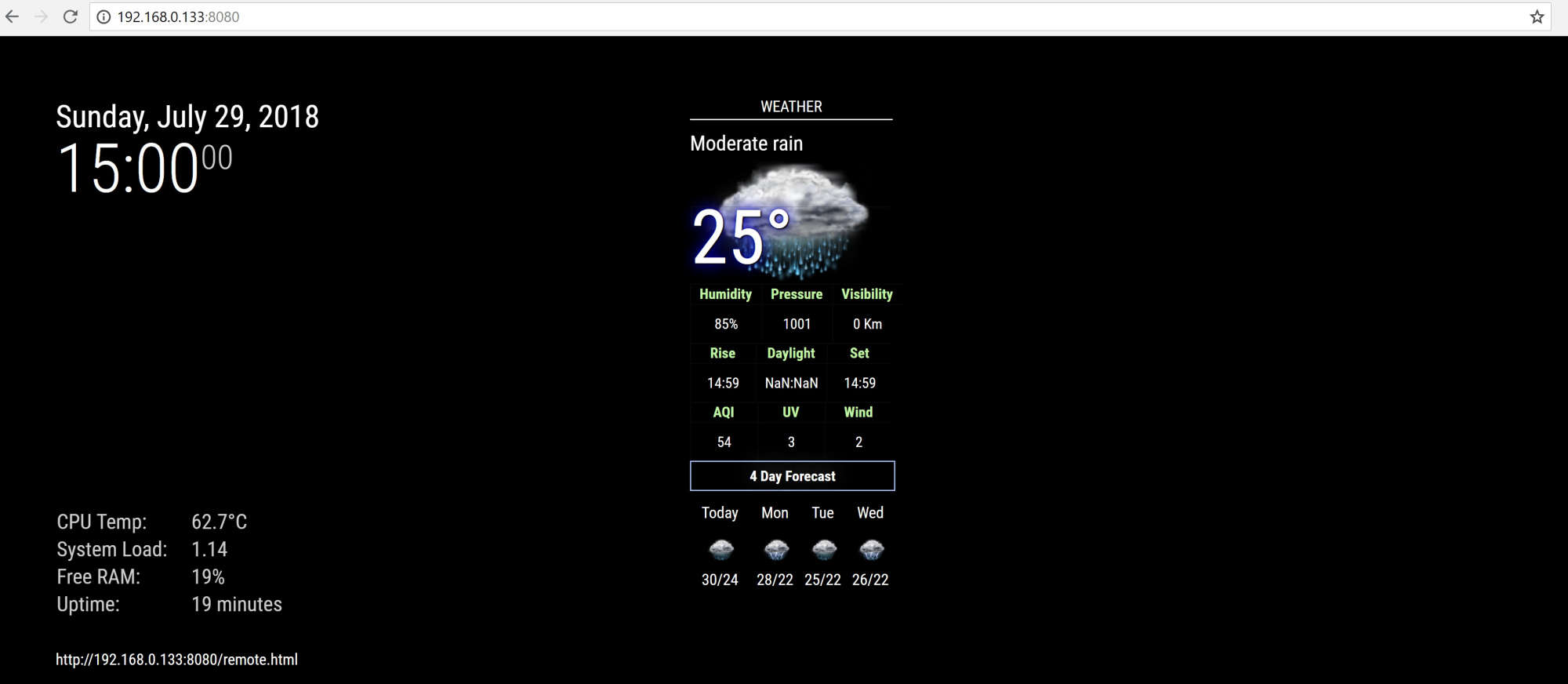
this is what i can see on the main display where the raspberry is connected (no module)…
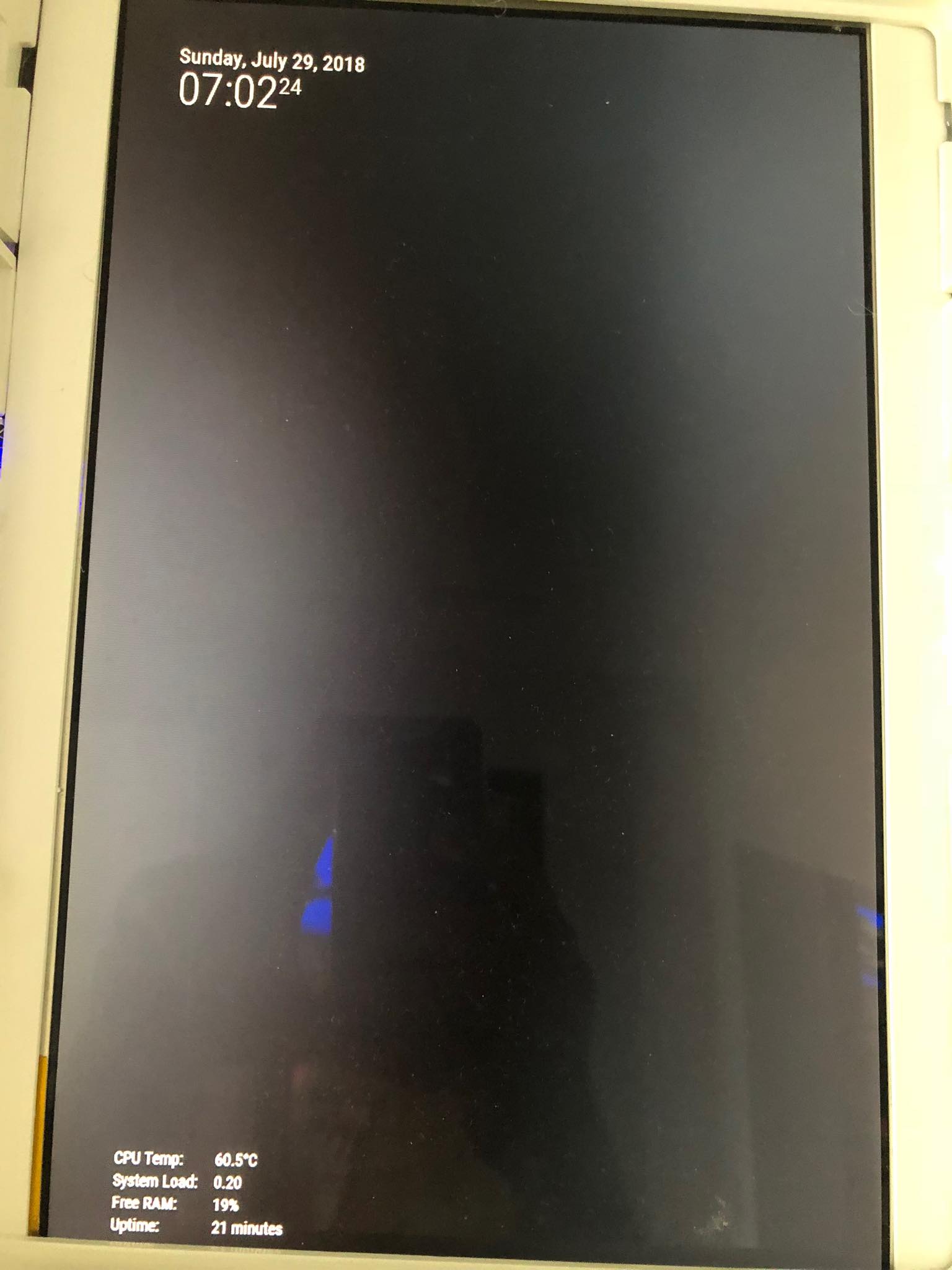
-
@mecomex I will certainly help you… let me know what questions you have and I’ll do my best to answer them! :)
-
@cowboysdude , ask weather description such as clear,cloudy,mostlycloudy, rain,sunny etc …
how can i translate weather description in local language ,Thanks so much -
@nobita It should be doing it via your language config…what is your language?
-
@cowboysdude Thai Language
-
@nobita said in MMM-NOAA - Another Weather Module:
Thai Language
Please post your entire config.js minus any apikeys…just xxxxxxxxxxx in place instead of key numbers…
Thanks
-
-
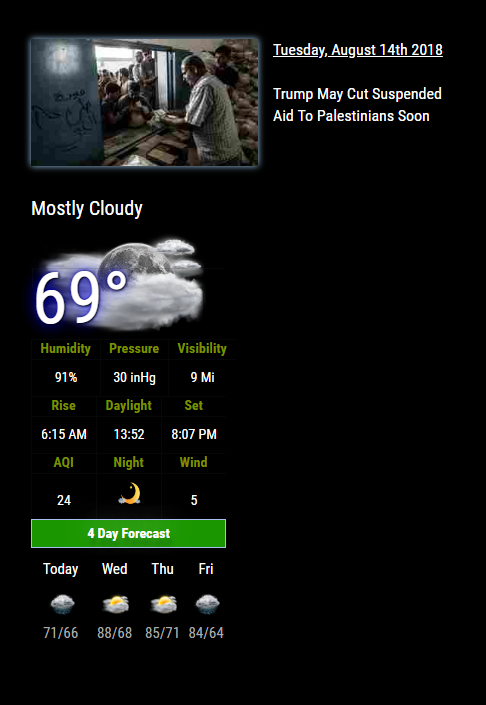
Dude, WTF? What is that module above NOAA??? Looks amazing!
-
Hello every one I like this module and it works great, but I would like to know how to change the temp from F to C thank you keep up the good work.


Hello! It looks like you're interested in this conversation, but you don't have an account yet.
Getting fed up of having to scroll through the same posts each visit? When you register for an account, you'll always come back to exactly where you were before, and choose to be notified of new replies (either via email, or push notification). You'll also be able to save bookmarks and upvote posts to show your appreciation to other community members.
With your input, this post could be even better 💗
Register Login