Read the statement by Michael Teeuw here.
MMM-WeatherChart
-
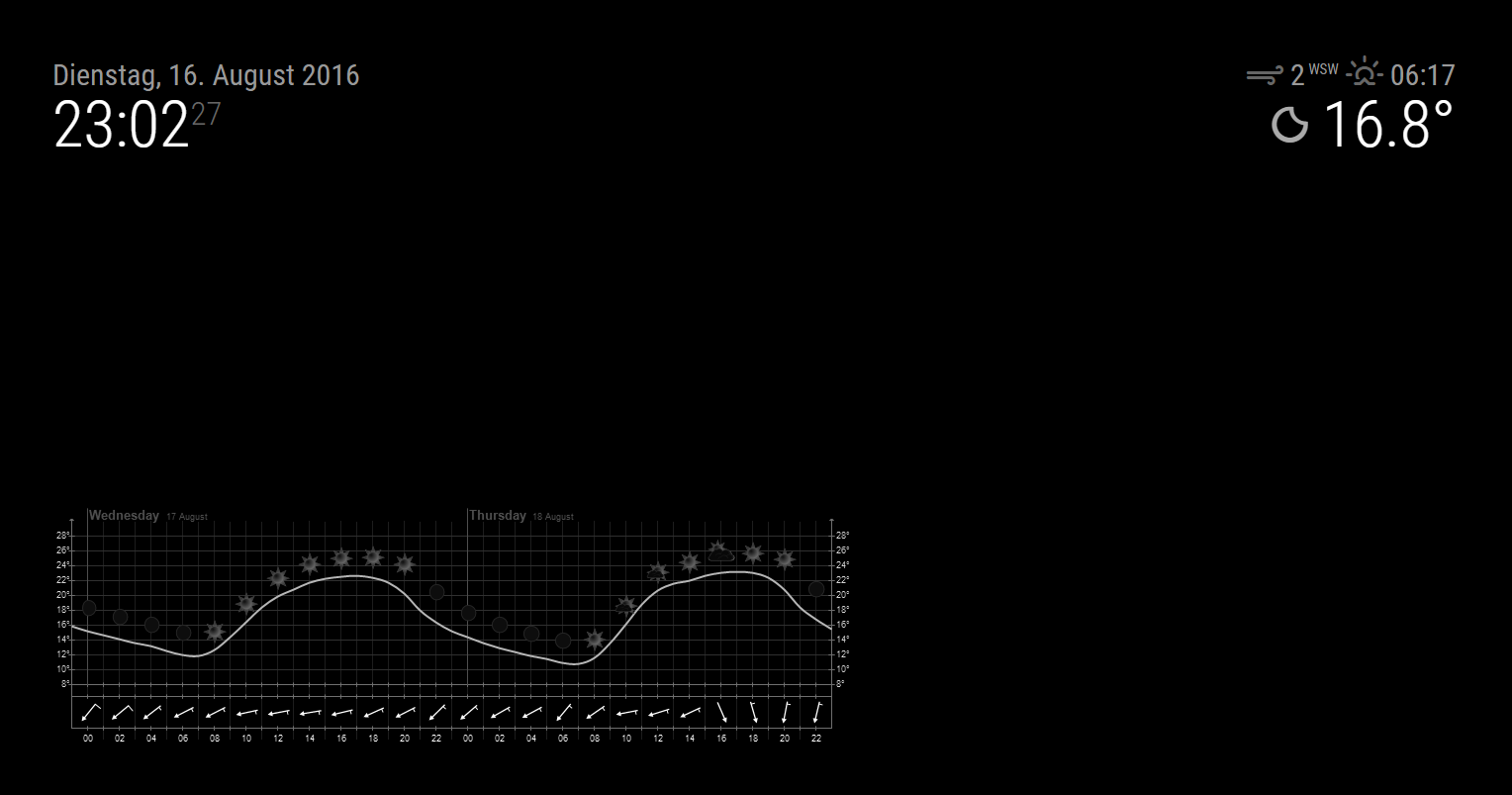
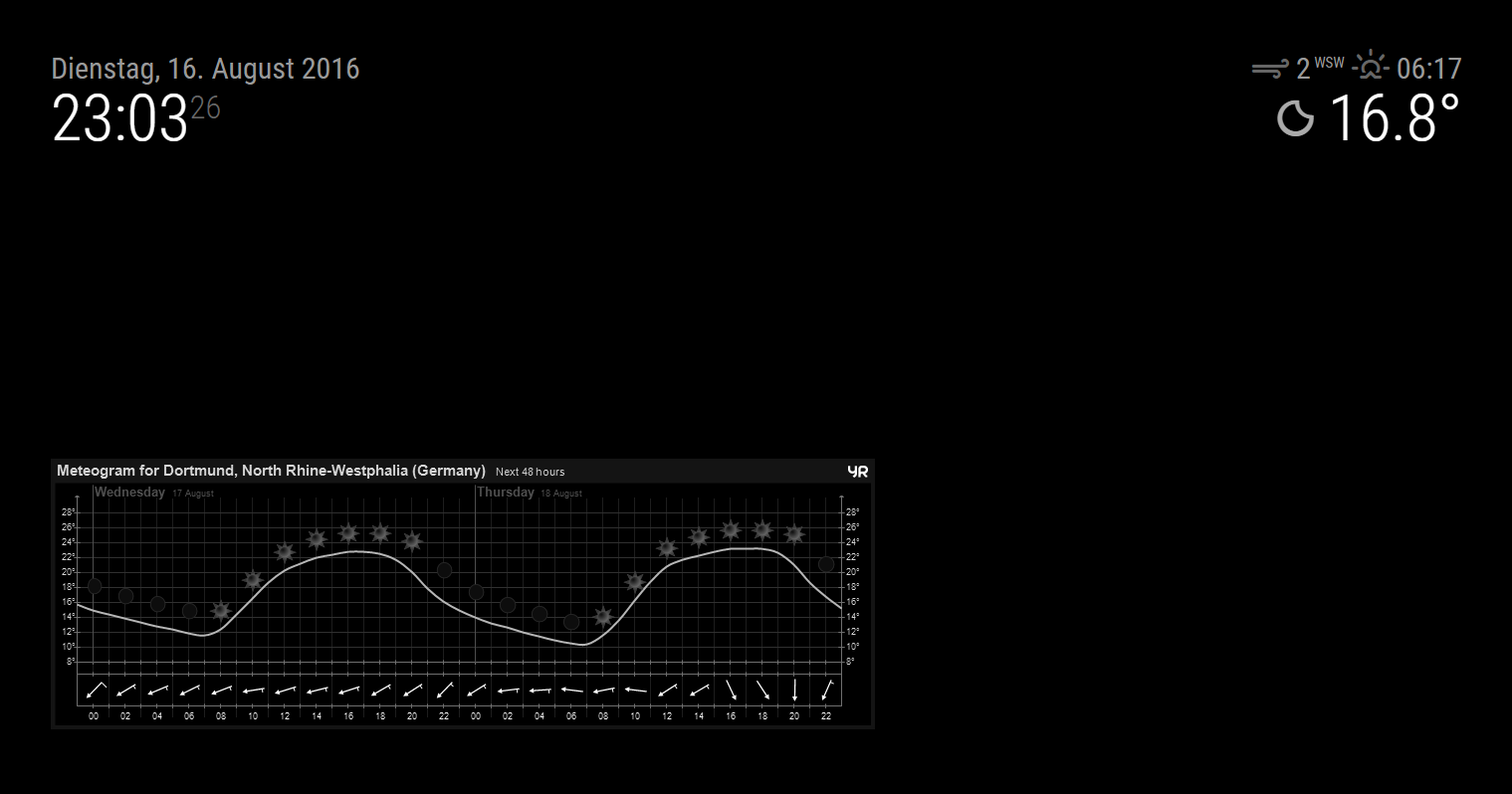
I created a module that lists a nice weather chart from www.yr.no, optionally with or without border: mmm-weatherchart
-
Im trying this one out atm on my mirror. Seems to work pretty good.
Nice work! -
Cool, i will have a look at this. I was actually thinking of remaking the currentweather and weatherforecast with yr.no data as they are way more accurate for my location. I have very little knowledge of js-programming, but think this might be a place to start.
-
@paphko I think I got a problem… The map/weatherchart/module doesn’t update itself untill i reboot the whole device. Is this something it’s known for?
-
the module should update every hour automatically, for testing purpose you could try in the config.js
{
        module: 'mmm-weatherchart',
        position: 'bottom_left', // this can be any of the regions
        config: {
            country: 'Germany', // as determined above
            area: 'North_Rhine-Westphalia', // as determined above
            city: 'Duisburg', // as determined above
            updateInterval: 15 * 1000,
            hideBorder: true, // whether or not a border with city name should be shown
        }
    }
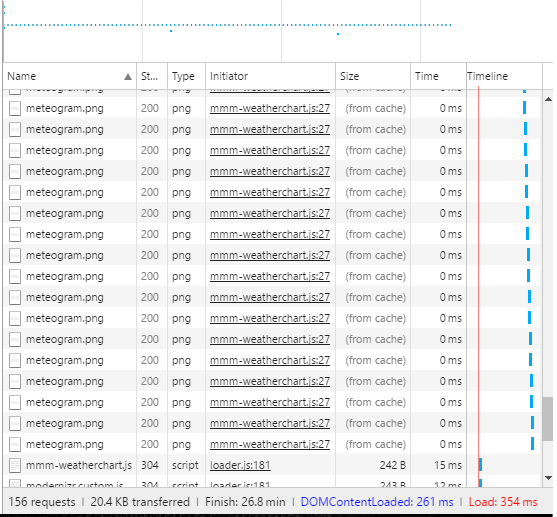
this should update every 15 seconds then open the dev console (Command+Shift+I) and see in the network tab if the picture is getting reloaded all the time or you having any errors in the console
-
@strawberry-3.141
Im no expert on reading the dev console but it seems to just update from cache after a while?Name: meteogram.png,
initalator: mmm-weatherchart
Time: 0ms
Size: (From Cache)
and it’s pileing up.On mmm-weatherchart.js it seems to update, every 15th secound but the chart does not.
Im going to let it stay like this awhile and return. -
Yea, as I thought. The chart just piles up and doesn’t update. The script however does update.
-
@gshimself I added a dummy parameter (timestamp) to the image which should prevent caching. I’ll check that later today when I find some time.
-
The module appends ‘#’ to the image so that the browser does not cache the image. This works on my old version of the mirror but not on the new version 2. Quite strange…
Fixed by replacing this part with ‘?’, at least for Chrome browser, the image is not cached any longer. @gshimself please pull changes and report wether it is also fixed for you.
-
@paphko ¨Perfect! Will pull the latest version when I get home. I’ll get back to you during the evening.
-
I like it!
Request: can you add a SCALE factor? Right now the image is considerably larger than I can accommodate… (yes, minor problem, I know). Maybe I have to mess with the custom.css?Anyway, apart from that small inconvenience, I like it.
-
@paphko Seems to be working fine now. Thank you for your help!
I guess that if I want 30min refreshrate it should be 60 * 30 * 1000,? -
@gshimself glad to hear that it’s fixed for you. Yes, because update interval must be specified in ms.
@amanzimdwini you could try to add a scale option, but I’m not sure how to properly implement it for both cases, with and without border. If you found a proper solution for it, tell me or create a pull request :-)
-
Great module! Is there anyway to present in Fahrenheit?
-
@racampbellky I don’t think so. But you may check the website of yr.no, maybe you find a setting to use Fahrenheit in that diagram: http://www.yr.no/place/United_States/New_York/New_York/hour_by_hour.html
If so, it should be possible. -
Hi,
i wanted to try the module today, but i dont work i get some error “del missing” or similar.
Could it be that there is the file package.json missing on the github link, as there are some depencies in node_helper.jsvar http = require('http'); var fs = require('fs'); var del = require('del'); var request = require('request'); var NodeHelper = require("node_helper");Greets AxLED
-
Hi,
found a solution myself, there is a fork of this module: https://github.com/szech/mmm-weatherchart
Installation:
cd ~/MagicMirror/modules
git clone https://github.com/szech/mmm-weatherchart.git
cd mmm-weatherchart
npm installGreets
AxLED
-
If you replace grayscale with hue-rotate(190deg) in the mmm-weatherchart.js. You get the colors partially back and still have whitelines.
if (this.config.negativeImage) {
img.style[“-webkit-filter”] = “invert(100%) hue-rotate(190deg)”;
} -
@Stellanova said in MMM-WeatherChart:
img.style[“-webkit-filter”] = “invert(100%) hue-rotate(190deg)”;
Hi,
is there a possibility to increase the size?
Thanks a lot
Regards -
Yes, But it will get fuzzy since the original image is only 828 × 272 pixels in size.
increase by 25%
.MMM-WeaterChart img{
width: 1035px !important;
height: 340px !important;
}
(To be clear, this go in to the custom.css file, not changing the module files)

Hello! It looks like you're interested in this conversation, but you don't have an account yet.
Getting fed up of having to scroll through the same posts each visit? When you register for an account, you'll always come back to exactly where you were before, and choose to be notified of new replies (either via email, or push notification). You'll also be able to save bookmarks and upvote posts to show your appreciation to other community members.
With your input, this post could be even better 💗
Register Login