Read the statement by Michael Teeuw here.
[MMM-Rainbow] Animated text color transition
-
@justjim1220 I changed the update interval to 60 sec and that makes it work allot better. I kept the background size at 500% so the color gradient won’t repeat.
.clock-time-only-color {
	background-image: linear-gradient(to left, red,orange,yellow,green,blue,purple);
	-webkit-background-clip:  text;
	-webkit-animation: animate 60s linear infinite;
	background-size: 500%;
	color: transparent;

}
@-webkit-keyframes animate{
	0%	{background-position: 0% 500%;}
	100%	{background-position: 500% 0%;}
The result
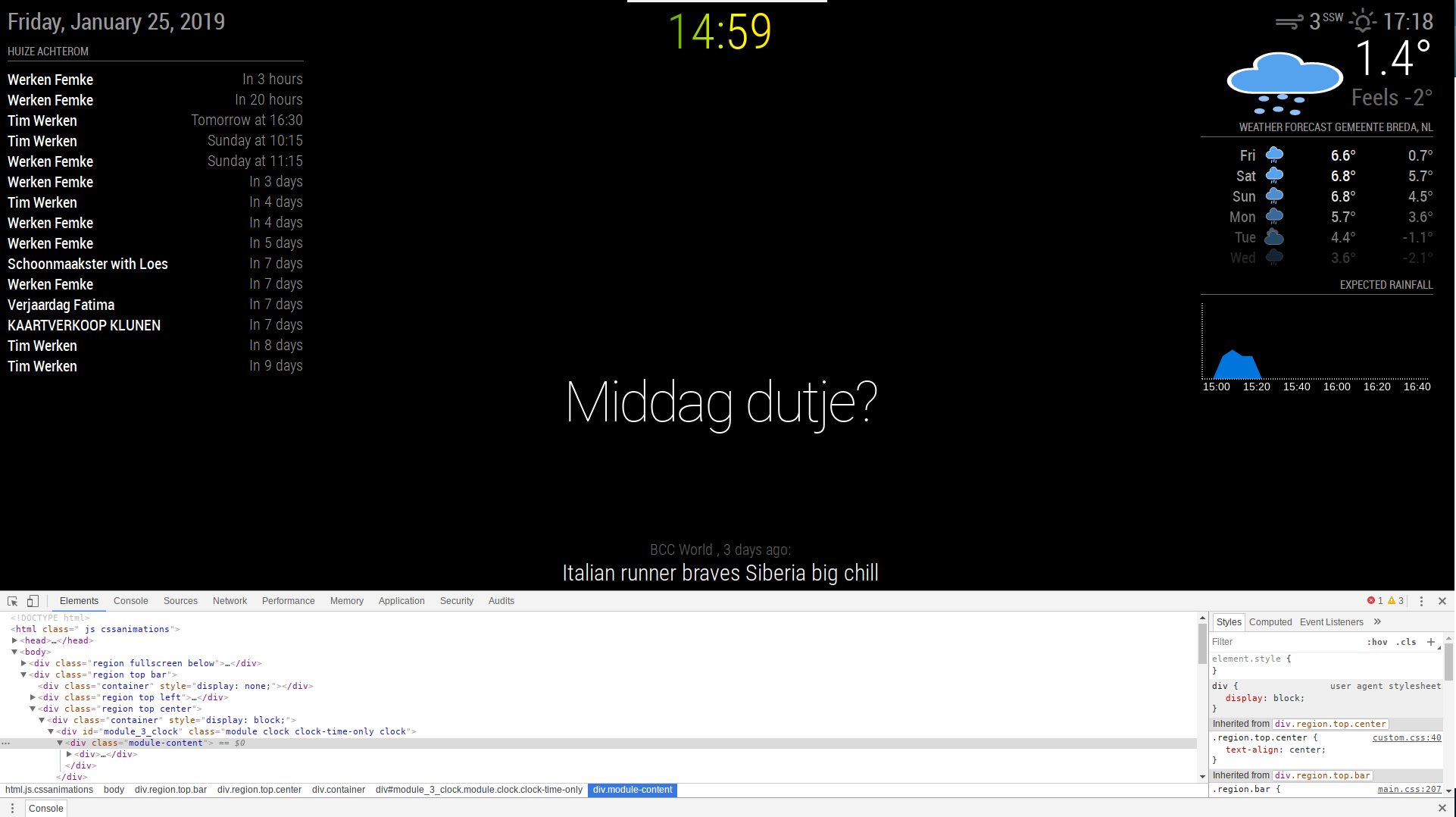
Thanks for your help! -
@justjim1220 Say if you start your mirror at 30 seconds past the minute, the clock on the mirror wont update until 30 seconds past the next minute, that’s why I created my own clock
-
@seann was you able to get past the every second update?
-
@ganget Does it show every color?
-
@justjim1220 Do you mean for the clock?
-
@justjim1220. Yeah it shows every color atm before the minute updates and the loop starts again.
-
@ganget Have a look at the js Here
This is how I made my clock update every minute, on the minute. Could be done better i’m sure but this works. -
@seann Yes, and I really like how you coded your iClock to work that way!
-
I don’t know if it matters to you but your Github readme for MMM-iClock starts like this:
MMM-Showtimes - Local Cinema Showtimes for MagicMirror²
-
@ganget said in [MMM-Rainbow] Animated text color transition:
I really like the idea of this module, I’m searching for the possibility to make only my clock have this effect and maybe a gradient kind of color shift. Can you help me with this idea?
Gradients can be a done something like this… of course you’ll be using different selectors but this is the idea:
  background-image: linear-gradient(to right, #E0AC00, #E0D100, #CAE000, #A5E000, #7FE000,
  #5AE000);
     background-size: 24em 0.25em;
I used that gradient in the bars on the right hand side of the picture…from yellow to green.
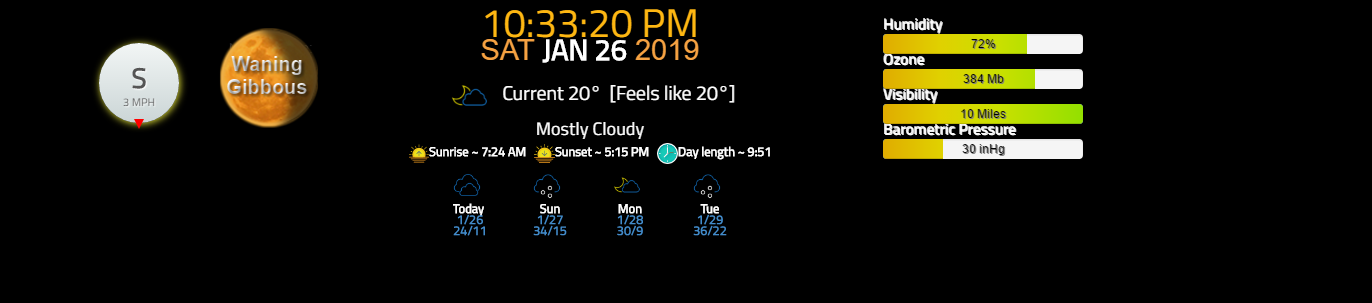
-
@mykle1 said in [MMM-Rainbow] Animated text color transition:
I don’t know if it matters to you but your Github readme for MMM-iClock starts like this:
MMM-Showtimes - Local Cinema Showtimes for MagicMirror²
Hahhhaha come on @Seann :)
-
@mykle1 LMFAO, as you can see I literally use the same thing as a template for my modules. Thanks for the heads up, i’ll change it now.
-
Very cool mod man! Works well with all of my Hue lighting. Thanks!
-
yeah, that’s what I needed :)





Hello! It looks like you're interested in this conversation, but you don't have an account yet.
Getting fed up of having to scroll through the same posts each visit? When you register for an account, you'll always come back to exactly where you were before, and choose to be notified of new replies (either via email, or push notification). You'll also be able to save bookmarks and upvote posts to show your appreciation to other community members.
With your input, this post could be even better 💗
Register Login