@sdetweil to already this module no longer works?
C
Offline
A New Chapter for MagicMirror: The Community Takes the Lead
Read the statement by Michael Teeuw here.
Read the statement by Michael Teeuw here.
Posts
-
RE: MMM-CalendarExt the mirror knocks me down?
-
RE: MMM-CalendarExt the mirror knocks me down?
@djboob66 and when I edit I always use the visual studio code editor and I also use the raspi editor
-
RE: MMM-CalendarExt the mirror knocks me down?
@djboob66 and this is all correct it is at the moment I put the module in my configuration it makes me as if I did not have internet and when I do it it puts my normal magic mirror again
-
RE: MMM-CalendarExt the mirror knocks me down?
@djboob66 I am doing my configurations in virtual box and if I have everything correct I do not know why it gives me that error.
let config = {
	address: "0.0.0.0",	// default is "localhost"
							// - "localhost", "127.0.0.1", "::1" to listen on loopback interface
							// - another specific IPv4/6 to listen on a specific interface
							// - "0.0.0.0", "::" to listen on any interface
							// Default, when address config is left out or empty, is "localhost"
	port: 8080,
	basePath: "/", 	// The URL path where MagicMirror is hosted. If you are using a Reverse proxy
					// you must set the sub path here. basePath must end with a /
	ipWhitelist: [], 	// Set [] to allow all IP addresses
															// or add a specific IPv4 of 192.168.1.5 :
															// ["127.0.0.1", "::ffff:127.0.0.1", "::1", "::ffff:192.168.1.5"],
															// or IPv4 range of 192.168.3.0 --> 192.168.3.15 use CIDR format :
															// ["127.0.0.1", "::ffff:127.0.0.1", "::1", "::ffff:192.168.3.0/28"],

	useHttps: false, 		// Support HTTPS or not, default "false" will use HTTP
	httpsPrivateKey: "", 	// HTTPS private key path, only require when useHttps is true
	httpsCertificate: "", 	// HTTPS Certificate path, only require when useHttps is true

	language: "en",
	locale: "en-US",
	logLevel: ["INFO", "LOG", "WARN", "ERROR"], // Add "DEBUG" for even more logging
	timeFormat: 24,
	units: "metric",
	// serverOnly:  true/false/"local" ,
	// local for armv6l processors, default
	//   starts serveronly and then starts chrome browser
	// false, default for all NON-armv6l devices
	// true, force serveronly mode, because you want to.. no UI on this device

	modules: [
		{
    module: 'MMM-Remote-Control',
    // position: 'bottom_left',
    config: {
        customCommand: {
			        shutdownCommand: 'shell command to shutdown your pc',
        rebootCommand: 'shell command to reboot your pc',
        monitorOnCommand: 'shell command to turn on your monitor',
        monitorOffCommand: 'shell command to turn off your monitor',
        monitorStatusCommand: 'shell command to return status of monitor, must return either "HDMI" or "true" if screen is on; or "TV is Off" or "false" if it is off to be recognized'
		},  // Optional, See "Using Custom Commands" below
        showModuleApiMenu: true, // Optional, Enable the Module Controls menu
        secureEndpoints: true, // Optional, See API/README.md
        customMenu: "custom_menu.json", // Optional, See "Custom Menu Items" below
        apiKey: "bc2e979db92f4741afad01d5d18eb8e2", // Optional, See API/README.md for details
        classes: {
			"Any Name You Want": {
            hide: ["calendar"],
            show: ["newsfeed"],
            toggle: ["clock"],
        },
        "Another Name You Want": {
            hide: ["newsfeed"],
            show: ["calendar"],
        },
		} // Optional, See "Custom Classes" below
    }
},
		{
			module: "alert",
		},
		{
		module: "clock",
		position: "top_left",	// This can be any of the regions.
		config: {
			displaySeconds: "true",
			displayType: "both", //digital, analog, or both}
			clockBold: "true"
		}
		},
		{
			module: "calendar",
			header: "US Holidays",
			position: "top_left",
			config: {
				calendars: [
					{
						symbol: "calendar-check",
						url: "https://calendar.google.com/calendar/ical/trabajoonline043%40gmail.com/public/basic.ics"					}
				]
			}
		},
				{
			module: "weather",
			position: "top_right",
			config: {
				weatherProvider: "openweathermap",
				type: "current",
				location: "Gering",
				locationID: "5695604",
				apiKey: "220ba692d61b02e41ea809571c2ff06e"
			}
		},
		{
			module: "weather",
			position: "top_right",
			header: "Weather Forecast",
			config: {
				weatherProvider: "openweathermap",
				type: "forecast",
				location: "Gering",
				locationID: "5695604",
				apiKey: "220ba692d61b02e41ea809571c2ff06e"
			}
		},
		{
  module: "MMM-OpenWeatherMapForecast",
  header: "Weather",
  position: "top_right",
  classes: "default everyone",
  disabled: false,
  config: {
    apikey: "220ba692d61b02e41ea809571c2ff06e",
    latitude: "41.821541",
    longitude: "-103.661751",
    iconset: "4c",
    concise: false,
    forecastLayout: "tiled"
  }
},

		{
			module: "newsfeed",
			position: "bottom_bar",
			config: {
				feeds: [
					{
						title: "JW",
						url: "https://www.jw.org/es/noticias/testigos-de-jehova/rss/NewsSubsectionRSSFeed/feed.xml"
					}
				],
				showSourceTitle: true,
				showPublishDate: true,
				broadcastNewsFeeds: true,
				broadcastNewsUpdates: true
			}
		},
  {
    module: "MMM-Wallpaper",
    position: "fullscreen_below",
    config: { // See "Configuration options" for more information.
      source: "bing",
      slideInterval: 60 * 1000 // Change slides every minute
    }
  },
    {
      module: 'MMM-CalendarExt',
      position: "top_center",
      config: {
        system: {
          show: ["Holidays", "upcoming"],
          locale: 'en',
          redrawInterval:60000,
        },
        views: {
          Holidays: {
            position:'bottom_bar',
            counts:7,
          },
          upcoming: {
            position:'top_left',
            limit:5
          },
        },
        defaultCalendar: {
          maxEntries:50,
          maxDays:180,
          interval: 1000*60*5,
        },
        calendars :[
          {
            name: "Holidays",
            symbol: "calendar-o",
            styleName: "style1",
            url: "https://calendar.google.com/calendar/ical/trabajoonline043%40gmail.com/public/basic.ics"
          },
        ],
      }
    }
	]
};
and I do as the guide says to extract the git
cd ~ / MagicMirror / modules
git clone https://github.com/eouia/MMM-CalendarExt.git
and I do all the steps of the installer. -
RE: MMM-CalendarExt the mirror knocks me down?
@chrixbrown
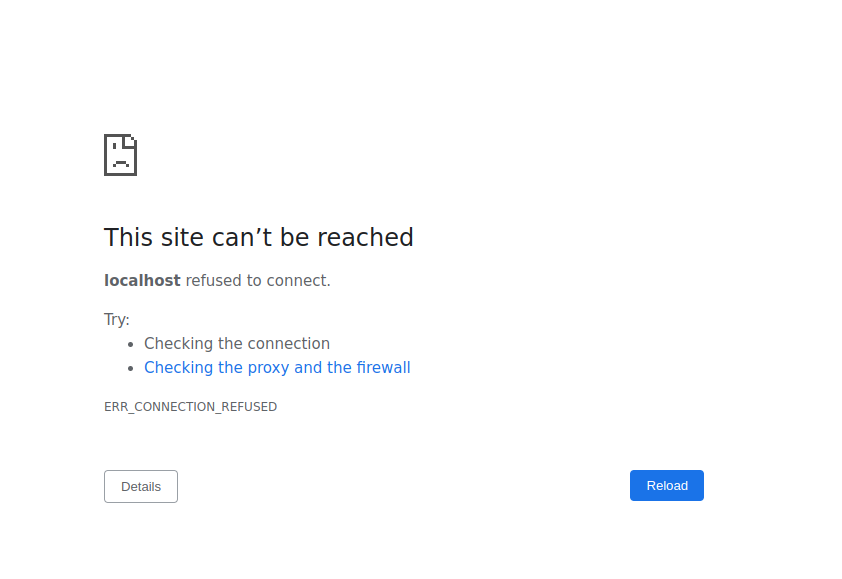 this is how it gets me with the module
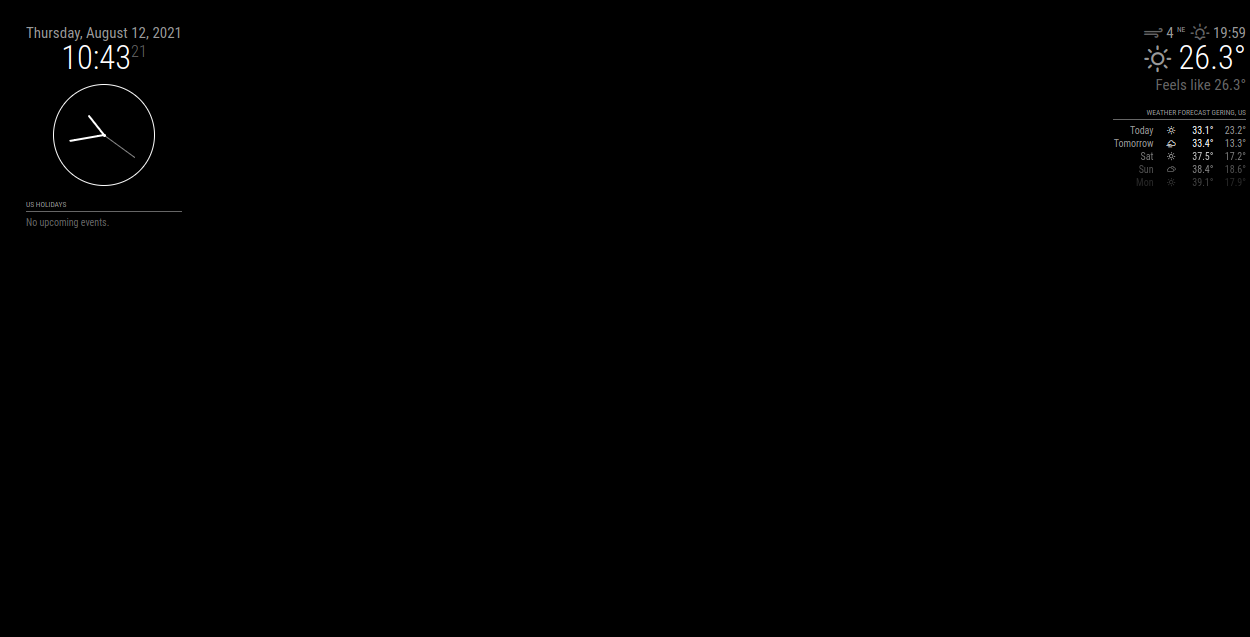 and without the module
 -
RE: MMM-CalendarExt the mirror knocks me down?
@sdetweil is that the module does not load me it knocks down the mirror, but I delete the module from config and reload my modules normally but I put the MMM-CalendarExt and it does not load my mirror
-
How to add custom command in MM-Remote
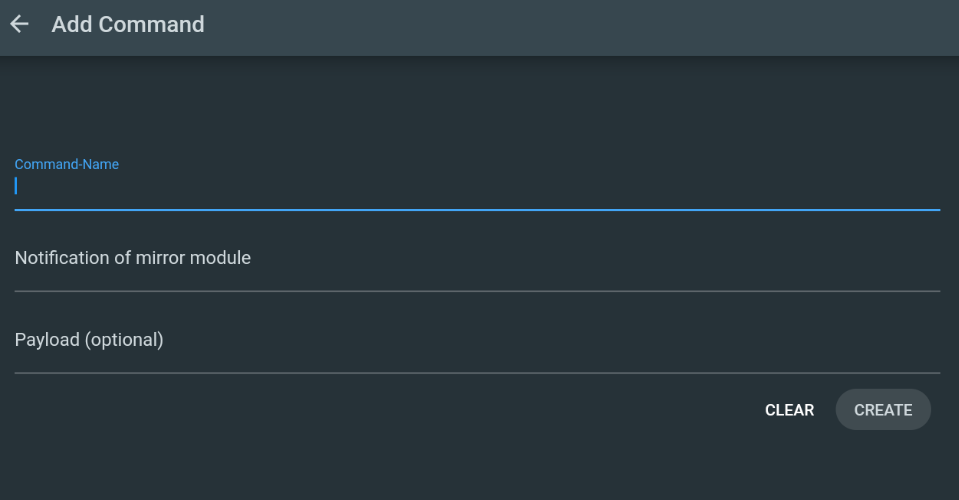
Can you give me an example please, I would like to hide the clock or another module.
-
RE: MMM-CalendarExt the mirror knocks me down?
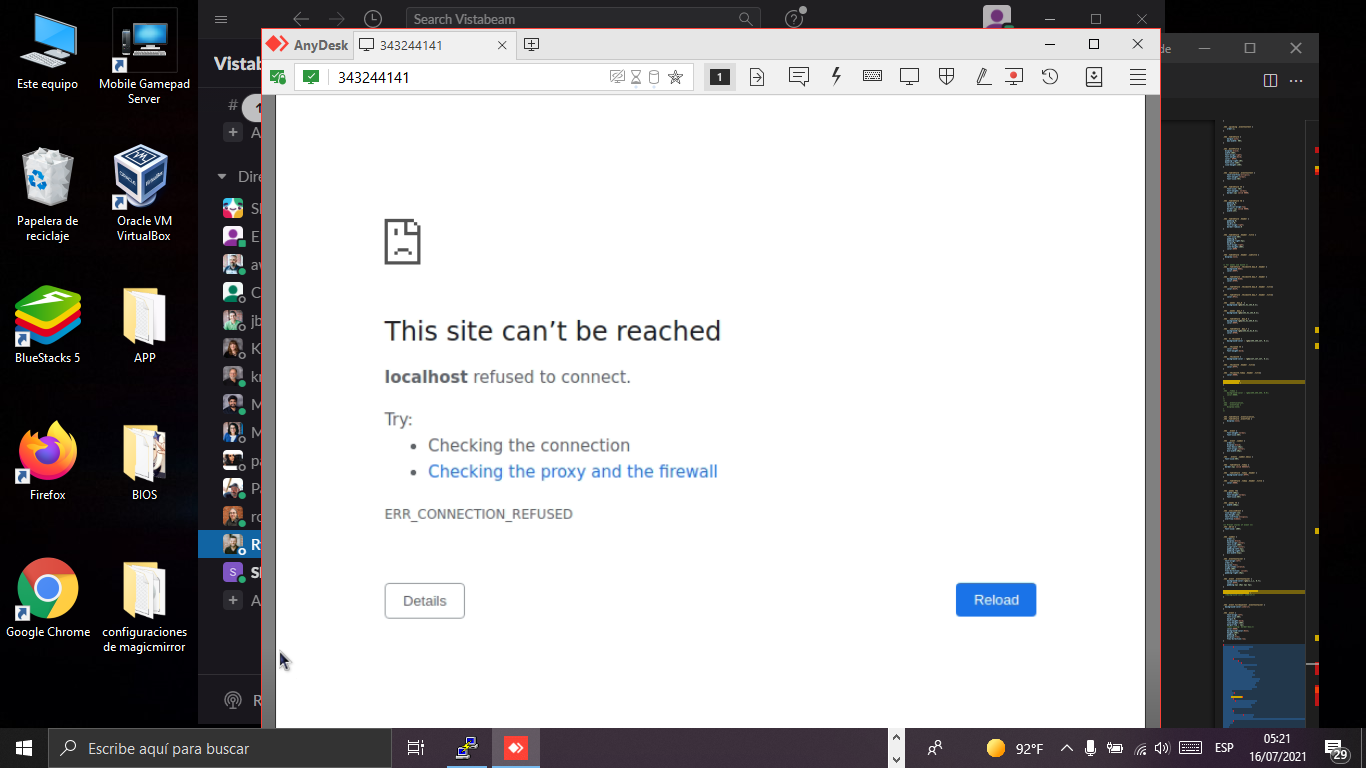
@djboob66 I’m using anyDesk to control it remotely, but when I configure the calendar module, I get it, I remove it and my mirror comes out again.but I already installed the program that you told me
-
RE: Problem with MMM-CalendarEXT
I have the problem with this module but accessing the mirror gives me an error, how can I fix it?
-
RE: is there a way to get the MMM-CalendarExt preset looks in to MMM-CalendarExt2
@merlijnalmer said in is there a way to get the MMM-CalendarExt preset looks in to MMM-CalendarExt2:
styleName: "style20
do you have the css of this model? Please can you put this very nice -
MMM-CalendarExt2 CSS (HELP)
HOW CAN I EXPAND MY CSS SO THAT THE CALENDAR IS COMPLETE? I DO NOT WANT IT TO GET +2, +3
/*fond des cases*/ .CX2 .slot > .slotContent{ background-image: none; } /*couleur rdv*/ .CX2 .event { background-color: #6699CC; color: #FFF; border-radius: 5px; text-align: center; } .CX2 .event.fullday { border-radius: 5px; color: #FFF; } /*couleurs des week-end*/ .CX2 .cellSlot.weekday_6 .slotSubTitle { color:#FFF; } .CX2 .cellSlot.weekday_7 .slotSubTitle { color:#FFF; } /*couleur du jour .CX2 .today .slotHeader { /* today slot */ background-color: #E3E3E3; color:#000; }*/ .CX2 .today .slotContent{ background-color: #E3E3E3; } .CX2 .holiday, .holiday .event .fullday { background-color: #BB0B0B; } .CX2 .family, .family .event .fullday { background-color: #6699CC; } .CX2 .birthday, .birthday .event .fullday { background-color: #34C924; } -
RE: aneaville / MMM-GooglePhotos
@maricus85 I just installed it, but then you advance and you will have the option to (continue anyway) and that’s it, the section will start and throw your eye code, copy it well and that’s it.
-
RE: MMM-CalendarExt2
a query how could you expand in the calendar part? so big ?? is that I want to put my big calendar so that all the events are seen but I get +1 +4 +5 and I would like to eliminate that if you can tell me the css you use, please
-
MMM-CalendarExt2 How can I expand so that +2 or +3 does not come out
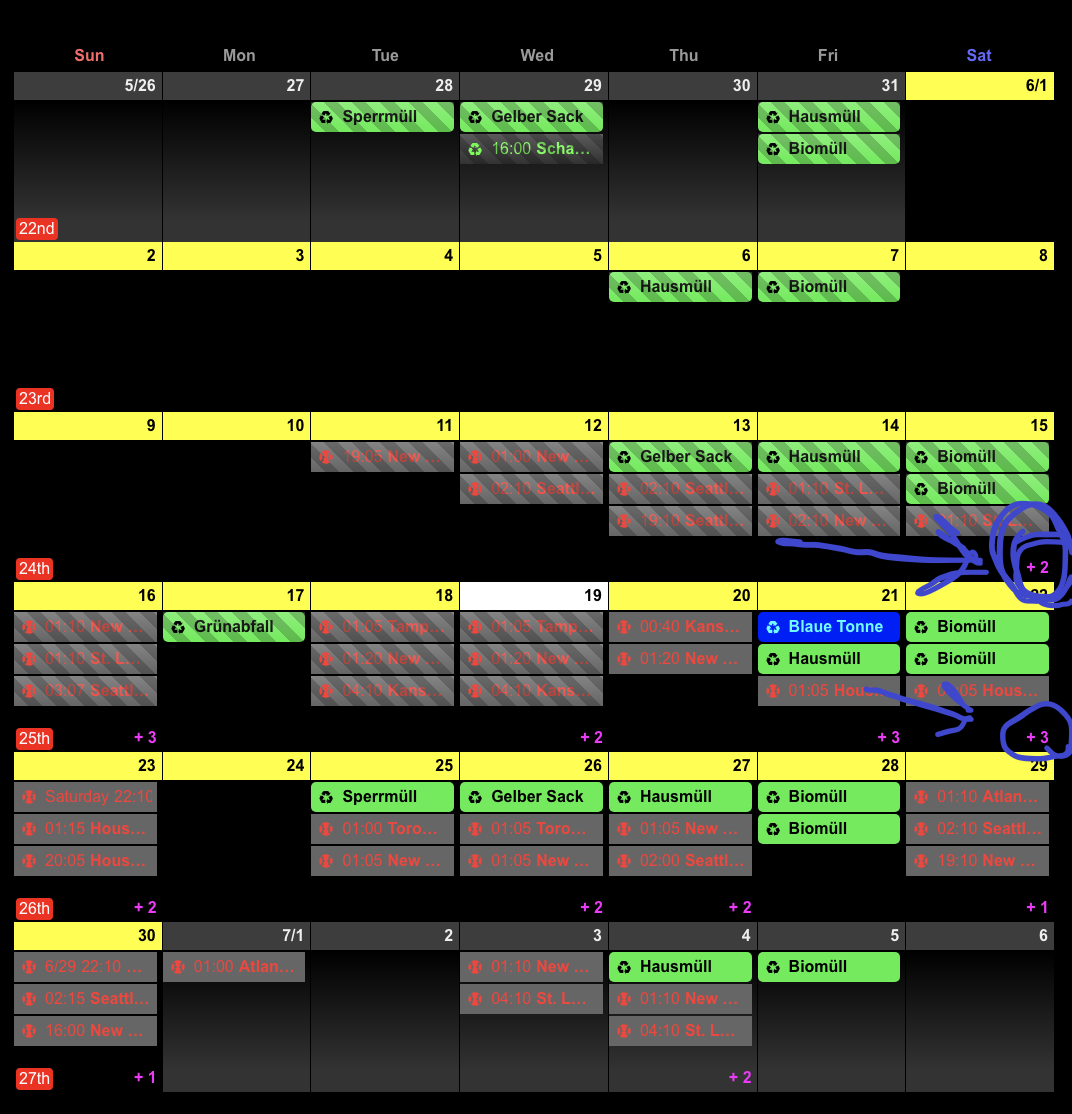 How can I expand so that +2 or +3 does not come out
 -
RE: MMM-CalendarExt2 styling options
How can I remove that which is +2 or +3 or spread it more so that everything can be seen
-
RE: help MMM-PandorasMirror
@sdetweil I have searched like crazy and nothing appears some information about the module
-
help MMM-PandorasMirror
Re: PandoraHow can I configure it? or what is the module for configuration?
-
How to install pandora?
Where does the Pandora config go, where do I find it to be able to place it in my Magic Mirror? How can I configure a little help please
-
MMM-DynamicWeather
How can I make the effects work, please help how I do to configure it correctly and have the effects depending on how the day is