@fox thanks !! 😉
I
Offline
A New Chapter for MagicMirror: The Community Takes the Lead
Read the statement by Michael Teeuw here.
Read the statement by Michael Teeuw here.
Posts
-
RE: My Square MagicMirror - Wooden Frame
@jasondreher I would go to the side of IFTTT if there is no way to play with it.
If door Locked, then … -
RE: My Square MagicMirror - Wooden Frame
Hi @Andromede88 !
I’m from Belgium.
I bought the glass in a local mirror shop. -
RE: My Square MagicMirror - Wooden Frame
Hi @jasondreher !
For my doors, this is a python script that will read my sensors.
Everything is saved in a mysql database and a small local server on the raspberry will read this database.
Then, the iFrame plugin displays my local web page (with the logos of the doors) -
RE: My Square MagicMirror - Wooden Frame
@broberg thanks !
It’s not realy a mirror.
It’s a solar control glassHis name is “Antelio Havane”
http://uk.saint-gobain-glass.com/product/786/sgg-antelio -
My Square MagicMirror - Wooden Frame
Hi !
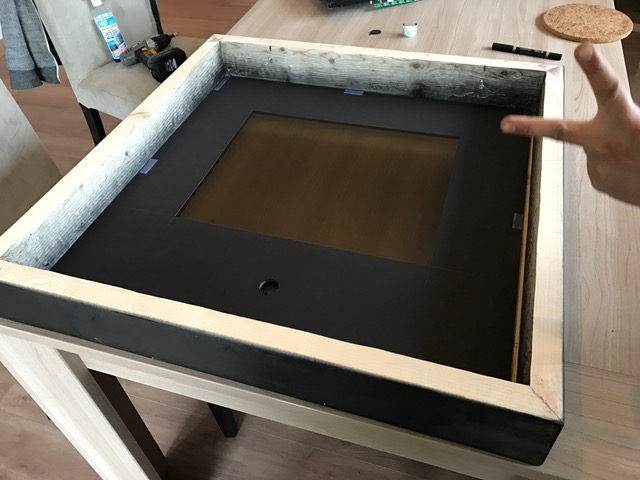
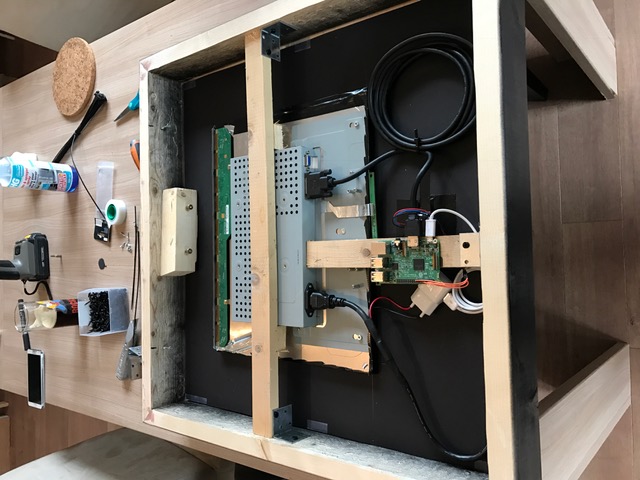
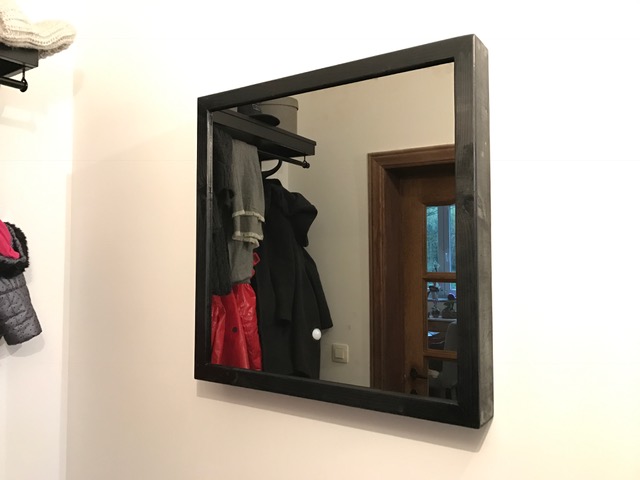
My First Mirror. Wooden Frame. Size : 60x60 cm
Lcd Philipps 19"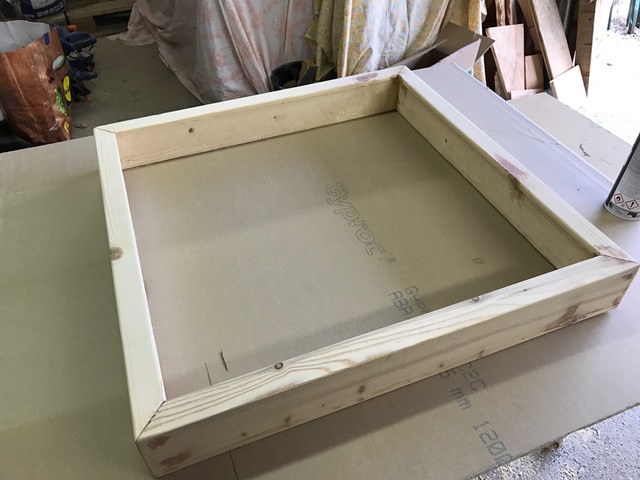
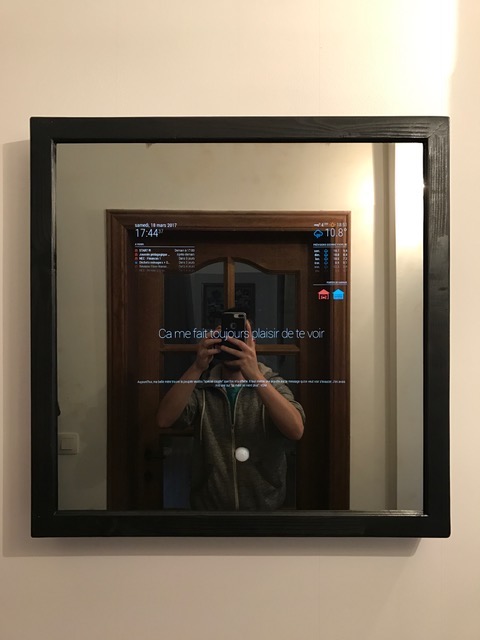
-
RE: Language Calendar Module
@broberg Nice ! Working ;-)
Merci in French :-)
-
Language Calendar Module
Hi !
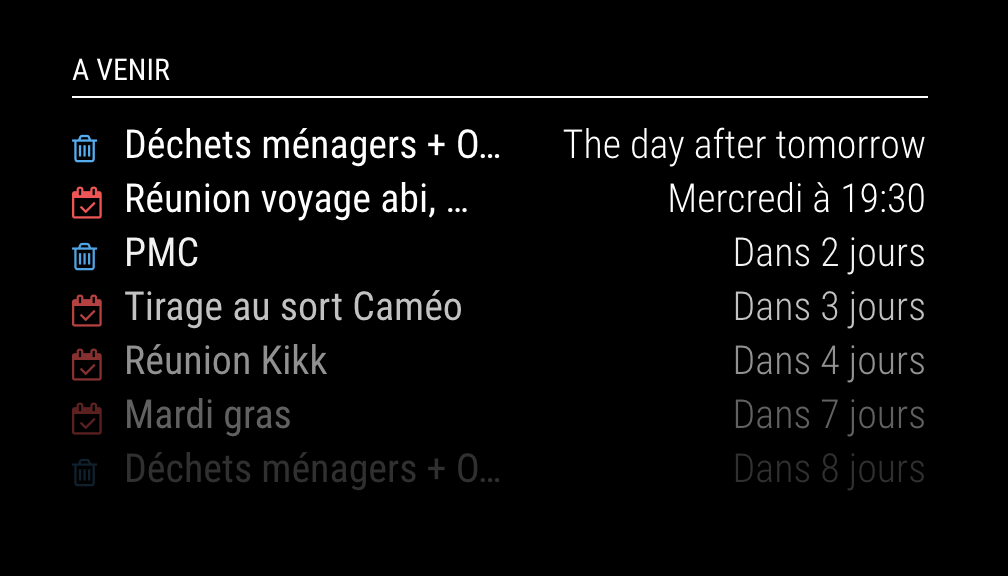
I have à problem with calendar.
My MM config is French but Calendar is mix French/english“The day after Tomorrow” = “Après-demain”
-
RE: iOS app icon for MMM-Remote-Control
@Jopyth if you want to update your module ;-)
-
RE: iOS app icon for MMM-Remote-Control
Hi ! @leadfarmer
1 - Navigate in terminal to /home/pi/MagicMirror/modules/MMM-Remote-Control
2 - wget https://raw.githubusercontent.com/istepgueu/MMM-door-sensor/master/img/mm.png
3 - nano /home/pi/MagicMirror/modules/MMM-Remote-Control/remote.html
4 - Add
 on line 12
(sorry but forum can take my code. @administrators )ps : Change N°2 wget by another image on web if you want and change N°4 with the same name.

Voilà :-)
-
RE: [MMM-Buttons] Connect multiple buttons to send configurable notifications
-
RE: [MMM-Buttons] Not recognizing button presses
@Mar
It is completely strange this story. Have you ever managed to have alerts other than the module buttons on the HDMI? -
RE: [MMM-Buttons] Not recognizing button presses
-
RE: [MMM-Buttons] Not recognizing button presses
@Mar Ok
1 - Your button is connected on PIN N°29 = GPIO 5 ?
2 - Which type of button do you have ? It’s a Push button (Button that returns alone) or a button who stay ?Sorry for my english… i’m French :-)
-
RE: [MMM-Buttons] Not recognizing button presses
@Mar I suppose you have try
pm2 restart mm -
RE: [MMM-Buttons] Not recognizing button presses
@Mar you can you test with this code and capture log from firebug
{
                pin: 5,
                name: "power",
                longPress: {
                    title: "Power off",
                    message: "Keep pressed for 3 seconds to shut down",
                    imageFA: "power-off",
                    notification: "REMOTE_ACTION",
                    payload: {action: "SHUTDOWN"}
                },
                shortPress: undefined
            }