MagicMirror Forum
    • Recent
    • Tags
    • Unsolved
    • Solved
    • MagicMirror² Repository
    • Documentation
    • 3rd-Party-Modules
    • Donate
    • Discord
    • Register
    • Login
    1. Home
    2. MMRIZE
    3. Posts
    A New Chapter for MagicMirror: The Community Takes the Lead
    Read the statement by Michael Teeuw here.
    M
    Offline
    • Profile
    • Following 0
    • Followers 9
    • Topics 29
    • Posts 952
    • Groups 0

    Posts

    Recent Best Controversial
    • RE: MMM-CalendarExt3

      @luisestrada
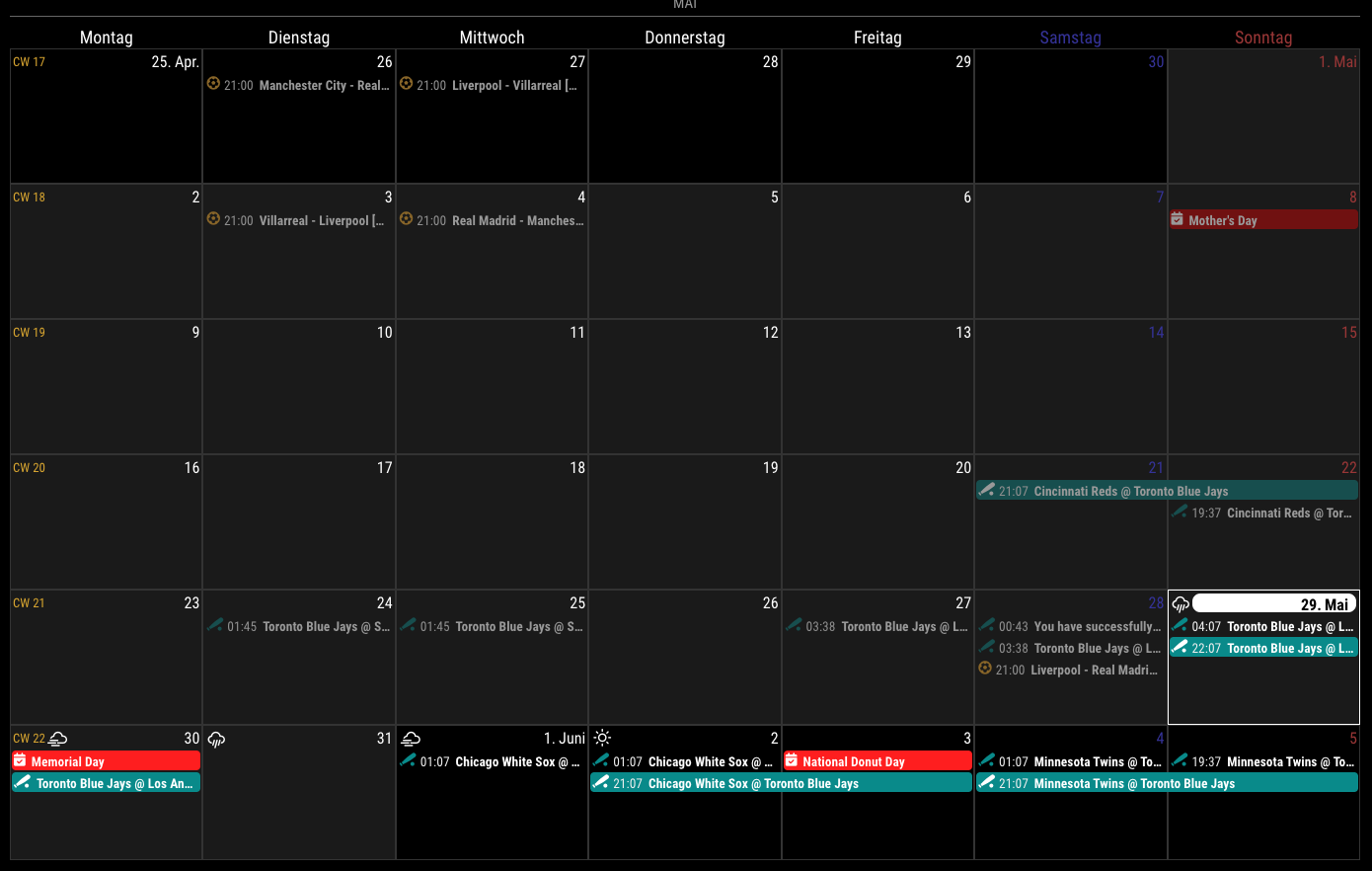
      Displaying the weather icon is an experimental feature. It would be applied from the next version of MagicMirror (ver 2.20) which will be released the next July.

      At this moment(with the current MagicMirror 2.19), you can try like this;

      cd MagicMirror // Your MM installed directory
      git pull // to update latest version. If your MM was quite old, you might need additional command `npm install`
      git checkout develop // Change the branch to develop version.
      

      You don’t need this method after July.
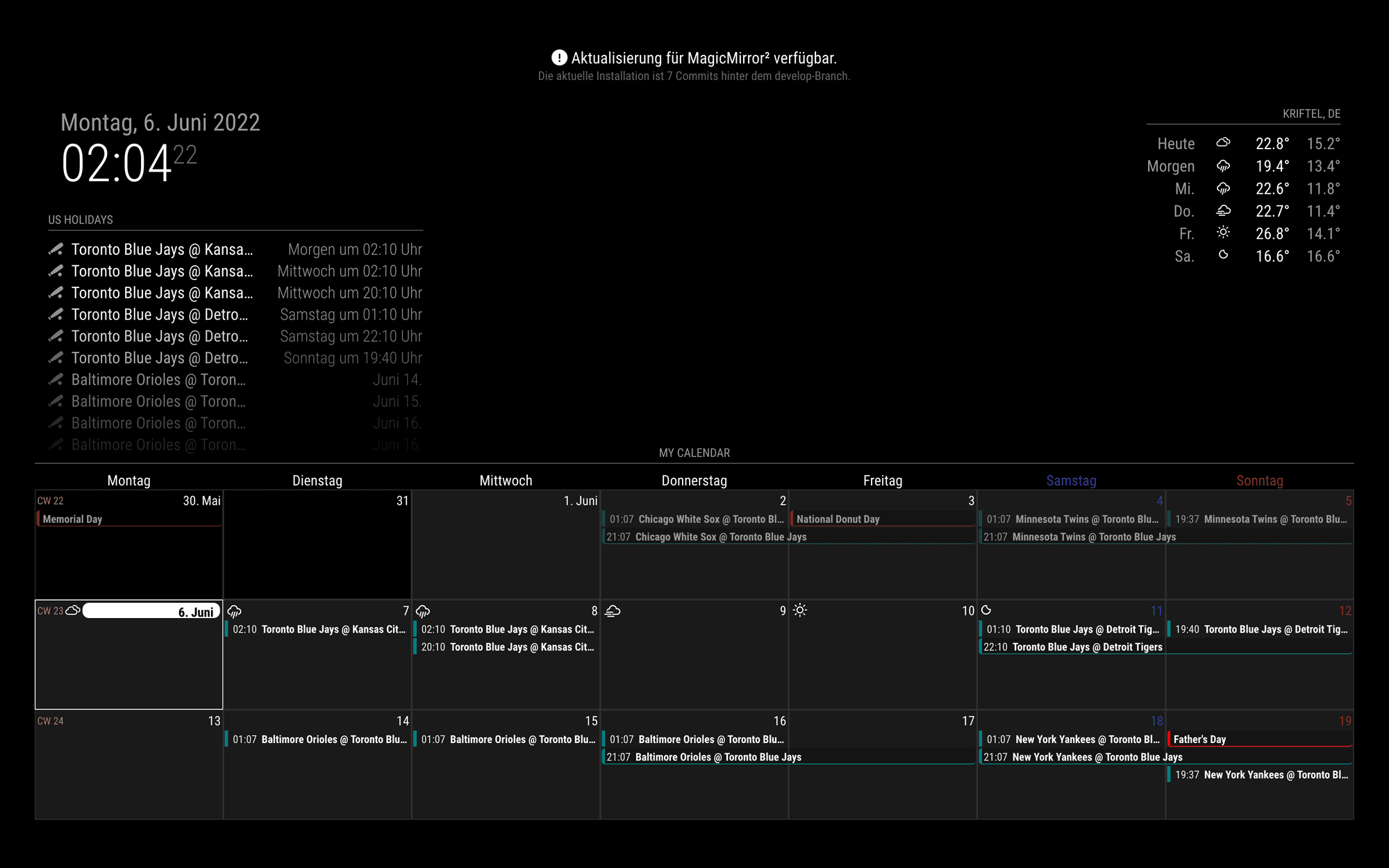
      posted in Utilities
      M
      MMRIZE
    • RE: Need help MMM-touch MMM-pages MMM-page indicator

      @crown
      You can swipe anywhere not only top-right.
      Just avoid refreshing DOM or another mouse/pointer event assigned. I recommend using an empty area to avoid misleading gestures.

      posted in Development
      M
      MMRIZE
    • RE: MMM-CalendarExt3

      @luisestrada
      By your configuration;

      • It will be refreshed every refreshInterval by force. You’ve set up 10 minutes.
      • It will be refreshed after 10 seconds(waitFetch) of the last calendar parsed. a more frequent parsing of your calendar would be a more frequent updating view. If your 5 calendars finish their parsing in 10 seconds together, the view will be updated once. Meanwhile parsing your 5 calendars would take dozen seconds sequentially, the view will be flickering. In that case, set waitFetch longer.

      Anyway, I’ll release more improved version for frequent CALENDAR_EVENTS in a few days. Plz wait a little.

      posted in Utilities
      M
      MMRIZE
    • RE: MMM-CalendarExt3

      @luisestrada
      By the way, your configuration is not quite effective. Some options are located in the wrong place, some are invalid.

      • All module-specific user configuration should be placed in config: { ... }. Your waitFecth or eventTimeOptions and something more would not be applied.

      • there is no fetchInterval or rotateInterval option in CX3.

      • broadcastPastEvents is not for CX3 module but for calendar module.

      • refreshInterval: 1000 * 60 * 1 means redraw calendar every 1 minute. Is it really needed?

      posted in Utilities
      M
      MMRIZE
    • RE: MMM-CalendarExt3

      @luisestrada
      Well, I was worried about just that case when I developed this module - multiple calendar instances. I thought Nobody would use the calendar module like that. So I haven’t considered supporting that case. But I was wrong.

      The current behaviour of this module is replacing whole events when the notification arrives, not combining each. So you cannot get proper whole events from multi-emitter of notifications.

      I’ll modify the module in a few days to stack each event not replace it. Wait for a little.

      posted in Utilities
      M
      MMRIZE
    • RE: MMM-CalendarExt3

      @almightyyoshi
      You can hide it with CSS, or just drop out “position”.

      posted in Utilities
      M
      MMRIZE
    • RE: MMM-CalendarExt3

      @almightyyoshi

      1. Not to use symbol: useSymbol: false
      // config of your module;
      ...
      config: {
        useSymbol: false,
      ...
      
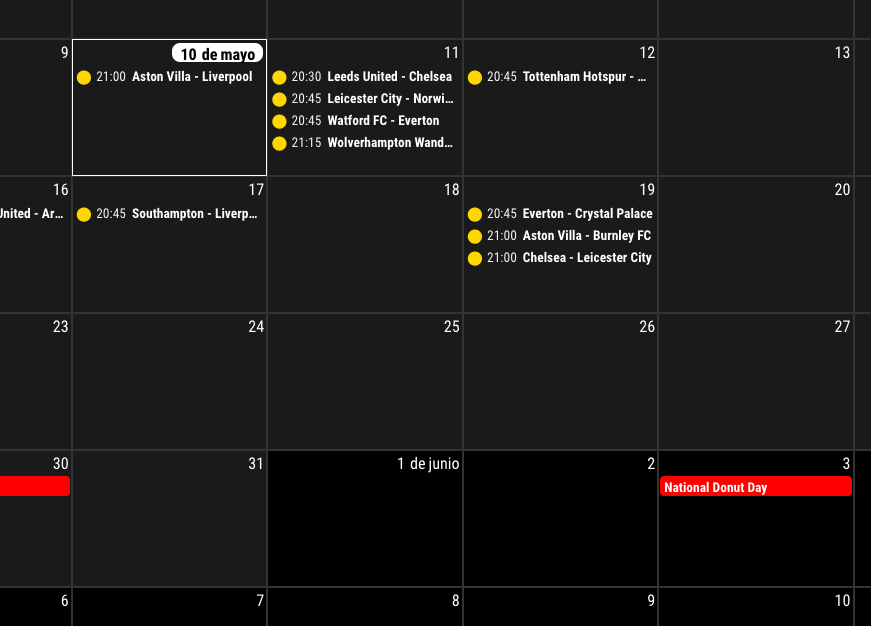
      1. Is this what you wanted?
        f730144a-9e08-47ef-89e2-115b91f16306-image.png
      /* in your custom.css */
      .CX3 .event.fullday,
      .CX3 .event.multiday {
        border-left: 4px solid var(--calendarColor);
        border-bottom: 1px solid var(--calendarColor);
        background-color: rgba(0, 0, 0, 0.2);
      }
      
      .CX3 .event.singleday {
        border-left:4px solid var(--calendarColor);
      }
      
      .CX3 .event.singleday:not(.useSymbol)::before {
        content: '';
      }
      
      posted in Utilities
      M
      MMRIZE
    • RE: MMM-IFTTT: curl: (7) failed to connect to [external ip] port 8080: connection refused

      @White-Hawk
      Your MM is visible out of network?
      For example, Try to access your MM of home network through external IP from your office.
      I think your port forwarding might have been wrong.

      posted in Troubleshooting
      M
      MMRIZE
    • RE: MMM-CalendarExt3

      1.1.0 (2022-05-29)

      • ADDED : control interval of refreshing on fetching calendar
        • config option waitFetch for waiting for too frequent fetching.
        • config option refreshInterval for refresh view by force.
        • config option glanceTime for focusing temporal moment then returning to current moment
        • config option animationSpeed for update animation
      • ADDED : calendar symbol can be used. (config option useSymbole)
      • ADDED : weather forecast could be displayable. (From MM 2.20 released or MM 2.19 develop branch)
      • CHANGED : Now, month view could has a fit weeks by the days not fixed 6 weeks.

      1.1.0

      posted in Utilities
      M
      MMRIZE
    • RE: Use of Samsung „The Frame“ with MM

      @MajorC
      Samsung’s tizen os has sonehow outdated chromium, so some of modern 3rd party modules might not work, but I think default modules ok.

      posted in Hardware
      M
      MMRIZE
    • RE: MMM-CalendarExt3

      @luisestrada

      This might be a help.

      /* In your custom.css */
      .CX3 .cellDate .dateParts.literal {
        margin-left: 5px;
      }
      

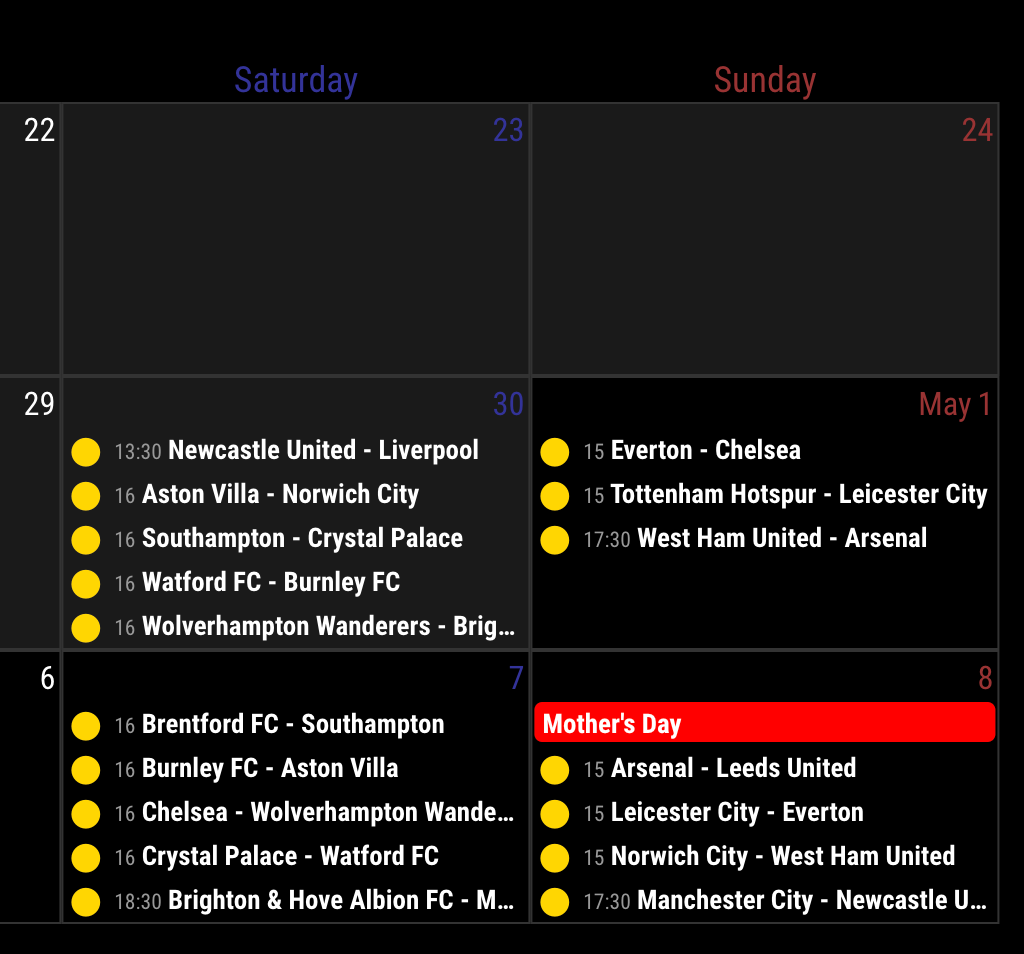
      24198132-fbaa-4626-b8b9-742353751b09-image.png

      posted in Utilities
      M
      MMRIZE
    • RE: Getting module's URL from node_helper before socket connected

      Assuming URL with PATH might be an almost general solution, but Sometimes, People install modules in weird ways like using Symlink. (That way could have some benefit, anyway, this is out of issues) In that case, assuming is somehow picky.

      My purpose is to rewrite the Translator class to use in Module and node_helper together with one common class. (So that is the reason why pre-connection is needed.)To access translations in both layers, there could be many ways to achieve. However, if the exact URL could be obtained in the background layer, it would be easier and simpler and with the least dependency. (To work on browser and on nodejs layer together)

      Of course, there could be many alternative approaches. I’m just curious if there could be a better way.

      posted in Feature Requests
      M
      MMRIZE
    • Getting module's URL from node_helper before socket connected

      Is there any convenient way to get the related/launched MM module’s basic URL from node_helper?
      In the module itself, it has .file() can be used. But in node_helper, there is no equivalent. .path would return the local path for the module, not the URL.

      Of course, I might be able to calculate or assume the URL from the path and name, but that way looks not so elegant. Default core modules will have .../modules/default/moduleName but 3rd party would have .../modules/moduleName, I need to distinguish the cases.

      Or the module could send that info to node_helper through socketNotification. But I need that URL in the early initializing stage even when the socket is not connected yet.

      .file() or .url() method of node_helper would be helpful for me.

      posted in Feature Requests
      M
      MMRIZE
    • RE: MMM-CalendarExt3

      @hrmax23 said in MMM-CalendarExt3:

      Is there a way to show a rolling 4/5 week in the month mode? Basically something like -1 week to +3 weeks rather than showing basically the current month until that month is over.

      I will consider that option.

      it’s currently showing the current day in the 5th week (i.e. still showing April as the current month). If I restart MM, it will update to show May as current month, but doesn’t seem to do it automatically.

      This seems unexpected behaviour. I need your configuration to represent it.

      Also, is there a trick to get the calendar to re-render completely on some interval?

      I think notification CX3_MOVE_CALENDAR with payload {step:0} would refresh current view , but it needs emission from other module.
      Anyway, the view is refreshed by schedule of original calendar fetch. So I don’t think it needs self-refresh timer. And when we solve above unexpected behaviour, you don’t need self-refreshing.

      posted in Utilities
      M
      MMRIZE
    • RE: MMM-CalendarExt3

      @hrmax23
      It sounds unexpected bug. Can you show(or send mail) the screenshot and config?

      posted in Utilities
      M
      MMRIZE
    • RE: MMM-CalendarExt3

      @luisestrada
      Tizen is using Chromium nowadays, but the version is a bit old. The latest Tizen 6.5(Model 2022) is still using M85. (Current the newest Chromium is M100, M85 was 2-years ago). And if your Samsung TV has some age, It probably is too old to run the modern JS features. (Model 2021 => M76, Model2020=>M69, …)

      posted in Utilities
      M
      MMRIZE
    • RE: MMM-CalendarExt3

      @Assassins

      Will it be possible to pull out the birthday that is associated with a contact person from cloud. ???

      AFAIK, impossible (at least, no automatic way);

      First; This module is not for parsing calendar events but for showing events already parsed. It means other ics format parser (like the original default calendar module) has to do that work.

      Second, The birthday calendar of iCloud contacts is not a general calendar which could be sharable. If you want to export the contact birthday to any normal calendar; export the contacts as VCONTACT(.vcf) format, then convert it to VEVENT(.ics) then import them to your target calendar. But I’m not sure there is any convenient converter for this job.

      posted in Utilities
      M
      MMRIZE
    • RE: MMM-CalendarExt3

      @hrmax

      You can adjust eventTimeOptions to format the time or date of the event.
      But not by condition.

      eventTimeOptions: {
        hour: "numeric",
      }
      

      will show only hour like 4

      or

      eventTimeOptions: {
        hour: "numeric",
        minute : "2-digit"
      }
      

      will show the hour and minute like 4:05

      or

      eventTimeOptions: {
        timeStyle: "short"
      }
      

      will show standard locale format like 4:05 am. (It depends on which locale is applied.)

      But not conditionally. (4 or 4:05 by condition)

      One possible idea is;
      Hide the real time parts with CSS, then transform event title to include time;

      /* In your custom.css */
      .CX3 .myTime {
        font-size: 80%;
        color: #999;
        font-weight: normal;
      }
      
      .CX3 .event:not(.fullday) .eventTime {
        display: none;
      }
      
      /* In your config */
      eventTransformer: (ev) => {
        if (!ev.isFullday) {
          let t = new Date(ev.startDate)
          let time = (t.getMinutes() === 0) ? String(t.getHours()) : String(t.getHours() + ':' + t.getMinutes())
          ev.title = `<span class="myTime">${time}</span> ${ev.title}`	
        }
        return ev 
      }
      

      The result will be;

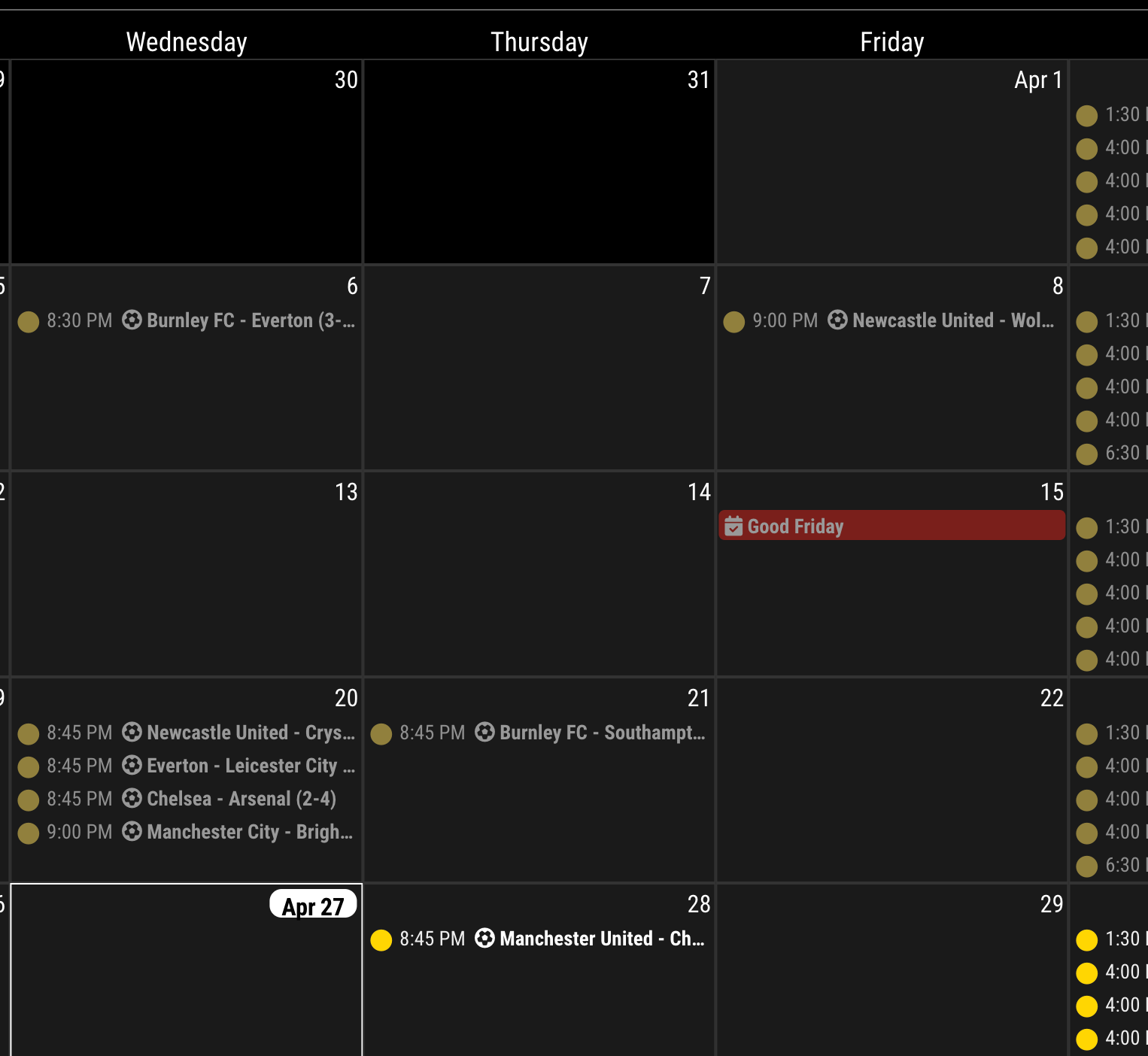
      3f2e6599-cf2b-4c94-a064-3704e4ad72bd-image.png

      posted in Utilities
      M
      MMRIZE
    • RE: MMM-CalendarExt3

      @hrmax
      First, Thanks for the feedback. I found there was some mistype in code. I fixed it, so update with git pull.

      Second, for eventFilter

      eventFilter: (ev) => {
        if (ev.isFullday) return false
        return true
      },
      

      Third, for eventTransformer and symbol example.

      eventTransformer: (ev) => {
        ev.title = `<i class="fa fa-${ev.symbol}"></i>${ev.title}`
        return ev
      },
      

      Result;
      4f66a6de-633f-4cca-a921-1c0ce47e23b5-image.png

      posted in Utilities
      M
      MMRIZE
    • RE: [HOW_TO] MagicMirror as Desktop Wallpaper (all platform : updated)

      @OscarVsp

      • Non-X-11 based Linux Desktop might not work.
      • This behaviour may severely be dependent on the platform, so in some environment, it might not work.
      • When some OTHER application occupies the “most-bottomed position” later, MM might be expelled to the foreground. I’m not sure.
      posted in Tutorials
      M
      MMRIZE
    • 1
    • 2
    • 40
    • 41
    • 42
    • 43
    • 44
    • 47
    • 48
    • 42 / 48