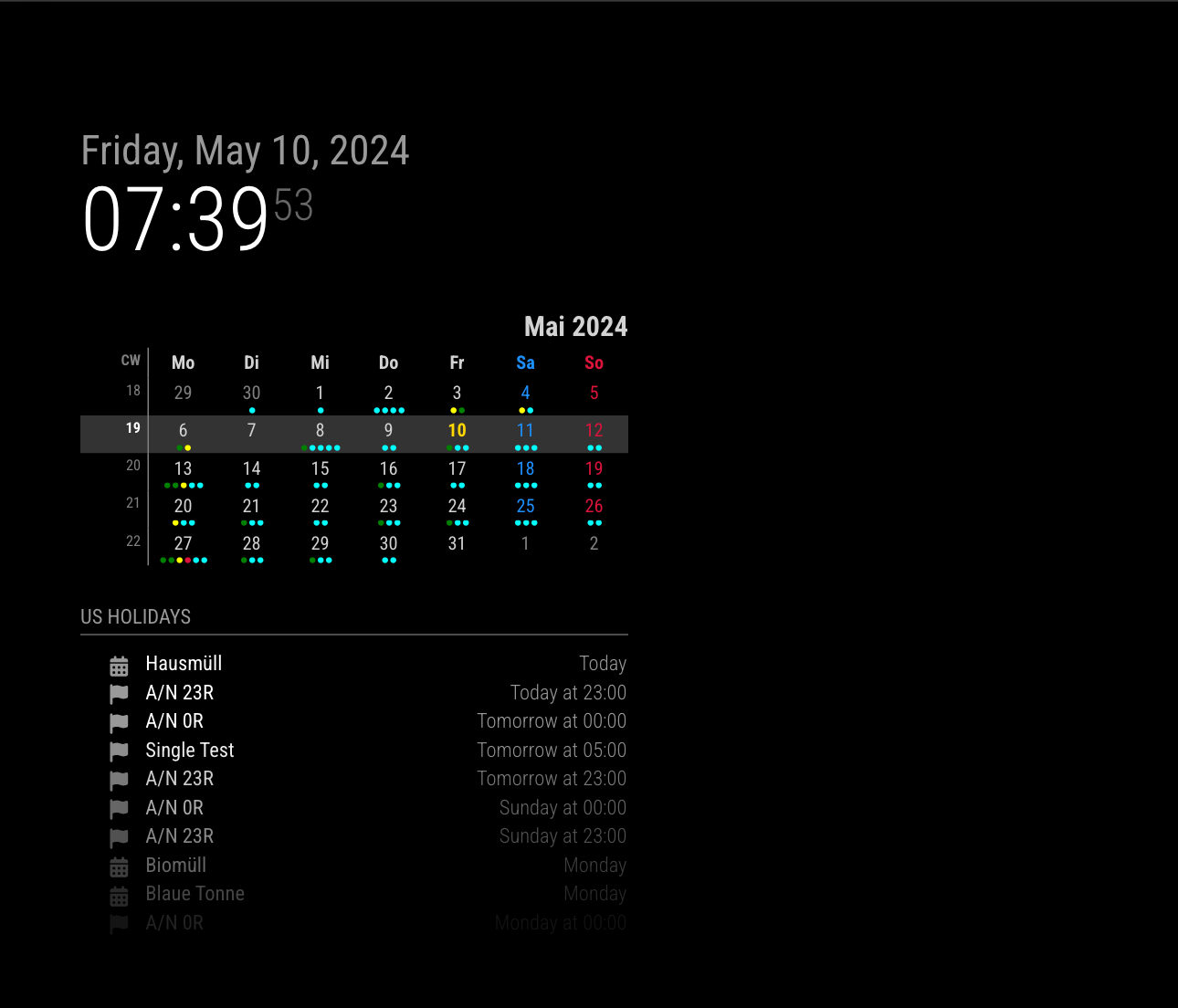
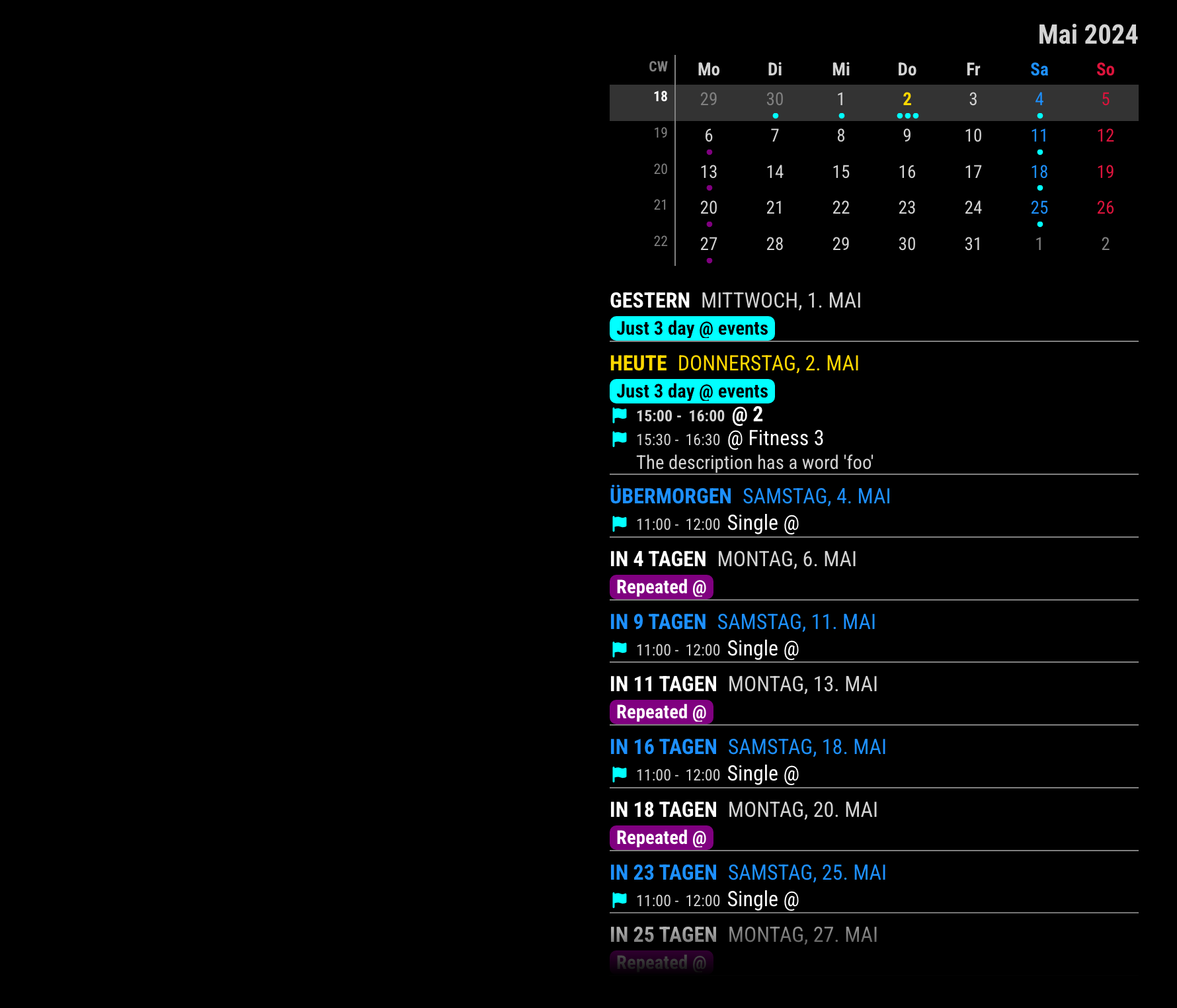
@Spinster
With getip of @sdetweil and MMM-ModuleMonkeyPatch, I did it. (You don’t have to modify the original source code for future-proof.)
Example.
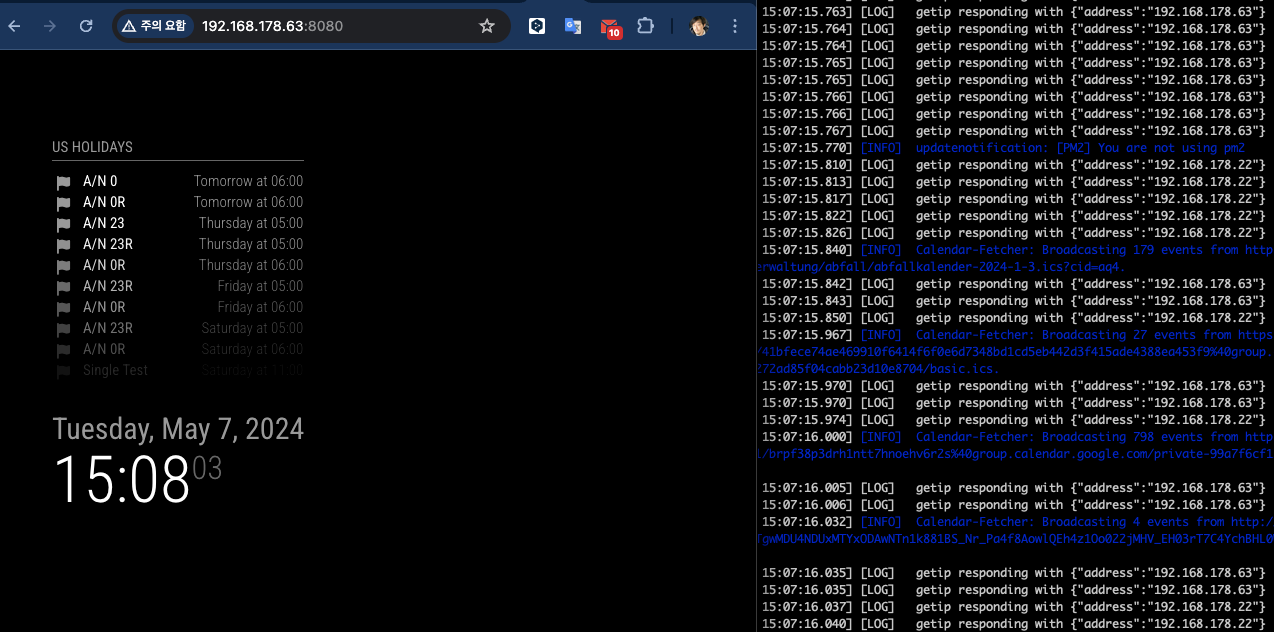
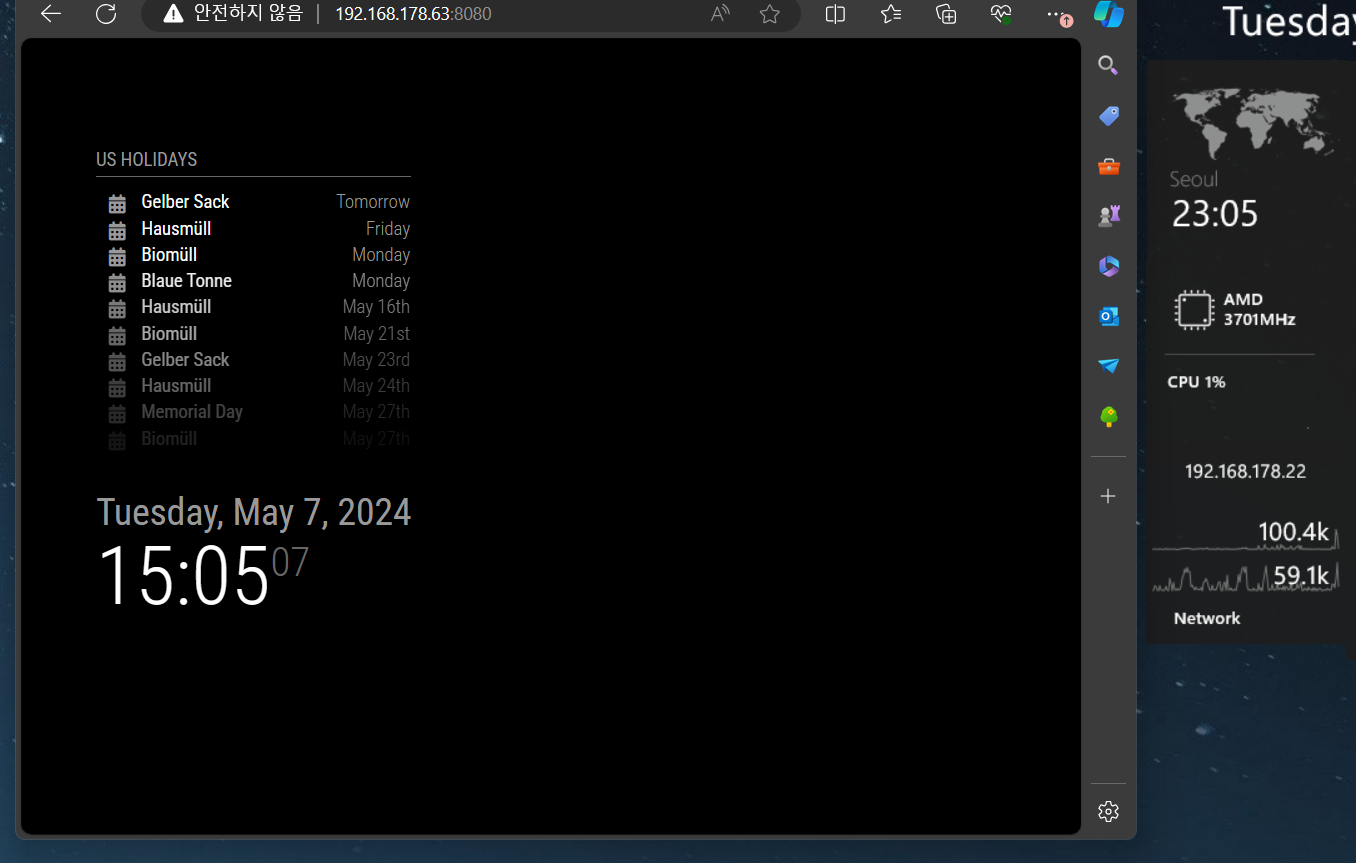
Server is running on 192.168.178.63 and I run 2 clients on 192.168.178.22 and 192.168.178.63.
Both 2 clients can show different set of calendars.
{
	module: "MMM-ModuleMonkeyPatch",
	config: {
		patches: [
			{
				module: "calendar",
				method: "socketNotificationReceived",
				patch: async function (original, args) {
					const [ notification, payload ] = args
					if (notification === "CALENDAR_EVENTS") {
						const calendarName = this.config.calendars.find((cal) => cal.url === payload?.url)?.name
						const r = await fetch('http://192.168.178.63:8080/modules/getip')
						const ip = JSON.parse(await r.text())?.[ 'address' ] ?? null
						if (!this.config.clientMap?.[ ip ]?.includes(calendarName)) {
							return original(notification, { ...payload, events: [] })
						}
					}
					return original(notification, payload)
				}
			}
		]
	}
},
{
	module: "getip",
},
{
	module: "calendar",
	header: "US Holidays",
	position: "top_left",
	config: {
		clientMap: {
			"192.168.178.63": [ "cal1", "cal2", "cal3" ],
			"192.168.178.22": ["cal3", "cal4", "cal5"]
		},
		calendars: [
			{
				url: "...",
				name: "cal1",
			},
			{
				url: "...",
				name: "cal2",
			},
			{
				url: "...",
				name: "cal3",
			},

			{
				url: "...",
				name: "cal4",
			},
			{
				url: "...",
				name: "cal5",
			}
		]
	}
},
TO Improve
Whenever notification CALENDAR_EVENTS coming, getip is called. After first execution, to store IP on the localStorage or cookie would be better.