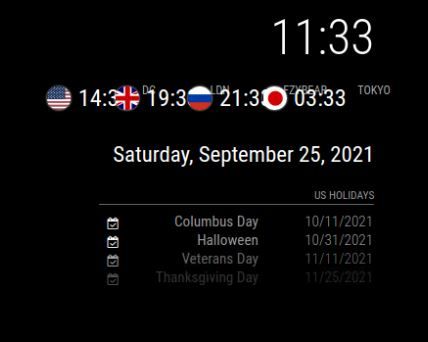
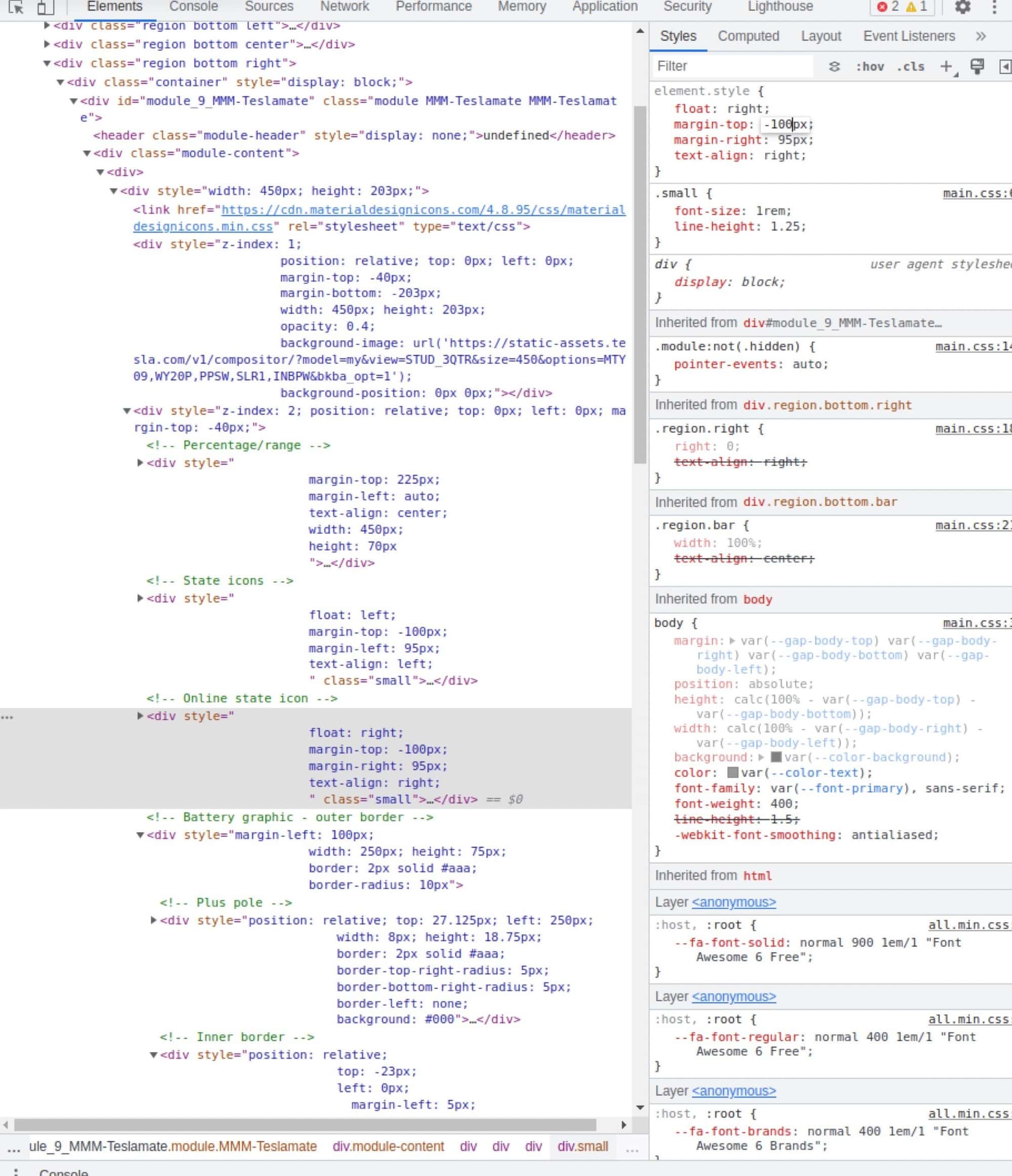
@sdetweil so for the Percent/ Range it would be something like
.MMM-Teslamate div div
{
margin-top: 100px
}
@sdetweil so for the Percent/ Range it would be something like
.MMM-Teslamate div div
{
margin-top: 100px
}
@sdetweil that was it. :man_facepalming_medium-dark_skin_tone: I totally missed that multiple times
@sdetweil I saw that and updated it all, and I’m only using weather now. It still doesn’t seem to be loading, from what I read the default is “current” so I am just trying to get that one working before working on “forecast.”
@BKeyport one of the modules I’m trying to customize doesn’t seem to have “classes” to adjust, unless I’m missing something for example the Percent/ Range section if I wanted to change the margin-top to 150, how would I go about that?
Upgraded to V2.20.0 from V2.15.0 and stock weather module not loading where current weather and weather forecast loaded before. Using OpenWeather API and double checked the API and the location ID multiple times and still doesn’t work. Below is my config
{
			module: 'MMM-AirQuality',
			position: 'top_left', // you may choose any location
			config: {
				location: 'usa/state/city',// the location to check the index for
				showLocation: false
					}
		},

		{
			module: "weather",
			position: "top_left",
			config: {

				location: "City Name",
				locationID: "45091xxx", //ID from http://bulk.openweathermap.org/sample/city.list.json.gz; unzip the gz file and find your city
				appid: "b2f2xxxxxxxxxxxxxxxxxx"

					}
		},

```@sdetweil That script does help, I already had the file created, but I made note of the script for the future.
@BKeyport This helps quite a bit, I started using the dev tools yesterday “npm start dev” and it really helped. Thanks!
Can someone share a simple way to create a custom .css file? I’ve been back and forth try to customize different stuff and I keep getting stuck.
@bballboy21 was that the total cost shipped? I’m in OH and looking to get a piece with similar dimensions.
@bballboy21 looks awesome. Can you share some more details? Like the measurements of the Frame and what monitor are you using?
@Aardal1 can you share your custom code for MMM-Teslamate?
@macg Ok thanks I’ll mess around with it some more and see if I can get it customized. I figured it was simple as adding your custom css snippet in but I guess not
I added your custom css but the title is showing overlapped and I have it as style left, should I change it to top like yours?
@macg Thanks! I added it to my custom.css but it didn’t change. Is there anything else I should be checking?
@zoltan do you leave the tv all on all the time? Or does it come on use CEC when motion is detected? I’ve been thinking about switching to a tv but still on the fence on if I want it on all the time, since that would draw a lot of power.
I’m curious to hear if you just leave it on all the time or if PIR is how it comes on?
@mdlefevere can you share some pics of your project? I’ve been using a 27 monitor and want to upgrade to a bigger tv since TVs are extra cheap right now. I could get a 50" for about $4-500.
Does anyone have a Washington DC transit module? Or a module that I can use to edit for DC transit times?
@thoeng What weather module is it that you are using?
@stoffbeuteluwe do you have pics of your mirror? I have a 46" tv too that I’ve been thinking about using. Or even getting a cheap 55" to use in portrait mode also.