Hi alexyak
I try it with the commands an it works, it switch off and on.
Hi alexyak
I try it with the commands an it works, it switch off and on.
I tried it with a AOC, HP and Sony Monitor and still have the same issue;o( any idea?
Hi,
I tried to install the module. Now I have the problem, that the Monitor turn off (no input from HDMI) but not on. I cloned the module from github and updated the config file. I tested also the camera and it works fine. What do I wrong?
My RPI2 is configured not to go sleep!
I try it with my RPI3 and I have the same issue. My monitor is an Acer RT270.
THX a lot for your help
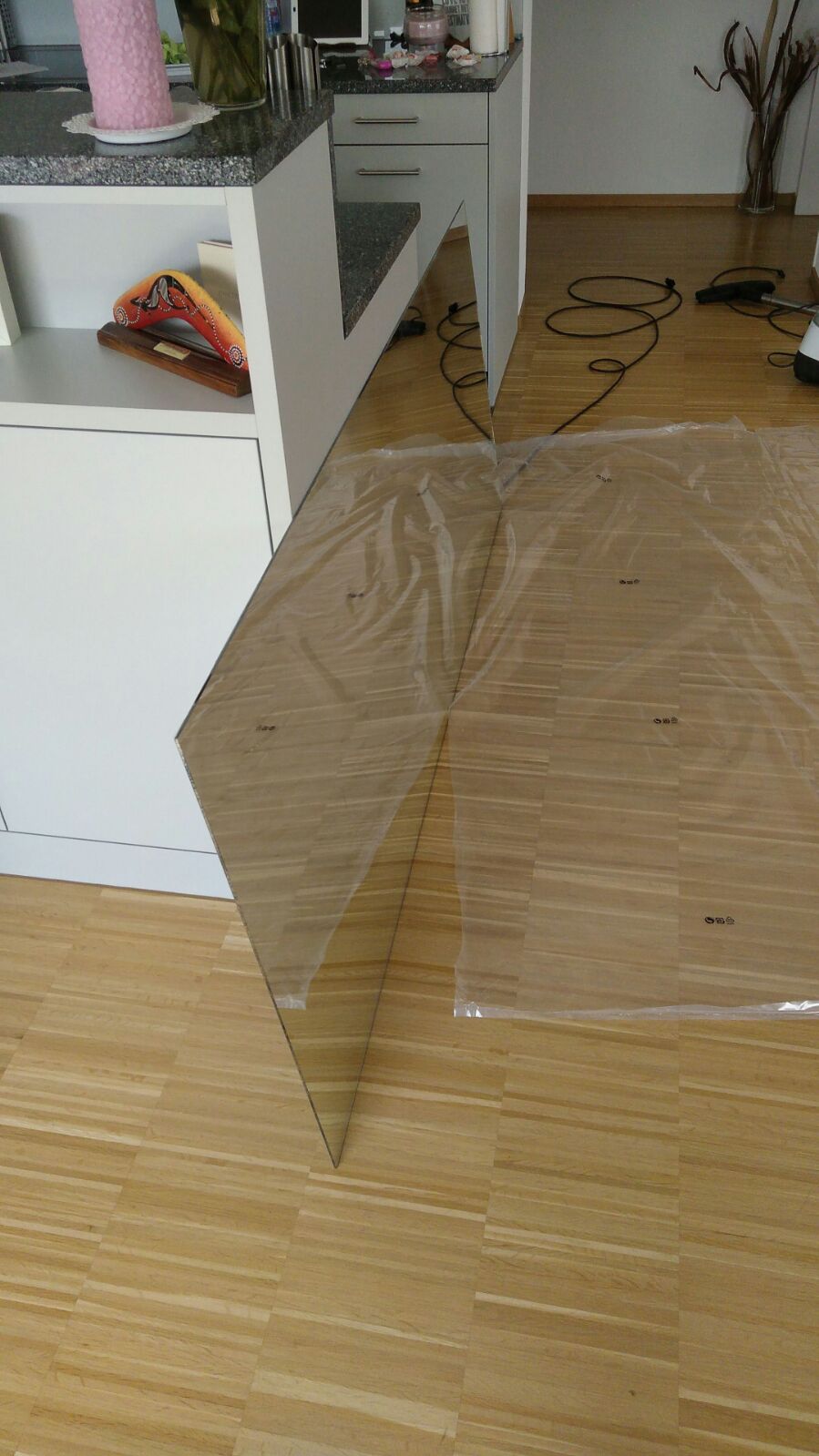
No, I just bought a normal mirror with frame in IKEA, because it was the cheapest way to get a aluminium frame. Frame is 60mm deep. The one-way mirror is from Glas Trösch (Switzerland). Sorry about the mistake.
Follow this steps to install pm2.
https://github.com/MichMich/MagicMirror/wiki/Auto-Starting-MagicMirror
After install it you can start MagicMirror with :
pm2 start mm
restart with:
pm2 restart mm
stop with:
pm2 stop mm
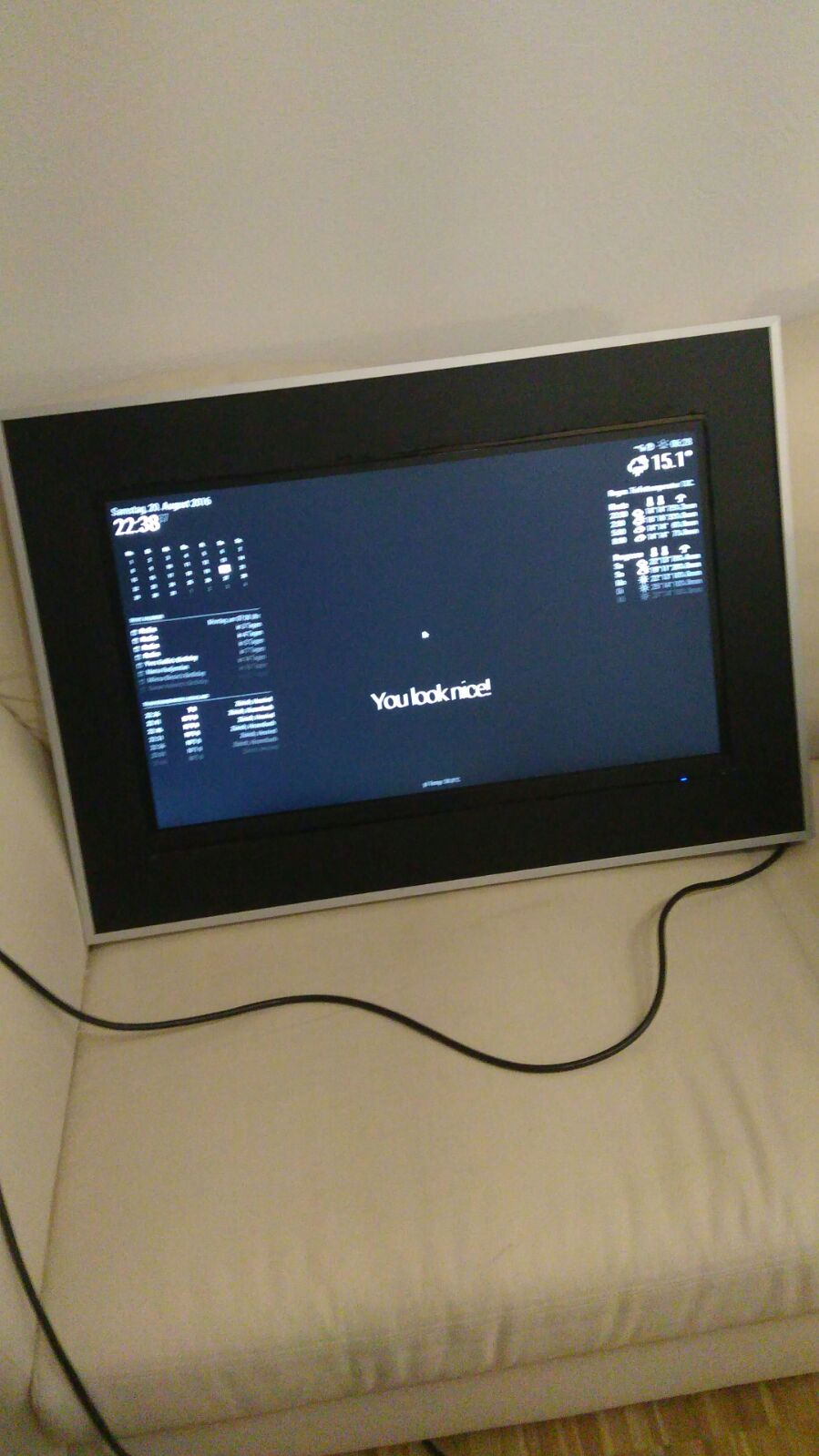
So it took a long time but I finished ;o) Thanks to all of you for helping me to finish my mirror!
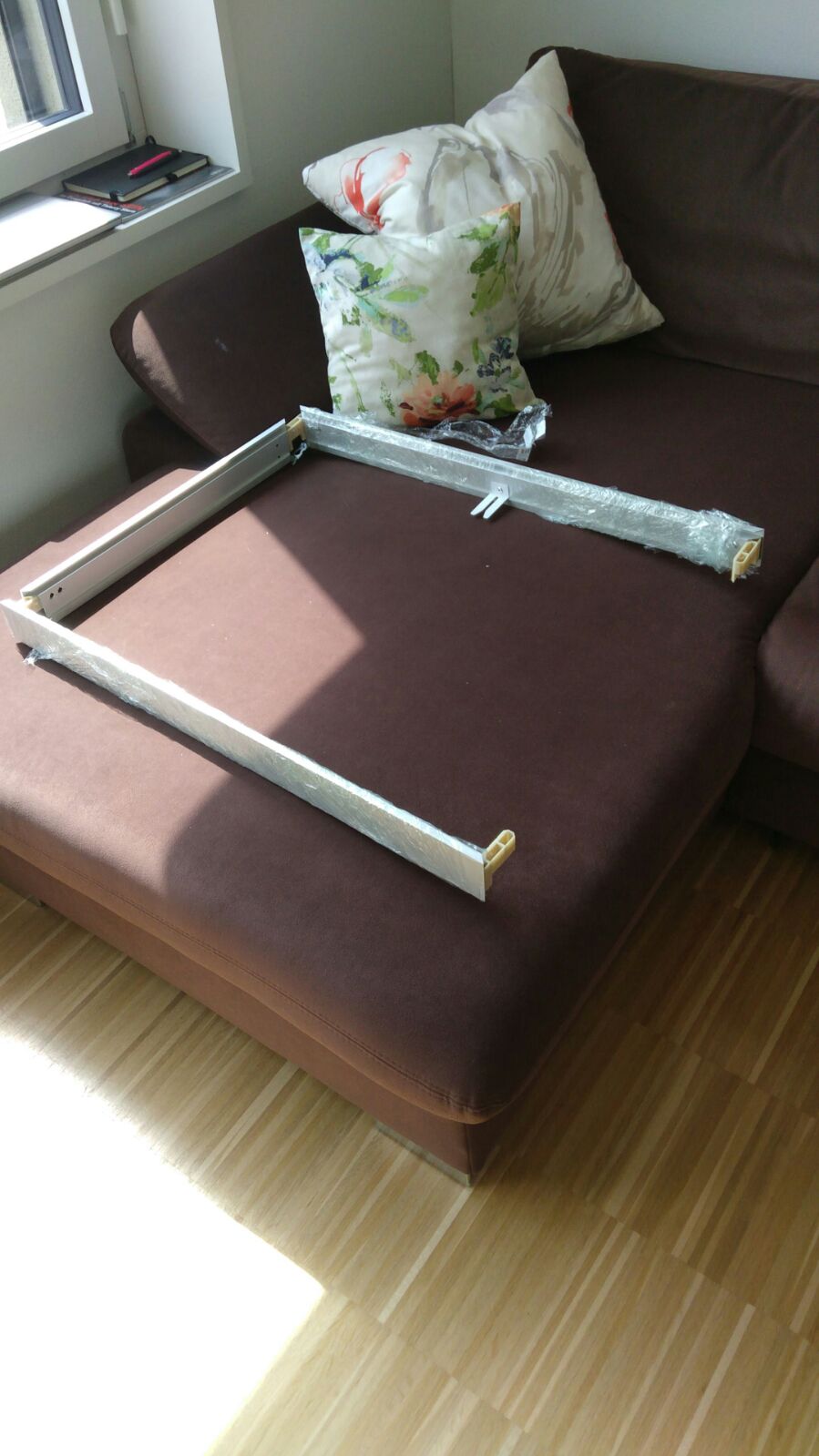
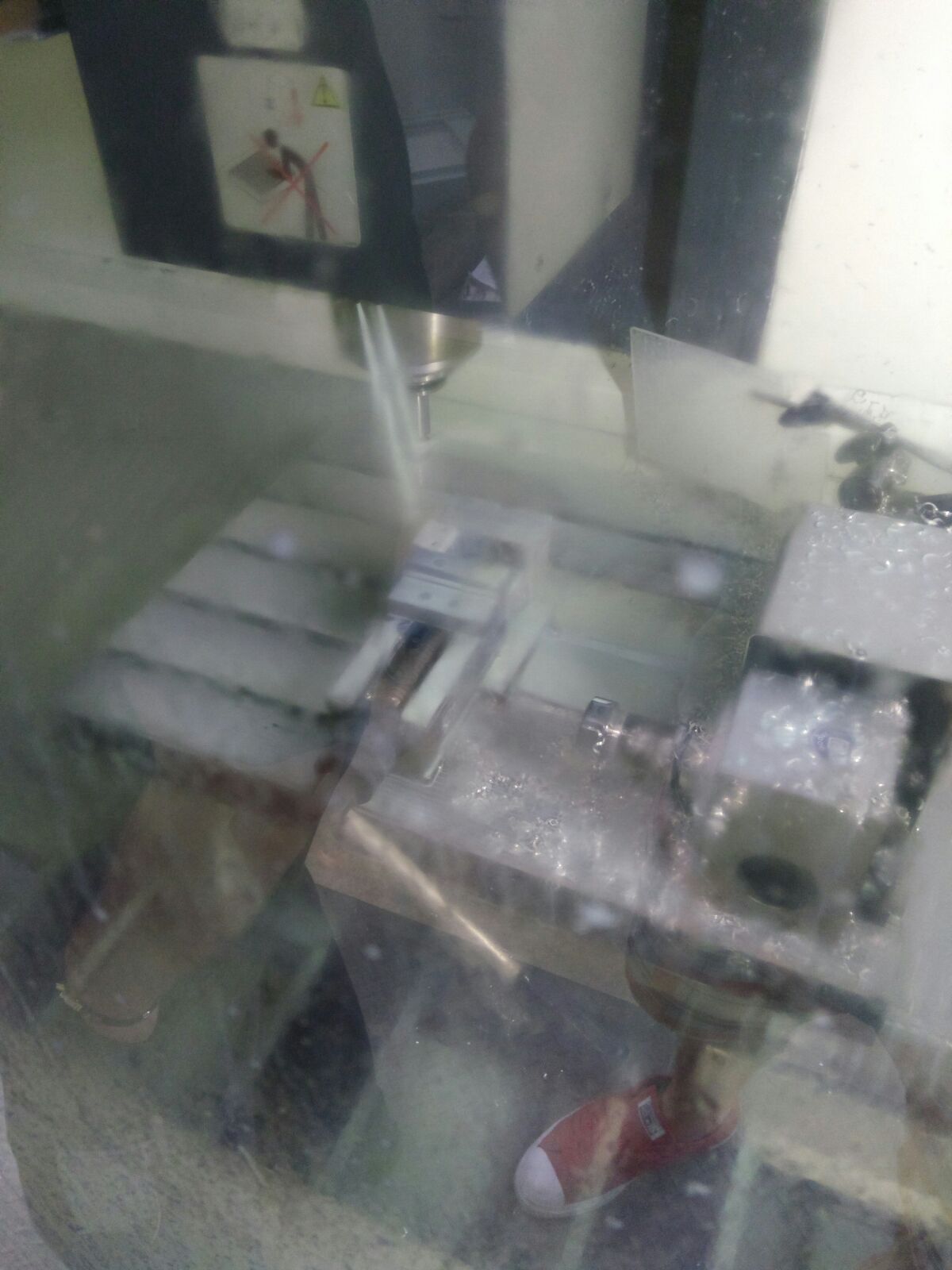
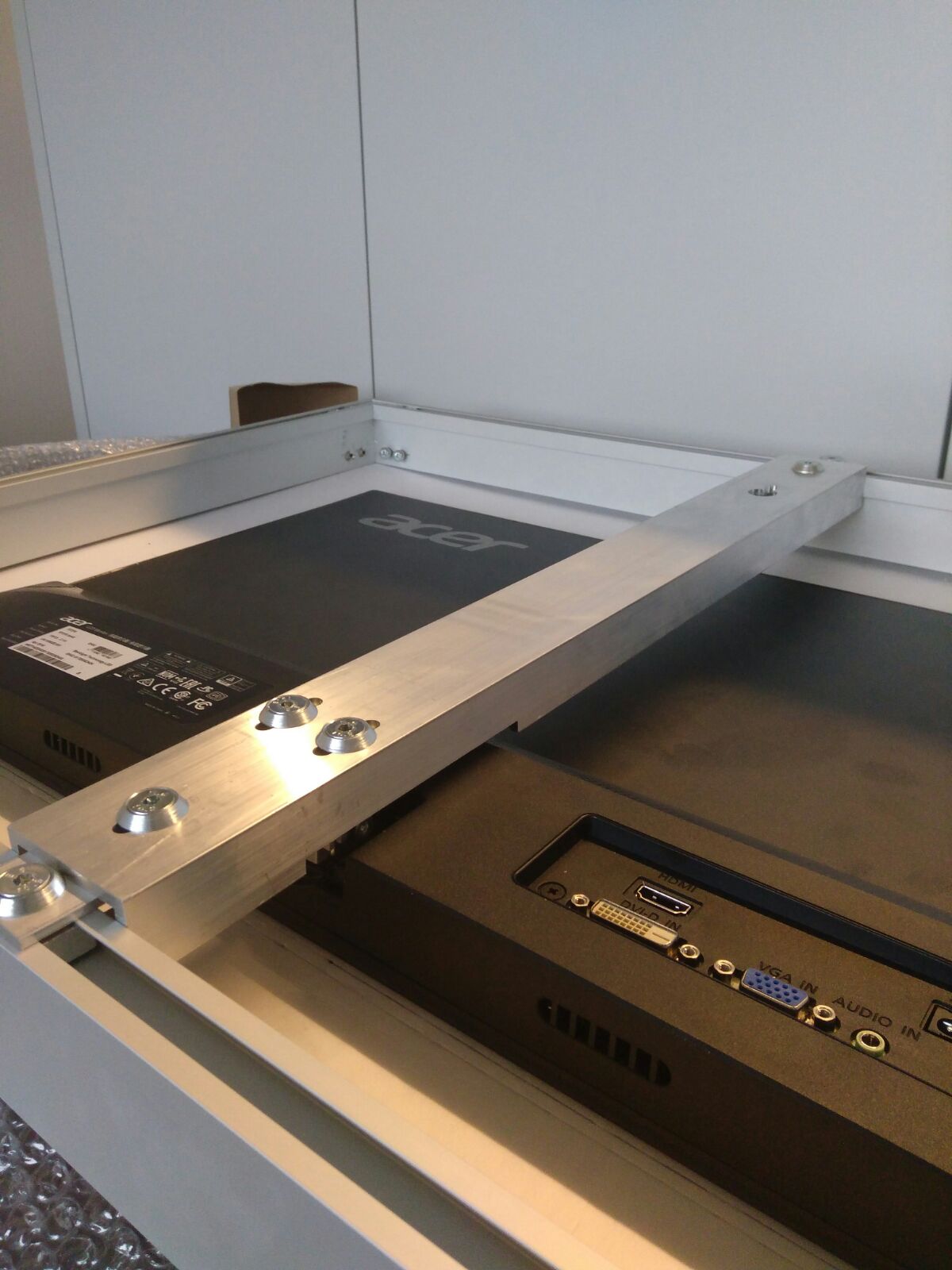
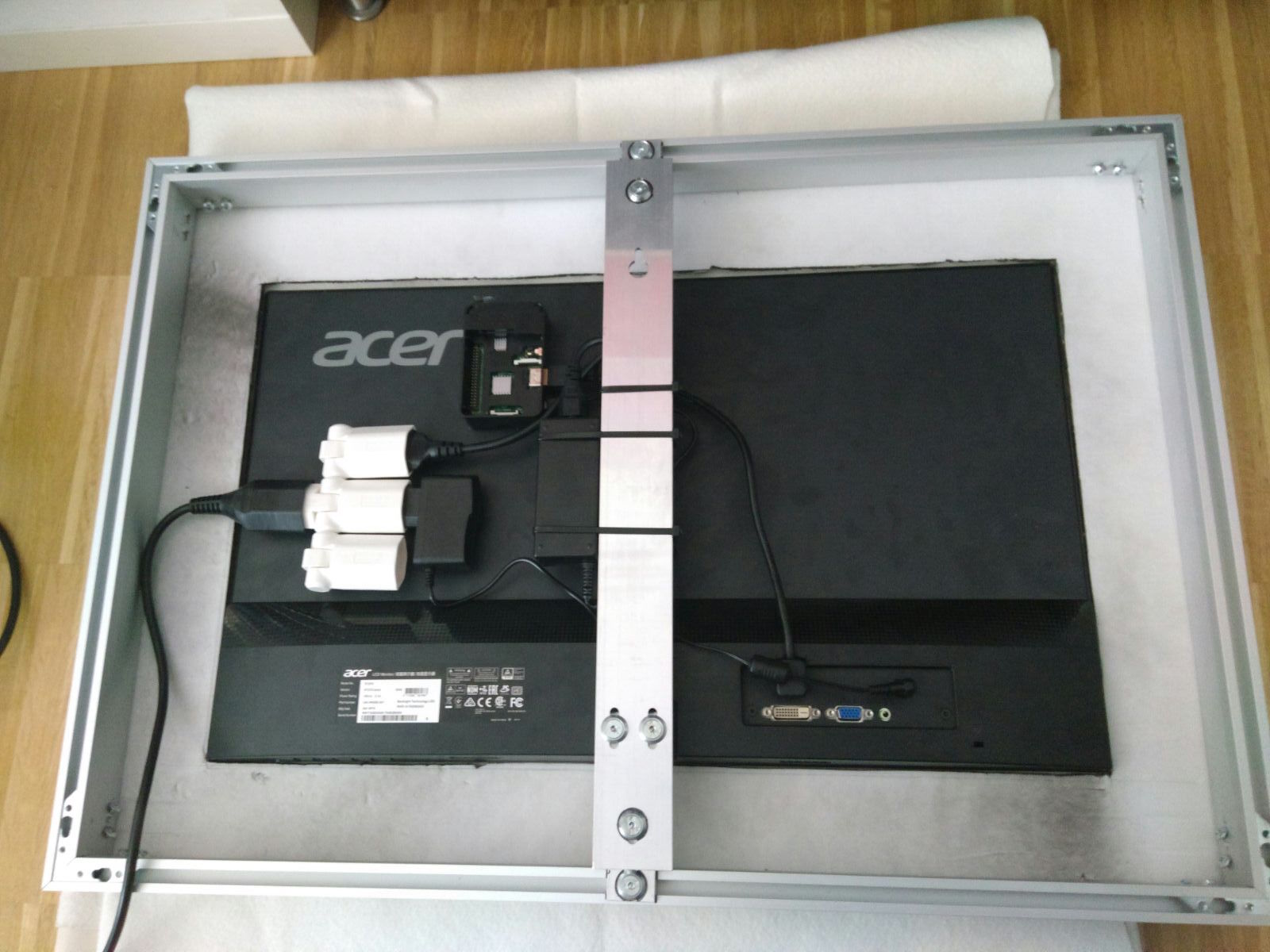
I bought a IKEA Mirror for 90.- and cut the length and made a holder for the monitor.
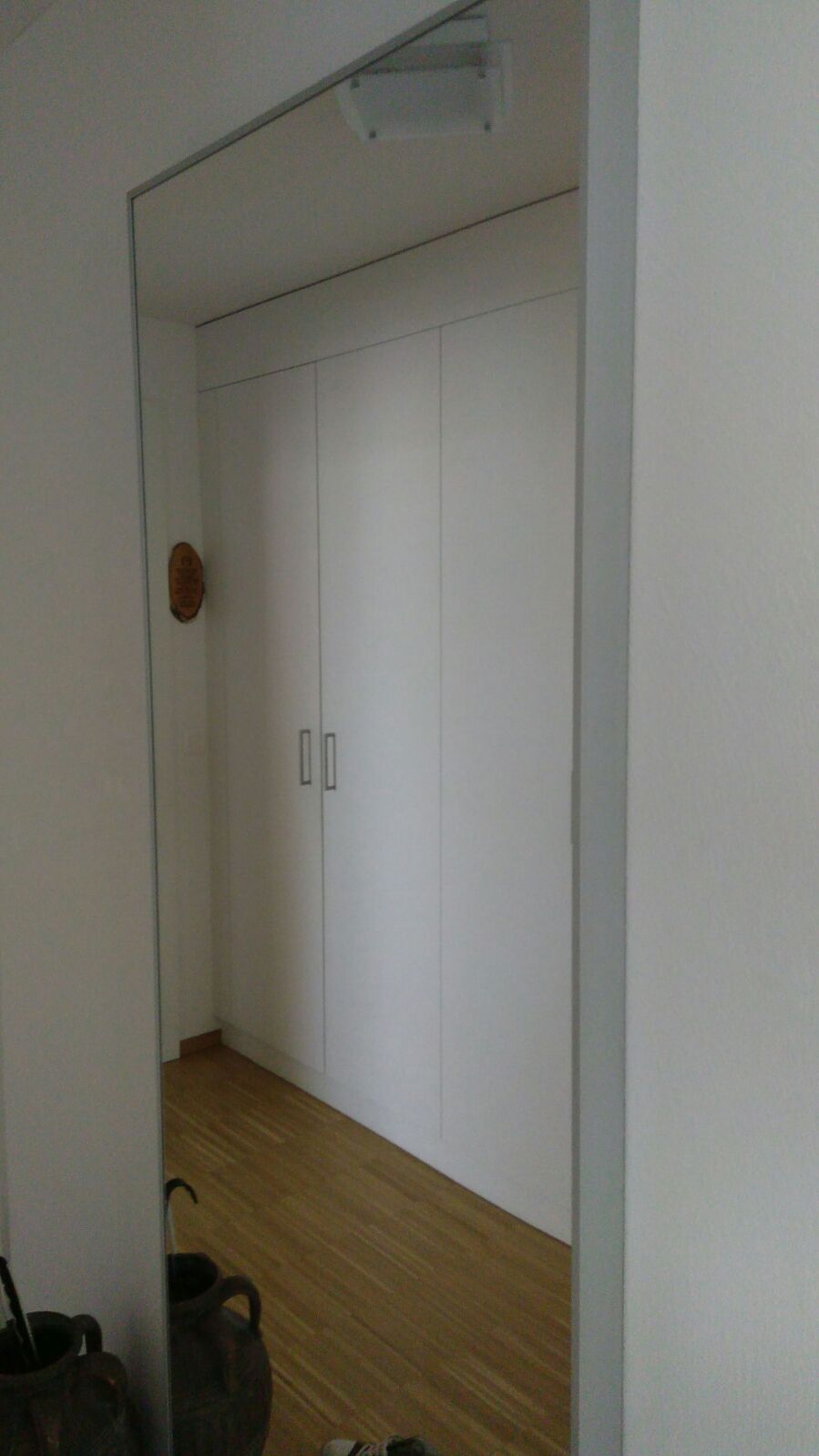
(big mirror -->trash ;o)
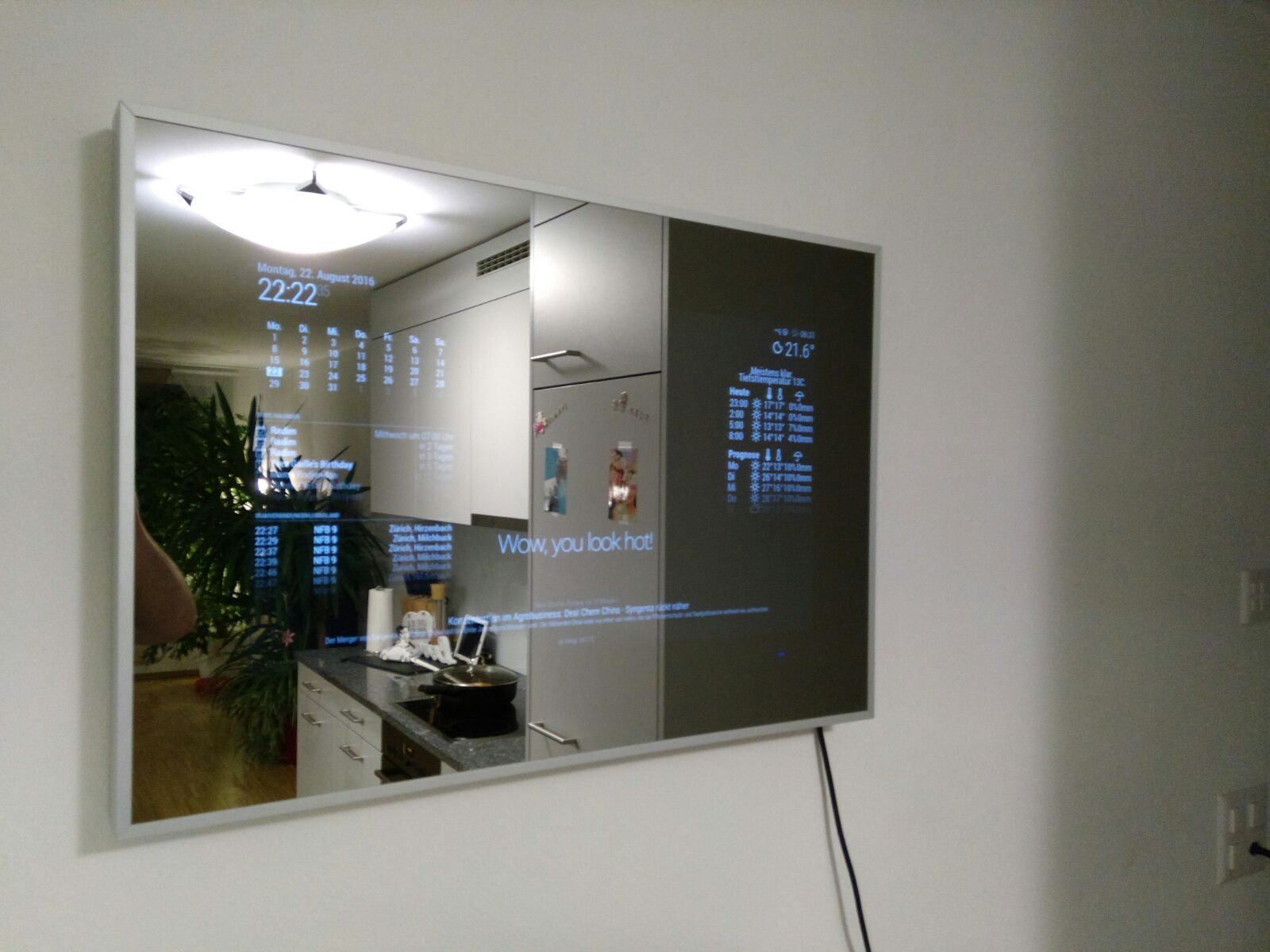
Hi
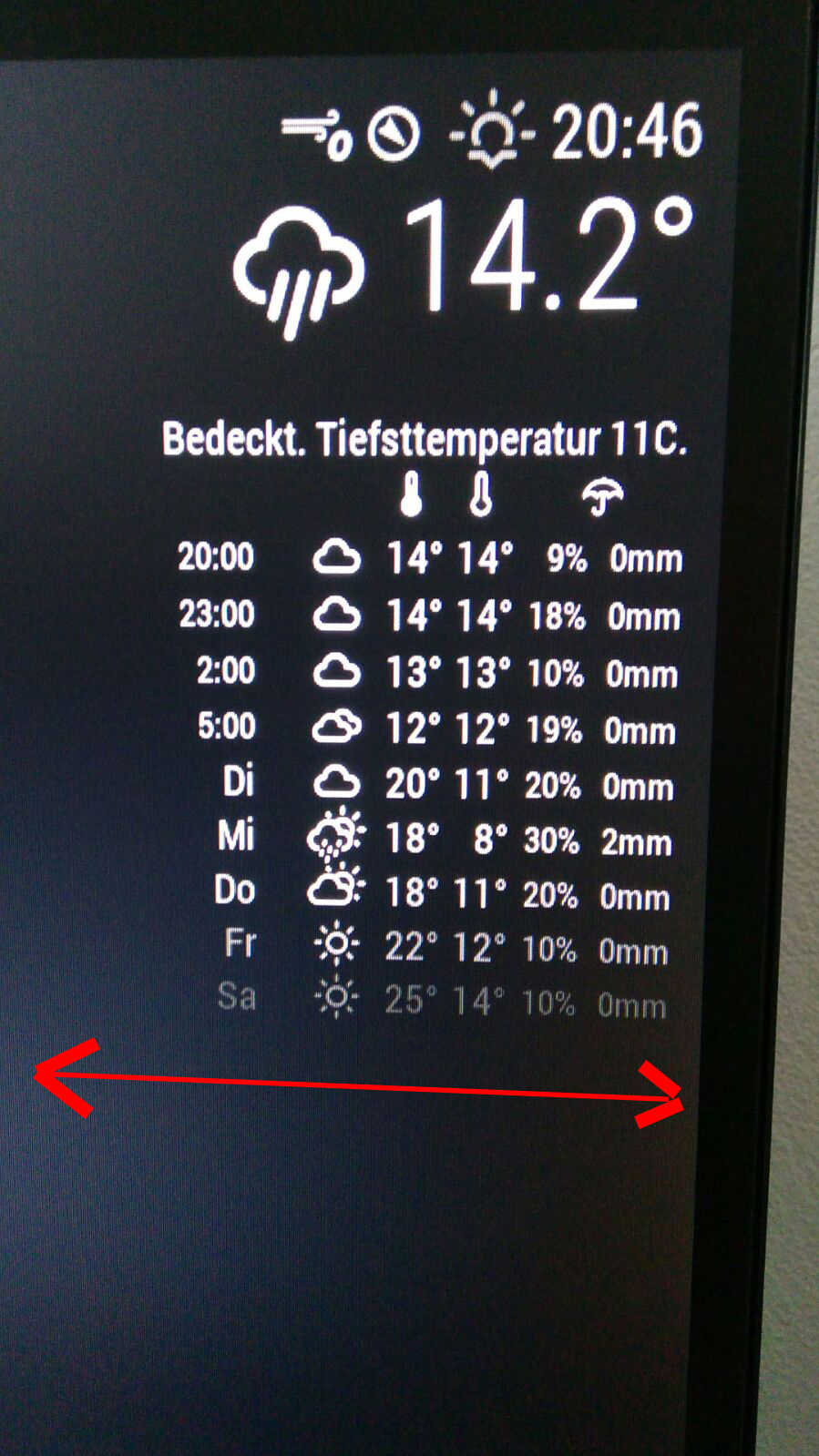
I would like to make all modules on the left site on my monitor bigger. How can i do this?
THX for help
@KirAsh4 any news about the state of the development ? Thanks a lot for your work!!!
So i tried to fix my problem with the PIR sensor. Now I have an other problem. Do someone knew what i do wrong? Now the PIR shut down HDMI if they detect a motion and I don’t have a chance to turn on just with a reboot of the pi.
Sorry for the bad quality!
did someone find any solution for my problem? i tried to delete the PIR-Modul and reinstall… but I have the same problem;o( THX
and just to be 100% sure if its so right? 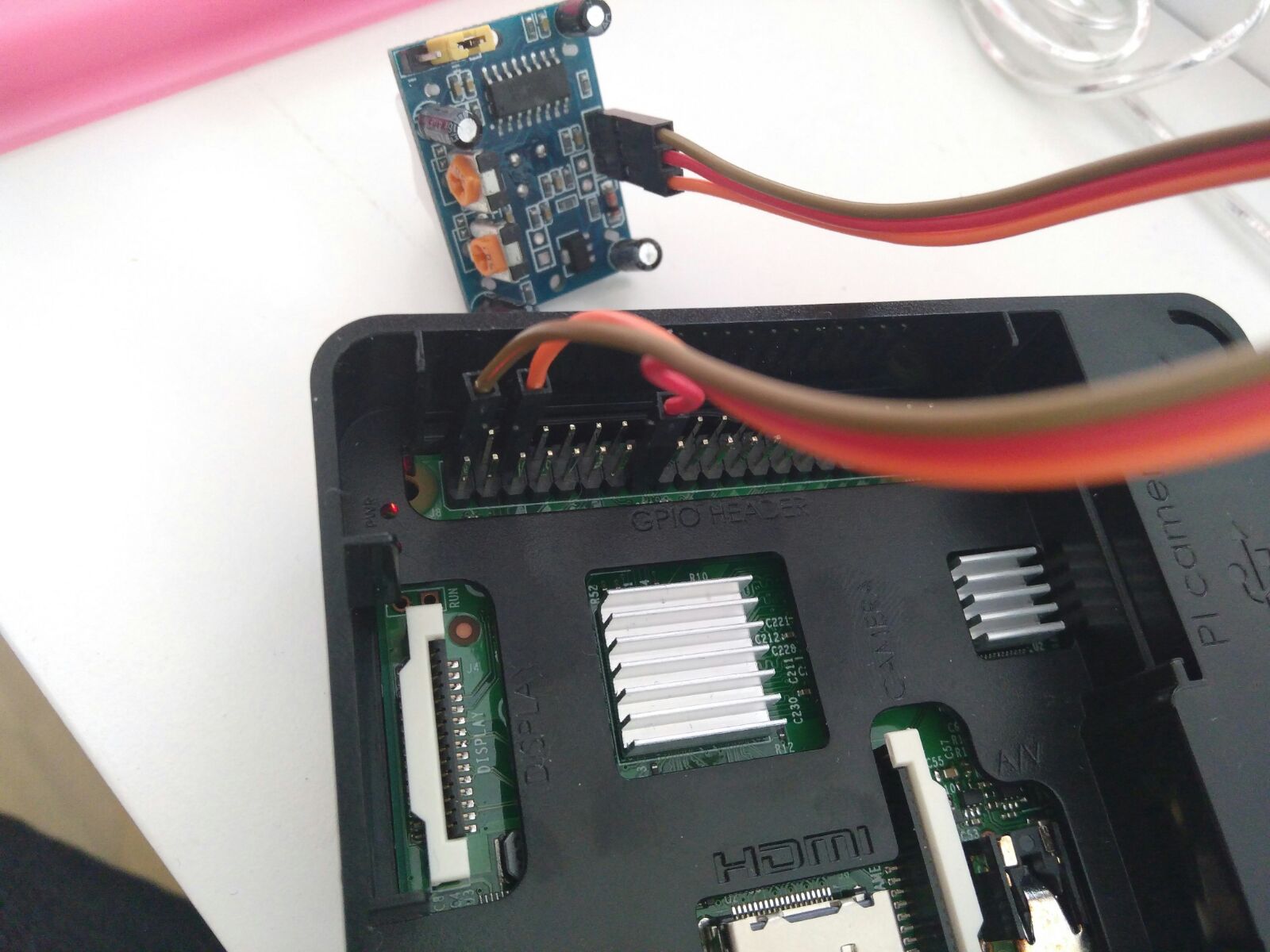
Thank you both for your help!
How can I disable completely the MM autostart?
If i stop with pm2 stop mm and start my MM with npm start from terminal everything works fine, but without the PIR sensor. If i connect the sensor to my pi i get the blackscreen.
@paviro I have now the same error just with 8888.
Now i have disconnect the cables from pir sensor and restart my pi. After reboot my pi my Magicmirror start automaticlly normal and after 2 seconds they got again black. That crazy thing is, I press ctrl+w and the blackscreen goes away and the the Magicmirror works “under” the blackscreen well…
@MichMich Thanks for your fast replay. I restart my Pi several times, but I have always the same problem. My MagicMirror starts normal and after 2 seconds the screen goes black.