Read the statement by Michael Teeuw here.
My 42" multitouch Philips MagicMirror Display
-
@M1K3rSz said in My 42" multitouch Philips MagicMirror Display:
Lucy or some other Alexa thing
Lucy is freely available.
So are all of these.
-
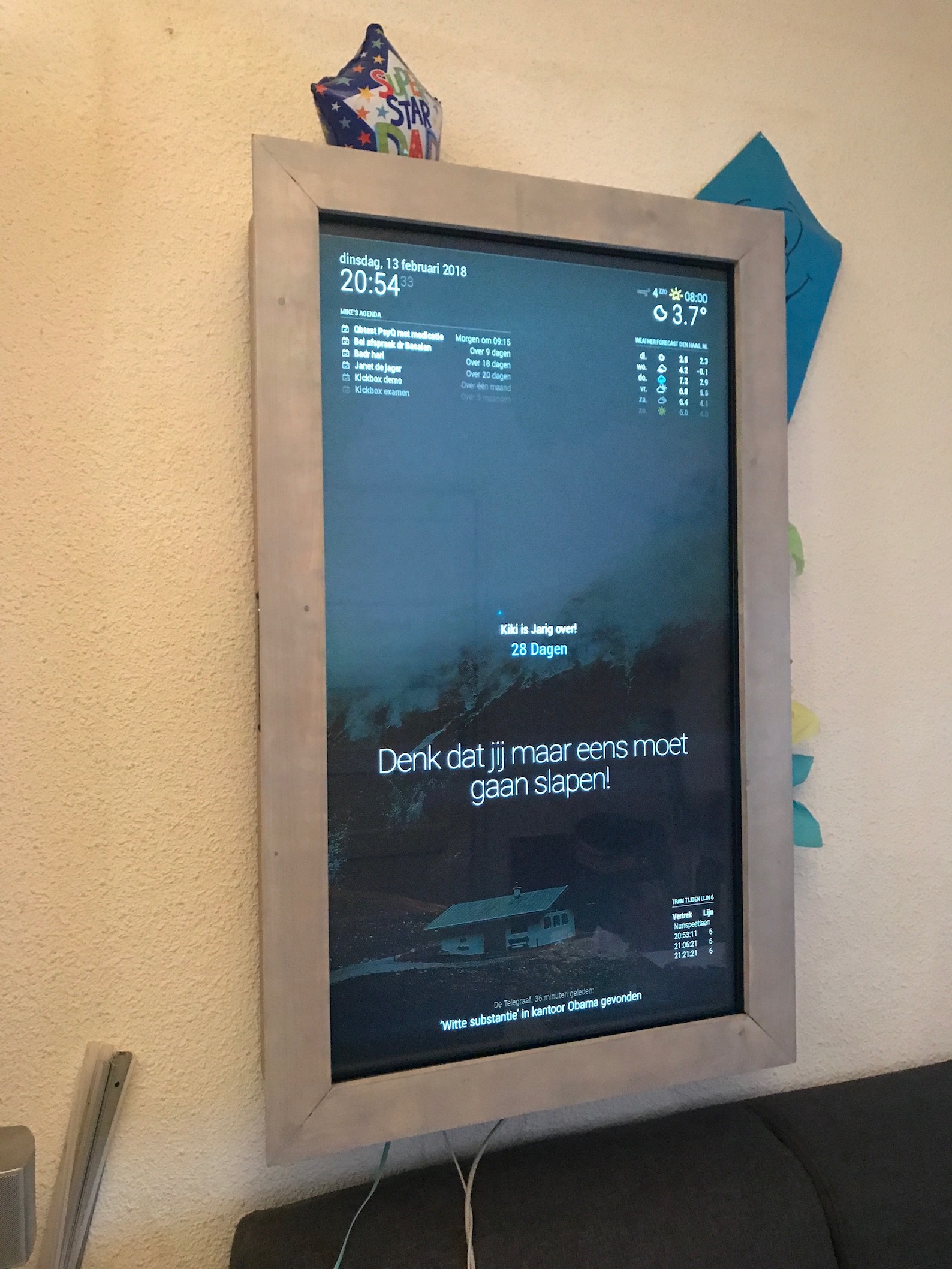
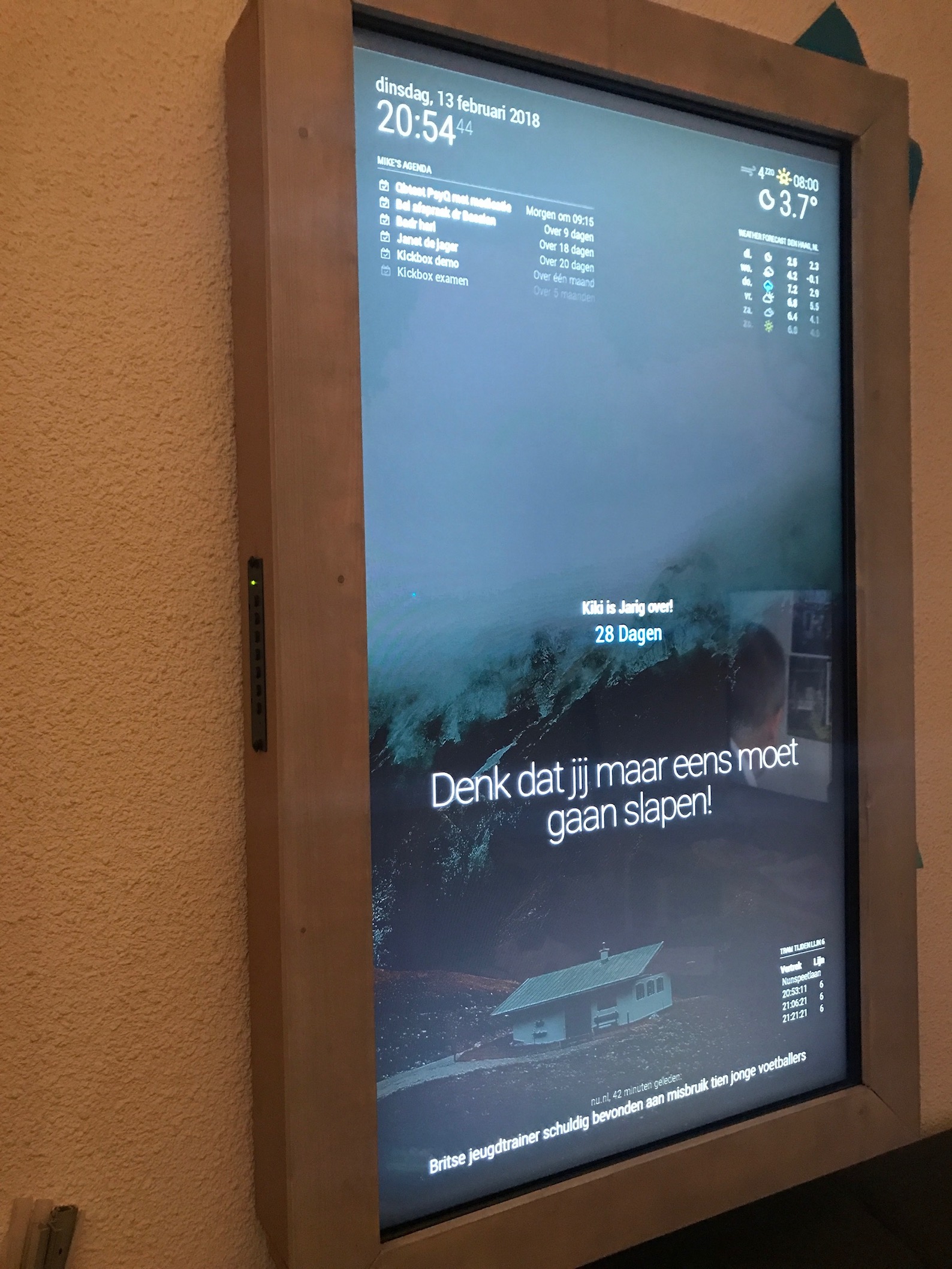
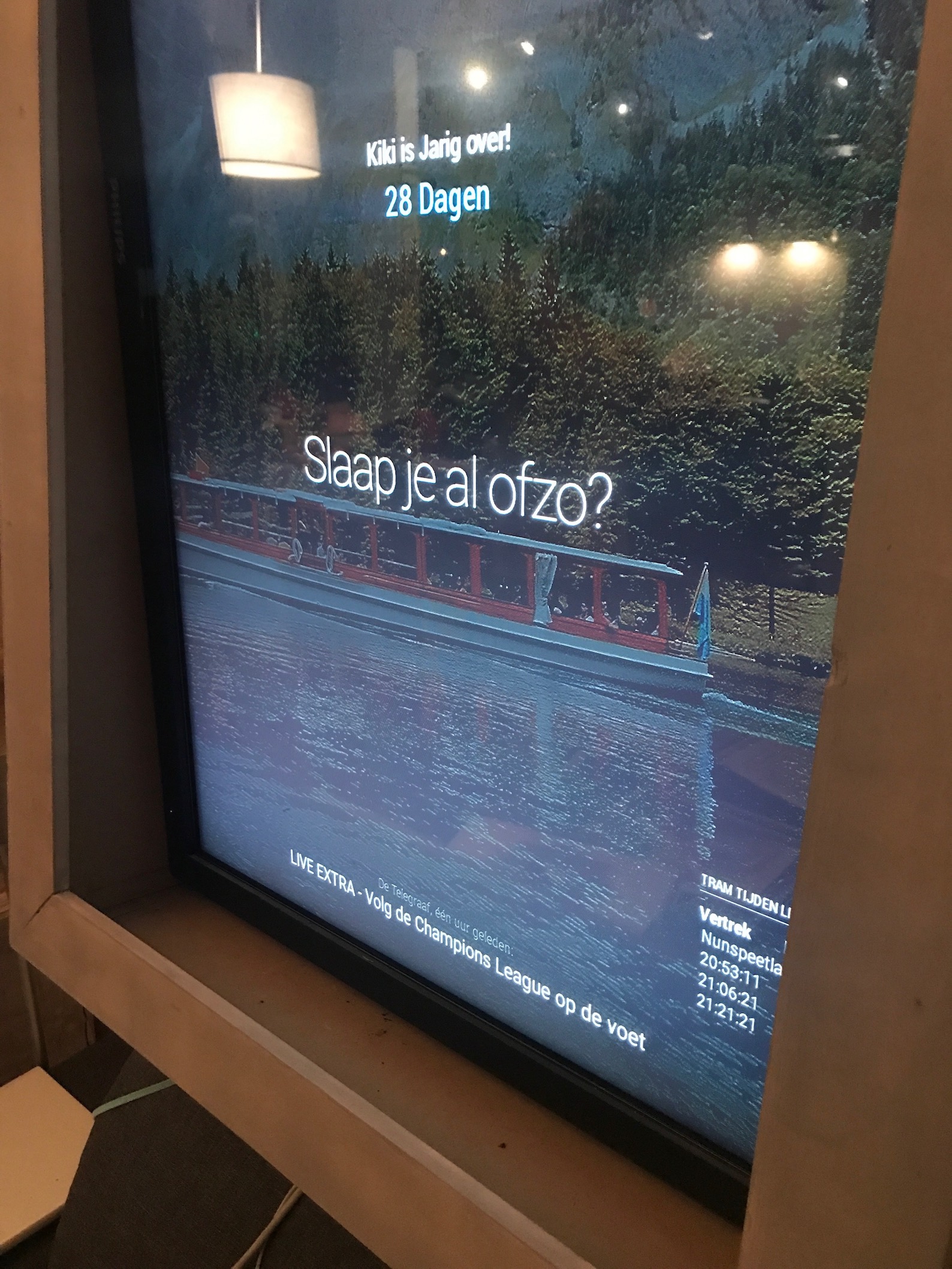
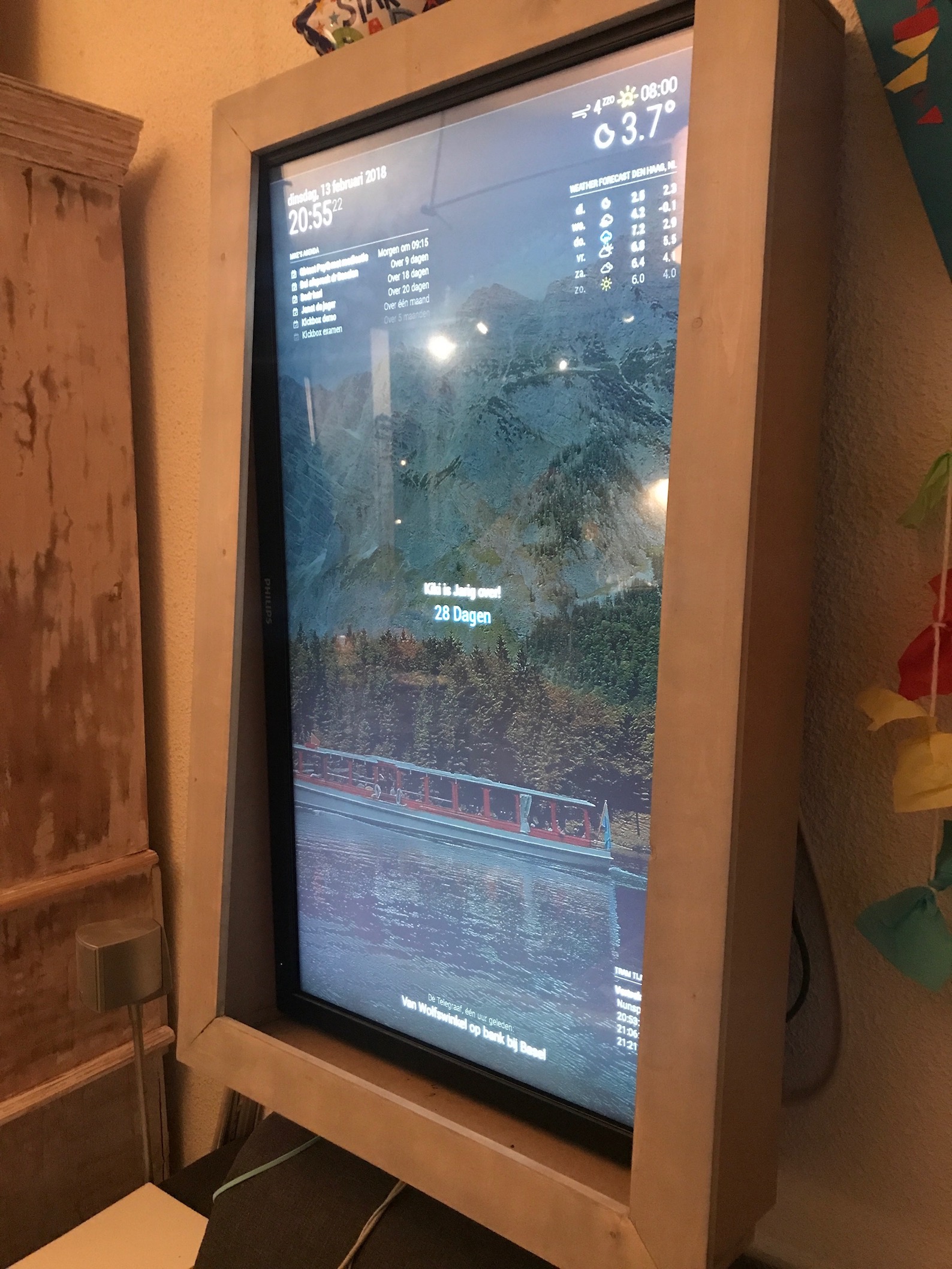
-
Nice work, sir. :-)
-
@Mykle1 thanks ;)
i know , i ordered a usb microphone when it wil arrive i wil try lucy for sure!!
-
Fantastic! Let me know how it goes. :-)
-
Looks very nice!! Interested how your touch screen works out.
-
Hello-Lucy is unlikely to work well on an rpi though, correct? At least this is my understanding…
-
@emlowe said in My 42" multitouch Philips MagicMirror Display:
Hello-Lucy is unlikely to work well on an rpi though, correct? At least this is my understanding…
It will work . . . with some latency. Depends on what you consider an adequate response time. You can NOT use the animated face. This will certainly bring the Pi to a halt. :-/
-
Heey @M1K3rSz ik heb een vraagje, ik kom zelf ook uit Den Haag en ik probeer bustimes op mijn MM2 te zetten, alleen lukt het me niet. Ik kan de timepointcode niet vinden voor tram 12 richting Duindorp. Kan jij me misschien verder helpen?
-
@viren_nitin just request http://v0.ovapi.nl/line/HTM_12_2 in your browser and search the resulting json with search on a page for TimingPointName for the stop you want to use. E.g I find Tholensestraat. The next field is the tpc
TimingPointName":"Tholensestraat","TimingPointCode":"32000806"Good luck
-
@viren_nitin said in My 42" multitouch Philips MagicMirror Display:
Heey @M1K3rSz ik heb een vraagje, ik kom zelf ook uit Den Haag en ik probeer bustimes op mijn MM2 te zetten, alleen lukt het me niet. Ik kan de timepointcode niet vinden voor tram 12 richting Duindorp. Kan jij me misschien verder helpen?
I’m going to assume that cirdan (The Shipwright) has helped you without going to my translator. :-)
-
This post is deleted! -
@cirdan said in My 42" multitouch Philips MagicMirror Display:
@viren_nitin just request http://v0.ovapi.nl/line/HTM_12_2 in your browser and search the resulting json with search on a page for TimingPointName for the stop you want to use. E.g I find Tholensestraat. The next field is the tpc
TimingPointName":"Tholensestraat","TimingPointCode":"32000806"Good luck
Sorry , ik was een paar daagjes buiten de stad !
dus zie je vraag te laat, neem aan dat cirdan je uit de brand heeft geholpen -
Dear @M1K3rSz , your LED’s look pretty cool. Did they come with your monitor or did you installed it after you bought your screen? Furthermore I would like to know what they are there fore? Screen activisation ore even showing you which component is not working correctly?
Thanks in advantage for your answer :)
Kind regards from Hamburg, Germany,
Paul -
che casa incasinata
-
@cirdan Thank You! It worked.
-
@viren_nitin nice, good luck catching your bus
-
This post is deleted!





Hello! It looks like you're interested in this conversation, but you don't have an account yet.
Getting fed up of having to scroll through the same posts each visit? When you register for an account, you'll always come back to exactly where you were before, and choose to be notified of new replies (either via email, or push notification). You'll also be able to save bookmarks and upvote posts to show your appreciation to other community members.
With your input, this post could be even better 💗
Register Login