Read the statement by Michael Teeuw here.
My mirror from Montreal
-
Hey everyone,
Below is my build but I wanted to first thank everyone for contributing here as I would not have been able to do this without all the info on this site.Still fine tuning the software as I really would like to have voice control and random YouTube play lists but those two modules are still a struggle for me and can’t get them running.
I picked up the two way mirror (18” x 30”) at a local glass shop for surprisingly cheap…$126.00 CND before taxes.
Further down you will see a valuable and costly oops on my part.
YouTube link: https://www.youtube.com/watch?v=4S79dItWKps
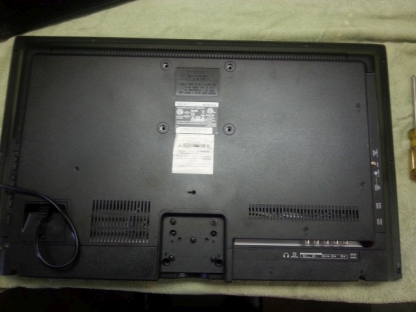
I started by getting myself a 29” LCD TV off of a local “Greggs list” site for $40. Also pick up a mirror and frame from the same site.
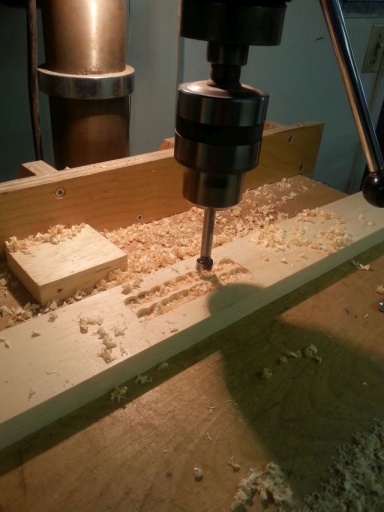
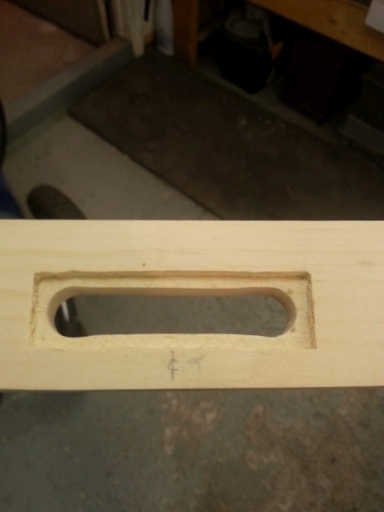
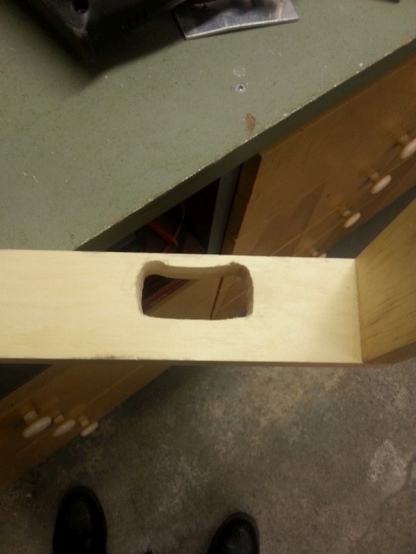
Began building the shadow box frame for the TV and mirror and modified it to fit the TV’s speakers and the PI itself.
Stripped the TV down as it was way too thick, glued up the shadow box frame and assembled it to the mirror frame to begin fitting it all up. Also tested out the software to insure all is running well.
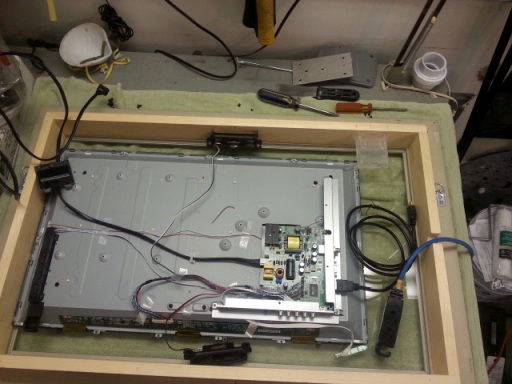
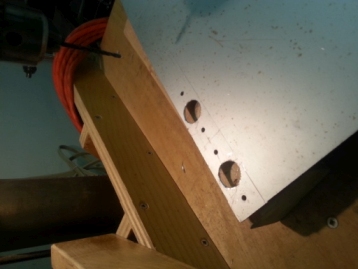
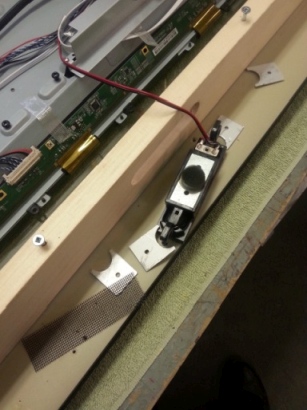
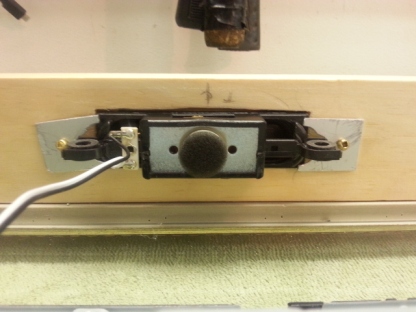
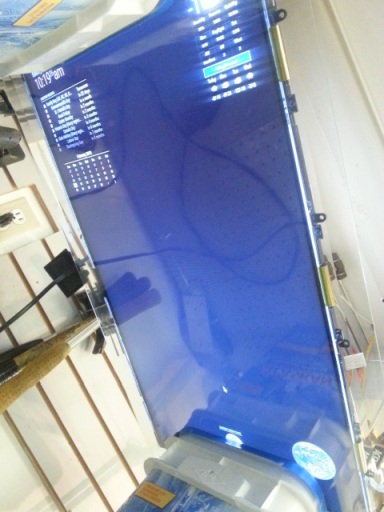
Next I Cut up some wood bracing to center the TV on the mirror. Also bought some black shelf mat material from the local dollar store , fitted it in the shadow box and cut out a hole just big enough for the TV screen.
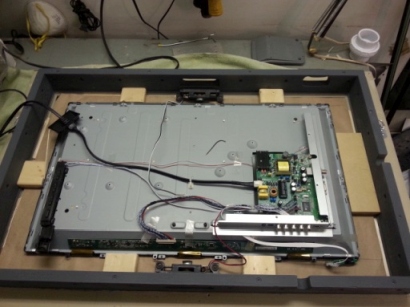
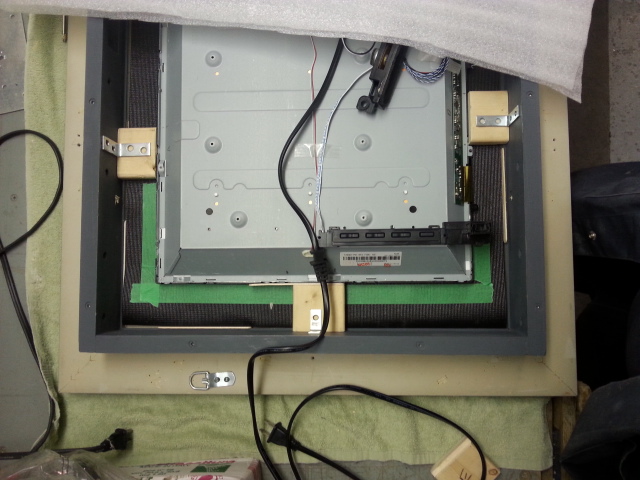
OOPS:
At this point I wanted to give it a last run through with everything connect and realized at some point, with the TV circuits exposed, I somehow shorted something. After days of trouble shooting I gave up and decided to buy another TV.** Protect your exposed PCB’s
The second TV is a 29 Philips LED so it was thin enough to keep the back casing on to protect the circuit boards. I pretty well fitted it the same way as the first and added some brackets at the bottom left and top right to keep the TV from fall out.
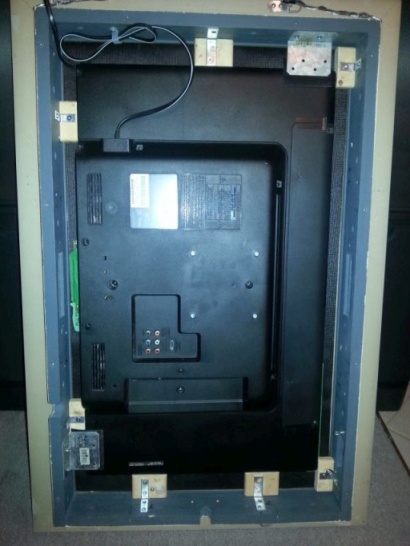
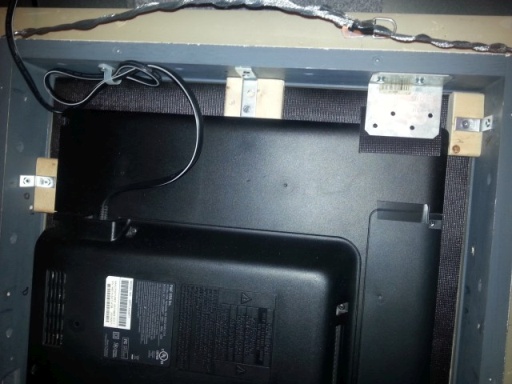
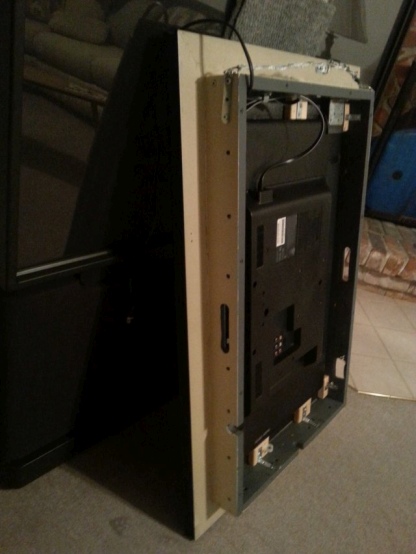
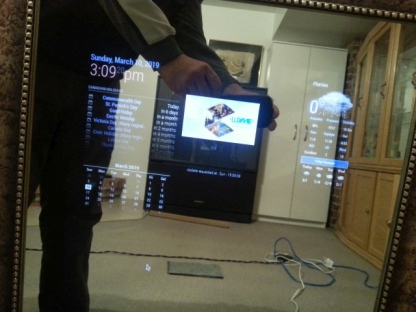
Connected all together and hit the start button. Still need to fine tune some details like auto start, etc but I’m kind of happy with it so far.
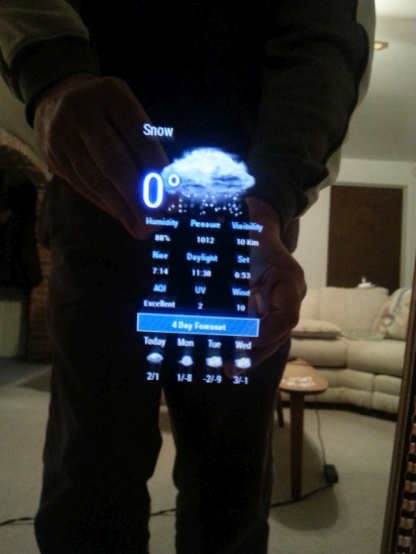
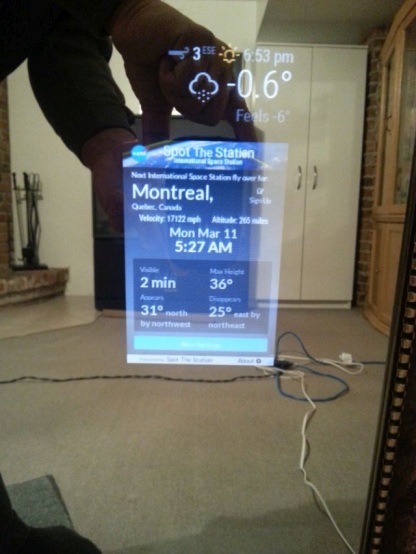
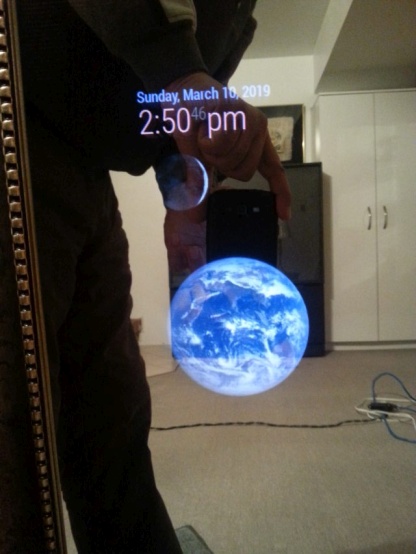
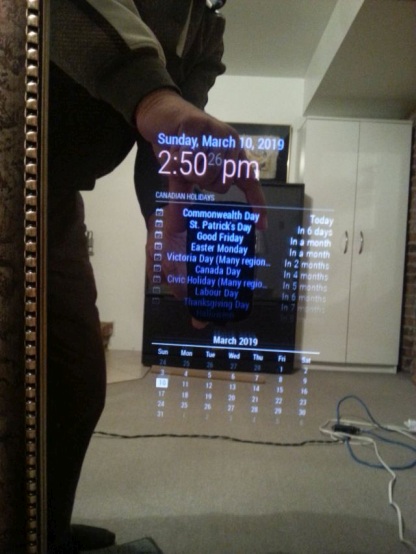
Just need permission from wife as to where I’m aloud to pace it Have two pages of modules alternating with ticker tape news, time and the temperature on the fixed page.
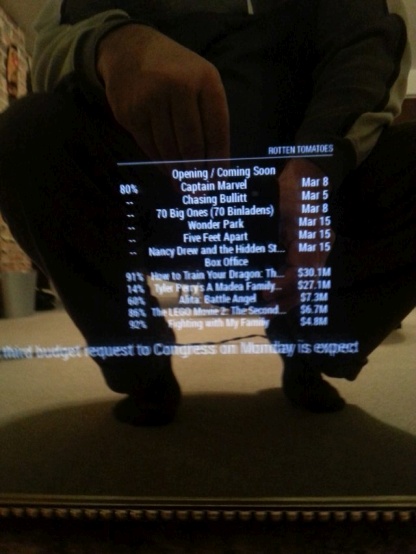
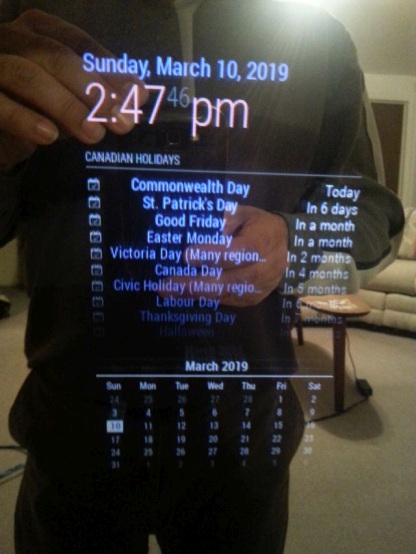
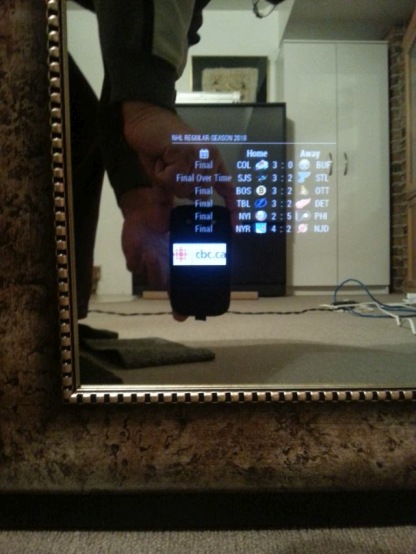
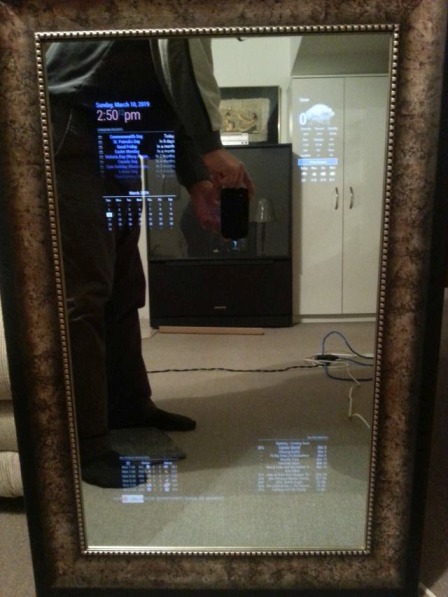
-
great job fellow Canuck!
-
@cyberphox Thanks,
-
Well done, sir. :thumbsup:
-
@lpgjg Thanks for posting all the details. Glad you kept going even with the cabling/shorting issue. The Spot the Station module is a great idea. I’ve gone here to install it: https://github.com/mykle1/MMM-ISS I noticed another cool looking module in your screenshots. What’s the one with the nice astronomy images (Earth and Moon)?
Thank you!
-
The Earth and Moon modules I used are found in the 3rd party modules list:
https://github.com/MichMich/MagicMirror/wiki/3rd-party-modulesThese are them specifically:
https://github.com/mykle1/MMM-EARTH
https://github.com/spectroman/mmm-moon-phases -
I prefer the MMM-Lunartic module for the moon. :-)
-
Thanks to @lpgjg and @Mykle1 - Really appreciate the suggestions. I’ve installed mmm-moon-phases. It’s great. I installed MMM-Lunartic, and love all the extra stats. I’m struggling in CSS to get the moon image closer to the header (or a module above it). It’s just an aesthetic change. Seems like maybe the image itself has a larger border. Would like to fix that but otherwise, super cool. Thank you @Mykle1 for making such a fun module.
-
Use these in your custom.css file and adjust accordingly.
.MMM-Lunartic img.photo {
  max-width: 100%;
  margin-left: 0px;          /* Precisely align moon picture with these */
  margin-right: 0px;
  margin-top: 0px;
  margin-bottom: 0px;
}
Yes, the image is contained in a black square (outer space?) so moving it into the region of another module might cover the other module. If so, you switch the order in the config.js for both modules (move the earlier entry to after) so that the black border of the MMM-Lunartic module will be covered by the other module.
-
This is good to know, I also had issues with the margins since I wanted it to look as if the moon was in orbit around the earth. Eventually, I gave up and made it work with mmm-moon-phase. I will probably go back an change it now that I know how to make it work.
thanks Mykle1
-
No worries, mate. Use what works for you. I’d like to see a pic of “the moon in orbit around the earth” when you’re done. Have fun.
-
@Mykle1 Thanks for pointing out your css file. I mucked around in it quite a bit. Changing the margin settings did not, unfortunately, seem to change the effect very much. I was able to make it overlap with a module above it, like you pointed out. I tried negative numbers, like the examples in the comments. I ended up hiding the moon image in MMM-Lunartic, setting display: none; in the css file, but using it to display the (very cool) data about the current phase of the moon and more. I am using mmm-moon-phases to display the image of the moon. This ends up with the proper “tightness” for the moon image. (Again, this is just one person’s aesthetic change.) Thanks for making both the module, the MMM-Lunartic.js and .css files so accessible. It’s been super fun tweaking the display.
-
Excellent! Are you going to take a picture/screenshot so I can see the end result?
-
@Mykle1 Here you go!
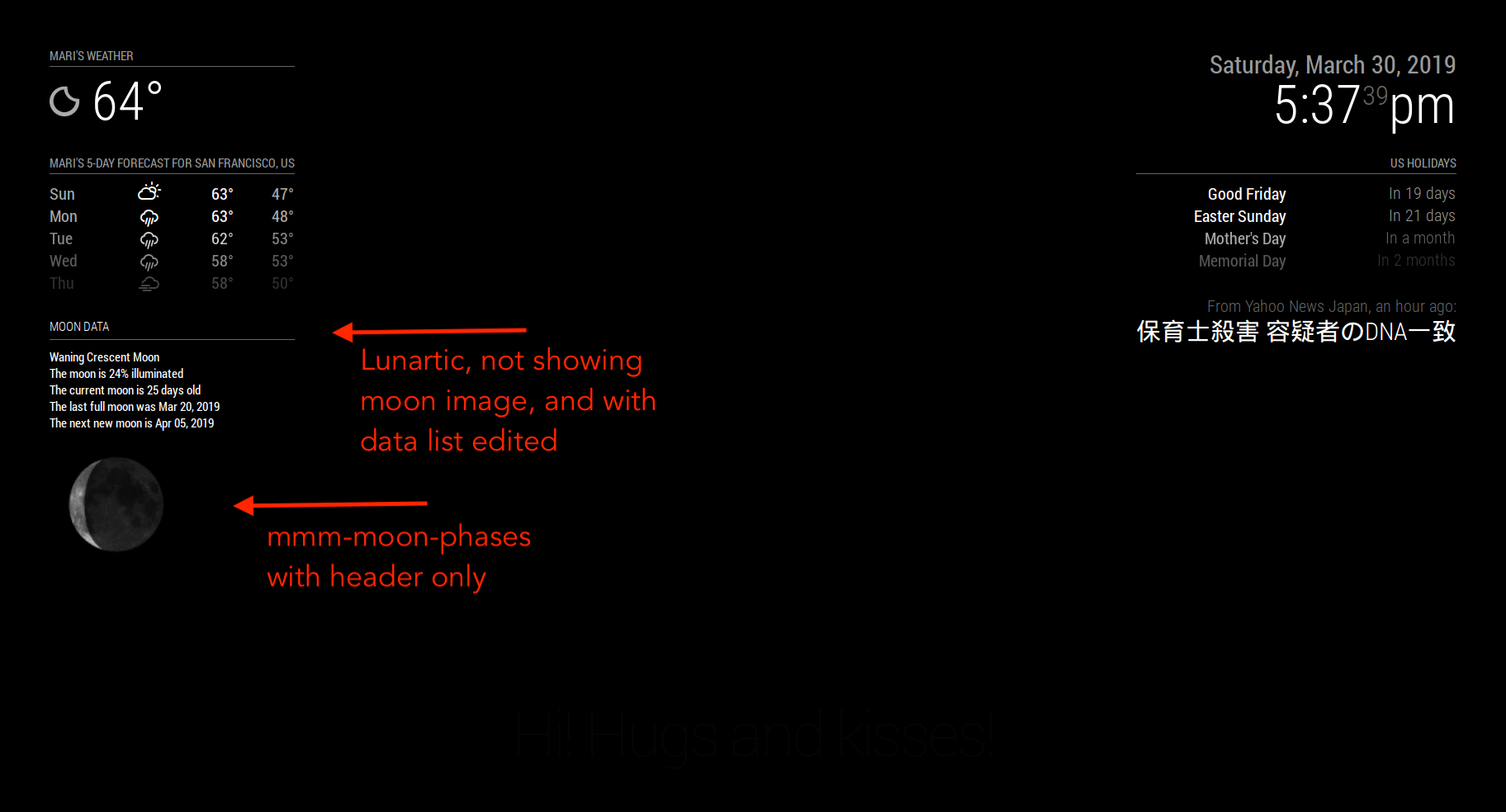
-
Well done. :thumbsup:
-
@Mykle1 Thanks for all the work on MMM-Lunartic and providing it to the community. Really fun.
-
Good looking mirror! Well done, sir.
-
@bhepler Hey, thanks! :-)
-
@jcasman Nicely done.
-
@Mykle1 I only got as close as the pic I posted…with the Earth and moon to the top left of it.


Hello! It looks like you're interested in this conversation, but you don't have an account yet.
Getting fed up of having to scroll through the same posts each visit? When you register for an account, you'll always come back to exactly where you were before, and choose to be notified of new replies (either via email, or push notification). You'll also be able to save bookmarks and upvote posts to show your appreciation to other community members.
With your input, this post could be even better 💗
Register Login