@mediathreat the custom.css -file already exists and is located in the folder aptly named css
B
Offline
A New Chapter for MagicMirror: The Community Takes the Lead
Read the statement by Michael Teeuw here.
Read the statement by Michael Teeuw here.
Posts
-
RE: Box/Frame around module
-
RE: 27" Magic Mirror with Philips Hue integration
I like it! That’s some serious cable-cramming you did there :D
-
RE: Missing the weather after new installation
@Mykle1 Wrong quotations again, I’m guessing the built in word-editor in pixel is to blame here. (that automaticly change
"to“) -
RE: Take a Picture and Display it
@Bones just a thought, why not a live stream to the mirror from a camera mounted on the opposite side of the room? :)
-
RE: Currentweather distance
add
.currentweather .weathericon {
letter-spacing: -10px;
}
to your custom.css, adjust the spacing 'til you’re satisfied.
-
RE: Newbie MM Network Scanner Problems!! Installations & Syntax Error
@michael_klatt You are missing a comma after
updateInterval: 5it should be
updateInterval: 5, -
RE: Oral-b toothbrush
I believe it’s in the works,
Original request thread :
https://forum.magicmirror.builders/topic/1263/toothbrush-integration/34Development thread :
https://forum.magicmirror.builders/topic/1615/mmm-oralb-bluetooth-equipped-toothbrush-integration -
RE: Possible to develope my idea of modules?
MMM-syslog recieves and displays message that you send via http get.
The camera module should be no problems either.
-
RE: How do you get the taskbar to show over the Magic Mirror?
@Mykle1 I think he means the pixel desktop taskbar
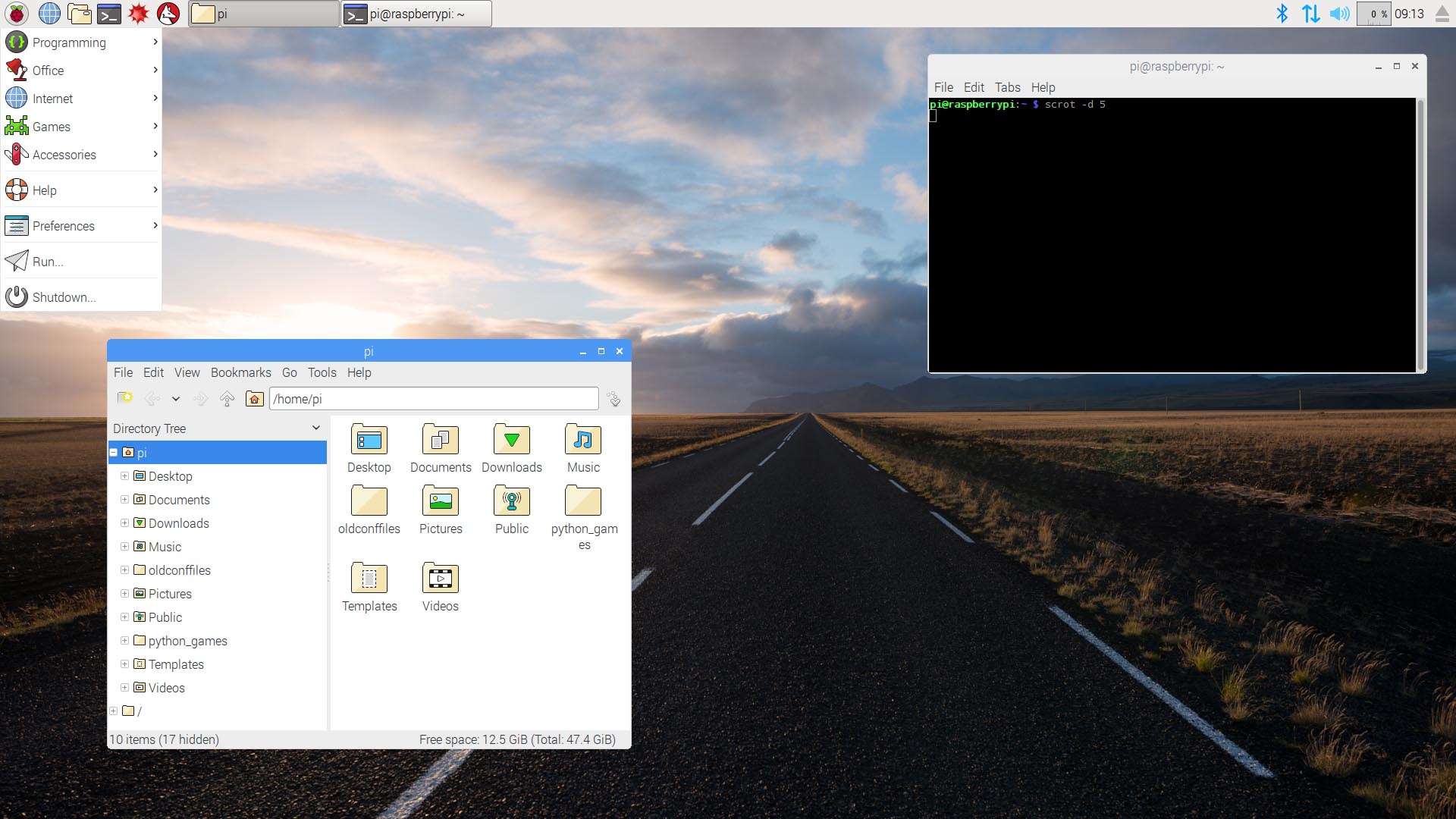
Don’t really know how to format it but electron can be run in window-mode and still maximized
maybe this will work :
electronOptions: { fullscreen: false, width: 1080, height: 1840 } -
RE: Multiple desktop with swipe
Well, the first “issue” I can think of is that the raspberry isn’t powerful enough to do a smooth sliding animation, but if you can live with that I see no issue in making multiple layouts, maybe using the profileswitcher module, but instead of fade in/out you have a sliding animation.
-
RE: MMM-WeatherBackground -- image transparency??
@GoodWillGustin The background image can’t change transparency with css, you either add background color to the modules above (that’s probably what sean means with the css tip at the bottom of his readme).
You can change the transparency of that entire module, but any text etc would also get affected.
.MMM-WeatherBackground {opacity: 0.5} -
RE: WiFi drops and reconnects regularly...
@binderth I found that 2A isn’t enough for the pi3, when under heavy load it would fail. The raspberry 2,5A power unit is highly recommended.
-
RE: Multiple desktop with swipe
@mortenbirkelund I’ve made two touch modules, none of them swipe, but anything you can do with a mouse you can add to MM via javascript events, like click etc etc.
There are more profile/module selection modules to hide and show different kind of modules, they don’t need facial recognition, they can get input from any source, more or less.
-
RE: Move the bottom_bar a little higher
You can adjust the bottom margin to go over the frame. (add this to the custom.css file)
body {
  margin-bottom: 150px;
  height: calc(100% - 180px);

}
This will squish everything tighter so nothing will be placed below the visible surface
-
RE: Module to show an PDF document on the MM2
@reneSwiss I don’t think chromium has support to view a pdf.
Simplest route to take would be to convert the pdf to a jpeg image. And then display the jpeg on the mirror.
-
RE: color MMM-newsfeed
It’s because most text has other classes that overrides the “general” option that is
color:mostly it is
.brightand.dimmedthat is used.so for an example, the title in the default newsfeed is set with the class
.bright.newsfeed .bright { color: green; }(I don’t know if there is a module named MMM-newsfeed, The default newsfeed is just
.newsfeedand not.MMM-newsfeed, but if you are using a module besides the default one disregard this and use the module name as as in your example) -
RE: Complete Options List for config.js
@nimbus78 this is why you read the readme file on github for each module.
There isn’t any standard variables, most modules have their own options that can be configured. And it isn’t really an option to include variables just because, when they are not really used.
The naming of the variables (config options) is totally up to the creator of the module.
Some modules have update timers, some don’t, som modules have url variables some don’t. Etc etc
-
RE: Tilting the display by a couple of degrees to make it straight
You know what, @evroom s solution might just work.
Tried it and it isn’t half bad, it gets blurry, but not overly so. (disclaimer, tried this on a 24" 1440p display)
body {
transform: rotate(0.2deg);
transform-origin: top left;
}