G
Offline
A New Chapter for MagicMirror: The Community Takes the Lead
Read the statement by Michael Teeuw here.
Read the statement by Michael Teeuw here.
Posts
-
RE: Vilros Magic Glass Mirror and Frame
@carbonatedbeans , Hi, I bought reflective film and glued it to normal glass. The quality is very bad. I threw away the film and bought the two-way mirror.
-
RE: Message: no signal
@lavolp3 , thanks, but i have no idea how to do it. Any tips?
-
RE: Help please!!
@innovation , why you not use MMM-ImagesPhotos? There you have a folder, “uploads”, where you can upload your photos.
-
RE: Message: no signal
@sdetweil , thanks. I will buy another monitor :(
-
Message: no signal
Hi,
for my new magic mirror I have a SyncMaster TA550 monitor / tv. The problem is that after the PIR sensor stops the signal on the screen I have the message: without signal, check the connection …
Can anyone help me how I can disable this message?
Thanks, -
RE: MagicMirror UI cant resize!
@nousername , press ALT while the mirror is working. At the top you will find “zoom in” and “zoom out”.
-
RE: Weatherbit Unit
@matthewlawson3 Hi, I do not use this module but for other similar modules the change of temperature units, distance, wind measurement units … can be set in the module’s config.js. Search there.
-
[MMM-ImageSlideshow
Re: MMM-ImageSlideshow Showing images from a USB drive
Hi,
I installed MMM-ImageSlideshow and I want to upload the images from the USB drive. I don’t understand the settings from the last step:know terminal window write this
ln -s / media / pi / home / pi / MagicMirror / modules / MMM-ImageSlideshow / USB
now that create a short cut in the USB folder (windows man HERE LOL)
I drill down into itPlease, can someone explain in detail what I have to do?
Many thanks, -
RE: Bathroom Magic Mirror
@ernade Hi, try this in custom.css file:
body {
margin: 0;
position: absolute;
transform: rotate(90deg);
transform-origin: bottom left;
width: 100vh;
height: 100vw;
object-fit: cover;
top: -100vw;
visibility: visible;
}or try this:
Most mirrors tend to be portrait, whereas screens are normally landscape. Normally we could make some changes to /boot/config.txt to easily rotate the screen, but with Raspberry Pi 4’s fancy new graphics support, this is no longer possible. To rotate your display 90º so it fits your mirror, open a Terminal and enter the following:
/etc/xdg/lxsession/LXDE-pi/autostart
Now add this line to the end of the file:
@xrandr --output HDMI-2 --rotate right
Save the file (CTRL+X) and reboot. Your display should now be portrait. -
RE: MMM-DynamicWeather
@scottcl88 , Hi,
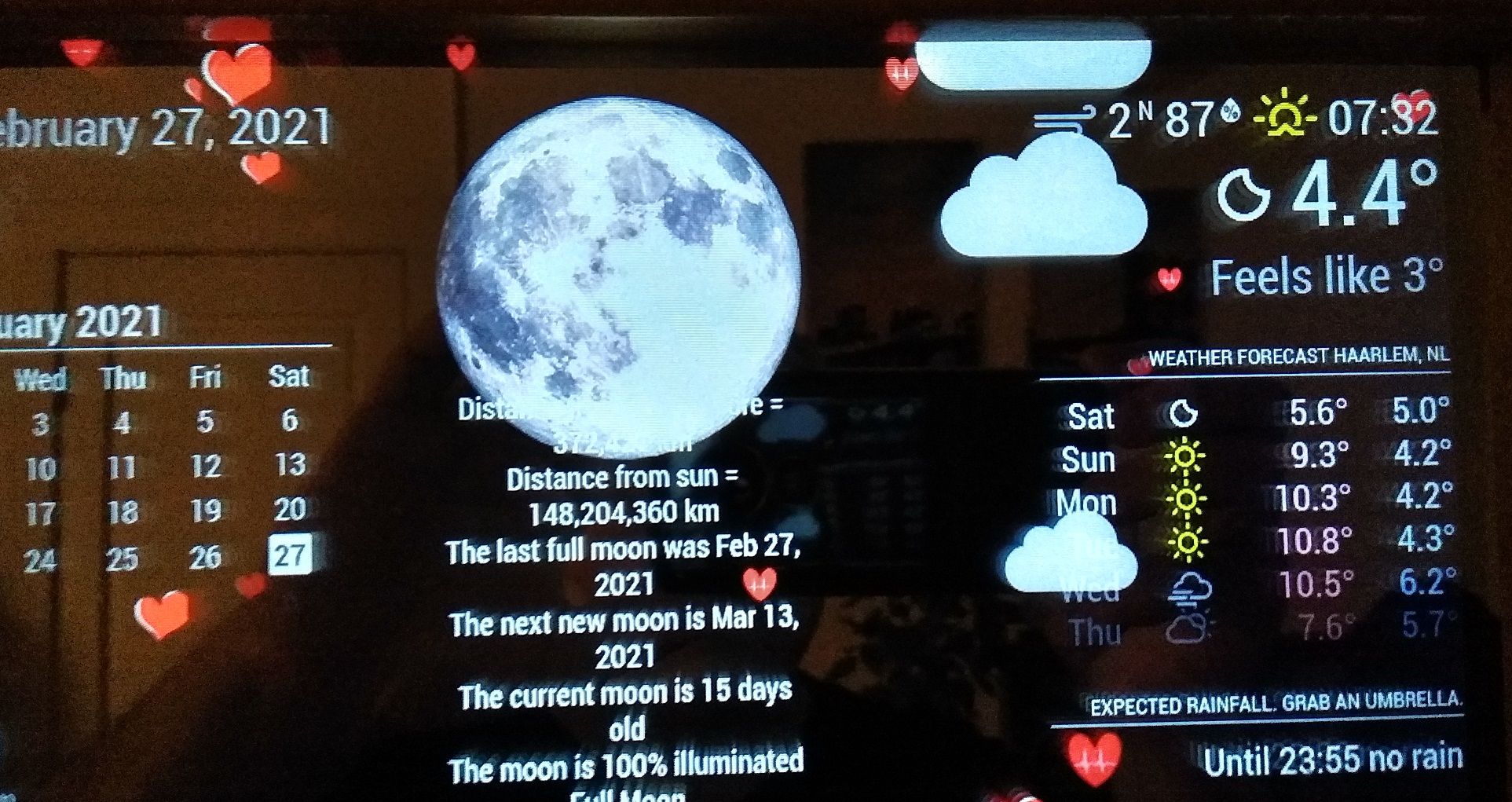
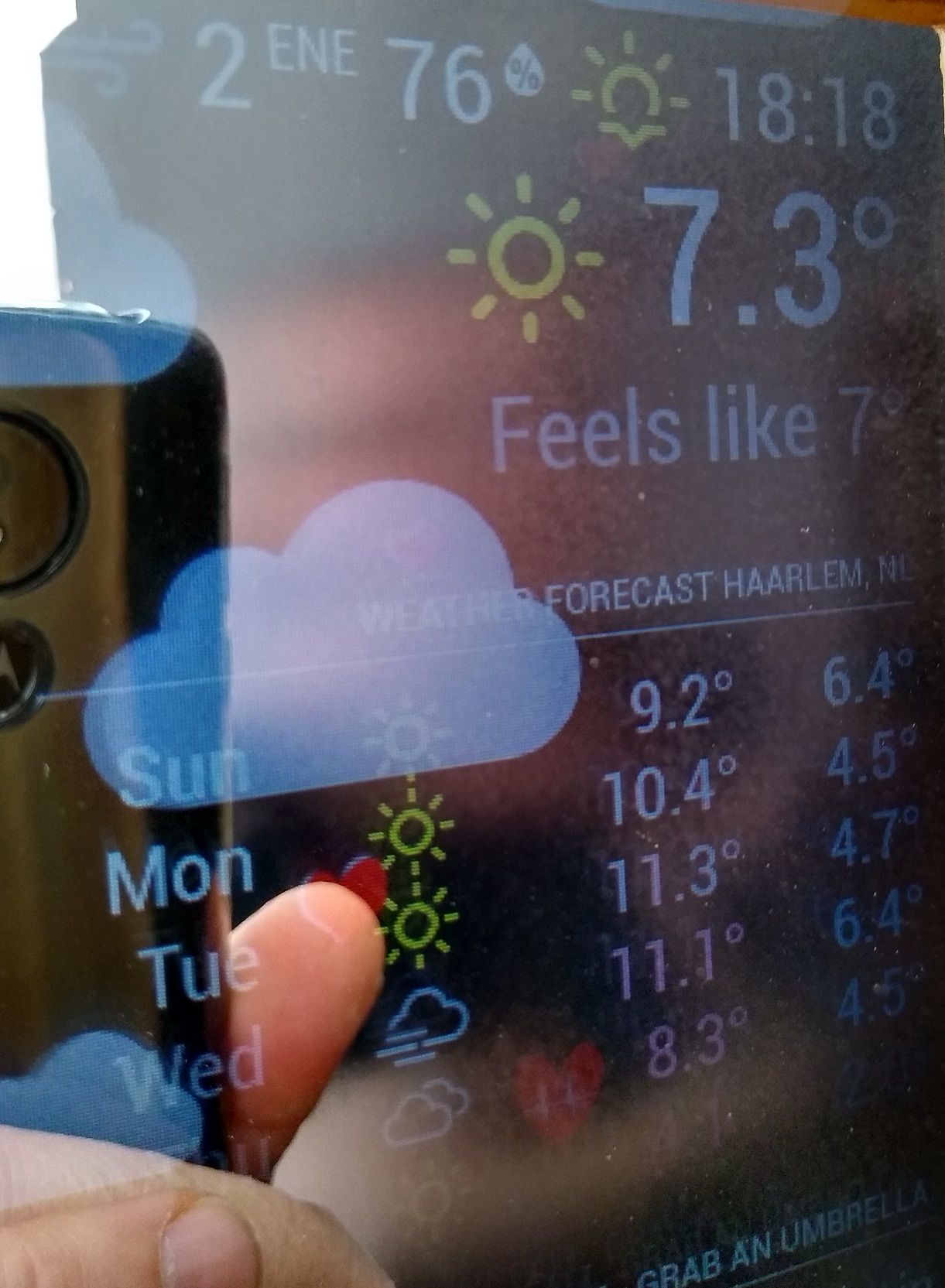
I don’t want to stress you out, but I like this module too much and I want to have it on the mirror. Now I have another problem: even if the night is clear, or the day is sunny, the module is not updated after the current weather. Clouds can still be seen. I waited a few hours, maybe there is a longer interval for the synchronization of the two modules but nothing changes. I installed it again two days ago, it’s “up to date”. If I restart the mirror, everything is ok, the clouds are no longer visible when the weather is sunny.
-
RE: WHY is Mykle1 such a forum god?
@cowboysdude , you, @mykle1, @sdetweil, are the best. Without yours modules, my mirrors would be less interesting. Congratulations and many thanks for your work!
-
RE: MMM-DynamicWeather
@scottcl88 Hi,
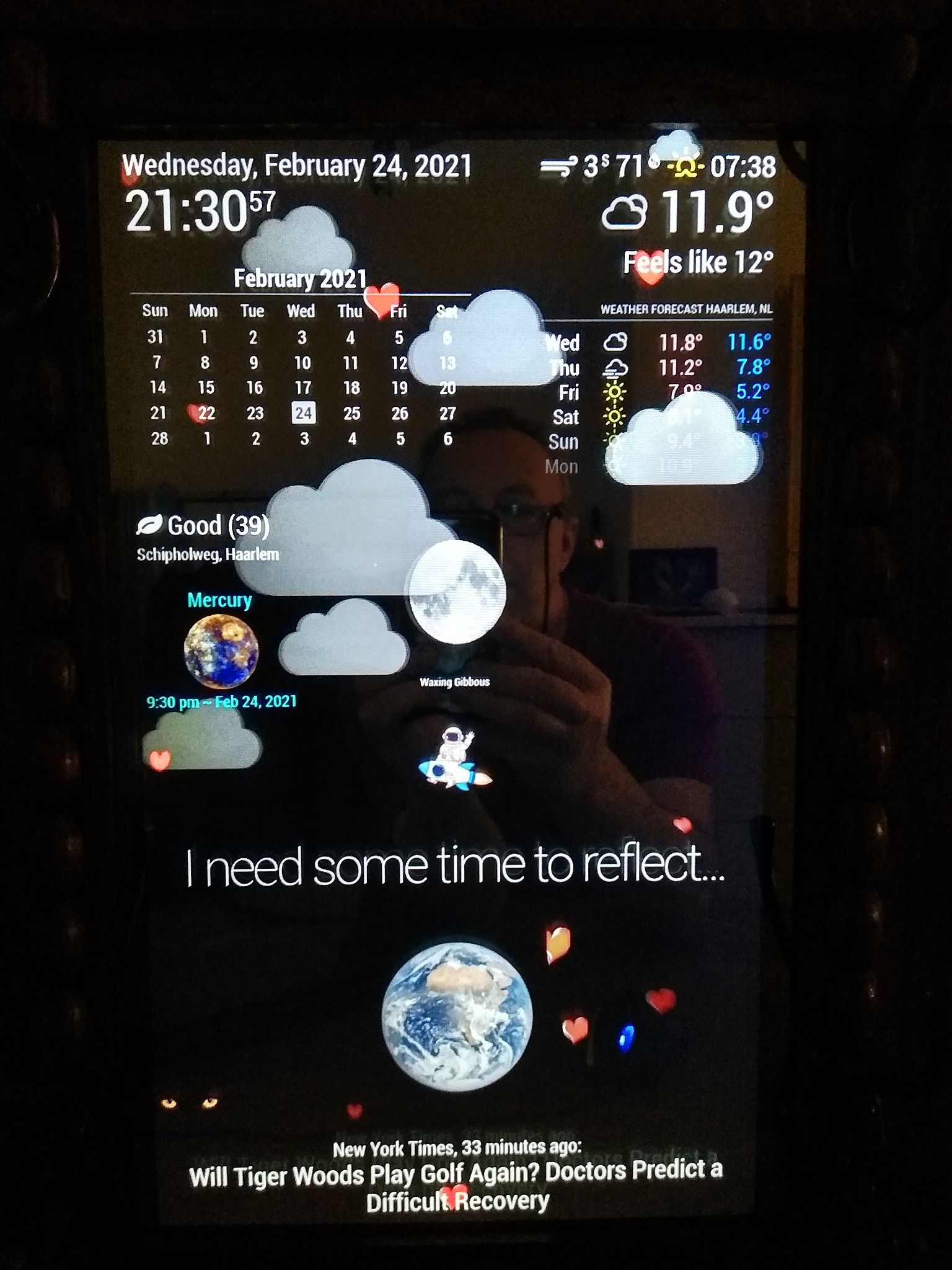
I reinstalled the module an hour ago on the mirror that has the most modules and the mirror work. :)
Many thanks!
-
RE: MMM-DynamicWeather
@scottcl88 Hi,
an hour after the mirror was turned on, MMM-News disappeared (nothing was displayed), MMM-ImagesPhotos disappeared and the clock stopped. I disabled DynamicWeather, I restarted and now everything is ok. I think there is a conflict.
I’ve had mirrors for almost a year, it’s always worked perfectly, it’s the first time something like this has happened. -
RE: MMM-DynamicWeather
@scottcl88 Hi,
yesterday the mirror crashed two hours after starting. I did not update the Magic Mirror folder from last year, from June or July. Now I updated with “git pull && npm install” and restarted the DynamicWeather module. I’ll write to you if it crashes again.
I don’t have many modules: the “default” modules and MMM-AirQuality, MMM-EyeCandy, MMM-ImagesPhotos, MMM-rain-forecast, MMM-Snow.
Thank you very much for your patience and understanding. I really like your module and I hope it will work on my mirrors :)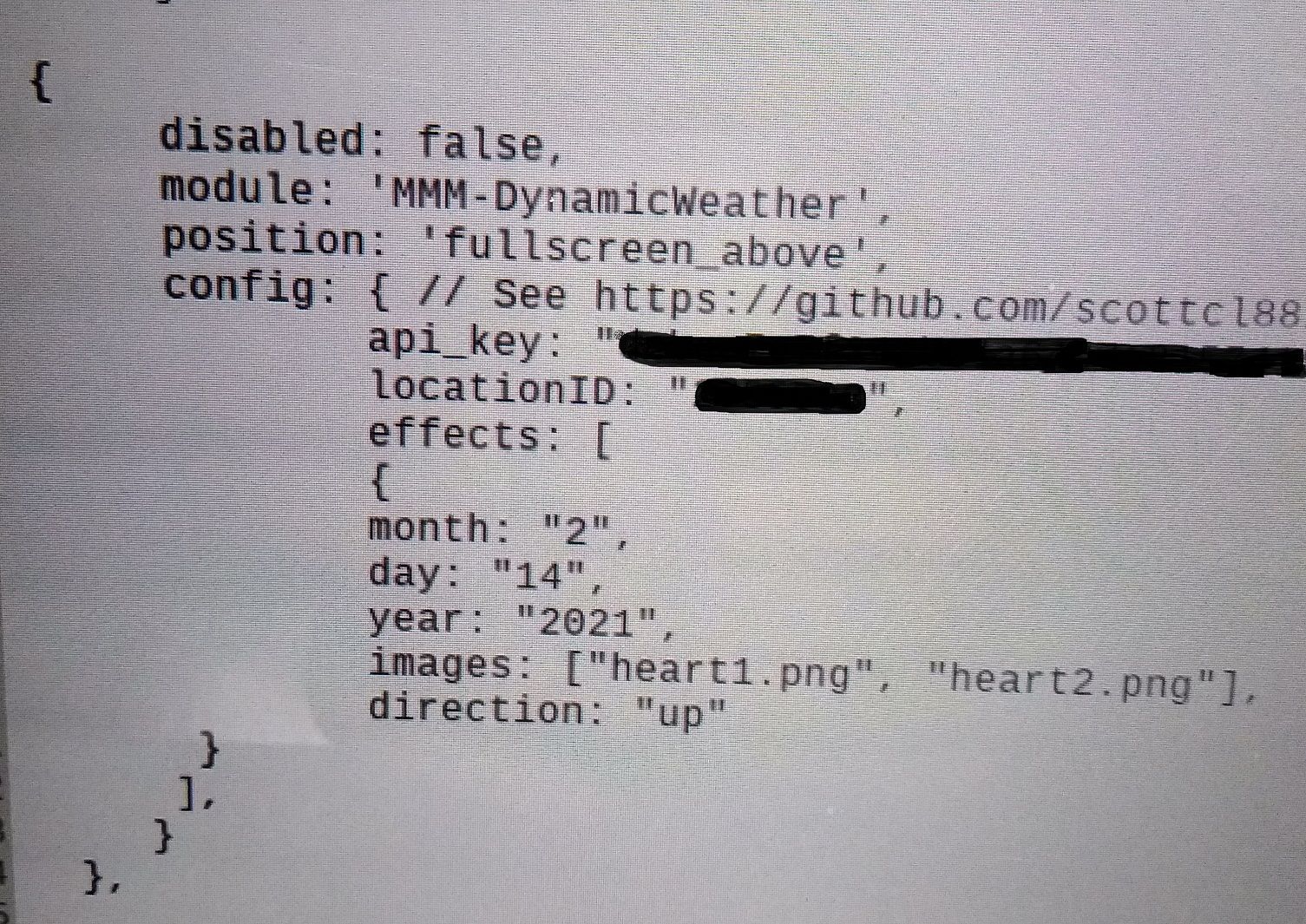
-
RE: MMM-DynamicWeather
@scottcl88 I reinstalled the module and after two hours the mirror locked. CTRL + Q doesn’t work, the shut down button doesn’t work, I unplugged it. I tried “npm start dev” but I only see the activity after rebooting :(
-
RE: MMM-DynamicWeather
@scottcl88 Hi,
I updated it with “git pull” in the DynamicWeather folder. I will reinstall the module and let you know how it works.
Thanks, -
RE: MMM-DynamicWeather
@scottcl88 ,Hi,
I have three mirrors, all in portrait mode, with PIR motion sensor. I installed the module on all three on February 13th. On February 14, the “Valentine’s Day” display worked, but it continued to work on February 15. I restarted the mirrors and “Valentine’s Day” stopped. In the next days was raining, fog, clouds, it worked perfectly. A few days later was clear but the mirrors still showed clouds. Because I also installed the MMM-Photos module and the clouds were covered by this module I changed the position from “above” to “below”. I did an “update” and the next morning it’s were all with the screen “on” and were blocked. At one of it’s I’m remember that the clock module was locked at 1.30, at night. I have a “shut-down” button but it doesn’t work anymore. I unplugged them.
I restarted them and two started working. One of them went from portrait mode to landscape mode. I rotated the screen but the resolution was changed from 1280x720 to 1024x768. Strange was that the 1280x720 resolution was not even active to set it again. I have a backup card, I changed the card and started all three again. I changed the position to “above” again. In a few hours it’s were blocked again. I restarted, at the same mirror again the screen rotated itself, the resolution changed, I changed the card again. This was repeated three times. Now the module is “disable” and the mirrors work.
I really like this module, I want to have it installed. I don’t know where to look for errors, can you help me to see where is the problem?
Thanks,
George -
MMM-DynamicWeather
Hi,
I installed MMM-DynamicWeather a few days ago. It is a very beautiful module, but my mirrors (I have three) it’s being blocked daily, switch from portrait mode to landscape mode, the screen resolution changes, the Weather module is no longer displayed. Does anyone else have such problems?
Thanks!