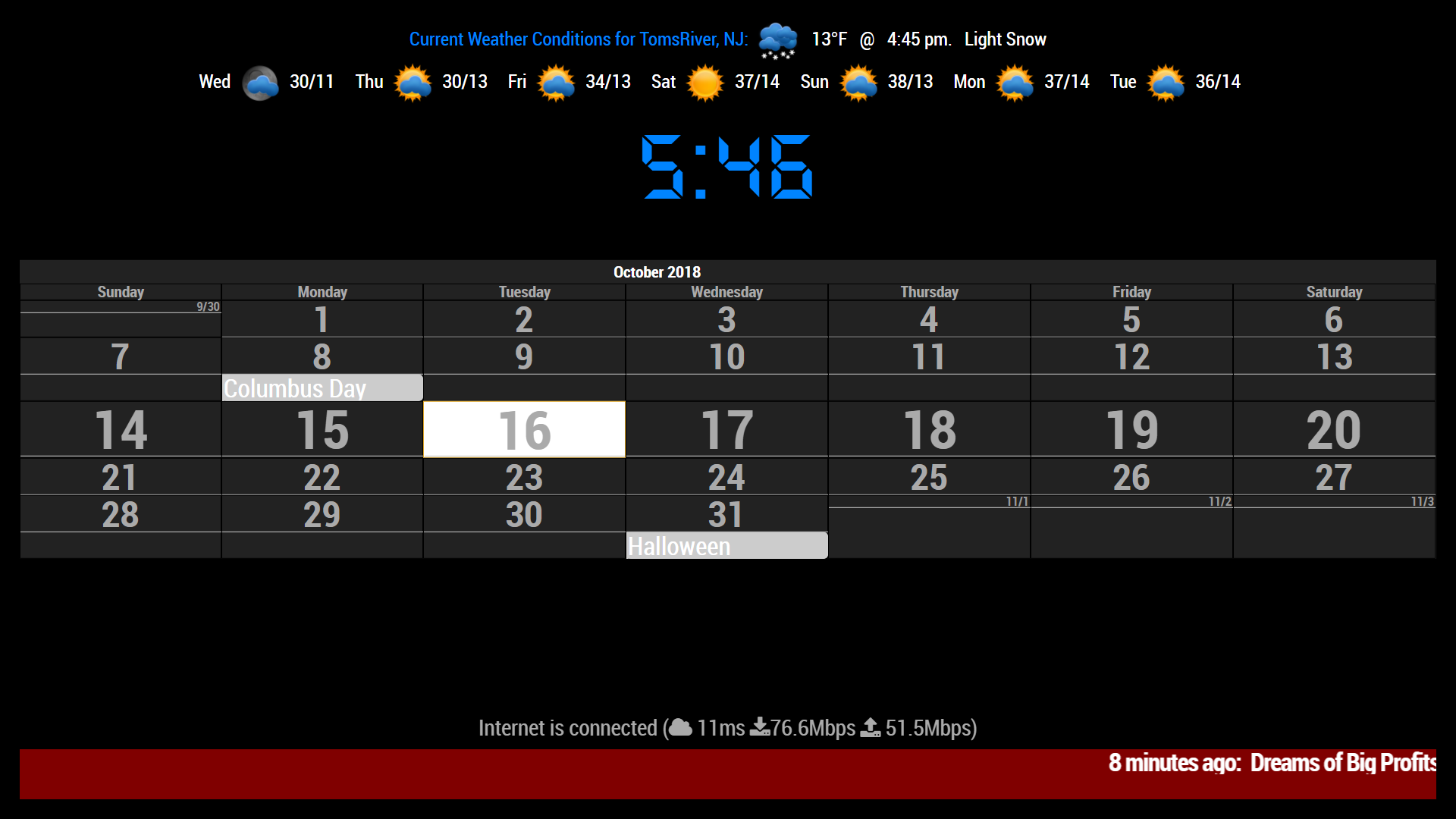
May I ask how you were able to show blank events?
mine looks like this, all jumbled up and no blanks…
 Offline
May I ask how you were able to show blank events?
mine looks like this, all jumbled up and no blanks…
OK, so I was able to modify the default newsfeed module to show an icon/image and got the description to marquee across the page.
But, I want it to be able to use more than one feed.
I can’t seem to get it to pull from the feeds array, I don’t get any errors from this, It just won’t show the image…
Here is my current configuration that gives me the undefined image…
                 feeds: [
                        {
                                icon: "NewYorkTimes.png",
                                title: "New York Times",
		       		url: "http://www.nytimes.com/services/xml/rss/nyt/HomePage.xml"
                        },
			{
				icon: "USAToday.png",
				title: "USA Today",
				url: "http://rssfeeds.usatoday.com/UsatodaycomNation-TopStories"
			},
			{
				icon: "BBCWorldNews.png",
				title: "BBC World News",
				url: "https://www.bbc.com/news/world"
			}
		],
            if (this.config.showMarquee && this.config.showIcon) {
                var marquee = document.createElement("div");
                marquee.className = "bright xlarge bold";

                var icon = document.createElement("icon");
                icon.innerHTML = "img class = image src=./modules/default/newsfeed/icons/" + this.newsItems[this.activeItem].icon;
                wrapper.appendChild(icon);

                var txtDesc = document.createElement("marquee");
                txtDesc.className = "bright xlarge bold";
                txtDesc.innerHTML = moment(new Date(this.newsItems[this.activeItem].pubdate)).fromNow() + ":" + "  " + this.newsItems[this.activeItem].title; + "  ||  " + this.newsItems[this.activeItem].description + "    ||    ";

                wrapper.appendChild(txtDesc);
            }
Any ideas would be greatly appreciated!
Make sure the mirror is right up against the monitor screen, otherwise, you may be getting a reflection from the monitor on the back of the mirror causing shadows.
Did you change the name of the config file from ‘config.js.sample’ to ‘config.js’ ?
I’ve tried the reload/restart of MagicMirror. It doesn’t always work. I have been finding since this last update, that most of the time it requires a restart of the system.
I have a lot of color to my ‘mirror’, but I am on a limited income being disabled, so can’t really afford the one-way glass to turn it into a mirror yet. I just use it as an information and entertainment board.
Try rebooting your system
I have found that sometimes that is what it takes to get some modules to work after first install, and load and not working.
Have your tried rebooting your system?
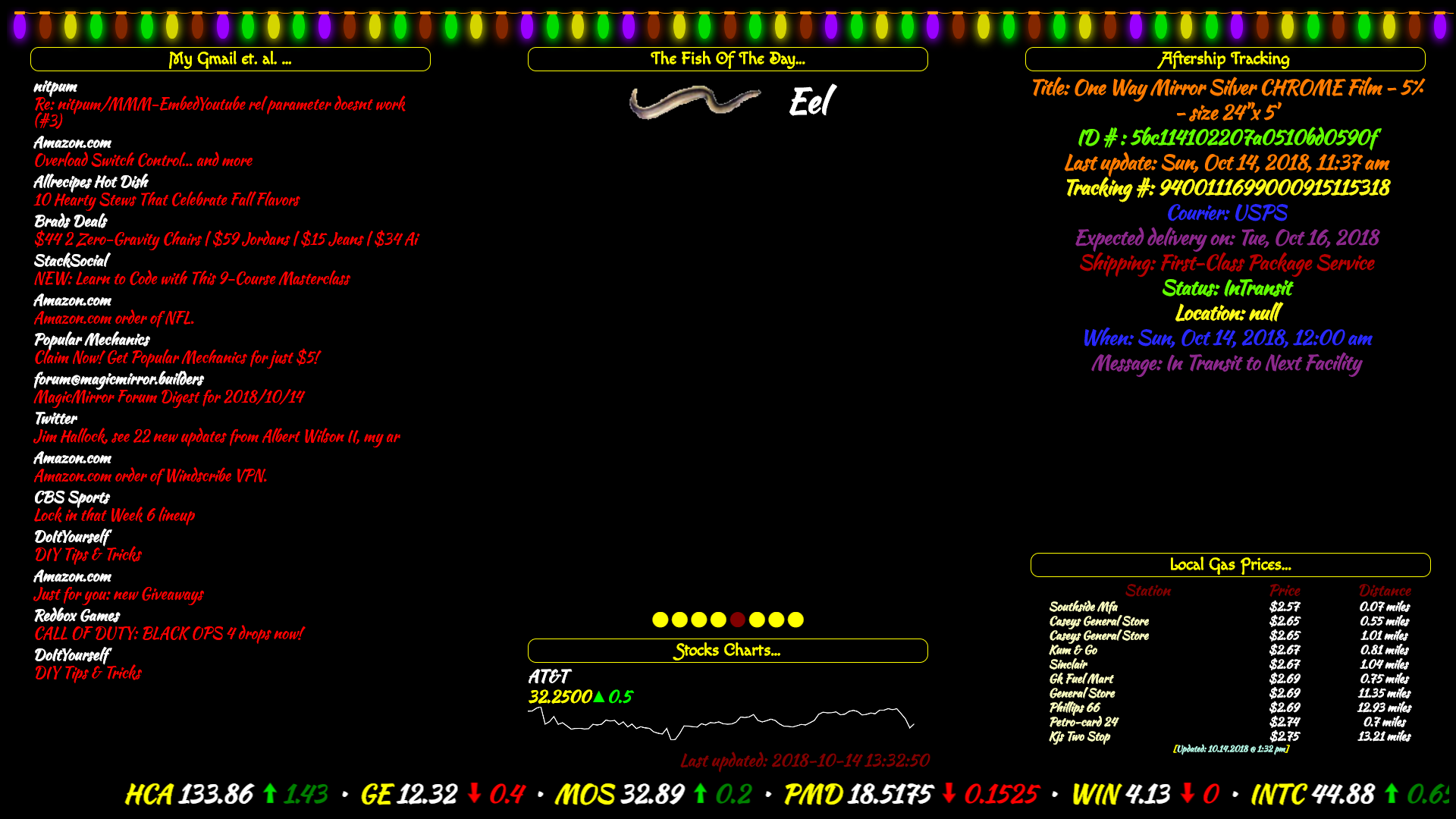
bottom center is the MMM-AVStocks it has 3 options… Series, Ticker, & Table.
Can’t run 2 instances of the module, so I have the stocks module running as a ticker along the bottom.
I made it bigger by changing the font and image values in the css file I use. WHich, I use the CSS4 option.
Dude! Cowboys season… :face_with_stuck-out_tongue_closed_eyes:
Cool, I have mine to show the title and description so I can at least see what the headline is and a brief description.
Just didn’t include that in the sample.
If you cahnge everything to false except what you are wanting to show, it will fix the double posting of the date. As I had it set to only show the description since everything is under that code snippet.
Still working on having more than one newsfeed with the logo images.
Thanks!
@sean
Got any idea on how to get this and any ofnthe other PC stats modules to show the CPU and GPU temps with Windows PC’s?
Working on it!!! :smiling_face_with_sunglasses:
Thanks for the heads up! Would have liked to have known that a couple of years ago!!! :winking_face: