very nice idea, I like that.
It shouldn’t be too complicated for someone with some spare time.
Y
Offline
A New Chapter for MagicMirror: The Community Takes the Lead
Read the statement by Michael Teeuw here.
Read the statement by Michael Teeuw here.
Posts
-
RE: What to Wear Today
-
RE: Not really a mirror at all - but is really helpful
-
RE: "Live" currency exchange rate module
Nice work, Mykle. You could’ve updated my module to add a second api source and the user selects api in config :-)
-
RE: Colors changed
@johnnyboy said in Colors changed:
Pictures seem to have been removed? Noticed that on quite a few posts now.
There you go, the images are still there, but there seems to be a bug in the forum currently.
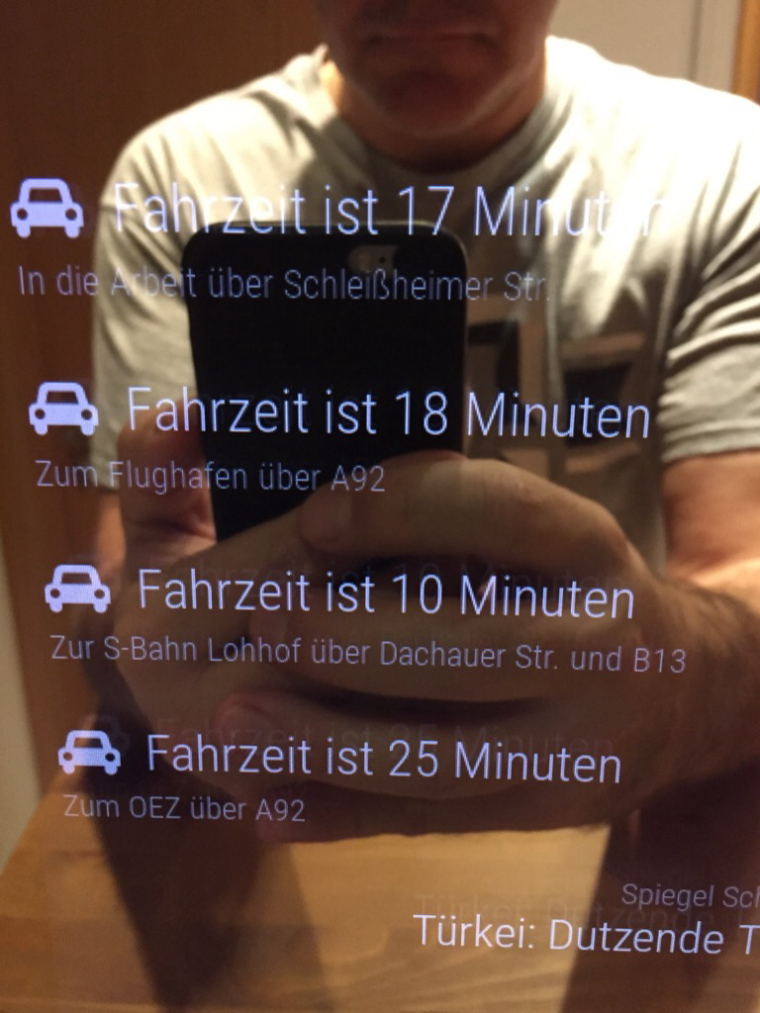
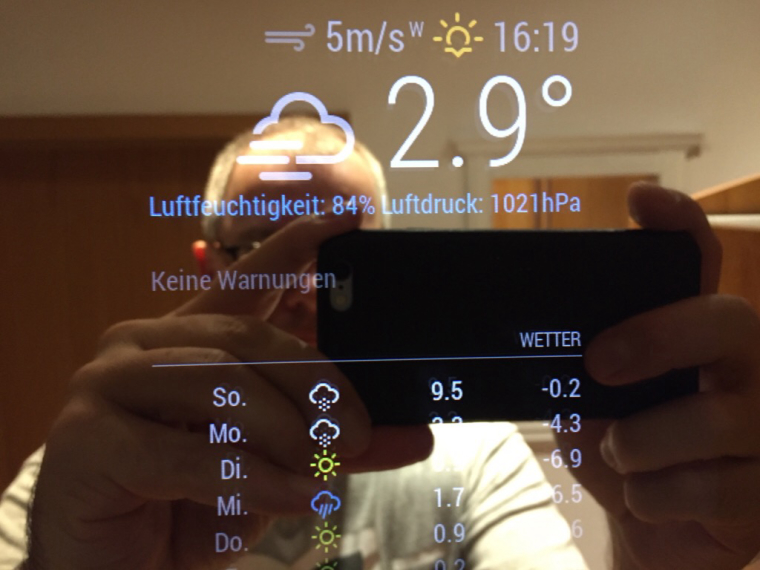
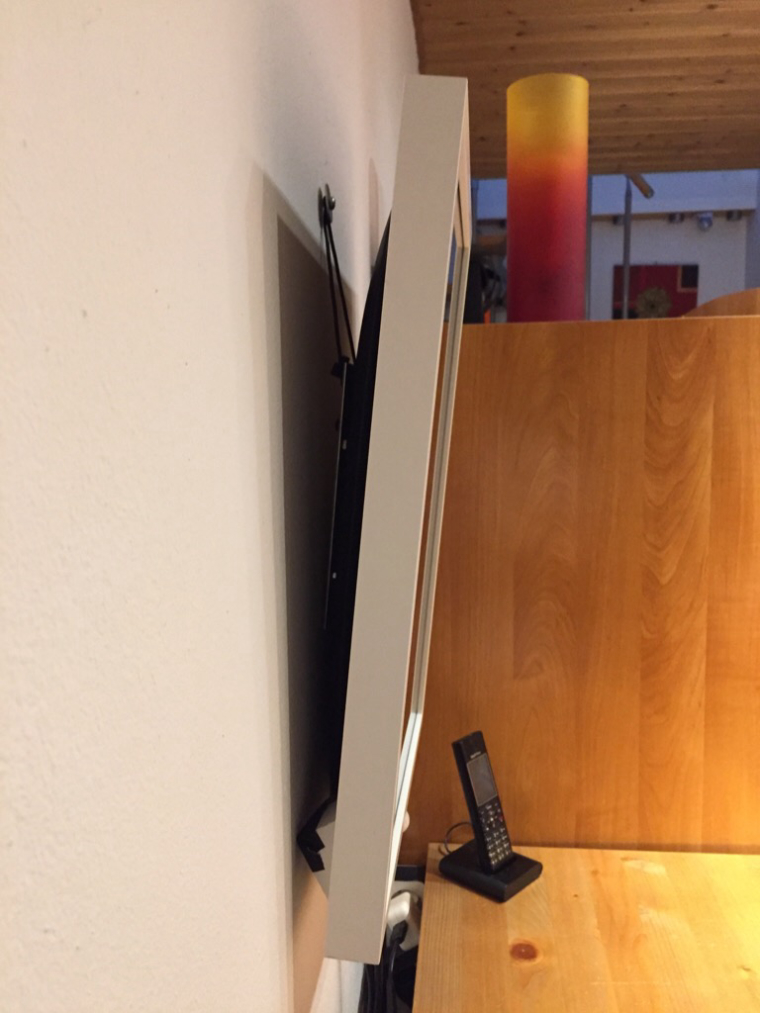
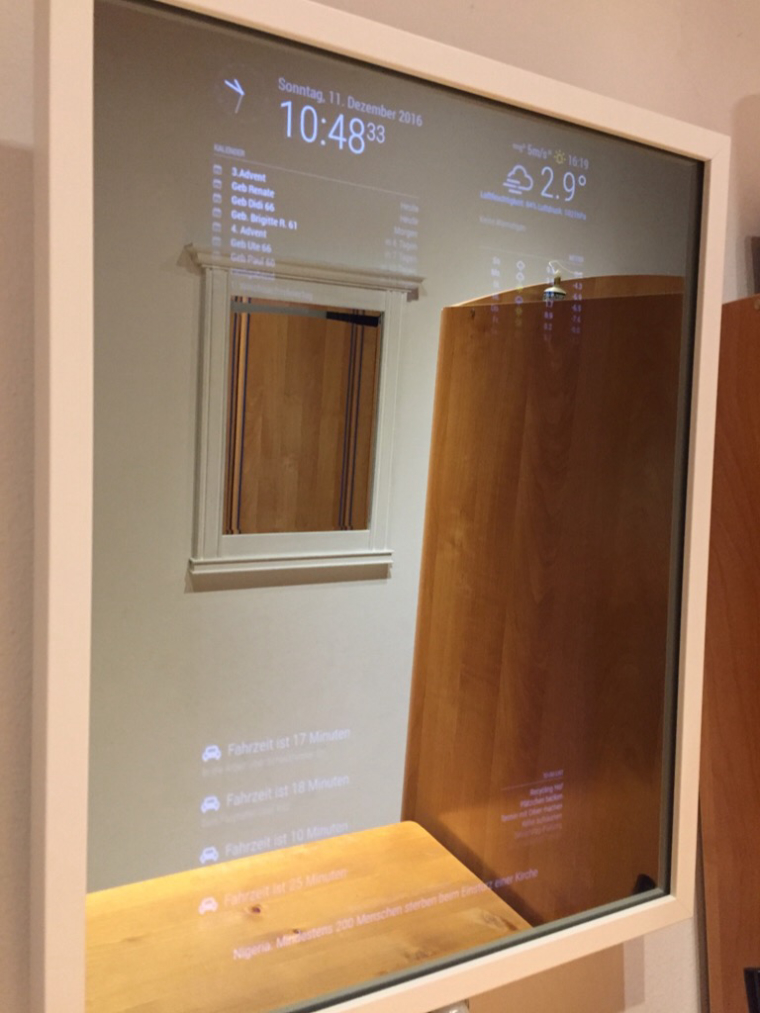
-
RE: Showing temperature from php file
https://forum.magicmirror.builders/topic/5743/mmm-solartemp
like this? ;)
Configuration like this:
		{
			module: "MMM-Solartemp",
			position: "bottom_right",
			header: "Solartemp",
			config: {
				baseURL: "http://solartemp.no-ip.org:3000/lcdfeed.php",
				key: "AAaaAAaaAA",
				group: "e28ca223"
			}
		},
Could you please explain a bit more which sensors this module is using? Maybe others could use it as well.
-
RE: MMM-NBA
Haha, I knew you guys would like it, therefore I invited and approved your account for this group
-
RE: module for mm background
You could also try the module @Mykle1 came up with: https://github.com/mykle1/MMM-EasyBack
-
RE: Adding new region positions top_center1 and top_center2
I never tried, but I guess you need to edit index.html located in MagicMirror root folder to define the new regions
-
RE: MMM-PIR-Sensor tuning
- please run
npm listand find out your version number of electron - change into the MMM-PIR-Sensor folder
cd ~/MagicMirror/modules/MMM-PIR-Sensor - run
npm rebuild --runtime=electron --target=ELECTRONVERSION --disturl=https://atom.io/download/atom-shell --abi=50and replace ELECTRONVERSION with the version number you found in step 1
- please run
-
RE: Hide album photo art from MMM-Scrobbler.
@rodofrn
Please avoid posting the same topic several times in different sub folders. I close this one now and point everyone else to the posting in Request.
–> https://forum.magicmirror.builders/topic/2678/hide-album-photo-art-from-mmm-scrobbler -
RE: Starter problem
Hi Kurt,
before you run
npm startyou need to change into the right directory. Default would becd MagicMirror npm install npm startThe
npm installcommand only needs to be run first time after you downloaded the MagicMirror package. If you have already done that you can skip this step. -
RE: Box/Frame around module
@Da-ne-ezy
Maybe like this: -
RE: Quit MagicMirror via SSH?
How are you starting the mirror?
Using pm2? ->pm2 stop -
RE: MMM-NOAA - Another Weather Module
Ideal would be to use the same core and develope different templates which could be chosen via config.
-
RE: Building mirror without programing
@amanzimdwini
You are right, git seems a bit irritating and uncomfortable at first and of course downloading and unzipping works at the moment. Neither strawberry nor I wanted to bash on you!
We just wanted to point out the downside of the zip approach :) -
RE: MMM-NOAA - Another Weather Module
It is
pws1, notpsw1
And according to the readme you don’t need lat and long -
RE: Update WunderGround
Change layout to ‘vertical’ instead of ‘horizontal’
The part with coloricon looks right
-
RE: How to go back to previous version of a module?
If you follow Strawberrys link, you see hash codes like 7a03e01. You don’t need to clone the repository again, you just tell git to switch to another “version”.
So you open a terminal, change into the module folder and run
git checkout 7a03e01to checkout this specific version. As an alternative you could run a command likegit checkout @{14.days.ago}orgit checkout 'master@{1979-02-26 18:30:00}' -
RE: Getting an error when attempting to update MMM-Remote-Control
If you want to keep your changes to
remote.htmlgit stash git pull origin master git stash popThis saves your changes to remote.html, downloads the update and puts back in your changes remote.html.
Or, if you don’t need your local changes
git reset --hard git pull origin master -
RE: Error: listen Eaddrinuse. Help plox :)
There is another process running on port 8080
Are you running MagicMirror with pm2? Or manually?Please run
sudo netstat -lnptuto check which application is blocking 8080