A New Chapter for MagicMirror: The Community Takes the Lead
Read the statement by Michael Teeuw here.
  • MMM-VOICE-COMMANDS not working pls help

    Unsolved
    1
    0 Votes
    1 Posts
    390 Views
    Q
    please this is graduate project and i just need to show the pages by voice in this module its said it can show pages with MMM-PAGE-SELECTOR { module: "MMM-Voice-Commands", config: { debug: true, //Displays end results and errors from annyang in the Log autoStart: true, //Adds annyang commands when it first starts activateCommand: "hello mirror", //Command to active all other commands deactivateCommand: "goodbye mirror", //Command to deactivate all other commands alertHeard: true, //Whether an alert should be shown when annyang hears a phrase (mostly for debug) commands: { "switch to (the) :page (page)": "PAGE_SELECT", "go to (page) :page": "PAGE_SELECT", } } }, please someone help me i dont know how to use annyang in this module and i dont know what to do :(
  • Calendar Module Error "Exceeded maxRedirects. Probably stuck in a redirect loop"

    Unsolved
    1
    0 Votes
    1 Posts
    1k Views
    A
    Hi! I’m trying to fetch this calender in the default calendar module: http://weboffice.orf.at/owa/calendar/4820fc8ddfc0468cbe426b3e08c330b8@orf.at/b5842d9f817246008d95c9f8360a1dbe10919048264267524527/calendar.ics This gives me the following error: (node:22123) MaxListenersExceededWarning: Possible EventEmitter memory leak detected. 11 pipe listeners added. Use emitter.setMaxListeners() to increase limit Calendar Error. Could not fetch calendar: http://weboffice.orf.at/owa/calendar/4820fc8ddfc0468cbe426b3e08c330b8@orf.at/b5842d9f817246008d95c9f8360a1dbe10919048264267524527/calendar.ics Error: Exceeded maxRedirects. Probably stuck in a redirect loop https://weboffice.orf.at/my.policy at Redirect.onResponse (/home/pi/MagicMirror/modules/node_modules/request/lib/redirect.js:98:27) at Request.onRequestResponse (/home/pi/MagicMirror/modules/node_modules/request/request.js:993:22) at ClientRequest.emit (events.js:182:13) at HTTPParser.parserOnIncomingClient [as onIncoming] (_http_client.js:546:21) at HTTPParser.parserOnHeadersComplete (_http_common.js:109:17) at TLSSocket.socketOnData (_http_client.js:432:20) at TLSSocket.emit (events.js:182:13) at addChunk (_stream_readable.js:279:12) at readableAddChunk (_stream_readable.js:264:11) at TLSSocket.Readable.push (_stream_readable.js:219:10) I googled a possible solution, which is to add require('events').EventEmitter.defaultMaxListeners = 15; somewhere. But I don’t know where. Changing the Node Module Files is probably not best practise… Thanks for help!
  • 24" touch not working in horizontal

    Unsolved
    5
    0 Votes
    5 Posts
    2k Views
    C
    @soylant Still need help?
  • Trouble with changing default holiday/calendar (dutch)

    Unsolved
    12
    1
    0 Votes
    12 Posts
    5k Views
    S
    @Christiaan99 no. The url: "file:///......"
  • This topic is deleted!

    Unsolved
    1
    0 Votes
    1 Posts
    2 Views
  • MagicMirror won't start after installing module

    Moved
    7
    0 Votes
    7 Posts
    2k Views
    strawberry 3.141S
    @jani-karna yes that is normal, if a module doesn’t have the optional file node_helper.js you will see it in the logs
  • Amazon echo dot 3 - Alexa mirror problem

    Unsolved
    7
    0 Votes
    7 Posts
    2k Views
    F
    Genau richtig ;) Alexa soll vorallem den Bildschirm aus und einschalten wenn ich das sage, sowie die Module wechseln damit das ganze nicht zu vollgestopft ist :) ich habe wieder einen weiteren Thread gelesen indem der Pi zur Bridge umfunktioniert wurde, allerdings ist mir das alles etwas zu kompliziert 😳 hat sich da schonmal jemand reingelesen ?
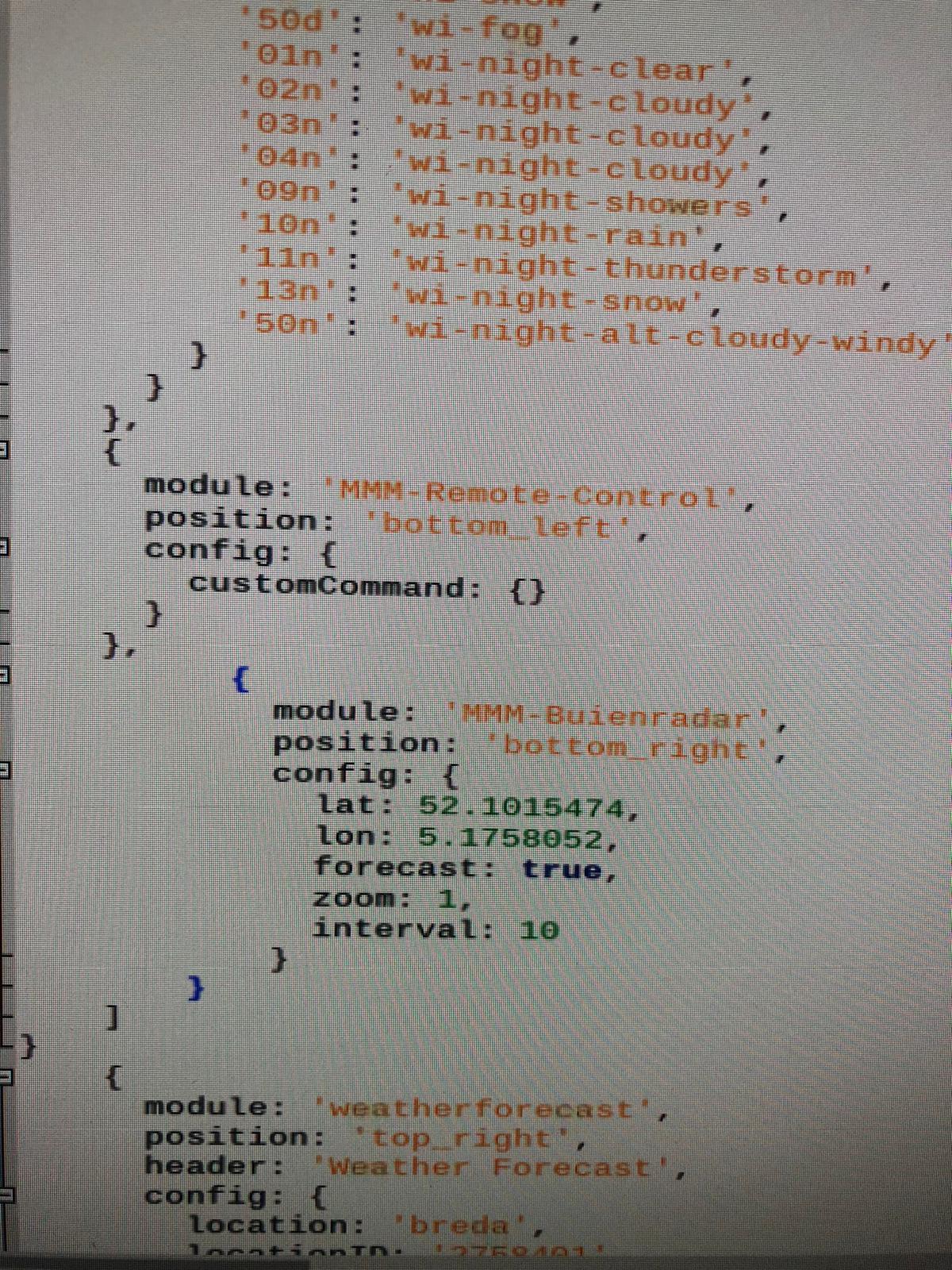
  • Help mmm- buienrader

    Unsolved
    3
    1
    0 Votes
    3 Posts
    744 Views
    B
    a thank you :face_blowing_a_kiss: :face_blowing_a_kiss: :face_blowing_a_kiss:
  • Default Calendar Daylight Savings Issue

    Unsolved
    6
    0 Votes
    6 Posts
    2k Views
    S
    @yk said in Default Calendar Daylight Savings Issue: misunderstood thinking that it’s a component outside it IS outside MM… its the ical nodejs module.
  • Unable to install dependencies - chromedriver.js

    Solved
    8
    0 Votes
    8 Posts
    2k Views
    S
    @jinhyuck cool… glad you were able to continue
  • adding default modules to mm screen

    Unsolved
    5
    0 Votes
    5 Posts
    1k Views
    Mykle1M
    @geo said in adding default modules to mm screen: thx for your interest but the command line brings up no such file or directory Just click on the link? :-/
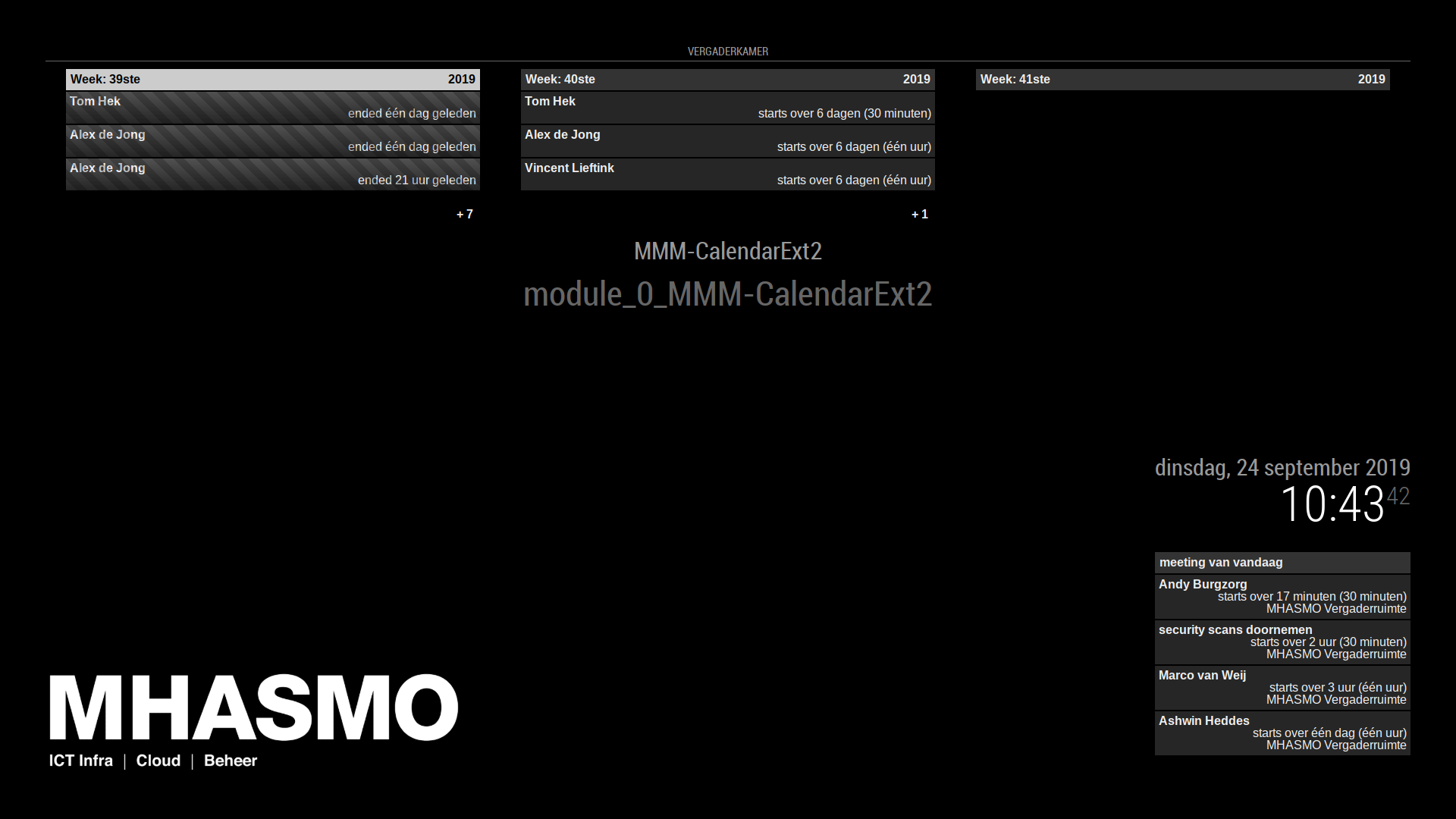
  • MMM-calendarExt2 is showing its module name and i cant make it disappear

    Solved
    10
    1
    0 Votes
    10 Posts
    3k Views
    ?
    @sdetweil I implemented suspend and resume logic already. So it is able to hide/show by .hide(), .show() like other modules. The only issue is, This module could not be subordinated by specific position, because this module itself could have several sub-modules(I called it as view in this module) and do it’s own paginating(called it as scene), so module itself is not a usual simple module. This module doesn’t need position for module itself. (Only position for sub-modules are needed) By the conclusion, this module works when the position is not described. When described, nothing happens but just showing module title on that position. That’s all, but if the user doesn’t want to see the module title, just remove position of my module. no harm, no one will be hurt by it.
  • gobblydegook command not recognised

    Unsolved
    4
    0 Votes
    4 Posts
    772 Views
    S
    @geo i can only suggest that for the base system setup, google is your friend… you can find articles about just about anything… as for MagicMirror… yeh, there is a lot to learn… each module creator gets to specify their own config setup beyond the minimum… I see that Mykle has posted in your other topic a link to his very good doc. keep coming back, ask specific questions and I am sure there is someone who can help you
  • Russian compliments and other russian modules.

    Unsolved
    2
    0 Votes
    2 Posts
    598 Views
    S
    @Mrtrol2013 you can also put the configuration in an external file See the readme
  • PI 0 won't power on... grrrr..

    Solved
    5
    0 Votes
    5 Posts
    823 Views
    Mykle1M
    @sdetweil Glad it was that simple a fix and not the Pi itself. :thumbsup:
  • PIR installation advise

    Unsolved
    3
    0 Votes
    3 Posts
    1k Views
    O
    Thank you, your proposition help me to find a video that compares the two sensor. It help me to better understand how they work, and I understand that they detect a movement, so the detection that pass through a hole may be ok, thanks
  • mic recognized error

    Unsolved
    2
    0 Votes
    2 Posts
    540 Views
    S
    @JOJOYJ that is a smart mirror problem… this is the forum for MagicMirror i replied to your issue on github with the debugging steps
  • Probleme mit der Installation vom google assistend

    Unsolved
    2
    0 Votes
    2 Posts
    985 Views
    A
    @a8b812 said in Probleme mit der Installation vom google assistend: Seit Tagen versuche ich den Google Assistenten zum laufen zu bekommen, das Bild bleibt aber schwarz. Genutzt habe ich diese Anleitung hier: https://forum.magicmirror.builders/topic/9356/the-latest-install-guide-mm-w-google-assistant Wenn ich nur Hotword in der config lasse, dann startet der Magic Mirror, wenn ich AssistantMk2 mit eintrage nach Anleitung bleibt es schwarz, habe auch schon die kleinste config von github probiert, gleiches Problem. Installiert habe ich es mit putty (ssh) und dann direkt nochmal auf dem pi im Terminal, weil ich dachte das dort was fehlt. Kann es sein das mir da noch irgendetwas fehlt? b:) Zum Sound hab ich noch eine Frage: wenn ich mit: nano .asoundrc öffne dann sehe ich die angelegte Datei aus der Anleitung, ich habe einen USB Mic und als Ausgabe (Boxen) will ich vom TV den HDMI nutzen, wie muss ich das konfigurieren? Woher weiss ich dass das Microfon läuft mit der config? in engl. (google tranlation ^^) For days, I’ve been trying to get the Google Assistant working, but the picture stays black. I have used this manual here: https://forum.magicmirror.builders/topic/9356/the-latest-install-guide-mm-w-google-assistant If I use only the hotword in the config, then the magic mirror starts, if I use also AssistantMk2 it remains black, also already the smallest config of github tried, same problem with AssistantMk2. I installed it with putty (ssh) and then directly again on the pi in the terminal, because I thought that there is something missing. Can it be that I still miss something? b :) To the sound I still have a question: when I do: nano .asoundrc then I see the created file from the manual I have a USB Mic and as output (boxes) I want to use the HDMI from the TV, how do I have to configure it? How do I know that the microphone is running with the config?
  • error: Pulling is not possible because you have unmerged files.

    Unsolved
    39
    0 Votes
    39 Posts
    15k Views
    S
    @DazTypeR email to same userid as here on gmail
  • Similar errors from different modules.

    Unsolved
    6
    0 Votes
    6 Posts
    2k Views
    V
    @sdetweil Thanks