MagicMirror Forum
    • Recent
    • Tags
    • Unsolved
    • Solved
    • MagicMirror² Repository
    • Documentation
    • 3rd-Party-Modules
    • Donate
    • Discord
    • Register
    • Login
    A New Chapter for MagicMirror: The Community Takes the Lead
    Read the statement by Michael Teeuw here.

    [MMM-Rainbow] Animated text color transition

    Scheduled Pinned Locked Moved Entertainment
    34 Posts 8 Posters 21.1k Views 8 Watching
    Loading More Posts
    • Oldest to Newest
    • Newest to Oldest
    • Most Votes
    Reply
    • Reply as topic
    Log in to reply
    This topic has been deleted. Only users with topic management privileges can see it.
    • S Offline
      Seann Module Developer
      last edited by Seann

      MMM-Rainbow - Animated text color transition.


      Update info: As suggested, I have added the option to assign the random colors to specific modules or to all modules. See the config below to see how to use.

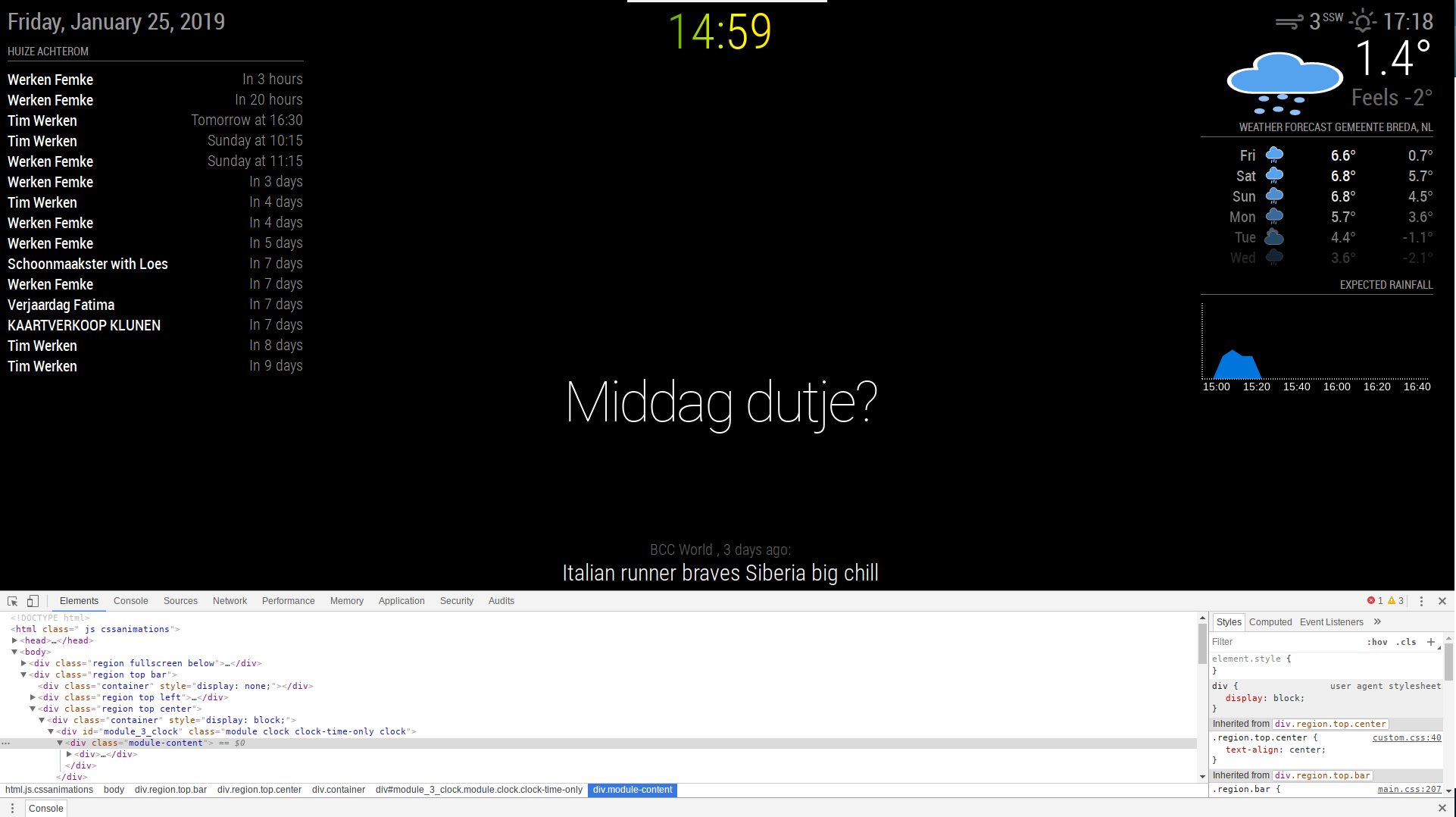
      Preview

      Modular

      Non-Modular

      Installation

      Installation is very simple, just clone the git into your modules directory then add the module to your config.

      cd ~/MagicMirror/modules
      git clone https://github.com/aSeann/MMM-Rainbow
      

      Using the module

      To use this module, add the following configuration block to the modules array in the config/config.js file:

      var config = {
          modules: [
              {
      		module: "MMM-Rainbow",
      		/*	Position not required as it has no UI.	*/
      		config: {
      			fadeTime: 1500,		//	Duration in milliseconds it takes for the color to fade.
      			nextColor: 1500,	//	Duration in milliseconds until the next random color is generated and set.
      			modular: false,		//	
      			moduleList: [		//	Only required if modular is true.
      				"MMM-iClock",
      				"MMM-Showtimes"
      			]
      		}
      	},
          ]
      }
      
      Mykle1M 1 Reply Last reply Reply Quote 6
      • Mykle1M Offline
        Mykle1 Project Sponsor Module Developer @Seann
        last edited by

        @seann

        Kinda cool. :-)

        Create a working config
        How to add modules

        S 1 Reply Last reply Reply Quote 0
        • S Offline
          Seann Module Developer @Mykle1
          last edited by

          @mykle1 Thanks, I didn’t actually expect any response to this. I have started experimenting with other things though, so expect to see a few more posts from me. :grinning_face:

          Mykle1M 1 Reply Last reply Reply Quote 0
          • Mykle1M Offline
            Mykle1 Project Sponsor Module Developer @Seann
            last edited by

            @seann

            The more, the merrier. When I started this I never expected anyone to even look at my work. You never know what others might find interesting. My motto: Have fun!

            Create a working config
            How to add modules

            1 Reply Last reply Reply Quote 1
            • G Offline
              ganget
              last edited by

              I really like the idea of this module, I’m searching for the possibility to make only my clock have this effect and maybe a gradient kind of color shift. Can you help me with this idea?

              S cowboysdudeC 2 Replies Last reply Reply Quote 0
              • S Offline
                Seann Module Developer @ganget
                last edited by

                @ganget Sure man, seems simple enough. You could always customize the clock module, or recreate your own and just add a class name to the clock, then alter MMM-Rainbow.js to only change the css for that module. I cheated when creating this module by using jQuery so it’s really simple to mess with. But if you do need any help, feel free to give me a message.

                G 1 Reply Last reply Reply Quote 1
                • BKeyportB Offline
                  BKeyport Module Developer
                  last edited by

                  Love the concept, actually. Would love to see it limited to the user’s choice of modules, however.

                  The "E" in "Javascript" stands for "Easy"

                  Mykle1M 1 Reply Last reply Reply Quote 0
                  • Mykle1M Offline
                    Mykle1 Project Sponsor Module Developer @BKeyport
                    last edited by

                    MMM-NOAA3 has been doing this for some time now, as an option

                    Create a working config
                    How to add modules

                    BKeyportB 1 Reply Last reply Reply Quote 1
                    • BKeyportB Offline
                      BKeyport Module Developer @Mykle1
                      last edited by

                      @mykle1 doing what? I was referring to the original rainbow color. Would be cool to apply it to modules of choice.

                      The "E" in "Javascript" stands for "Easy"

                      S 1 Reply Last reply Reply Quote 0
                      • Mykle1M Offline
                        Mykle1 Project Sponsor Module Developer
                        last edited by

                        @bkeyport said in [MMM-Rainbow] Animated text color transition:

                        doing what? I was referring to the original rainbow color.

                        Lets see. The topic states “[MMM-Rainbow] Animated text color transition” so I guess I was talking about that. Only noticed you because you mentioned me directly. I think @seann has done a fantastic job here. Joined the forum 8 days ago and already he’s contributing and offering his
                        help to others. He and I are going get along just fine. :-)

                        Create a working config
                        How to add modules

                        1 Reply Last reply Reply Quote 0
                        • BKeyportB Offline
                          BKeyport Module Developer
                          last edited by

                          So, you’re saying the NOAA weather app does rainbow colors for other modules?

                          … Okay.

                          The "E" in "Javascript" stands for "Easy"

                          1 Reply Last reply Reply Quote 0
                          • S Offline
                            Seann Module Developer @BKeyport
                            last edited by

                            @bkeyport Also, this is easily done. I’ll work on this for you when I have some more free time. The only issue with doing it to the clock is; the current clock uses “updateDom” to set the time each second, which from what I have seen basically re creates the elements. Meaning the transitions start from when the element is created so it’s not in time with the other transitions. So it would be easier to create your own clock module which just replaces the innerHTML of each element instead of re creating them. I have been making my own clock which will display down to minutes instead of seconds as i’m sure this would cause less strain on my terrible Pi 3 a+.

                            justjim1220J 1 Reply Last reply Reply Quote 0
                            • BKeyportB Offline
                              BKeyport Module Developer
                              last edited by

                              Actually, I’d be more interested in the mechanics in getting it to work down to the module level more than anything, would be nice to use it for say “Grabbing Attention” in a particular module…

                              The "E" in "Javascript" stands for "Easy"

                              1 Reply Last reply Reply Quote 0
                              • G Offline
                                ganget @Seann
                                last edited by

                                @seann I took a different approach to this, mainly because I only wanted to have it for only one module. I have changed my custom.css and one line in the clock.js, so it grabs a different style.
                                My code makes a gradient background which I clip to the text. Then to make it move across the text i use webkit-animation. I’m not totally satisfied with the result of the animation yet but i will keep tweaking that.

                                the animation moves way too fast now and when I make the animation duration longer it doesn’t feature all the colors of the gradient.
                                the only line i needed to change in the clock.js file

                                timeWrapper.className = "time clock-time-only-color large light";
                                

                                Custom.css (lines i added)

                                .clock-time-only-color {
                                	background-image: linear-gradient(to right, #ff0000,#ff4000,#ff8000,#ffbf00,#ffff00,#bfff00,#80ff00,#40ff00,#00ff00,#00ff40,#00ff80,#00ffbf,#00ffff,#00bfff,#0080ff,#0040ff,#0000ff,#4000ff,#8000ff,#bf00ff,#ff00ff,#ff00bf,#ff0080,#ff0040,#ff0000);
                                	-webkit-background-clip:  text;
                                	-webkit-animation: animate 3s linear infinite;
                                	background-size: 500%;
                                	color: transparent;
                                	
                                }
                                @-webkit-keyframes animate{
                                	0%	{background-position: 0% 500%;}
                                	50%	{background-position: 100% 0%;}
                                	100%    {background-position: 0% 100%;}
                                	}


                                Do you have any idea on how I can make the animation duration way longer like 10 min and still show all the colors in the gradient?

                                Thank you for the initial idea and for inspiring me!

                                S justjim1220J 2 Replies Last reply Reply Quote 0
                                • S Offline
                                  Seann Module Developer @ganget
                                  last edited by

                                  @ganget I’m not really that good with css animations but from what I can see,

                                  -webkit-animation: animate 3s linear infinite;
                                  

                                  should have something to do with it right? maybe if you make that 10 minutes instead.

                                  G 1 Reply Last reply Reply Quote 0
                                  • G Offline
                                    ganget @Seann
                                    last edited by

                                    @seann yeah i tried increasing the number to like 20 sec up to 6000. But the problem i get then is that it shows me only the first 2 colors in the gradient. Dunno but will try and work on it tomorrow

                                    1 Reply Last reply Reply Quote 0
                                    • justjim1220J Offline
                                      justjim1220 Module Developer @ganget
                                      last edited by justjim1220

                                      @ganget

                                      change your background size to 20% instead of 500%

                                      Only other issue I find is that it refreshes itself every second, would be better if it were more fluid-like that the refresh isn’t so notice-able.

                                      "Life's Too Short To Dance With Ugly People"
                                      Jim Hallock - 1995

                                      1 Reply Last reply Reply Quote 0
                                      • justjim1220J Offline
                                        justjim1220 Module Developer
                                        last edited by justjim1220

                                        @ganget & @BKeyport

                                        So, I modified my MMM-DigClock with your rainbow css with some other tweaks…

                                        .MMM-DigClock .time {
                                          font-size: 300px;
                                          text-align: center;
                                          line-height: 85%;
                                          letter-spacing: 5px;
                                          font-weight: 900;
                                          font-family: DS-Digital;
                                          background: -webkit-linear-gradient(left, red,orange,yellow,green,blue,purple);
                                          background: -moz-linear-gradient(left, red,orange,yellow,green,blue,purple);
                                          background: -o-linear-gradient(left, red,orange,yellow,green,blue,purple);
                                          background: linear-gradient(to left, red,orange,yellow,green,blue,purple);
                                          -webkit-background-clip: text;
                                          -moz-background-clip: text;
                                          background-clip: text;
                                          -webkit-animation: animate 10s linear infinite;
                                          -moz-animation: animate 10s linear infinite;
                                          -o-animation: animate 10s linear infinite;
                                          animation: animate 10s linear infinite;
                                          background-size: 25%;
                                          -webkit-text-fill-color: transparent;
                                        }
                                        

                                        And it seems to work fairly decent.
                                        But I had to change the update interval within the clock code to update every minute instead of every second, by placing the following within the start: function() …

                                        // Schedule update interval.
                                        		var self = this;
                                        		setInterval(function() {
                                        			self.updateDom();
                                        		}, 60000);
                                        

                                        "Life's Too Short To Dance With Ugly People"
                                        Jim Hallock - 1995

                                        1 Reply Last reply Reply Quote 1
                                        • justjim1220J Offline
                                          justjim1220 Module Developer @Seann
                                          last edited by

                                          @seann
                                          you can change the update interval within the clock code to update every minute instead of every second, by placing the following within the start: function() …

                                          // Schedule update interval.
                                              var self = this;
                                              setInterval(function() {
                                          	self.updateDom();
                                              }, 60000);
                                          

                                          "Life's Too Short To Dance With Ugly People"
                                          Jim Hallock - 1995

                                          G S 2 Replies Last reply Reply Quote 0
                                          • G Offline
                                            ganget @justjim1220
                                            last edited by ganget

                                            @justjim1220 Good tip man! I will change the update interval and look at the difference.

                                            G 1 Reply Last reply Reply Quote 0

                                            Hello! It looks like you're interested in this conversation, but you don't have an account yet.

                                            Getting fed up of having to scroll through the same posts each visit? When you register for an account, you'll always come back to exactly where you were before, and choose to be notified of new replies (either via email, or push notification). You'll also be able to save bookmarks and upvote posts to show your appreciation to other community members.

                                            With your input, this post could be even better 💗

                                            Register Login

                                            • 1
                                            • 2
                                            • 1 / 2
                                            • First post
                                              Last post
                                            Enjoying MagicMirror? Please consider a donation!
                                            MagicMirror created by Michael Teeuw.
                                            Forum managed by Sam, technical setup by Karsten.
                                            This forum is using NodeBB as its core | Contributors
                                            Contact | Privacy Policy