@cowboysdude can it shows on pi 3, I’ve tried it in iFrame, but seems color and performance not enough. http://earth.nullschool.net/
A New Chapter for MagicMirror: The Community Takes the Lead
Read the statement by Michael Teeuw here.
Read the statement by Michael Teeuw here.
 I
Offline
I
Offline
Posts
-
RE: MMM-Globe
-
RE: worldclock - nobody made this, so I did.
@Sean thanks for the module, could you advise how to hide time gap, default is showing, but I can’t hide it when set “false”.
-
RE: Default modules not working after updated to 2.1.2
@Kimzer for the line, I think it depends on css region 's setting. I have not change something to the line.
-
RE: Default modules not working after updated to 2.1.2
@Kimzer at the first I thought same as you, but it happens, that’s why I spent a day to deal with it, you could try just simply change lang to zh or zh_tw, it will stuck, my two builds are the same.
-
RE: Default modules not working after updated to 2.1.2
found problem is on calendar module. when using calendar module, it can cause “date/time” and "calendar monthly "display in English, and newsfeed, calendar are stuck.
after I try every module, and use MMM-MyCalendar instead, it works.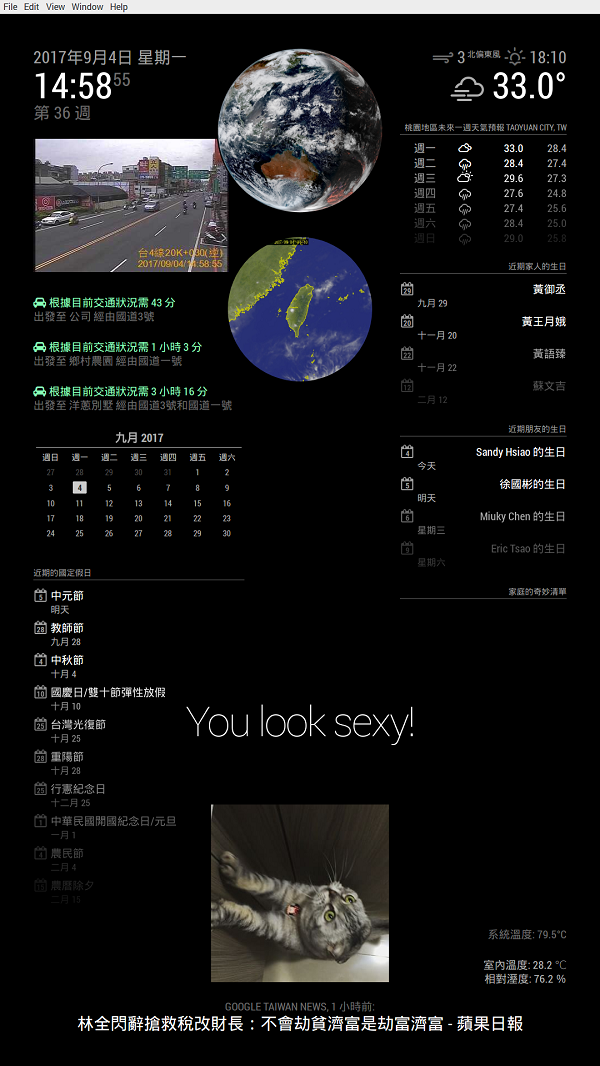
*Post here may help someone who met same problem.
-
RE: Bathroom - 30" MagicMirror
@kclemen very cool and beautiful bathroom 👍
-
Default modules not working after updated to 2.1.2
Hi everyone,
I tried update my MM from 2.1.x and 2.0 to 2.1.2, update process were all good.
but, after I start MM, date and time show in English, not Chinese, and “calendar_monthly” module also in English. More unexpected is default modules, like “calendar”, “newsfeed” are always display "Loading "after check everything, I found it happens when language sets to ‘zh_tw’ (Chinese, zh_cn same)
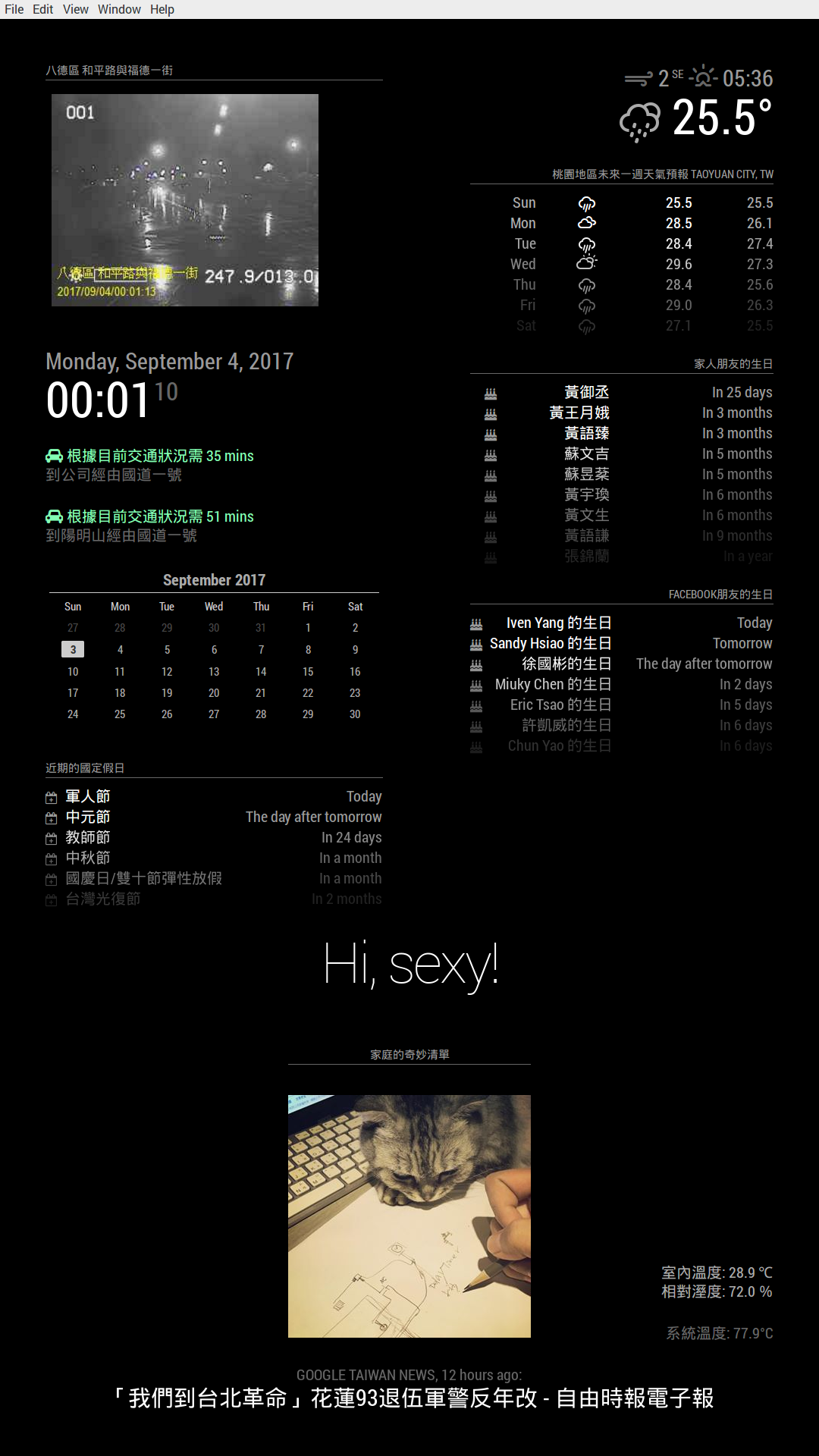
when I set language to “en”, everything is fine.var config = { port: 8080, language: 'en', timeFormat: 24, units: 'metric',Could someone help to do quick check for this? If you change language parameter in config.js to see if newsfeed and calendar not work.
That will be very appreciate, if someone knows how to fix this problem.var config = { port: 8080, language: 'zh_tw', timeFormat: 24, units: 'metric',language: ‘en’, all good but translation.
language: ‘zh_tw’, not working for some module.
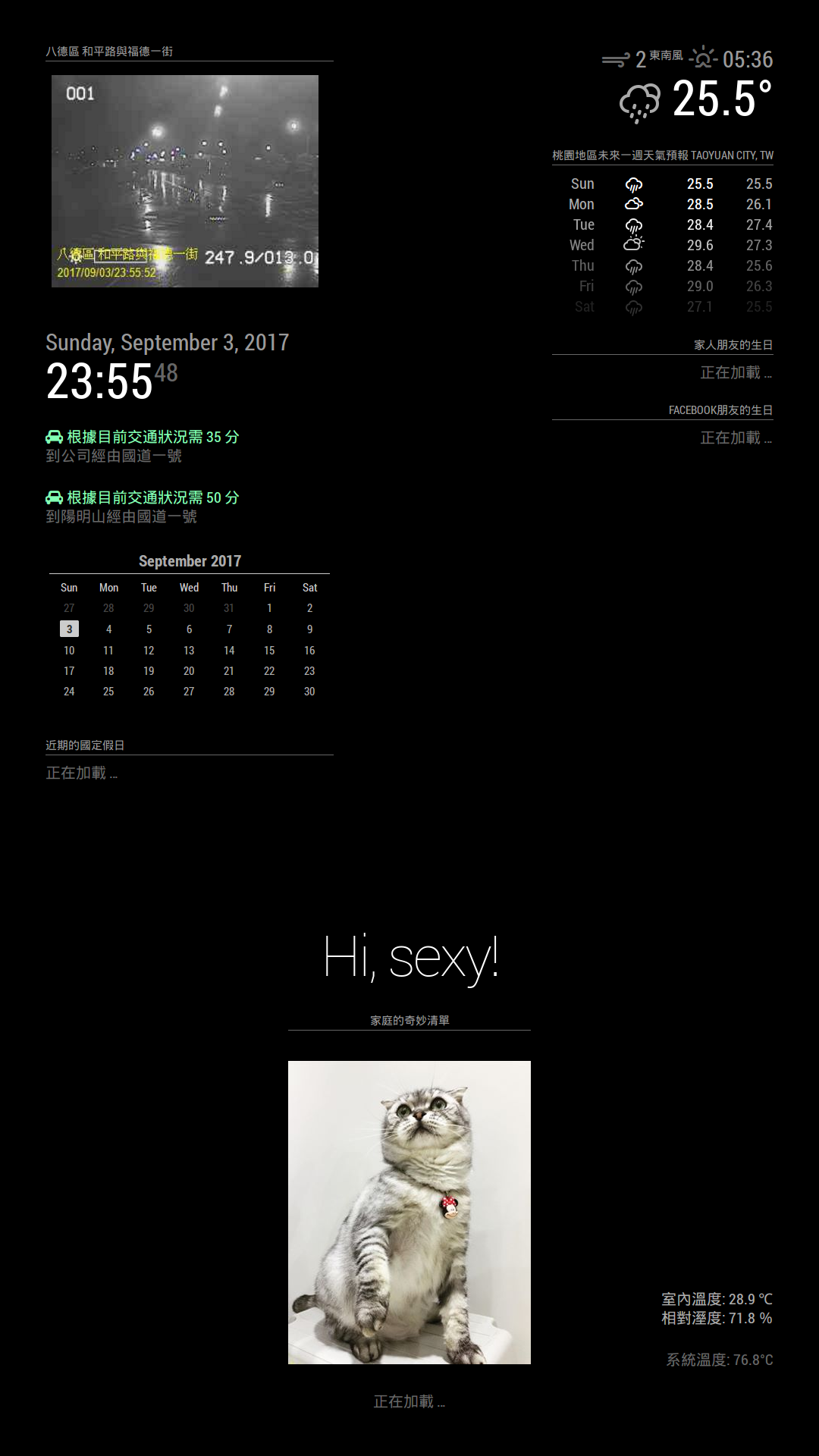
both don’t have warning message when starting MM.
Is it a bug or something I missed?
-
RE: Jake's Magic Mirror (Done)
@kclemen
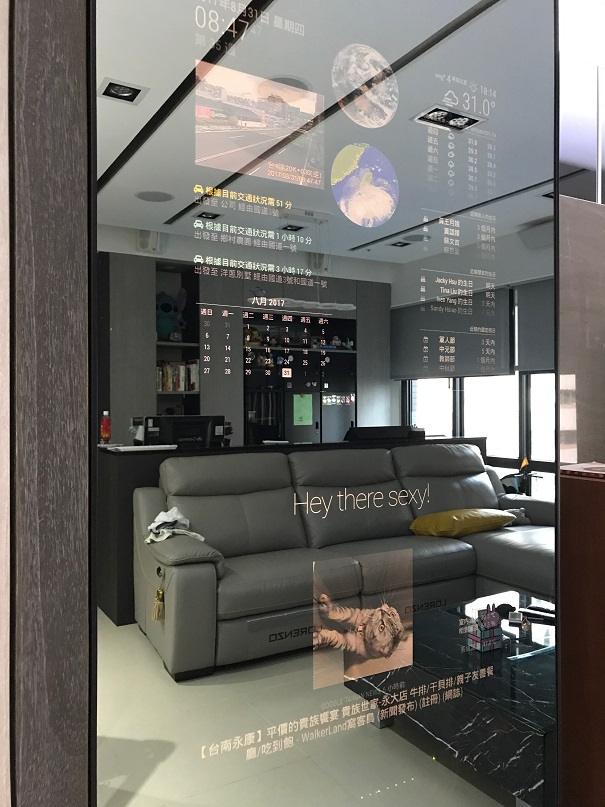
thank you, I use a 42" Infocus monitor and a 22" monitor.
-
RE: Jake's Magic Mirror (Done)
lights on
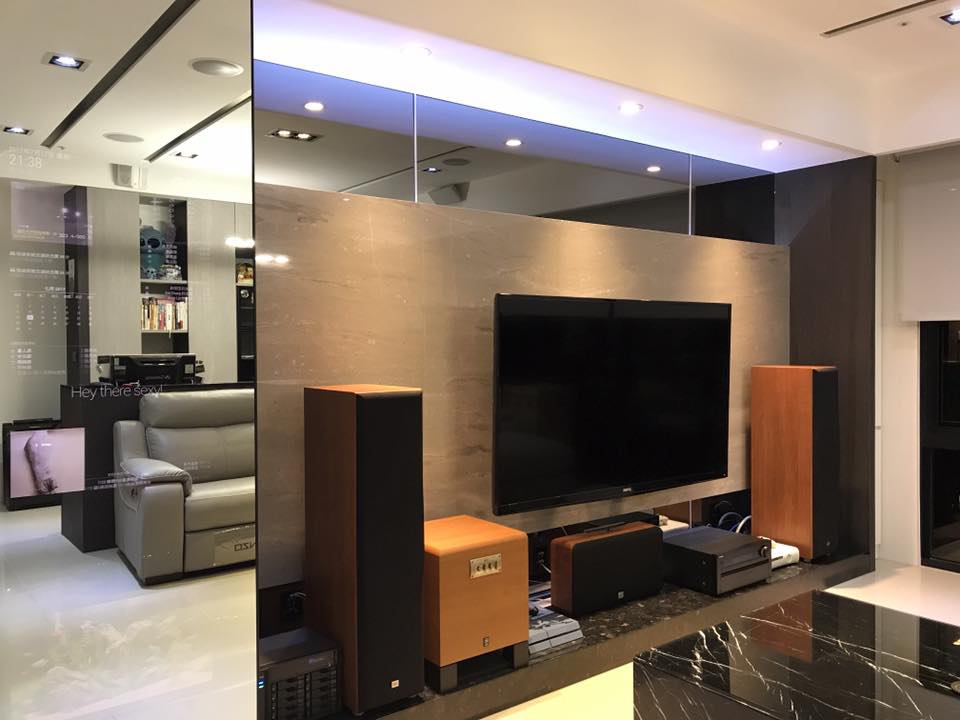
lights off
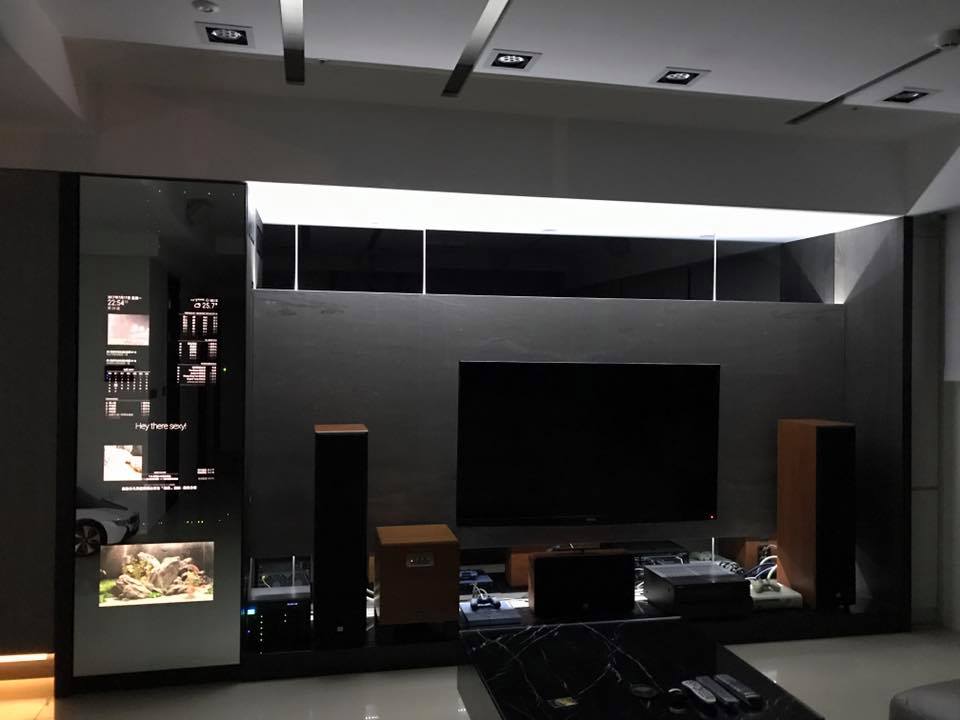
Apple music system integrated

update my livingroom’s magicmirror Video
thanks for watching
-
RE: Jake's Magic Mirror (Done)
Hi Friends,
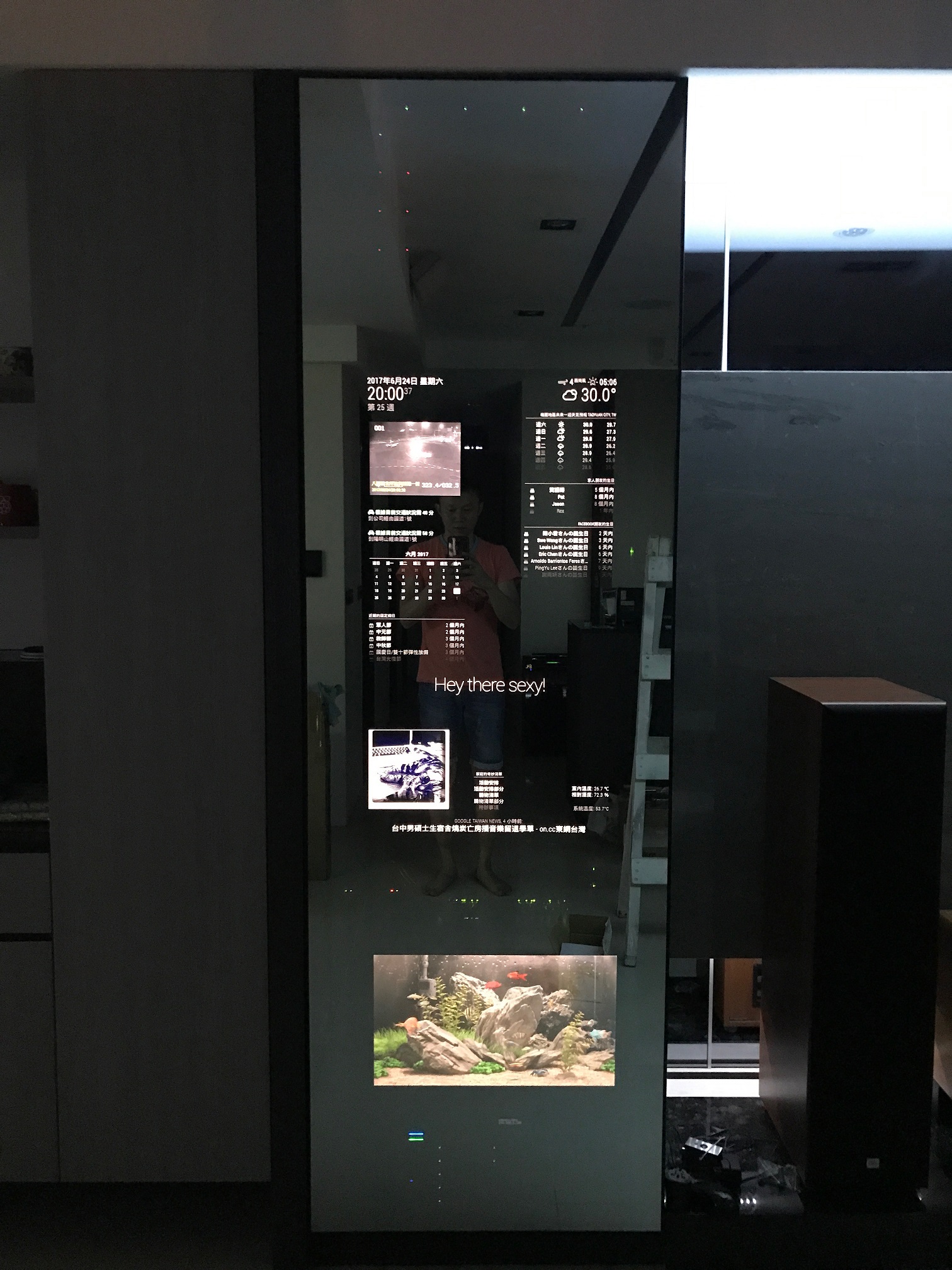
My new house finally done, thank you all for this cool staff.
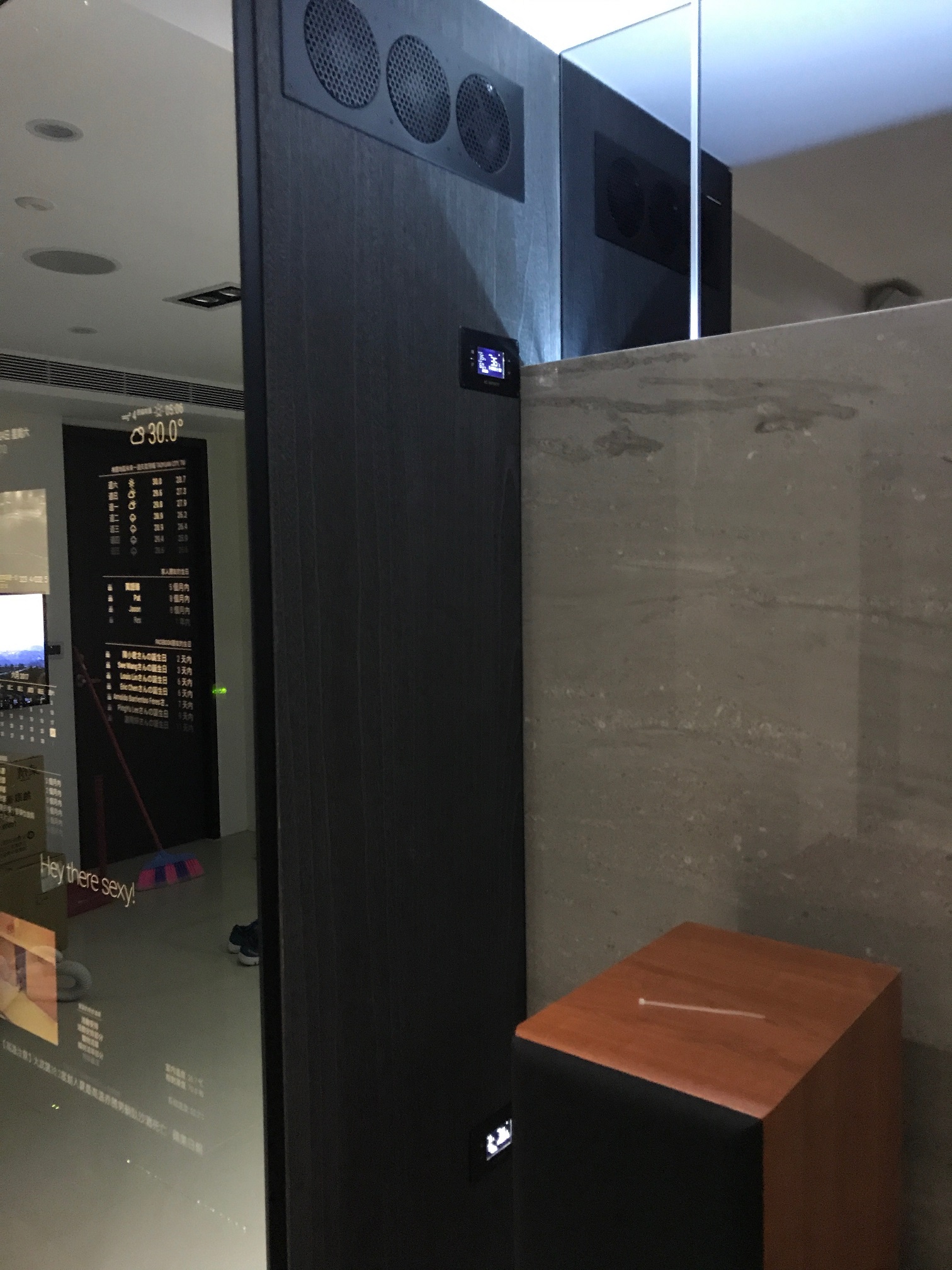
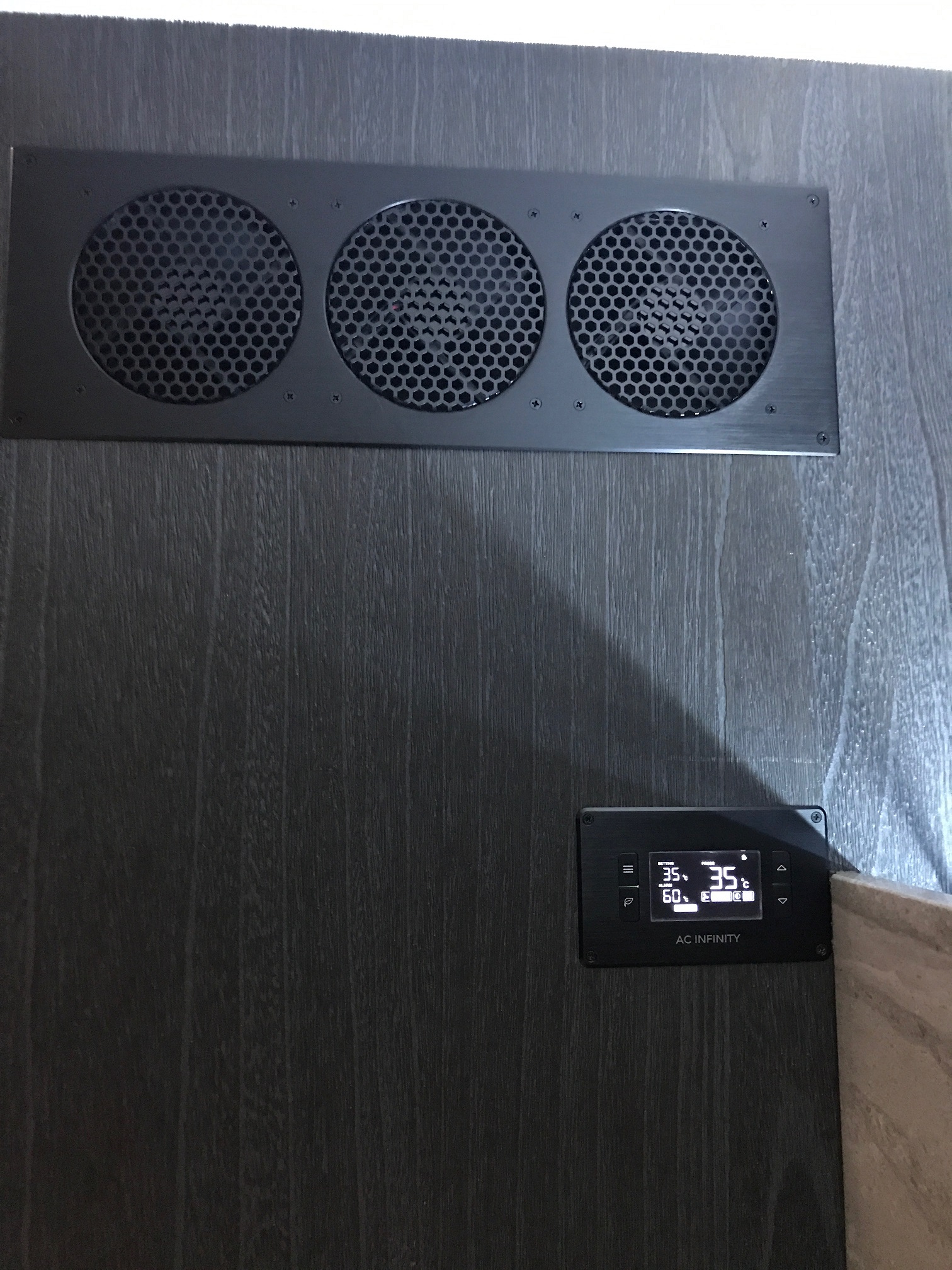
This magicmiorr box includes many devices in there and also has a fish tank inside box.
MM’s display control by PIR and MM’s GPIO controls door lock to avoid children open it and a led power supply to light up TV wall.Due to this system is dynamic shows many things, maybe I can make a clip when I available.
Cheers,
Jake
-
RE: CSS "z-index" is not working anymore
@broberg all set, thank you~
in custom.css
html { cursor: none; overflow: hidden; background: transparent; } .region.fullscreen * { pointer-events: auto; position: top; top: 0px; } -
RE: CSS "z-index" is not working anymore
@broberg Yes, I will modify it later.
-
RE: CSS "z-index" is not working anymore
@davidnesbitt7 finally I got some thing, I was add z-index in wrong place.
I am now add z-index in MMM-RandomPhoto.js:
img id="mmm-photos-placeholder1" style="z-index=-1;opacity: 0; position: absolute" img id="mmm-photos-placeholder2" style="z-index=-1;opacity: 0; position: absolute"and remark background in main.css:
// background: #000;now it works, only issue is picture not shows from top, but it’s minor, when display behind mirror. :grin:
-
RE: CSS "z-index" is not working anymore
@davidnesbitt7 I’ve tried that, but not succeed… :disappointed:
thanks for your time, I will try others later… -
RE: CSS "z-index" is not working anymore
@davidnesbitt7
thanks for the solution.
I am using MMM-RandomPhoto module, it can get 1080x1920 picture automatically and change in every 60 seconds.{ module: 'MMM-RandomPhoto', position: 'fullscreen_above', config: { opacity: 0.4, animationSpeed: 2000, updateInterval: 600, url: 'https://unsplash.it/1080/1920/?random' //1080x160 } },Maybe I can try add something in .js file below:
https://github.com/diego-vieira/MMM-RandomPhoto/blob/master/MMM-RandomPhoto.js -
RE: CSS "z-index" is not working anymore
@davidnesbitt7 thanks, it should be absolute, I didn’t change others, just add z-index= -1 or 1
-
CSS "z-index" is not working anymore
Hi all,
Is there anyone knows how to fix the issue on my MagicMirror, it’s about CSS z-index function.
Today I update MM system to 2.1.1, seems everything goes fine and smoothly.
After that, I found CSS z-index is useless(main.css), no matter how I change, it still won’t work and seems everything are going transparency, and background picture won’t show from the top, the region I use is “fullscreen_above”.This is before upgrade:
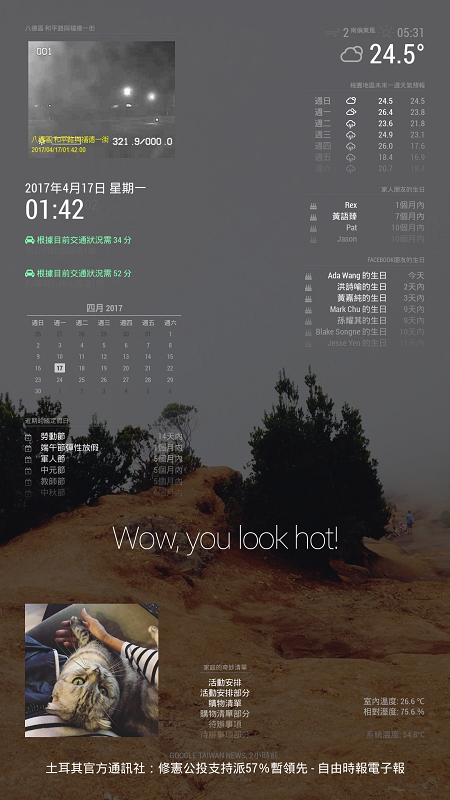
This is after upgrade to 2.1.1
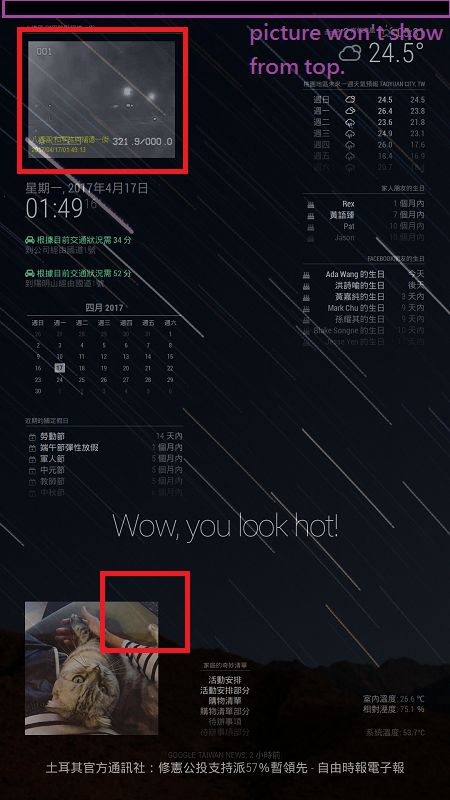
I would like keep z-index function when I wanna show background picture, can someone give me a hint? thank you so much.
Regards,
Jake