A New Chapter for MagicMirror: The Community Takes the Lead
Read the statement by Michael Teeuw here.
  • This topic is deleted!

    2
    0 Votes
    2 Posts
    31 Views
  • Ikea Ribba Smart Mirror 50x50cm

    9
    2
    3 Votes
    9 Posts
    13k Views
    P
    @mdhenriksen Thanks! Here are some more pictures: [image: 1564947402325-img_20190804_212640-1-resized.jpg] [image: 1564947412113-img_20190804_212739-1-resized.jpg] [image: 1564947419514-img_20190804_212806-1-resized.jpg] The mirror is a bit dirty as you can see in the last picture :)
  • My Custom Smart Mirror.

    28
    2
    5 Votes
    28 Posts
    33k Views
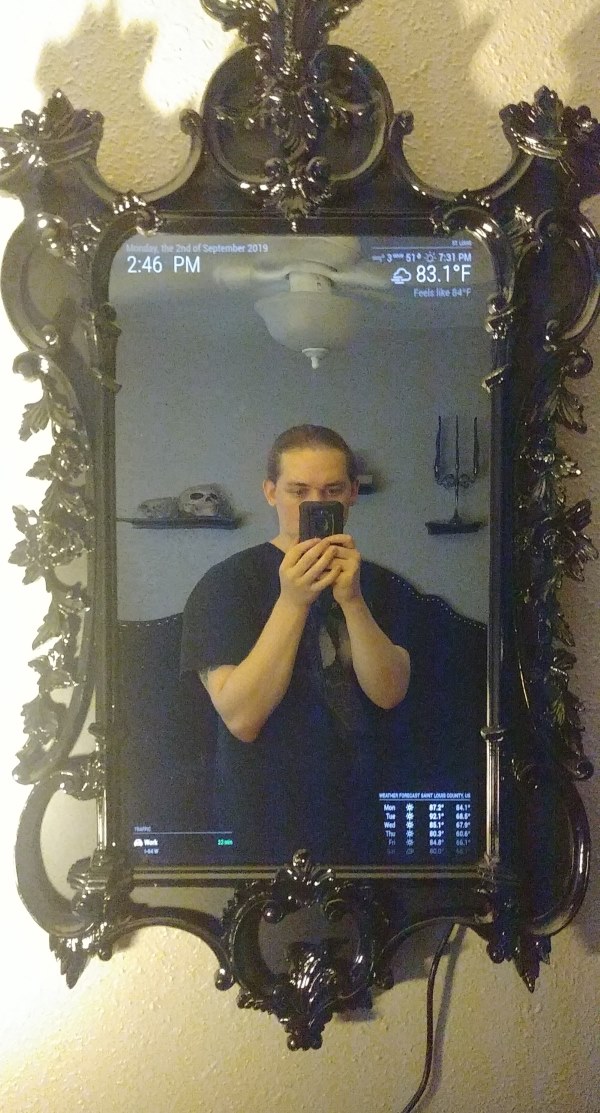
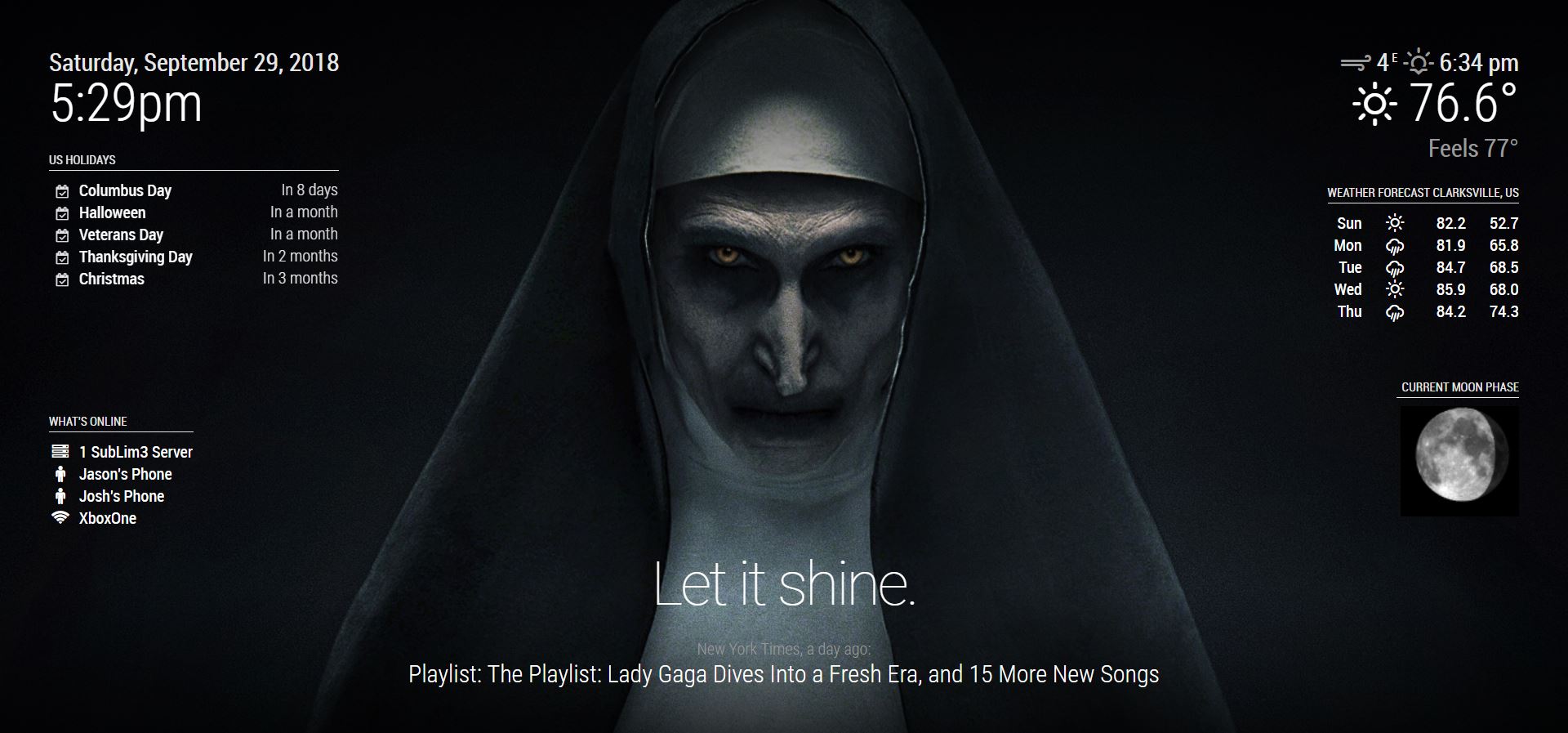
    SubLim3S
    @dazza120 Correct, nothing in the config.js but the defaults.
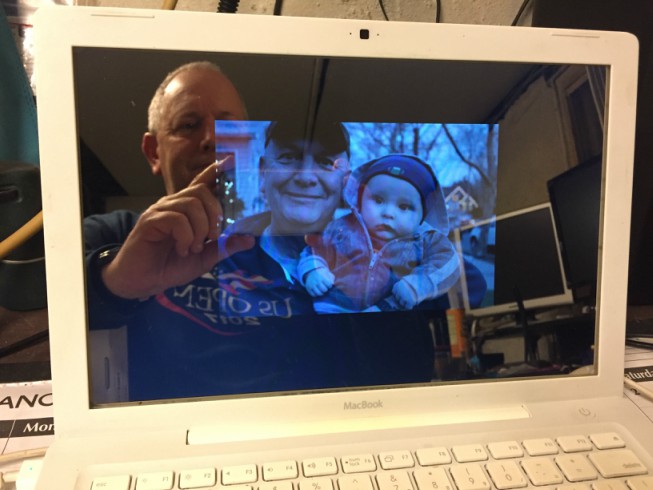
  • MacMirror

    15
    4
    3 Votes
    15 Posts
    14k Views
    Mykle1M
    @trividar Well, unless you’ve changed something it should work. Yes, @sdetweil’s sleepwake module is excellent. Are you using this config option? [image: 1564706221774-screenshot-from-2019-08-01-20-35-53.png]
  • I have 2 Pi 3's and 2 32" flat screens. Will share for frames and 2 way

    1
    0 Votes
    1 Posts
    5k Views
    M
    The title says it. I have 2 Raspberry Pi 3’s and 2 32" flat screen TVs. I need to find someone who will get the frames and 2 way Plexi or glass. I haven’t done my due diligence on which is a better material for a smart mirror. But I will provide you with the Raspberry Pi and tv if you provide me a frame and 2 way. I figure it’s less hassle than selling the extra items and then sourcing what I need. I will provide pictures and tracking I will also expect that in return. Hopefully we can help each other out and each have everything to build this nifty gadget. UC Browser
  • RaspberryPi.com showcased my Magic Mirror!

    2
    2 Votes
    2 Posts
    6k Views
    bheplerB
    Very cool!
  • My First Mirror

    14
    6
    5 Votes
    14 Posts
    15k Views
    Mykle1M
    @dazza120 Well done. :-)
  • $199 Special discount 15.6inch Smart mirror Ready to use Global shipment

    1
    -1 Votes
    1 Posts
    6k Views
    A
    [image: QjI1MENFMENGNkNEM0MzRTdDQ0M6MTQ2Mzg3ODQzNjU1ZGU1NTdhMWQ1MDI2OWI4NDA5MWY6Ojo6OjA=] [image: QjI1MENFMENGNkNEM0MzRTdDQ0M6Y2JlMzg5ZjMwZDY0MWNjNTM4ZGIzMzgyMTAxZTExNTU6Ojo6OjA=] [image: QjI1MENFMENGNkNEM0MzRTdDQ0M6Mzg5MmJhMjc3M2I3NmUxNWJhYWVjNDc1OTM4Zjk3OTI6Ojo6OjA=] AI mirror lets you option to display all of the following information. Greetings Date & Time Local Weather (6 days Forecast) Calendar News feed Google assistant (Pre-installed, you need to create your own account) Google photo Features Mirror-display size :15.6 inch Frame size: 16x10.5x1.3 inchs(404x270x30mm) Raspberry Pi 3 Model B+ :The lastest version of the Raspberry Pi hardware and software platform MagicMirror² :Easy to install and use Magic mirror software platform Modules:MagicMirror² 3rd Party Modules Control :Control Mini Wireless Keyboard(include) Screen:IPS screen Mic:Audio Mic (Google Assistant Control Ready) Speaker :3Wx2 Bluetooth : Bluetooth4.2 WiFi :802.11ac/b/g/n 2.5GHz/5GHz ETHERNET Giga Memory:16GB TF power AC110~240V to DC 12 V input OS Raspbian(Linux) In the box(Ready to use) AI mirror1 Mini Wireless Keyboard1 Adapter*1 Check it out https://filmpower.us/t/ai-mirror Just sent to mail to nebula@filmpower.com if you have any question.
  • BUILD YOUR OWN SMART MIRROR KITS FROM $299

    2
    -1 Votes
    2 Posts
    7k Views
    A
    [image: 1616_original] More smart mirrors
  • Here is my 14 X 18 Mirror

    5
    3
    2 Votes
    5 Posts
    7k Views
    bheplerB
    Thank you for the additional photos. It’s looking good!
  • MagicMirror Remote

    1
    -1 Votes
    1 Posts
    4k Views
    techcoderunT
    Big thanks to @Jopyth for this MagicMirror Remote Module
  • 22", Starting from 0 skill, turned out good.

    4
    1 Votes
    4 Posts
    9k Views
    T
    Hi, how did you connect the sensor with the pi?
  • My MagicMirror

    5
    1
    1 Votes
    5 Posts
    10k Views
    metalldetectorM
    please show me the pihole config because its not working for me thx
  • First MagicMirror

    28
    1
    14 Votes
    28 Posts
    31k Views
    delightedCrowD
    @HayyatAli thanks! Breaking the project into small steps is a good idea and @mumblebaj has really good advice in starting with the raspberry pi. If you don’t already have one I recommend taking a look at Adafruit. Once you have your pi set up you can look at getting a monitor, then you can decide how you want to frame it.
  • My first cheap £70 attempt :)

    6
    0 Votes
    6 Posts
    7k Views
    T
    Oh, also, if you want a “glass” type button you can use box-shadow. I’m never sure which I prefer and tend to swap periodically. .module { background-color:rgba(0,0,0,0.25); border-radius:8px; box-shadow: inset 0 3px 6px rgba(0,0,0,0.16), 0 4px 6px rgba(0,0,0,0.45); padding:8px; }

  • Voice enabled SmartMirror² - snips inside

    3
    2
    2 Votes
    3 Posts
    8k Views
    S
    Ok, so the Riverdi screen works with the Adafruit HDMI board. It is way brighter. This is needed in config.txt on the Pi to make it run. hdmi_drive=1 hdmi_ignore_edid=0xa5000080 hdmi_group=2 hdmi_mode=87 hdmi_timings=480 0 1 41 2 272 0 2 10 2 0 0 0 60 0 9009000 3 set the framebuffer to your liking: e.g. framebuffer_width=720 framebuffer_height=480 I also did change the edid of the Adafruit board but don’t know if this is neccessary. If the above is not enough change the edid like so The nice thing about this screen is that is can be switched on/off via vcgencmd display_power 1 [image: p67Qe3xWCo0TB19Xr5qlcBhuA2Q.jpeg] [image: fL7ynoZpjuU1scdxV07fNtn6m9H.jpeg] Ok, so the Riverdi screen works with the Adafruit HDMI board. It is way brighter. This is needed in config.txt on the Pi to make it run. hdmi_drive=1 hdmi_ignore_edid=0xa5000080 hdmi_group=2 hdmi_mode=87 hdmi_timings=480 0 1 41 2 272 0 2 10 2 0 0 0 60 0 9009000 3 set the framebuffer to your liking: e.g. framebuffer_width=720 framebuffer_height=480 I also did change the edid of the Adafruit board but don’t know if this is neccessary. If the above is not enough change the edid like so The nice thing about this screen is that is can be switched on/off via vcgencmd display_power 1 [image: afe7a3ad09a0ca64f027d85cda2b6661cccf0b40.jpeg] [image: 6e743c34cbb9f492c6cf868f8a485a83add54011.jpeg] [image: 9eb24626845201250309054feec3fb88d0e796a6.jpeg]
  • 32" MagicMirror with flickboard

    6
    4 Votes
    6 Posts
    7k Views
    O
    @grahamroy said in 32" MagicMirror with flickboard: Looks great. Please can you share your code on github? I want to integrate my flickboard into my mirror. Also, what are you using for the screen behind? Thanks thanx! Im using a AOC Q3279VWF / 32" / 1440p / 5ms / 75hz / HDMI,DVI,DP / MVA / Freesync monitor. And then I have 6mm real glas for the mirror. Im using tinkerboard with slightly modified code for everything to work.
  • My Old Wood Mirror

    12
    9
    2 Votes
    12 Posts
    11k Views
    bheplerB
    @nischi - Aha! I was wondering what those things were. Now I understand.
  • My first 'large' mirror, and a video of my learnings

    1
    1 Votes
    1 Posts
    5k Views
    J
    pics (One drive): link text video (10 tips to help build a magic mirror) link text I’ve made several of my mini mirrors, but making a large one was a much different experience. I hit a lot of issues that I had to refere back to documentation or the forum, so I made a video of what tripped me up to hopefully help others. The actual build time was likely about 2 hours, but there was also time picking out a frame and picking up various components. Innards: Raspberry pi 3, PIR sensor in 3d printed case, store bought frame, Tap plastic acrylic mirror ($75) Dimensions: 20" x 16" mirror size. Monitor: 4:3 DVI 1280 x 1024 upcycled old dell monitor Modules: MMM-PIR MMM-Admin , MMM-QRCode (This is a killer combo!) MMM- Iframe MMM-Tools MMM-Mystandings - Beautiful module, very well done MMM-Carousel - I always install this, it’s too useful not to, but it’s not currently used…yet MMM-IFrame - using it for traffic…easy to do with no API key needed Biggest tip/finding - Having the MMM-QRCode with the path to the admin page is magical. I can walk up, scan it with my phone, and then have the UI on my phone fairly quickly to go through adding/removing/updating. The Install module of MMM-Admin is a killer feature IMO, but it still has some bugs…now and then I lose a module or it doesn’t work, but if that can get sorted, it makes it ‘app store easy’ to add stuff which I appreciate. The one learning that didn’t make that video is that I used the MMM-IFrame and had a youtube playlist going. The problem is I have a metered connection of 1TB a month (Comcast) and so having a looping youtube video playing was not the best idea. However, it did look super geeky and cool when I had it running…I made a URL for a playlist of star trek LCARS diagrams and had that running to spice up the mirror. Here’s that URL in case someone else wants to use it, or learn from it. I used it with MMM-iFrame and it was beautiful - you can use the autoplay and loop portions to get a playlist you want to loop working as well :) https://www.youtube.com/embed/videoseries?list=PLNqjlEQ4DvUQRol-6Y1knaQyE7SXuLeIb&autoplay=1&index=448&loop=1 I think next I may try to write or modify a module. I have a gesture sensor, and while there is a gesture plugin for it, it requires an Arduino and another sensor for presence. I’m REALLY happy with MMM-IR for presence right now, and I feel like I should be able to get this sensor working with the raspberry pi directly, so I’m going to give it a go with some python when I get a sec. It’s an APDS-9960 which I think came from sparkfun. One other note…anyone measuring the power draws on their monitors? my setup was 30 watts, so the MMM-PIR was a lifesaver (brought it down to 2 watts). That’s $30 a year vs. $2 a year for running this project. I wonder about some of the larger TV based mirrors and what they’re drawing… Anyway any questions or comments please let me know. Huge thanks to the community here…without the answers that I found searching here I wouldn’t have been able to complete this project nearly as quickly.
  • Magic Mirror Mark IV

    7
    5
    2 Votes
    7 Posts
    7k Views
    Mykle1M
    @bhepler said in Magic Mirror Mark IV: Remember when I mentioned the dumb mistakes? Yeah. Ugh!