A New Chapter for MagicMirror: The Community Takes the Lead
Read the statement by Michael Teeuw here.
  • MMM-voice and MMM-Remote-Control

    1
    0 Votes
    1 Posts
    501 Views
    D
    @strawberry-3-141 I’m having a little trouble with MMM-voice it comes up with an error anytime you view the mirror through mmm remote control, but you say the mirrors magic word and it works as it should displaying voice by the mic 🎤 viewing it via VNC it works perfectly without Errors but then viewing it through remote control it comes up with error, any help please
  • Turn monitor on/off with MMM-voice

    Solved
    10
    0 Votes
    10 Posts
    3k Views
    M
    SOLVED This is not really a solution, but my error was that I was logged in on “Ubuntu on Wayland” which doesn’t have DPMS. On the login screen of Ubuntu you can click the little gear-icon and choose what kind of Ubuntu you want to login to. Wayland is a bit restricted, so just go with “Ubuntu” and not “Ubuntu on Wayland”
  • Problem server client configuration

    Unsolved
    21
    0 Votes
    21 Posts
    10k Views
    Mykle1M
    @akkor said in Problem server client configuration: I could test but I need your assistance 'couse I’m not a programmer I’m just good following guide… Why I think it won’t work. You’ll be running MM and MMM-voice on the server machine. The client machine will only have a browser pointed at MM running on the server machine. The client has no way of accepting the voice commands because only the browser is running. Now, if you had a microphone (at the client machine) with a cable that reached all the way to where the server machine is . . . :)
  • Remote into MM not working

    Solved
    5
    0 Votes
    5 Posts
    2k Views
    bheplerB
    @dazza120 - Remember to mark the topic as solved. I’m glad you got it working.
  • No Physical Output Device / VNC Display: a mess of overlapping content

    Unsolved
    1
    0 Votes
    1 Posts
    454 Views
    C
    I recently setup a MagicMirror on a Pi 3B+ with a physical monitor attached and all went well. Today I was hoping to get things setup with the various modules that I require. To do this I was hoping to VNC into the box for visual checks whilst using SSH for implementing the modules etc. However, without a physical monitor attached via HDMI and using VNC all the modules output is a mess of overlapping content. Is there a way to force the screen resolution so that appears as expected via VNC ? Thanks.
  • Troubleshooting MagicMirror

    Solved
    19
    0 Votes
    19 Posts
    7k Views
    idoodlerI
    @oththegentel It sounds like your MagicMirror instance is not running. How did you start MagicMirror, do you have pm2 installed?
  • Capitalize the first letter of the day/month in clock module

    Solved
    8
    0 Votes
    8 Posts
    2k Views
    idoodlerI
    @el-bardo You never know how other module devs use such functions. Always use the most non-inversive way which would be the custom CSS way.
  • Blank screen after restarting magic mirror?

    Unsolved
    14
    1
    0 Votes
    14 Posts
    6k Views
    idoodlerI
    @sollekram Awesome!
  • MM died after reboot

    Unsolved
    3
    0 Votes
    3 Posts
    874 Views
    eniacE
    Up… and Running … Now I can hear the hadrdisk working… I don’t wounder how much access the HD does , the sd cards died quickly :(
  • Depreciation Warning

    Unsolved
    5
    0 Votes
    5 Posts
    2k Views
    ?
    I solved this link! https://forum.magicmirror.builders/topic/9258/unable-to-install-dependencies/
  • node clientonly - no sound?

    Unsolved
    2
    0 Votes
    2 Posts
    955 Views
    bheplerB
    @benderstwin - It sounds like the notification is using a local (to the Pi) file for the notification sound. When you browse to the web app from another machine, the new machine doesn’t have the notification file in the same file path as the Pi. You could try hunting down where this notification noise is being stored and then rewriting the reference to it to go to a web-accessible location. That’s a fair bit of work for an audible notification.
  • Timer on Module

    Unsolved
    22
    0 Votes
    22 Posts
    6k Views
    ?
    @dsmtweaker If your local content locates under MagicMirror and it’s sub directory, you can contact via http. ~/MagicMirror/YOUR_RESOURCE => http://localhost:8080/YOUR_RESOURCE ~/MagicMirror/modules/MMM-SOMETHING/SOMEWHERE/SOME => http://localhost:8080/modules/MMM-SOMETHING/SOMEWHERE/SOME But other location… hmmm I’m not sure whether symbolic_link would work. If not so, you need another approach. - more complex… just to move your content under MagicMirror would be simpler.
  • Caldav

    Unsolved
    4
    0 Votes
    4 Posts
    2k Views
    P
    Thanks for your answer. No, There is no .ics url in my CALDAV service and No, I will not use a GAFAM to convert this calendar to a ics… i will probably need to run a service on the pi to locally convert the calendar
  • PM2 error

    Unsolved
    13
    0 Votes
    13 Posts
    6k Views
    D
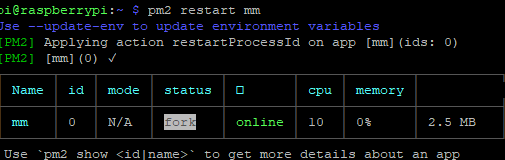
    I Had Similar i have just moved the pi to boot from sd to SSD that i had and for the life of me a fresh mirror 2.50 version wouldn’t run auto boot for love nor money i used this link in the end and its working well without having to kill everything and start again https://github.com/MichMich/MagicMirror/wiki/Auto-Starting-MagicMirror Hope this helps someone else Install PM2 using NPM: sudo npm install -g pm2 Starting PM2 on Boot To make sure PM2 can do it’s job when (re)booting your operating system, it needs to be started on boot. Luckily, PM2 has a handy helper for this. pm2 startup PM2 will now show you a command you need to execute. Make a MagicMirror start script. To use PM2 in combination with MagicMirror, we need to make a simple shell script. Preferable, we put this script outside the MagicMirror folder to make sure it won’t give us any issues if we want to upgrade the mirror. cd ~ nano mm.sh Add the following lines: cd ~/MagicMirror DISPLAY=:0 npm start Save and close, using the commands CTRL-O and CTRL-X. Now make sure the shell script is executable bij performing the following command: chmod +x mm.sh You are now ready to the MagicMirror using this script using PM2. Starting your MagicMirror with PM2 Simply start your mirror with the following command: pm2 start mm.sh You mirror should now boot up and appear on your screen after a few seconds. Enable restarting of the MagicMirror script. To make sure the MagicMirror restarts after rebooting, you need to save the current state of all scripts running via PM2. To do this, execute the following command: pm2 save And that’s all there is! You MagicMirror should now reboot after start, and restart after any failure. Controlling you MagicMirror via PM2. With your MagicMirror running via PM2, you have some handy tools at hand: Restarting your MagicMirror: pm2 restart mm Stopping your MagicMirror: pm2 stop mm Show the MagicMirror logs: pm2 logs mm Show the MagicMirror process information: pm2 show mm

  • gui not autologging in and pm2 is not starting automatically

    Unsolved
    3
    0 Votes
    3 Posts
    2k Views
    M
    Thanks for your help! I think if I could solve the not autologging in into the GUI my problem is fixed. I’ve started raspi-config and selected auto-login desktop, but after reboot the login form is shown. and when manually typing in the password i get “cannot currently show the desktop”. No password change has occured (the password is accepted in ssh) @bhepler said in gui not autologging in and pm2 is not starting automatically: @mdissel - When you installed pm2, did you run the command that it spit out for you? Try running this command: pm2 startup. It will give you a command that you will have to copy & paste and run with the sudo command. Something like this: sudo su -c "env PATH=$PATH:/home/unitech/.nvm/versions/node/v4.3/bin pm2 startup. Yes, I did. Anyhow, copy & paste that command and see if that solves your problem. As for “cannot currently show the desktop”, I’m assuming that you’re working directly on the pi itself and not SSH from another computer. A couple things to check: You’re running Raspian Stretch, with desktop (not lite). Yes… it worked at some time, You ran the system updates as soon as you got the pi connected to the internet (sudo apt-get update && sudo apt-get upgrade -y) Yes. I did You’re still using the pi user and not some other user account. It did work with the pi user. Thanks again!
  • Unable to Install Dependencies

    Solved
    4
    0 Votes
    4 Posts
    4k Views
    lavolp3L
    @alenba2 Well MM definitely works with stretch but nevertheless… if it works, I guess it’s ok
  • Calendar start time

    Unsolved
    3
    2
    1 Votes
    3 Posts
    2k Views
    jkindelspireJ
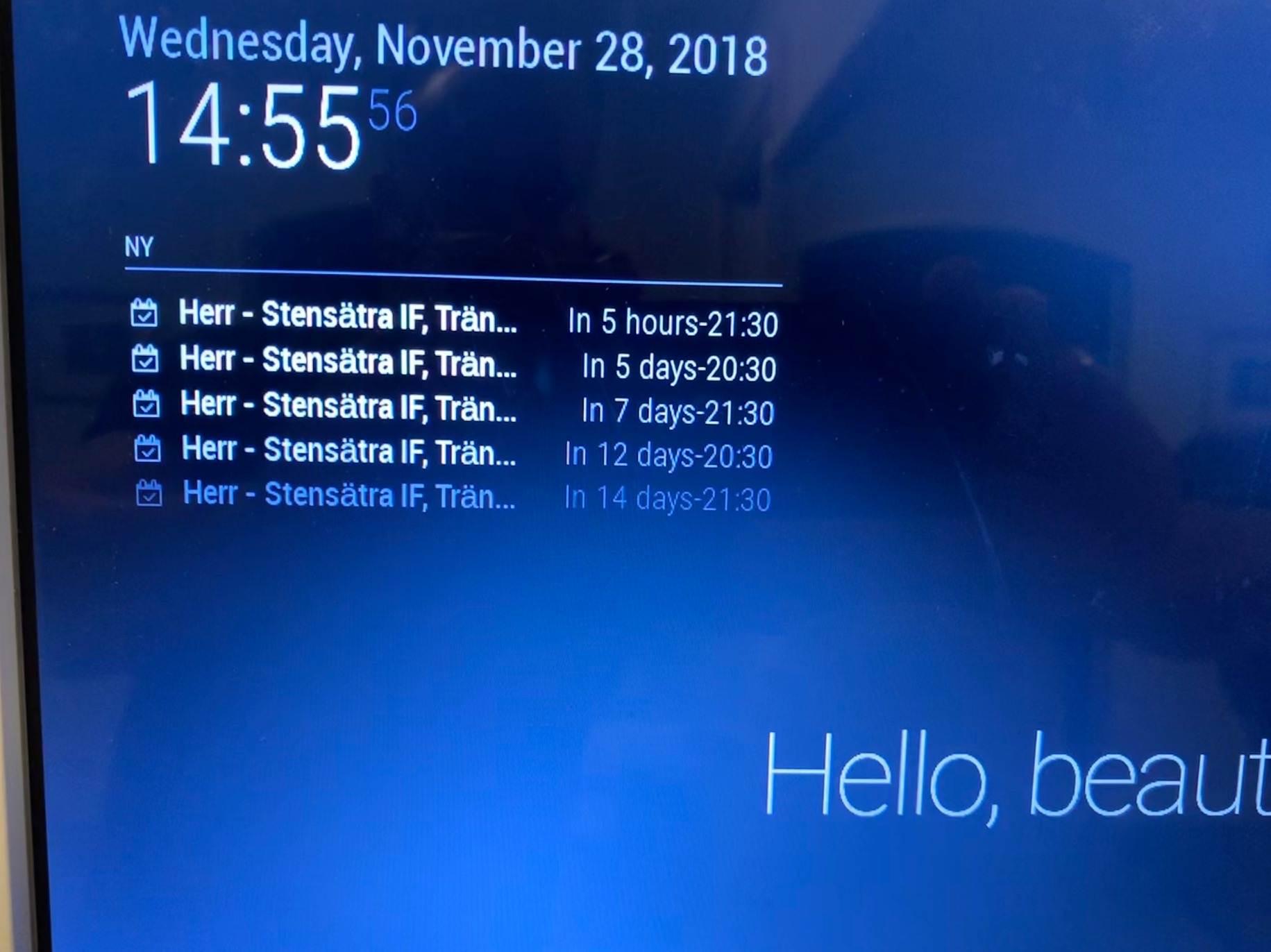
    I’m having a similar issue. For any events more than 24 hours out, it is only displaying the number of days away + end time. [image: 1544800657473-cal.png] I had to rebuild my MM after the Pi I was using crashed, so I believe I was running the previous version of MM before the rebuild. I seem to recall the calendar module displaying number of days in future + start time before. FWIW, I’m using google calendar.
  • no image on my screen

    Unsolved run-start.sh not found
    2
    0 Votes
    2 Posts
    595 Views
    S
    looks like you did not complete the install… cd MagicMirror npm install when that completes, look for node_modules/electron. is that folder present? if so, then try npm start again
  • MMM-MirrorMirrorOnTheWall stuck on Attempt to connect to AWS

    1
    1 Votes
    1 Posts
    506 Views
    R
    As title suggests, I am unable to connect to AWS IoT Core when using MMM-MirrorMirrorOnTheWall. The console would be stuck on “Attempt to connect to AWS”, tried giving it commands also but to no avail. Certs folder has also been put into …/modules/MMM-MirrorMirrorOnTheWall/
  • Snowbound on node.js

    Solved
    11
    0 Votes
    11 Posts
    4k Views
    G
    @sean Looks like I’ll be learning how to program in Java script :) Thanks for the tips. BTW: I found the issue with the python not running, seems the call from node changes the name of the script so main () had a different name to the import. Didn’t cure the snowboy issue (at least it got called, didn’t respond to wake word though 🤔, I’ll ask on the snowboy forum why that might be), but everything else worked.