A New Chapter for MagicMirror: The Community Takes the Lead
Read the statement by Michael Teeuw here.
  • Grunt - Warning?

    3
    0 Votes
    3 Posts
    2k Views
    D
    @strawberry-3.141 Thanks very much for that. It has put me at rest knowing its nothing to worry about.
  • email-mirror: mm2 duplicates Email-accounts

    1
    0 Votes
    1 Posts
    998 Views
    P
    Hi, The module works fine as long as i do not access MM2 via http. On the main-screen, everything looks good, but on the MM2, Emails and accounts double up, so if i have 2 Email-Accounts and 2 Emails, i have 4 afterwards. If i do it again via http, i have 6 entries…strange In this case, i have to rebbot the pi to fix it any ideas?
  • This topic is deleted!

    2
    0 Votes
    2 Posts
    9 Views
  • Can't get weatherforecast to work

    2
    0 Votes
    2 Posts
    2k Views
    Mykle1M
    @Zooooooom Look at this topic. There seems to a few people experiencing the same thing. https://forum.magicmirror.builders/topic/4781/problem-with-weather-forecast
  • Default modules not working after updated to 2.1.2

    8
    2
    0 Votes
    8 Posts
    4k Views
    strawberry 3.141S
    @Kimzer modules usually share the same width in the same region, so all modules in top_right for example would have the same width
  • Go East, young icon!

    Solved
    22
    0 Votes
    22 Posts
    17k Views
    KimzerK
    @Mykle1 Figured it out. But thanks ;)
  • Office 365 Calendar published on webdav - view in Calendar Module

    9
    0 Votes
    9 Posts
    5k Views
    ?
    As I know, default calendar module has some trouble with handling office ical. Some patch needs. I don’t know dev brach fix it.
  • Automatic installation problems

    4
    1
    0 Votes
    4 Posts
    2k Views
    B
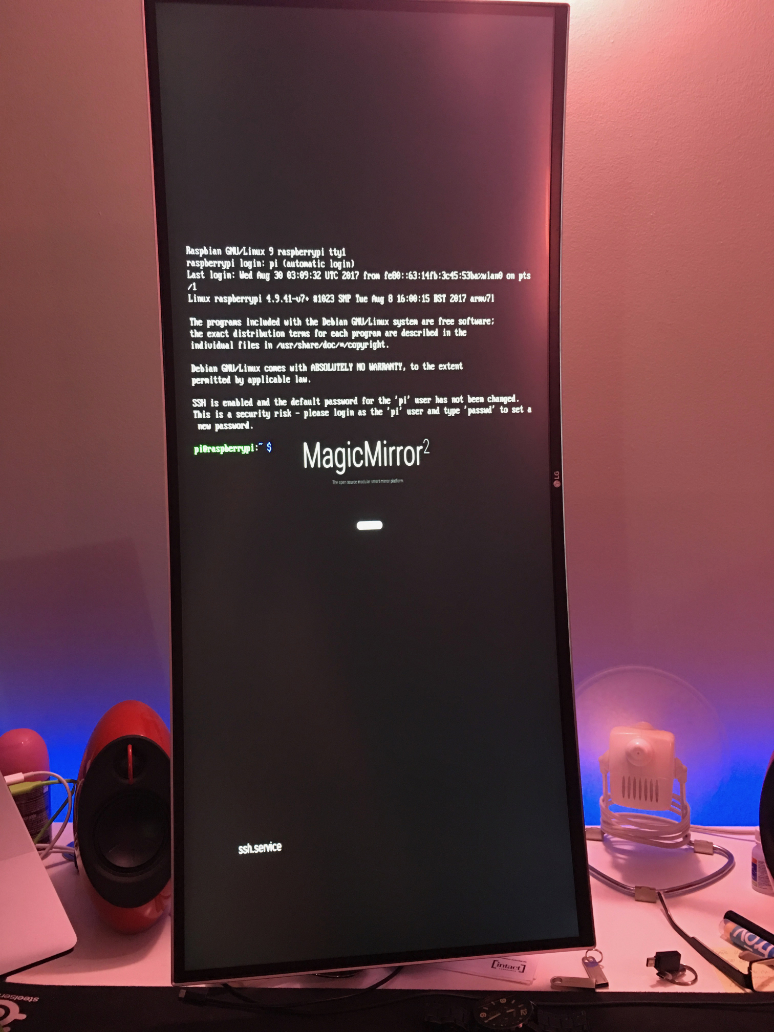
    @Sean it’s an LG 34UC98-W it’s 34 inches, 21:9 aspect ratio and it’s curved
  • Supporting i386 architecture

    1
    0 Votes
    1 Posts
    1k Views
    J
    Hey guys I’m trying to use the gactions CLI for gactions with my Google Assistant module but I’m having trouble with my executable. I was trying to hack together a solution by following this SO post to run the exectables but I’m running into the issue of /lib64/ld-linux-x86-64.so:2 No such file or directory This is usually solved by doing the command sudo apt-get install ia32-libs I got a unable to locate package error so I followed this SO Post which told me to sudo dpkg --add-architecture i386 sudo apt-get update sudo apt-get install ia32-libs but mirrordirector.raspbian.org./…/…i386/Packages doesn’t seem to exist (Unable to find expected entry) Any ideas on what I should do? Sorry if I’m posting this on the wrong place not sure where this belongs Thanks, Javier
  • Magic Mirror start

    6
    0 Votes
    6 Posts
    3k Views
    ?
    @strawberry-3.141 No problem, the PIR runs fine, but just not under ‘node serveronly’. I can live with that.
  • MMM-AlexaPi and pulseaudio

    1
    0 Votes
    1 Posts
    926 Views
    ?
    Is there a way to run AlexaPi without pulse at all ? If yes, how to do this ? The reason for this : Debian Stretch comes without Pulse now, Alsa should be all we need. It is possible to install Pulseaudio manually, but since Pulse always caused me problems when using AlexaPi, I want to try it without. Thanks.
  • Time and Date Do not Update

    4
    0 Votes
    4 Posts
    3k Views
    bheplerB
    @hall1458 Wow. Dude, I’m sorry that nobody has stepped in to help you out. I’m not much of a *nix guy, but I’ve been dealing with this at work for various reasons. I’ll do what I can. The NTP service should synchronize your Pi’s clock with one of many time servers out on the internet. If you get a terminal onto your Pi and type ps ax | grep ntpd you should see this line in return: 602 ? Ss 0:04 /usr/sbin/ntpd -p /var/run/ntpd.pid -g -u 106:111. Some parts will be different. This is good. If all you see is grep --color=auto ntp then the NTP service isn’t running. Post back here and we’ll get that fixed. Assuming that NTP is running on your pi, you will want to check the configuration of your NTP server. Type nano /etc/ntp.conf. If you see a blank screen/file, then you have a problem. Assuming you do see a file, you want to look for the following lines: # pool: server 0.debian.pool.ntp.org iburst server 1.debian.pool.ntp.org iburst server 2.debian.pool.ntp.org iburst server 3.debian.pool.ntp.org iburst These are the servers that your Pi will be checking for a valid time. You can manually check them as well. Exit the /etc/ntp.conf file and type ntpq -pn and wait. You should see something like this: remote refid st t when poll reach delay offset jitter ============================================================================== +173.71.73.207 .PPS. 1 u 856 1024 377 18.624 -1.660 5.766 +66.228.59.187 128.59.0.245 2 u 468 1024 377 27.636 0.276 6.356 *199.102.46.76 .GPS. 1 u 839 1024 377 37.422 0.189 4.440 +23.239.24.67 200.98.196.212 2 u 713 1024 377 48.940 -1.173 2.743 At least one of those lines should have an asterisk at the beginning. Give it a go and report back.
  • adding google calander to Config

    4
    0 Votes
    4 Posts
    2k Views
    Mykle1M
    @spikeboybebop The very beginning of your config should look like this: var config = { port: 8080, ipWhitelist: ["127.0.0.1", "::ffff:127.0.0.1", "::1"], I don’t know where you got main(); from
  • Switch HDMI on/off by pressing button connected to GPIO.

    hdmi onoff button gpio noob
    2
    0 Votes
    2 Posts
    2k Views
    P
    install the MMM-Admin module. It will serve up a webpage and you can control the HDMI from there…even use it on your phone. works well
  • config error somewhere, need help

    21
    0 Votes
    21 Posts
    10k Views
    R
    @strawberry-3.141 said in config error somewhere, need help: https://twitter.com/roramirez/ status/843121280601669632 :) This feature is include in the last release. Now you can use npm run config:check for check the configuration file :)
  • Electron failed to install correctly

    9
    0 Votes
    9 Posts
    12k Views
    Mykle1M
    @spikeboybebop said in Electron failed to install correctly: MM seems to work except for the weather Weather won’t work without an API key. See the README for that module for instructions on where to go to acquire said API key. Then, enter the API key in the appropriate place in the config entry for that module.
  • Mouse hide and show

    2
    0 Votes
    2 Posts
    3k Views
    Mykle1M
    @psteimann said in Mouse hide and show: But after the mousepointer has gone, how can i reactivate the mouse-coursor without the mouse?? Assuming you are controlling the mirror remotely. When the mirror is running: Press the Alt key (or Ctrl) on your keyboard. This drops down a menu bar at the top of your screen. You won’t see your mouse cursor until you move it all the way to the top of the screen into the menu bar. There it is! Click on the File menu and click Exit. This brings you back to your desktop.
  • MMM-YrNow

    7
    0 Votes
    7 Posts
    3k Views
    cowboysdudeC
    @howi42 said in MMM-YrNow: 1-2259969 I did…no return and no error so honestly I cannot tell you why it’s not working beyond the stock location numbers… I can check my weather here but use the number in the url and doesn’t work here either… So at this point I have no advice to offer… I’m confused by this too… if I enter the url in my browser it returns the data but won’t show in the module either.
  • Multiple audio input

    3
    0 Votes
    3 Posts
    2k Views
    ?
    @Sean said in Multiple audio input: AssistantPi Thanks, I will give it try. BTW, I tried AlexaPi earlier, not the best results. It crashes always when questions get a bit longer. Restart helps, but that is not a good option. Just for completeness : This is a typical result if you ask Alexa a longer question, like : How is the weather in Berlin Exception in thread Thread-2: Traceback (most recent call last): File “/usr/lib/python2.7/threading.py”, line 810, in __bootstrap_inner self.run() File “/usr/lib/python2.7/threading.py”, line 763, in run self.__target(*self.__args, **self.__kwargs) File “/opt/AlexaPi/src/main.py”, line 611, in trigger_process alexa_speech_recognizer(audio_stream) File “/opt/AlexaPi/src/main.py”, line 420, in alexa_speech_recognizer process_response(resp) File “/opt/AlexaPi/src/main.py”, line 510, in process_response with open(filename, ‘wb’) as f: IOError: [Errno 2] No such file or directory: ‘/tmp/AlexaPi-runtime-1HoVt4/5bdf1b19-4123-42fb-8c65-863eb1b071e3#Alexa3P:1.0/2017/08/31/21/3cd42c9aa6484b8c90aa75b6f956bf47/06:50::TNIH_2V.11cf1cd6-6ebf-4e5b-81fc-c7f609a99e06ZXV/0_1364971548.mp3’

  • [Facial Recognition] Recognizes name but does't load modules

    3
    0 Votes
    3 Posts
    1k Views
    I
    No one to help me ?