What do you want? :-)
And how much do you pay $$$ ;-)
 B
Offline
B
Offline
What do you want? :-)
And how much do you pay $$$ ;-)
I had the same problem.
I was not using https. now it works for me.
I’ve tried this on an other pi and it works …
can you uncomment line 33 in node_helper.js to check if he tries to write something in to the logs?
console.log("Log: " + temp + " - " + hum);
I don’t now atm :-)
it looks like something is blocking the dht_var script when your MM is running
Do you have error in your MM logs?
What’s the result when you try this command directli in your terminal:
go to cd MagicMirror/modules/MMM-DHT22/
sudo ./dht_var 2
Replace 2 with your sensor Pin
I’ve tested this on two different Pi’s
Hi @PaulB
I’ve used an aluminium sheet, 1.5 mm thik. I made a sketch and went to a Sheet metal processing company.
But the coast are very high. :-)
The fixing is included in to the mirrorframe and its built in one pice of aluminium.
Bangee
@bibi did you try it with the instructions from paviro:
https://github.com/paviro/MMM-PIR-Sensor
I don’t think that this warn is your problem. I have so many times these warnings :-D
You sould send us whats in your pm2 logs mm
I would like to build my own apps for Mobile devices.
What software / programmer Language would you recomment to develop for iOS and Android?
I have a windows system at home. :-)
thank you
can you restart the magicmirror an check what errormessage you have:
pm2 logs mm
this function is called MONITORON - MONITOROFF ;-)
@MichMich Thank you. I’ve had to update my config:
the Log told me:
Access denied to IP address: ::ffff:192.168.0.99
It works with this:
ipWhitelist: ["127.0.0.1", "::ffff:127.0.0.1", "::1", "::ffff:192.168.0.1/24", "192.168.0.1/24"],
I’m now on the latest DEV version.
I had some problems to run it with my PIR Sensor.
this command helps to run it:
npm rebuild --runtime=electron-prebuilt --target=0.37.8 --disturl=https://atom.io/download/atom-shell --build-from-source
IpWithelist:
I’ve added my Subnet to de Withelist, but I can’t access my MagicMirror using a browser:
This device is not allowed to access your mirror.
Please check your config.js or config.js.sample to change this.
Would it be possible to add something like “Your IP-Adress: 192.168.0.99”?
ipWhitelist: ["127.0.0.1", "::ffff:127.0.0.1", "::1", ["192.168.0.99", "192.168.0.254"]],
This sould add a range from 192.168.0.99-192.168.0.254, or am I wrong?
Thanks for your help.
I did it by my self.
The glass is a 4mm two way mirror and the frame is aluminium 1.5 mm.
and the complete mirror is about 5 cm thick
my first mirror was built with a 12 % in a “darker” room.
There is no big window on the other side of the room:
https://forum.magicmirror.builders/topic/117/bangee-s-mirror/16
I’ll post another project with a 12 % mirror.
the reflection of the 12% is golden. the 20% has a natural reflection.
I’ts hard to decide ;-)
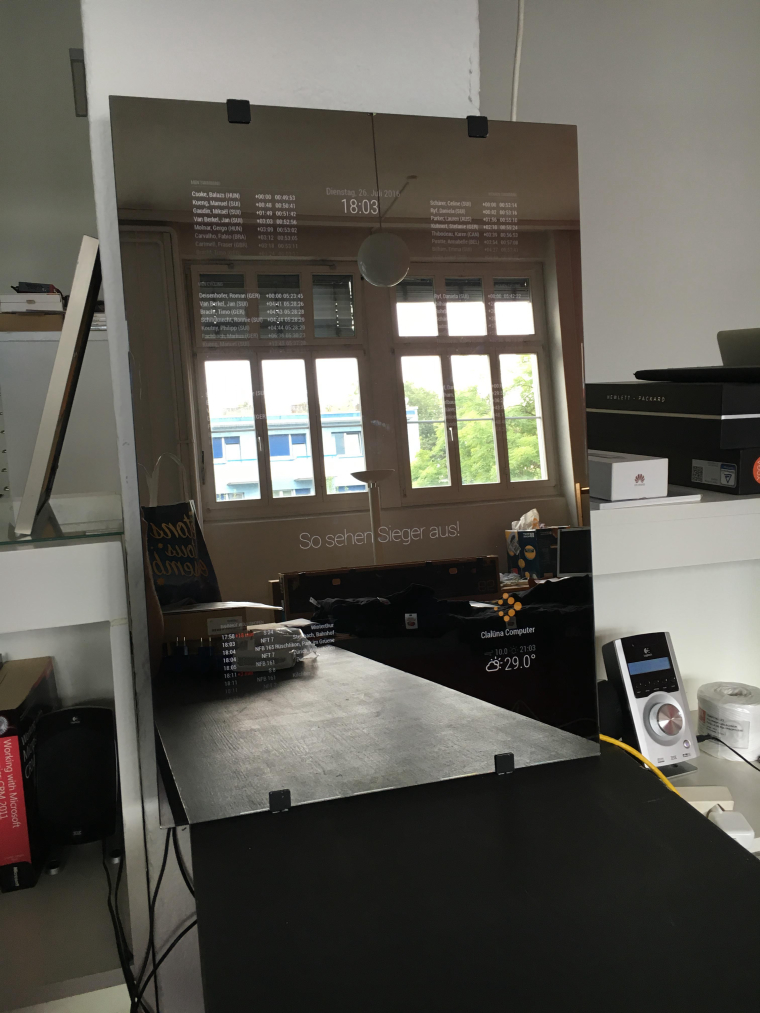
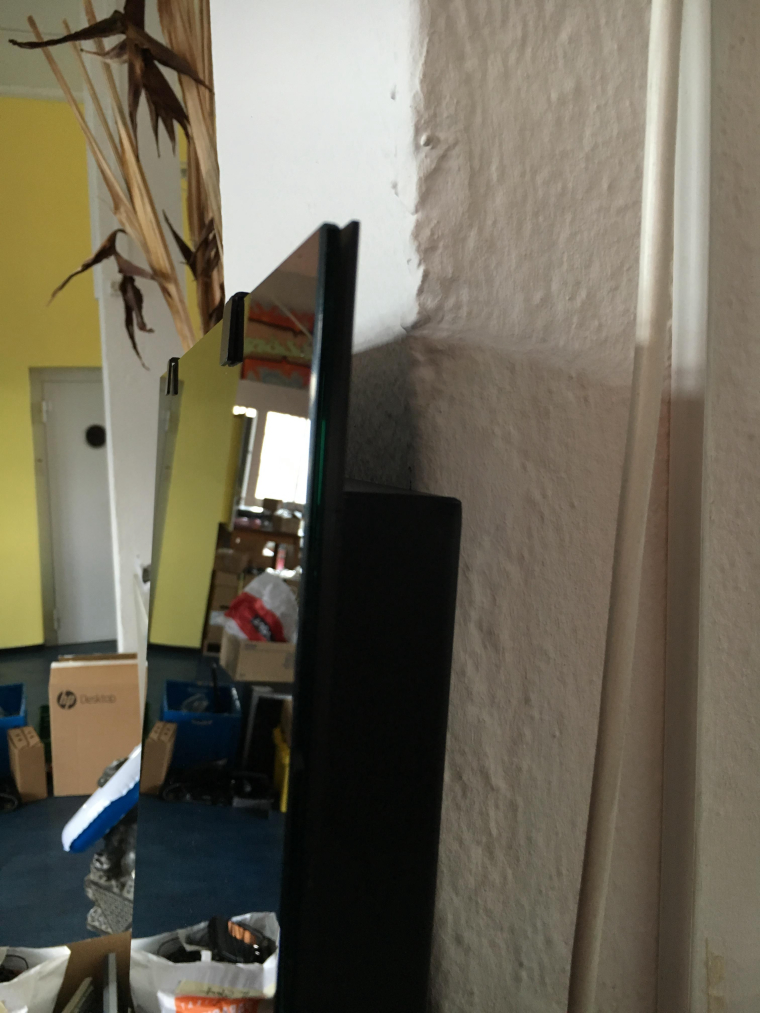
Here is my frameless mirror project. I like this style a lot.
Here you can see the difference between the 12 % and 20 % mirror.
The room has big windows.
12%:
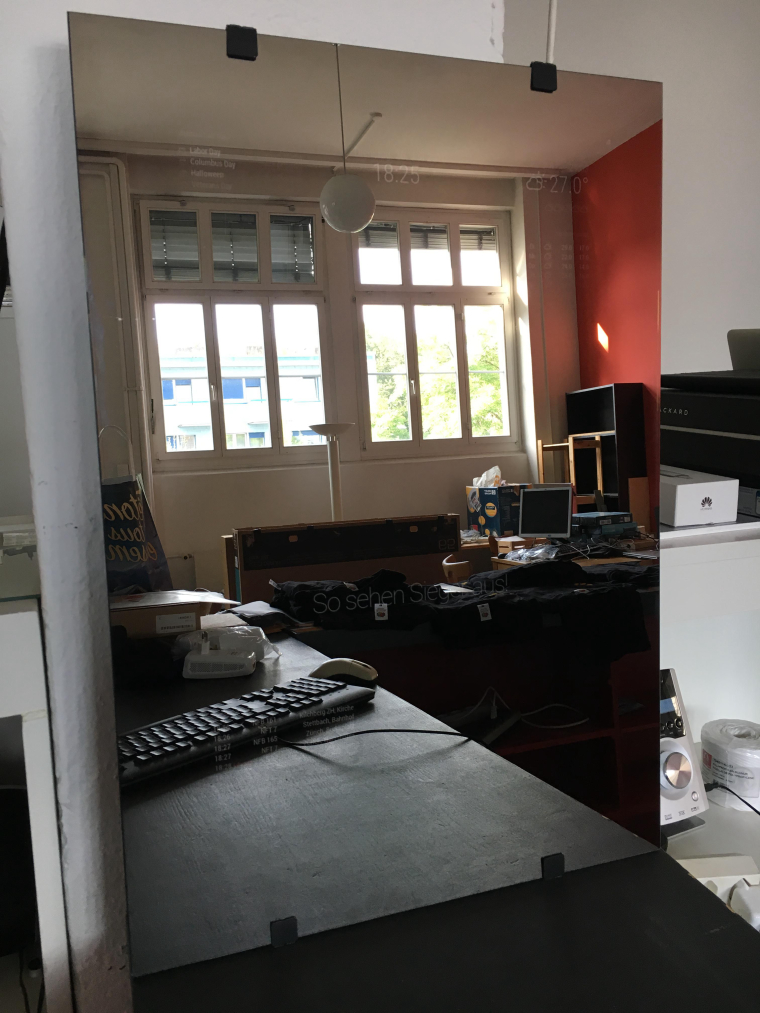
20%
frame:
@ceerix can you try this:
http://192.168.XXX.XXX:8080/remote?action=RESTART
@Jopyth the pull request is online. :-)
https://github.com/Bangee44/MMM-Remote-Control