A New Chapter for MagicMirror: The Community Takes the Lead
Read the statement by Michael Teeuw here.
  • First Mirror Complete

    11
    2
    7 Votes
    11 Posts
    6k Views
    G
    @esilfies what have you learnt? What do you wish you’d known before starting. I am about to start a 23" mirror too and hoping it won’t take me too long.
  • 22'' Display + 40cmx50cm IKEA Frame + PIR Sensor

    29
    9 Votes
    29 Posts
    44k Views
    G
    @ryck , yes please a photo will be helpful, just to illustrate. Also - was the visibility in the film ok? or was it too transparent?
  • Wooden frame with 24" screen

    3
    1
    3 Votes
    3 Posts
    4k Views
    G
    @joeben said in Wooden frame with 24" screen: Since I wanted to avoid to see the screen behind the mirror, the visible si I am also looking to create a mirror that is the same size as my 23" monitor (for the same reason as you - so that the monitor is not visible. Did you get the glass cut to be the exact same size or was it a few mm larger?
  • Chrometastic-Mirror

    3
    1 Votes
    3 Posts
    3k Views
    devcybikoD
    @jeffeb3 Thanks for your comments! Not easily. Of course whatever you pair the Chromecast to will sync up. I’ve been looking for a Node (npm) module that will do Chromecast sending - all the ones I’ve found so far do Chromecast emulation (receiving). But… There is a Chromium project (https://www.chromium.org/) that you can create a custom browser with - and it includes the Chromecast protocols: https://blog.chromium.org/2020/07/chrome-85-upload-streaming-human.html I haven’t tried it yet as I’m happy with my Chrometastic Mirror. Frankly, it’s a bit of a disappointment in that it’s basically a 19" TV behind a mirror. And that’s how I use it. (also at 16 lbs, it is really heavy. I think a less “ambitious” frame would be in order.) Alternatively, you might try using Selenium to create a script that can control the browser on your laptop/desktop. Selenium is a software library that sends events (like mouse clicks) to the browser and and then waits for responses. It’s programmable in both Java and JavaScript. As an aside: I’ve also had trouble with connecting the Bluetooth transmitter. When connected to the USB power, the output is distorted. I’ve used two different brands of transmitter with the same result. If I disconnect the power (or connect the Bluetooth transmitter to a separate power source) I don’t have the problem. It’s possible I have the audio wires reversed - but I doubt it. I was pretty careful to make sure I had ground-to-ground. Thanks again for commenting. Let me know how your project works out!
  • Want to buy smart mirror

    4
    0 Votes
    4 Posts
    6k Views
    D
    Any smart mirror should be designed to withstand those kinds of conditions, these kinds of items are often intended for the bathroom area so a good manufacturer should keep this in mind when making the product and prepare it so that it can resist moisture or protect the parts in some way.
  • A whole lot upgrades to my MagicMirror, finally!

    23
    10
    7 Votes
    23 Posts
    12k Views
    cowboysdudeC
    @mumblebaj I would share it but it’s not a module for MM. It’s a Home Assistant sensor ‘module’
  • My Magic Mirror - 100x70cm

    19
    3 Votes
    19 Posts
    26k Views
    Cr4z33C
    @marcnlx very nice build although I am very disappointed about the plexiglass price. I paid € 130,00 for a Pilkington MirroView glass to cover the area of a 55" TV (and beyond)! 😬
  • Finally completed my 'Not Magic Mirror'!!

    3
    3
    1 Votes
    3 Posts
    2k Views
    C-sonC
    Great work! Your family must be very happy to see you again.
  • UK Lock-down mirror

    10
    3
    5 Votes
    10 Posts
    3k Views
    C
    @dubalda Thanks man! I ordered my own samples after I saw you can discount the sample cost from the final order - they arrived today and are awesome!
  • First Build.

    1
    4
    6 Votes
    1 Posts
    882 Views
    Q
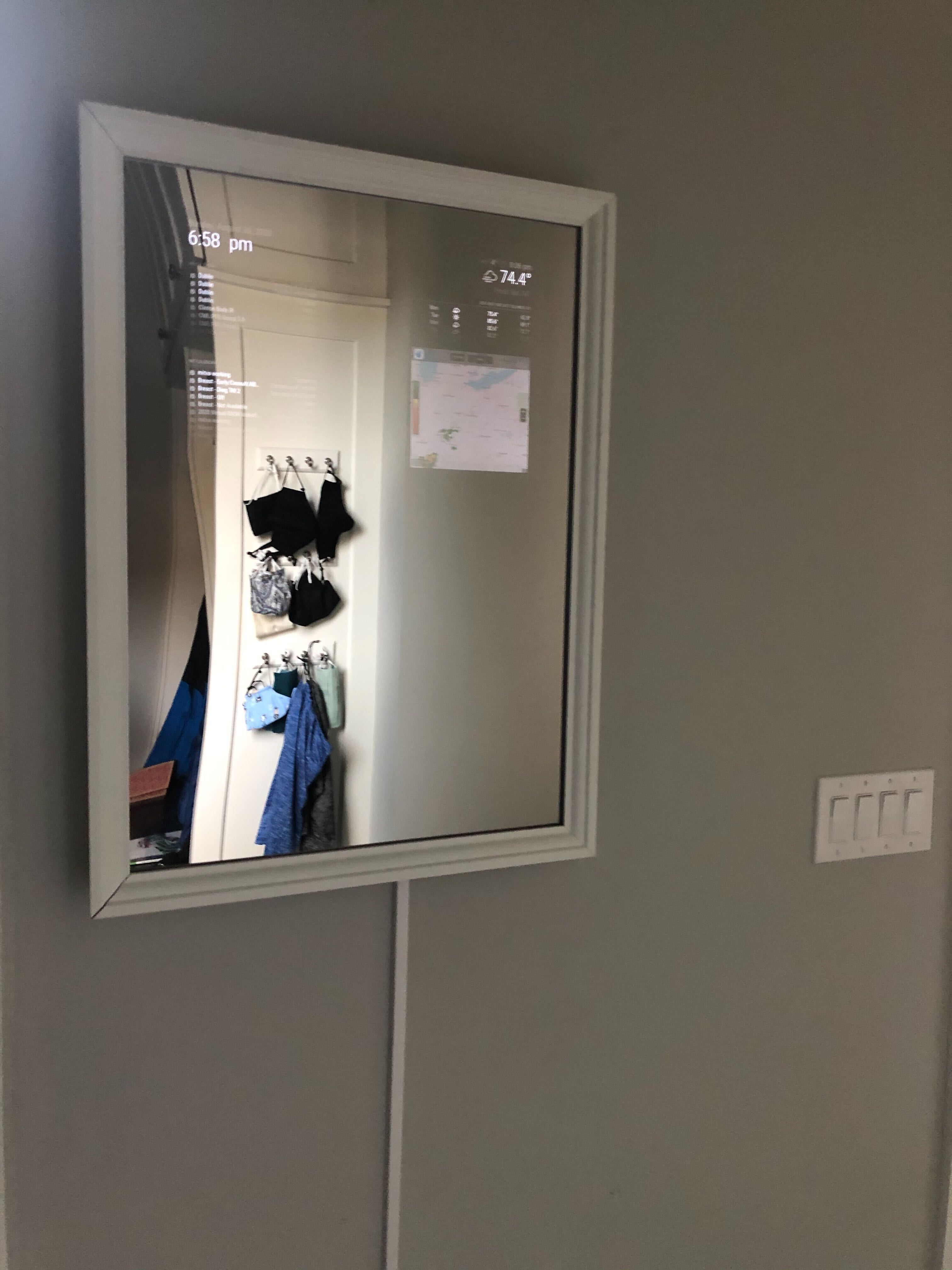
    Finished my first Magic Mirror build this weekend. My build: Raspberry Pi 3B Older Dell monitor that I had in storage Ikea Edsbruk 19 ¾x27 ½ frame I built a support frame using 1x2inch boards and attached that to the back of the Ikea frame with 1 inch corner brackets I initially tried to use mirror film on the Ikea plexiglass but that was a giant fail so I ended up buying a two way mirror plexiglass sheet from Canal Plastics in NYC. Initial programming [image: 1598838686700-img_1053-resized.jpg] Frame-- I cleaned up the wiring with some zip ties and brackets before securing the support frame to the Ikea frame permanently. [image: 1598838973518-image-from-ios-2.jpg] Final setup… with dog. [image: 1598839113731-image-from-ios-3-resized.jpg] On the wall. [image: 1598839149086-img_1432-resized.jpg]
  • My first, slim mirror at home

    12
    6
    4 Votes
    12 Posts
    6k Views
    uros76U
    @djdocta I am using this one for spotify https://github.com/raywo/MMM-NowPlayingOnSpotify
  • Starting a new project: Magic Mirror on a small 2.2 inches screen

    5
    1
    1 Votes
    5 Posts
    2k Views
    qu1queQ
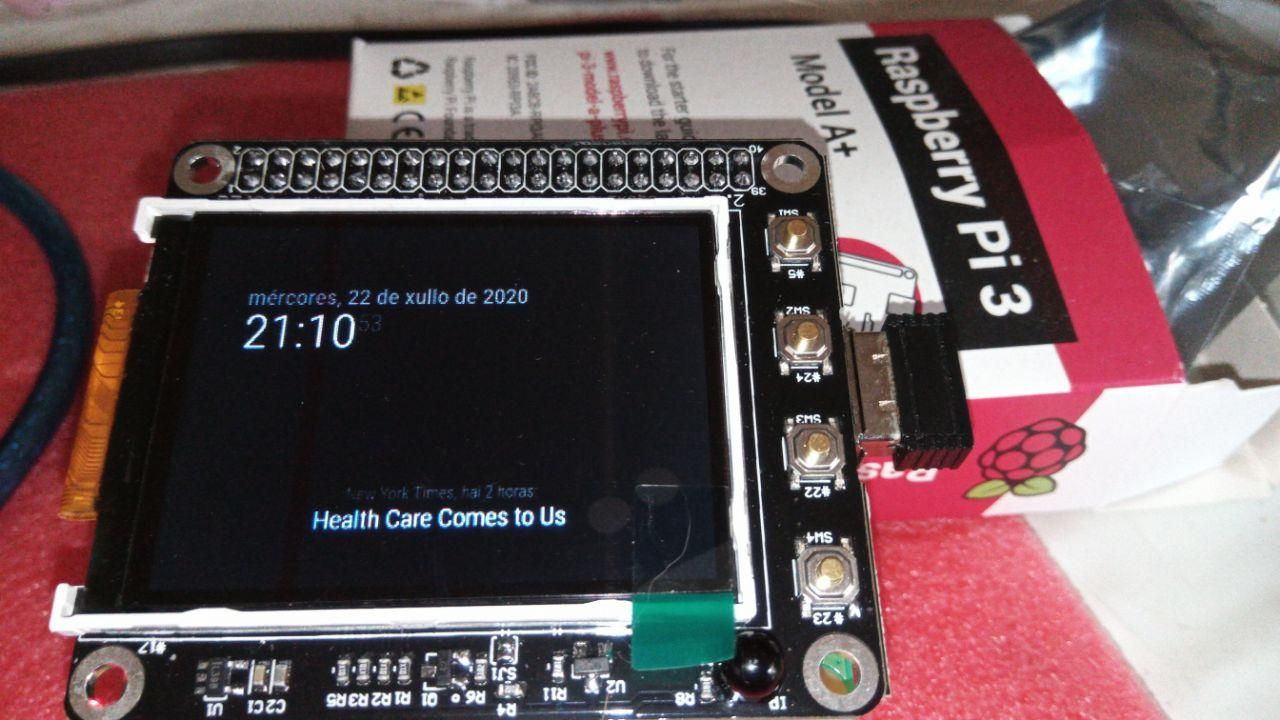
    More progress, now with music and 2 buttons to control it. You can see a video on this link: My project on Reddit Enjoy!
  • I show my process of making the magic mirror!

    2
    0 Votes
    2 Posts
    871 Views
    StoffbeuteluweS
    @Pablerasdh nice Video
  • Finally I finished my mirror

    mirror
    4
    3
    3 Votes
    4 Posts
    2k Views
    S
    @Hadr1en if u search for “Velcro tape” u might find sources near you. they make all widths and strength of the hooks. mounting pi directly with the sticky side… hm, might want to use a cheap case to hold the pi, and velcro that
  • My mini magic Alarm Clock!

    15
    6 Votes
    15 Posts
    21k Views
    cowboysdudeC
    @BKeyport the touch works the same as a mouse click so there’s nothing to getting it working. You get a 7" or 10" Raspberry pi screen they work really great! :)
  • Finished (are they ever really...)

    9
    5 Votes
    9 Posts
    3k Views
    zdenekZ
    @earnestrichards great, thanks
  • Great project but screen isn't bright enough, any options?

    1
    0 Votes
    1 Posts
    612 Views
    S
    So used a spare Samsung LCD LTM200KT03 screen I had lying around and built a frame around it with the intent of using Ikea Ribba frame to go around the the entire thing. I thought I could add film to the Ribba picture frame but it turns out that it doesn’t have glass just plastic which wouldn’t stick to the film well at all. I ended up ordering a Two-Way Mirrored Acrylic - Clear 3 mm Thick, 500 mm Wide, 700 mm Long, Color: Clear – 146 from here:https://www.tapplastics.com/product/plastics/cut_to_size_plastic/two_way_mirrored_acrylic/558 and it looks great. I even used a hacksaw blade glued to the top of the frame so I could put magnets in the Ikea frame for easy removal. However, with it off I can see the MM fine but with it on it’s very dim and really only useable at night. I’ve moved the screen to where it get’s less reflections but no real joy. The monitor is as bight and contrast as it will go. What are my options? Pictures below. https://imgur.com/a/cOpHjex
  • This topic is deleted!

    2
    -2 Votes
    2 Posts
    254 Views
  • My second Magic Mirror (without a mirror)

    18
    3
    6 Votes
    18 Posts
    15k Views
    earnestrichardsE
    Very nice mirror. I really like the framing as well as your content choices. I’m working on copying some of what you did… I successfully installed the before-current-next month calendars. I figured out how to copy what you did with the ‘extra’ days on the beginning and end of each month. What I can’t seem to get going is how to have only the current month’s current day highlighted. Pointer? Please.
  • My first attempt...

    4
    0 Votes
    4 Posts
    1k Views
    BKeyportB
    Looks like a good start.