A New Chapter for MagicMirror: The Community Takes the Lead
Read the statement by Michael Teeuw here.
  • Cant seem to find config section to edit modules.

    9
    0 Votes
    9 Posts
    2k Views
    P
    @Robertovj3 Thank you for for appreciation ! Check the github page of MMM-ScreenCast for issues… I am sure you will find something there, else create a new issue !
  • Magic Mirror turns to blank screen after 20 minutes

    4
    0 Votes
    4 Posts
    644 Views
    S
    @61metsj373 there was a screensaver already installed, all u had to do was turn it off…
  • Raspberry Pi 4 powersupply

    power supply rasberry pi 4 help me please new
    3
    0 Votes
    3 Posts
    612 Views
    bheplerB
    18W should work.
  • Linking a Google calendar to AlexaPi

    11
    0 Votes
    11 Posts
    3k Views
    S
    @DanielLBarlow I do not. I would have thought config would be global across all Alexa connected devices
  • Get information about thesis assignment, please help🙏😇

    3
    0 Votes
    3 Posts
    733 Views
    B
    @banbutcher First of all I think I need to install magic mirror. I have to upload them later, but that doesn’t cause me. I tried it tonight, but it just doesn’t work “push and talk”. Please help me
  • Current Weather module is displaying inaccurate data

    2
    0 Votes
    2 Posts
    319 Views
    Mykle1M
    @Karthikeyyan https://github.com/MichMich/MagicMirror/wiki/3rd-Party-Modules Scroll down to the weather category. There are many.
  • Calendar Covering the whole screen, how do i adjust this?

    2
    0 Votes
    2 Posts
    570 Views
    R
    @pandeyprakhar00 would you have any info on this? or could you assist on this?
  • Zoom config ignored in server mode?

    3
    0 Votes
    3 Posts
    498 Views
    D
    Thanks, that makes sense, and indeed Chrome is happily remembering the setting too. I wasn’t sure whether the zoom was being applied pre- or post-rendering. But your explanation makes sense, and the solution of doing it “manually” works fine.
  • Current weather missing

    10
    0 Votes
    10 Posts
    2k Views
    J
    @Mykle1 That DID THE TRICK!!!
  • Calendar Issues

    2
    0 Votes
    2 Posts
    248 Views
    S
    @ofallo make sure the link you use for gmail can be accessed by the browser on the pi… it must download the ics file for MM to be able to us the link
  • Black screen after i added assistant and hotword to config

    2
    0 Votes
    2 Posts
    158 Views
    ?
    hi, i think it’s better for you reading offical wiki in each module on github website
  • Config

    6
    0 Votes
    6 Posts
    965 Views
    S
    @sdmydbr did you use MMPM? (it probably accidetnally change the order and quoted) its doesn’t matter the order so much , position will decide, except if you cared about order in area
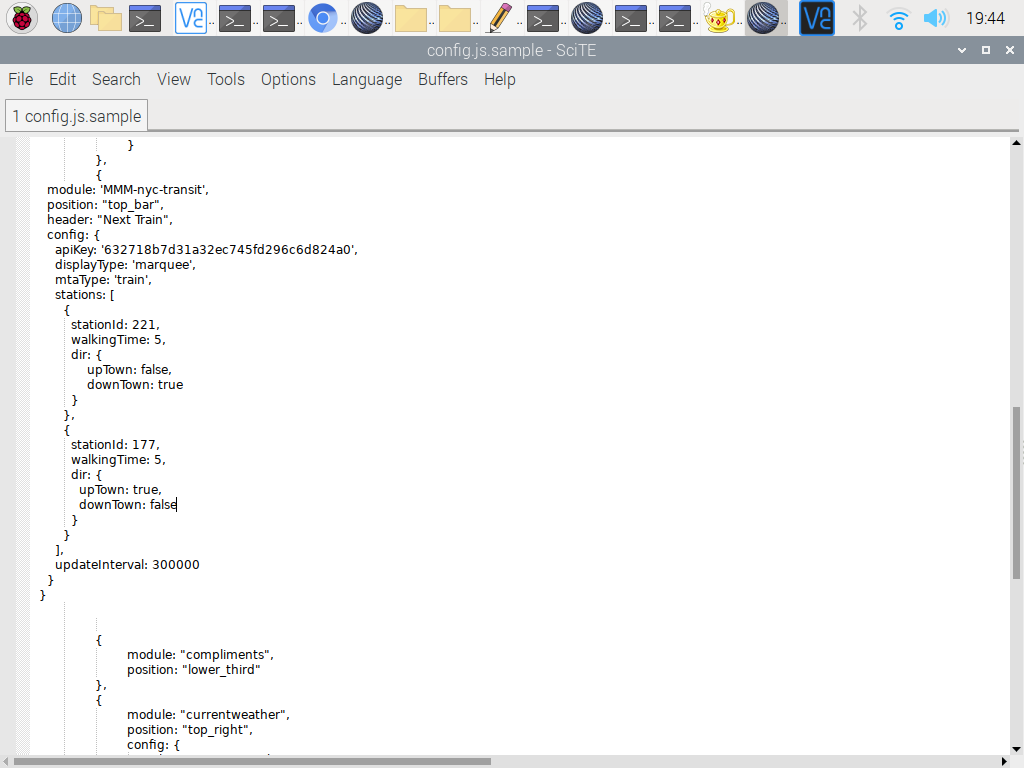
  • MTA MODULE MM NEWBIE HERE!

    14
    2
    0 Votes
    14 Posts
    3k Views
    Mykle1M
    @jeaniouso Good to see you got it sorted and perhaps a better understanding of how things work. Well done.
  • Camera Options

    new newbie camera rasberry pi 4
    8
    0 Votes
    8 Posts
    3k Views
    P
    @sdetweil awesome, thank you so much sam!!
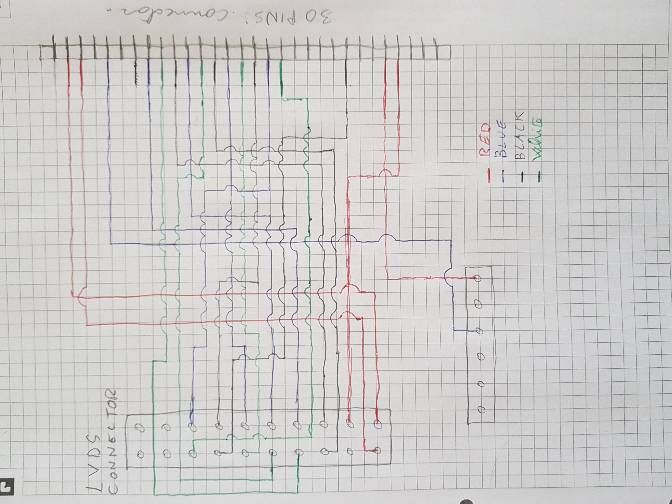
  • LVDS controller cable

    7
    3
    0 Votes
    7 Posts
    2k Views
    D
    hello sorry for my late answer, i think i will leave it , put alll in a bag and put in trash , too much problem for a small thing. Thank you to help me ;)
  • I am in need of help

    4
    1
    0 Votes
    4 Posts
    792 Views
    P
    How to Install MM & Getting started with MM Modules using @sdetweil Installation Scripts ! - https://youtu.be/PHpth_KQHcE
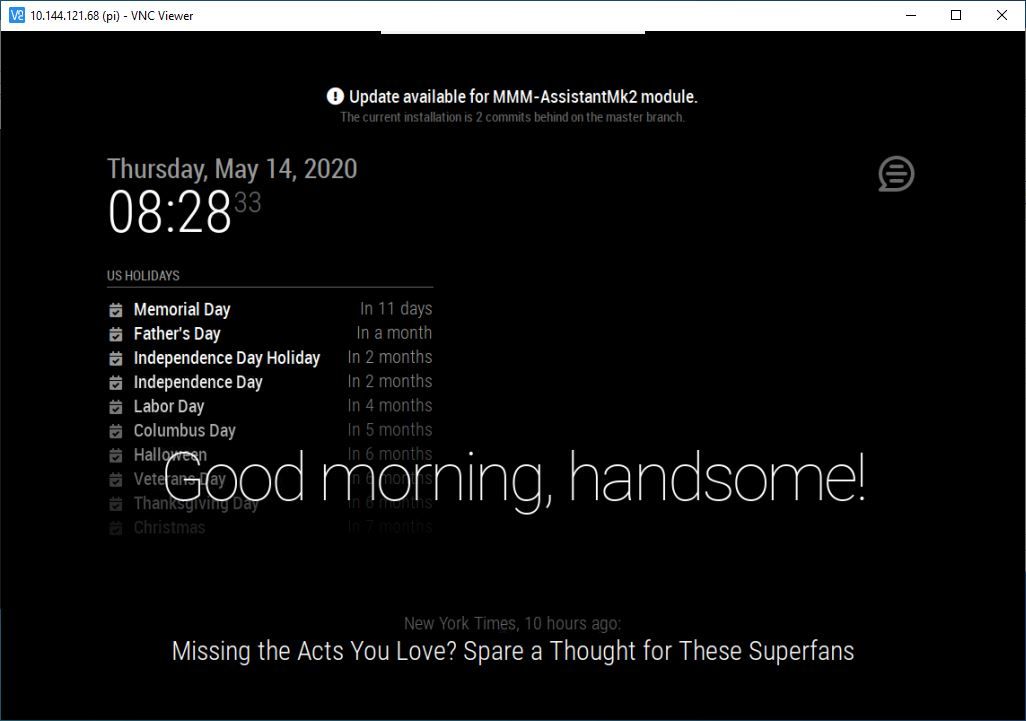
  • Problem for MMM- Assistant

    mmm-googleassistant
    6
    1
    0 Votes
    6 Posts
    1k Views
    P
    [image: 1589490222260-3.jpg]
  • MMM-GoogleTasks displaying in reverse order?

    3
    0 Votes
    3 Posts
    1k Views
    E
    You can solve it adding a finish date to the main task. It’s not the solution but it’s a patch. A “ñapa” in Spanish.
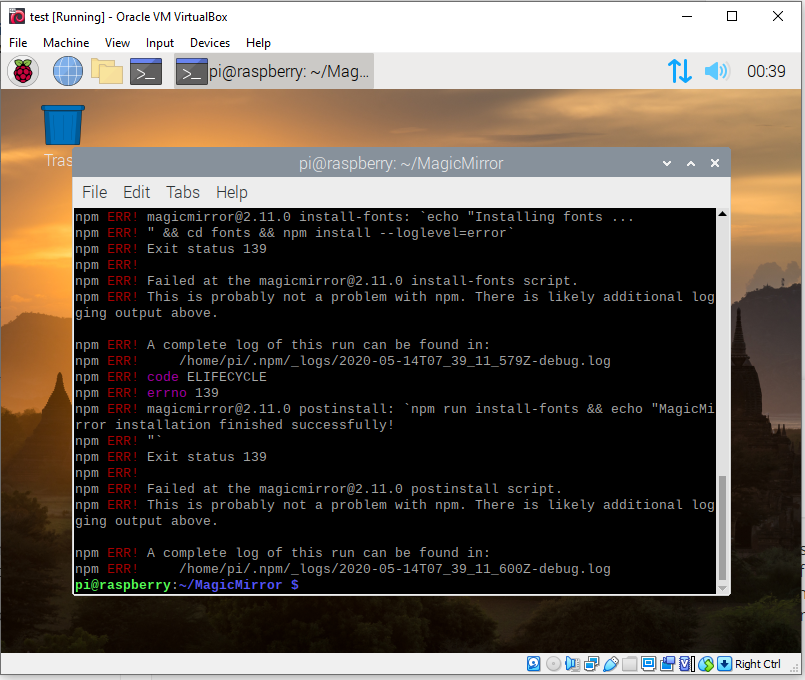
  • npm ERR! missing script: start

    5
    0 Votes
    5 Posts
    3k Views
    PerlchampP
    yes, of course. thank you.
  • vdirsyncer automation

    1
    0 Votes
    1 Posts
    445 Views
    D
    Hi all Anyone inputs on how to make vdirsyncer becoming active and triggered on events? I use it to sycn my private ical. I followed the tutorial from Beh and I managed to have two private ical Calendars showing up on the mirrror. Manual sync works but the automated. If I check the status of vdirsyncer.timer the following is populated: ● vdirsyncer.timer - Synchronize vdirs Loaded: loaded (/etc/systemd/user/vdirsyncer.timer; enabled; vendor preset: e Active: inactive (dead) Trigger: n/a I would expect to be active and not inactive or “dead” :-) Furthermore I would also expect to have a trigger A bit of help would be great. Thanks community Patrick