A New Chapter for MagicMirror: The Community Takes the Lead
Read the statement by Michael Teeuw here.
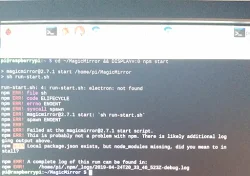
  • Fresh Installation stuck at node ./download-chromedriver.js

    Unsolved installation stopping program
    2
    0 Votes
    2 Posts
    2k Views
    C
    Reason: Downloding electron takes for ages as the download was below 1kb/s. Solution: Executing the following command using a faster chinese mirror: ELECTRON_MIRROR=http://npm.taobao.org/mirrors/electron/ npm install --prefix ~/MagicMirror electron --save-dev
  • create config file trouble (absolute greenhorn)

    Unsolved
    3
    0 Votes
    3 Posts
    736 Views
    Mykle1M
    @joeschmi An easy read that will help you to understand the basics of the config file. https://forum.magicmirror.builders/topic/4231/how-to-add-modules-for-absolute-beginners
  • Vertical Display Graphical Errors

    Unsolved
    2
    0 Votes
    2 Posts
    658 Views
    M
    I’ve also tried installing just a clean raspbian stretch. However, the problem persists when I rotate the display with only the desktop environment of stretch running. I’m now thinking that the 32" Samsung I’m using may be the issue and I’m going to try out another make/model.
  • how to divide the payload of socketnotification

    Unsolved
    4
    0 Votes
    4 Posts
    973 Views
    S
    @cycaaa looks like result in node_helper is not a string object according to the doc, results is an array PythonShell.run('my_script.py', options, function (err, results) { if (err) throw err; // results is an array consisting of messages collected during execution console.log('results: %j', results); }); SO, you need to get them all, so, sendSocketNotification(“string”,results.join(’ '))
  • NPM error

    Unsolved
    3
    1
    0 Votes
    3 Posts
    1k Views
    T
    @bhepler after typing sudo npm install electron I received an error : eacces permission denied , mkdir etc also npm warn enoent : no such file or directory… 😵
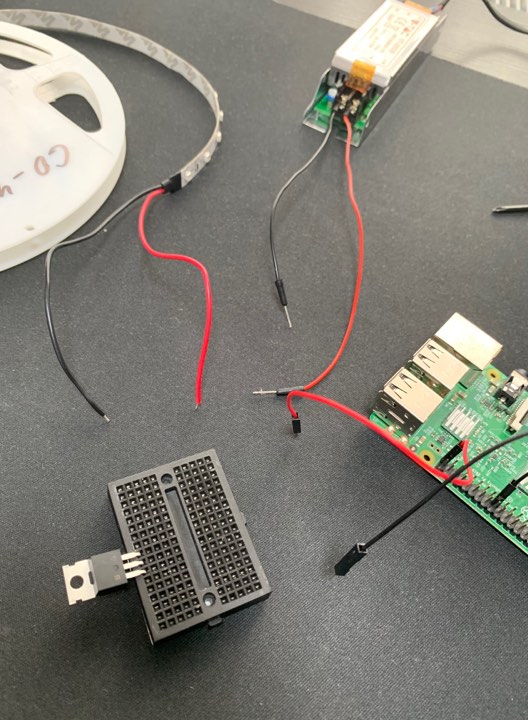
  • Indicate AlexaPi's State with LEDs

    Unsolved
    2
    1
    0 Votes
    2 Posts
    2k Views
    WILLIAM_WANDIEW
    https://www.youtube.com/watch?v=aa3VVZA0e5Y
  • Current Weather - Location not shown.

    Unsolved
    1
    0 Votes
    1 Posts
    440 Views
    R
    My currentweather module isn’t showing its location. Module.register("currentweather",{ // Default module config. defaults: { location: false, locationID: 1234567, appid: "", units: config.units, { module: 'currentweather', position: 'top_right', config: { location: 'AnyTown,GB', locationID: '1234567', //ID from http://www.openweathermap.org appid: '############' } }, How do I get the location back on the current weather, please?

  • ELIFECYCLE error after fresh install

    Solved elifecycle
    17
    0 Votes
    17 Posts
    8k Views
    M
    Hi guys, I just wanted to say thank you to @bhepler and @sdetweil for trying to help me with this problem. In the end I just used a very old backup at first and updated it, which worked fine at first and yesterday I tried setting my RPi up from scratch again and it worked perfectly! I’m sorry for anybody who encounters the same error and tries finding answers here, sadly there doesn’t seem to be a perfect solution for this. MrKnight230
  • This topic is deleted!

    Unsolved
    1
    1
    0 Votes
    1 Posts
    1 Views
  • MMM-iFrame or MMM-iFrame-Ping show nothing since last update

    Solved
    7
    0 Votes
    7 Posts
    3k Views
    B
    @sdetweil I finally got it working again!:thumbs_up: I did a full fresh installation on a new SD card with complete latest Raspian and new MM and all the modules I used before…and still the same behavior: MMM-IFrame showed nothing and I got the same warnings as mentioned below. Then I tried MMM-SmartWebDisplay by @AgP42 which finally displays my video stream again. (BTW: This also works with other URLs as described in the documentation) Many thanks for this module.:clapping_hands: For all having issues with MMM-iFrame, MMM-IFrame-Ping etc., try MMM-SmartWebDisplay. Don’t forget to do a NPM install in the module folder once the module is cloned. Thanks, Peter
  • MMM-EasyPix problem... missing a step?

    Unsolved
    16
    0 Votes
    16 Posts
    8k Views
    S
    @Stoffbeuteluwe autoplay is a new restriction in the browsers… you have to click on something… dumb for a mirror with no mouse!! fix edit the smart-mirror/main.js find the line let mainWindow and change it so it looks like this let mainWindow; function createWindow() { app.commandLine.appendSwitch('autoplay-policy', 'no-user-gesture-required'); //< -------- added then save and restart MM
  • Ongoing events

    Solved
    3
    0 Votes
    3 Posts
    1k Views
    S
    it does not work the way you want… not a config option… code would have to be changed
  • MMM-NewsFeedTicker - always Loading ...

    Solved
    4
    0 Votes
    4 Posts
    1k Views
    S
    @JcMarin cool… can u mark this solved?
  • multiple carousals not rendering as expected

    Unsolved magic mirror slide troubleshoot help fix
    5
    0 Votes
    5 Posts
    2k Views
    S
    actually this is because you have fired a timer on the slide update showSlides2: function () { if (!this.slideIndex) { this.slideIndex = 0; } var i; var slides = document.getElementsByClassName("mySlides"); for (i = 0; i < slides.length; i++) { console.log(slides[i]); slides[i].style.display = "none"; } this.slideIndex++; slides[this.slideIndex - 1].style.display = "block"; if (this.slideIndex > (slides.length - 1)) { this.slideIndex = 0 } setInterval(this.showSlides2, 2000); //< ------- here restarts the function, BUT inside the function 'this'; becomes the context of the timer routine and not the module.. this.updateDom(1000); // or whatever transition time u want. }, to fix it you need an arrow function to keep context right see https://developer.mozilla.org/en-US/docs/Web/JavaScript/Reference/Functions/Arrow_functions but net showSlides2: function () { if (!this.slideIndex) { this.slideIndex = 0; } var i; var slides = document.getElementsByClassName("mySlides"); for (i = 0; i < slides.length; i++) { console.log(slides[i]); slides[i].style.display = "none"; } this.slideIndex++; slides[this.slideIndex - 1].style.display = "block"; if (this.slideIndex > (slides.length - 1)) { this.slideIndex = 0 } setInterval( () => { this.showSlides2()} , 2000); // < --- was a typo here.. need () => { stuff } this.updateDom(1000); // or whatever transition time u want. },
  • MMM-RemoteControl API issues

    Unsolved
    1
    0 Votes
    1 Posts
    764 Views
    M
    I am having a problem trying to use any of the APIs that are listed for the MMM-RemoteControl module. I have installed the module and added a config with showModuleApiMenu: true. I can access http://host:port/remote.html and things work from there. In my case monitor on/off. I am trying to use the API to turn the monitor on/off and none of the APIs seem to work. Even using the example from https://github.com/Jopyth/MMM-Remote-Control/blob/master/API/README.md it shows: curl -X GET http://magicmirrorip:8080/api/monitor/off When I run this I get an error that says “Cannot GET /api/monitor/off” It does not matter what command I try to run they all fail with a similar message. Any ideas what I am missing?
  • Attempting To Update

    Unsolved
    11
    1
    0 Votes
    11 Posts
    6k Views
    K
    @Ultimatum22 hey there went to do the most current update and ran into the same issue with the vendor/package-lock.json package so I ran the removal script as stated below and it worked and now my pi is updated… I remember you brought up that I should have that package in a gitignore file how do I move it over?
  • Pi 3B+ HDMI turning off

    Solved
    6
    0 Votes
    6 Posts
    2k Views
    D
    @seramik thanks but as said I already have a method of turning to TV off I just wanted the hdmi to stay live, as said it’s the mmm-voice that was the issue/cause
  • How can I run console.log("text") when I click on an image?

    Unsolved
    3
    0 Votes
    3 Posts
    709 Views
    S
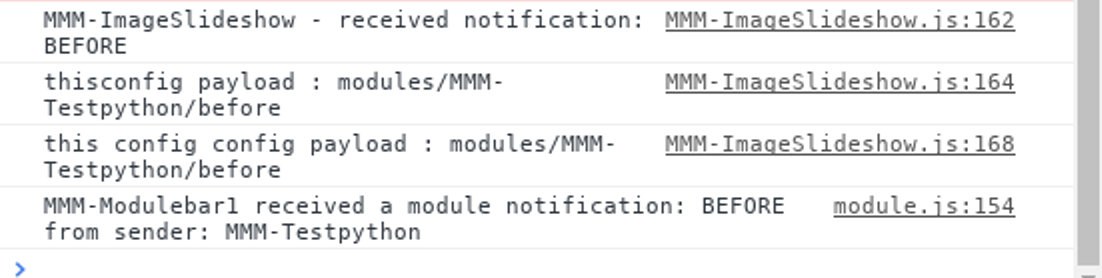
    @emrhssla also, on the module side, logging is Log.log() instead of console.log() then u open the developers window, and select the console tab… currently there is no mechanism to show both parts of a module in the same place node_helper = console.log() - shows in terminal window module.js = Log.log() - shows in developers window, console tab
  • How to change the path of a picture in magicmirror , using MMM-imageSlideshow

    Solved
    17
    2
    0 Votes
    17 Posts
    6k Views
    E
    @sdetweil thank U!!
  • Module Current Weather shows "Undefined"?

    Unsolved
    6
    0 Votes
    6 Posts
    3k Views
    R
    Doesn’t help much, but mine is still OK.