A New Chapter for MagicMirror: The Community Takes the Lead
Read the statement by Michael Teeuw here.
  • Adding animated weather radar map

    Utilities
    10
    0 Votes
    10 Posts
    4k Views
    plainbrokeP
    @sdetweil Yes, I was just hoping that he would respond since he was on here 30 days ago… Worth a try at least…
  • Calendar module to show day name for all day entries

    Unsolved Troubleshooting
    4
    0 Votes
    4 Posts
    138 Views
    R
    Tried various combinations of… timeFormat: "relative", //"absolute", dateFormat: "ddd Do MMMM", //"LLLL", …but still only timed items show a day name, not whole day items. LLLL or llll is the only mention in the moments doc of named week day.
  • 1 Votes
    1 Posts
    141 Views
    damithsjD
    Description: A MagicMirror² module that displays aurora viewing probability for your location along with the 3-day Kp index forecast from NOAA Screenshots: [image: compact.png] [image: detailed.png] Download: MMM-AuroraForecast Features Aurora probability % at your exact coordinates (NOAA Ovation model) Current Kp index with colour-coded geomagnetic storm level Geomagnetic storm badge (G1–G5) when active Hourly Kp breakdown for today — past slots hidden automatically 3-day peak Kp summary with visual bars Two layouts: detailed and compact Data Sources Data Source Aurora probability NOAA Ovation Aurora JSON Kp index forecast NOAA 3-Day Forecast Version 1 Initial release
  • MMM-MyWeatherForecast

    Utilities
    12
    1 Votes
    12 Posts
    1k Views
    htilburgsH
    I just published an update to v1.2.0 Add Iconsets for animated Possibility for custom icons Update language files Add riseSetDisplay option in config, to show Sunrise / Sunset as text, only icon or both Code optimized Don’t forget to update the config.js with the extra options: riseSetDisplay: "both", // Show Sunrise / Sunset as text | icon | both iconSet: "standard", // standard | animated | custom (upload your own PNG icons) If there are any issues, please add the issue here
  • pages

    Solved Troubleshooting
    15
    0 Votes
    15 Posts
    840 Views
    S
    @videogame95 loading means the module is waiting for data to display, but it has not arrived. Can you look in the output where MagicMirror is started Npm start or using pm2 If using pm2, then the command pm2 logs —lines=xxx Where xxx is the number of most recent lines of output, default 15. So you may need xxx to be 100 or more
  • SBC boards that work well besides Raspberry pi 3, 4 or 5

    Hardware
    19
    0 Votes
    19 Posts
    2k Views
    J
    @plainbroke – Thanks. I have used FEH in the past. I used it as a dedicated picture display on a Raspberry Pi, but had issues with it being stable. I am now using Magic Mirror running a single module now for the same purpose. It stopps displaying pictures every few days, so I suspect I have too many pictures loaded on the USB mounted there. I may give FEH a try again… Thanks again
  • 2 Votes
    2 Posts
    511 Views
    KristjanESPERANTOK
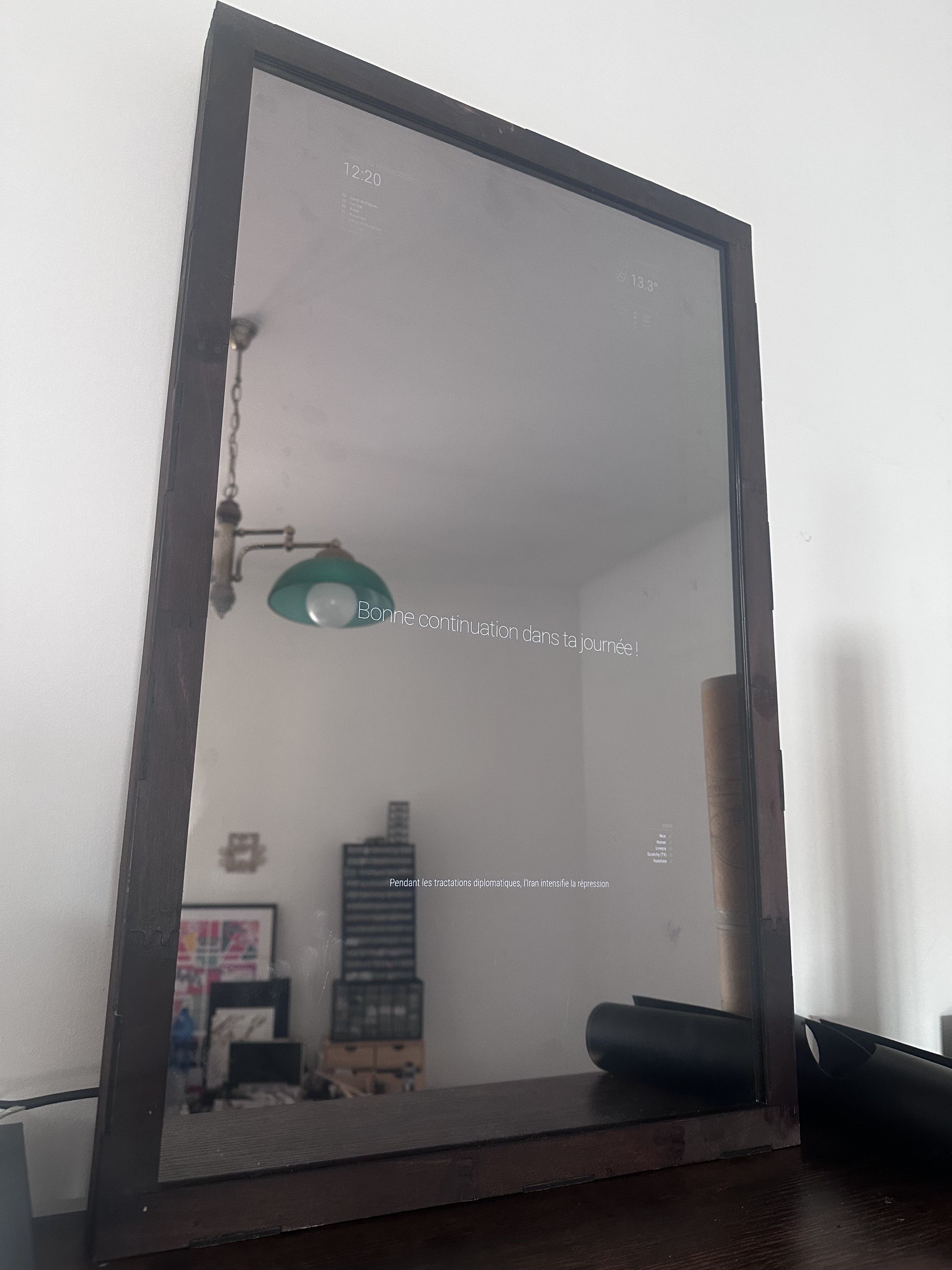
    @fred2nice That’s cool! I’ve been thinking about getting a laser cutter for a while. That would be one more reason to do so - even though I don’t even need a new frame now 😅
  • 3 Votes
    13 Posts
    2k Views
    mumblebajM
    @BKeyport s like they only removed the usage of moment.js from the default calendar module.
  • multiple MMM-HTMLSnippet

    Solved Troubleshooting
    5
    0 Votes
    5 Posts
    186 Views
    C
    @sdetweil tnhx mate this was very helpfull
  • Periodic Table of Elements

    Unsolved Requests
    9
    1 Votes
    9 Posts
    578 Views
    KristjanESPERANTOK
    @Divis Thanks! 😃 There was some feedback with ideas in the repo. So not alone my achievement.
  • Next release arm32 users, need your help

    Unsolved Troubleshooting
    2
    1 Votes
    2 Posts
    143 Views
    R
    Dear Sam, @sdetweil yes — my MMM-PresenceScreenControl module is one of those. It uses node-libgpiod (native C addon for GPIO/PIR sensor access), which requires @electron/rebuild to match Electron’s Node ABI. That said, the module has had an automatic fallback since v1.1.0: if node-libgpiod fails to compile or rebuild, it transparently falls back to Python/gpiozero for PIR sensor access. So it will work without a successful electron-rebuild — just via a different code path. The dependency setup (as of v1.3.1): node-libgpiod is an optionalDependency (npm continues if it fails) @electron/rebuild is not listed as a dependency — it’s installed on-demand by the postinstall script only when node-libgpiod is actually present If either fails, the module falls back to Python gracefully So for your testing: this module would be a good candidate to verify if electron-rebuild still works, but it won’t break if it doesn’t. My other modules (MMM-Globe, MMM-Best-Weather, MMM-My-Actual-Weather, etc.) are pure JavaScript — no native addons, no electron-rebuild needed. Hope this helps. Warmest regards, Ralf

  • MMM-BackgroundSlideshowInfo

    Unsolved Troubleshooting
    3
    0 Votes
    3 Posts
    192 Views
    M
    @sdetweil Thanks Sam Tried that with no luck. 7 years since there’s been any activity on the GitHub for it: I guess I’ll have to try something else instead!
  • showing start and end time instead of in x hours

    Utilities calendar
    6
    1
    0 Votes
    6 Posts
    331 Views
    C
    wow, you’re definitively better than ChatGpt @sdetweil !
  • MMM-GoogleSheets can be made transparent!

    Custom CSS
    3
    2 Votes
    3 Posts
    235 Views
    R
    In case anyone finds this in the future, this behavior is actually natively supported with the cellStyle option set to flat. From the documentation: flat - No styling applied. Data is shown in default MM styling The default for this option is mimic which copies exactly what you have in your existing sheet. If you didn’t want to use flat, you could still use mimic but change your sheet to match the MM (background color black, text color #fff, #666, or #999). If use the custom css be aware that it will have undefined behavior if you try to change other options in the future. Thanks for using the module!
  • MagicMirror OS - Modules`

    Solved Troubleshooting
    5
    0 Votes
    5 Posts
    186 Views
    S
    @wildbi111 good work! AND it depends on how the docker implementation wants to place it
  • MMM-SoccerLiveScore not updating

    Unsolved Troubleshooting
    1
    0 Votes
    1 Posts
    91 Views
    1
    anyone facing issue with the api not updating? in my mirror it is showing next api update is on 21 march 2026. current image showing epl data stats from late jan, meaning the recent matches data is not shown. like the games for yesterday is invisible as well.
  • Unable to change pages using MMM-page-indicator

    Solved Troubleshooting
    9
    0 Votes
    9 Posts
    361 Views
    S
    @British_Kiwi I do not know how without sending a notification
  • Spot Energy Module (Nordpool?)

    Solved Requests
    11
    0 Votes
    11 Posts
    4k Views
    L
    @stephanvdplas Hi! Sorry for not inform here (and late), this is already resolved :) Use this settings. { module: "MMM-EUElectricityPrice", position: "top_center", config: { dataSource: "NL", currency: "EUR", headText: "", showCurrency: false, showNowLine: false, showStatsText: false, customText: "" } }
  • Youtube

    Unsolved Troubleshooting
    1
    0 Votes
    1 Posts
    105 Views
    M
    Hello everyone, I need your help once again… I reinstalled my mirror using @sdetweil’s scripts, which are perfect. I reinstalled it because I had updated it 6 months ago and the mirror wouldn’t start anymore because the OS version was no longer supported. My problem is this: in the modules containing links to YouTube videos, they no longer work. I get a gray window with the following message: “This live stream recording is not available.” Do you know how to fix this? Thank you in advance for your help.
  • 2 Votes
    2 Posts
    175 Views
    S
    @zarif98 awesome!!