A New Chapter for MagicMirror: The Community Takes the Lead
Read the statement by Michael Teeuw here.
  • Monthly Calendar Add

    4
    0 Votes
    4 Posts
    790 Views
    S
    @sdetweil THANK YOU SO MUCH!!!
  • MMM-Remote-Control GET Error

    remote control module modules magicmirror2
    13
    1
    0 Votes
    13 Posts
    4k Views
    S
    @jmwyds 2.7 is a long time back… module getting old with no maintenance
  • MMM-CalenderExt2: fullday events not displayed on day of event

    1
    0 Votes
    1 Posts
    322 Views
    evroomE
    Hi, I recently started using MMM-CalenderExt2 due to issues with the default calendar, but with this module I have the following problem: Full day events are not displayed on the day of the event. I use Google Calendar to enter the event (full day event for today): BEGIN:VEVENT DTSTART;VALUE=DATE:20200502 DTEND;VALUE=DATE:20200503 DTSTAMP:20200502T102951Z UID:329p3d2e5fccimqrsfjl6c6g9e@google.com CREATED:20200502T102356Z DESCRIPTION: LAST-MODIFIED:20200502T102356Z LOCATION: SEQUENCE:0 STATUS:CONFIRMED SUMMARY:ALLDAYTEST TRANSP:TRANSPARENT END:VEVENT On the MM I do not see the event. When I enter a full day event for tomorrow, I see the event scheduled for tomorrow. Then after the first refresh of the events on the day of the event (approx. at 00:05 hrs), the event is removed from the list of events for that day. Very annoying. Any ideas how to get this fixed ?? Is this a parsing issue, or a module issue ?? Part of config.js: views: [ { name: "Familie Calendar", mode: "upcoming", position: "top_left", calendars: ["Familie Calendar"], slotCount: 1, slotTitle: "Family Calendar", slotMaxHeight: "16px", filterPassedEvent: true, maxItems: 9, maxDays: 60, locale: "de-DE", hideOverflow: false, dateFormat: "ddd Do MMM", dateTimeFormat: { sameDay: "[Today] HH:mm", nextDay: "[Tomorrow] HH:mm", nextWeek: "dddd HH:mm", lastDay: "[Yesterday] HH:mm", lastWeek: "[Last] ddd HH:mm", sameElse: "ddd Do Mo HH:mm", }, timeFormat: "HH:mm", relativeFormat: { passed: "ended %ENDFROMNOW%", current: "ends %ENDFROMNOW%", future: "starts %STARTFROMNOW% (%DURATION%)", }, useEventTimeRelative: false, transform: (event)=>{ if (event.title.search("Verjaardag") > -1) { event.icon = "fxemoji-partypopper" // Set icon of that event to "fxemoji-partypopper" } if (event.title.search("RIP") > -1) { event.icon = "fxemoji-whitelatincross" } return event // Return that event. }, }, ],
  • MMM-GooglePhotos just keeps loading...

    2
    0 Votes
    2 Posts
    491 Views
    popeye2002P
    Delete and Reinstalled the Module with success! Never figured out the problem but it’s working now.
  • MMM To Show Lorex Security Cameras

    1
    0 Votes
    1 Posts
    364 Views
    K
    Good day all hope everyone and their families are keeping safe and SANE in these times. Since we all have so much down time I figured Id tackle my magic mirror project that I have slowly been putting together and I have it about 75% complete; I have hit a wall tho… I cannot seem to get my Lorex Cameras to display in any module on my MMM. My ultimate goal is to have all my modules viable at all times (PIR On/OFF Display) and then when I hit/press a hidden switch my camera hub would pop up so that I can view my security cameras and then timeout and disappear again. If anyone could lend any assistance with a module that I should be using for my cameras or any sort of workaround please let me know and your help is greatly appreciated.
  • Black Screen on start up on Windows

    2
    0 Votes
    2 Posts
    315 Views
    C
    Finally found it It resides in package.json DISPLAY="${DISPLAY:=:0} Deleted the above " ./node_modules/.bin/electron js/electron.js" and it works
  • Mac CPU increases drastically and gets hot

    14
    2
    0 Votes
    14 Posts
    4k Views
    StoffbeuteluweS
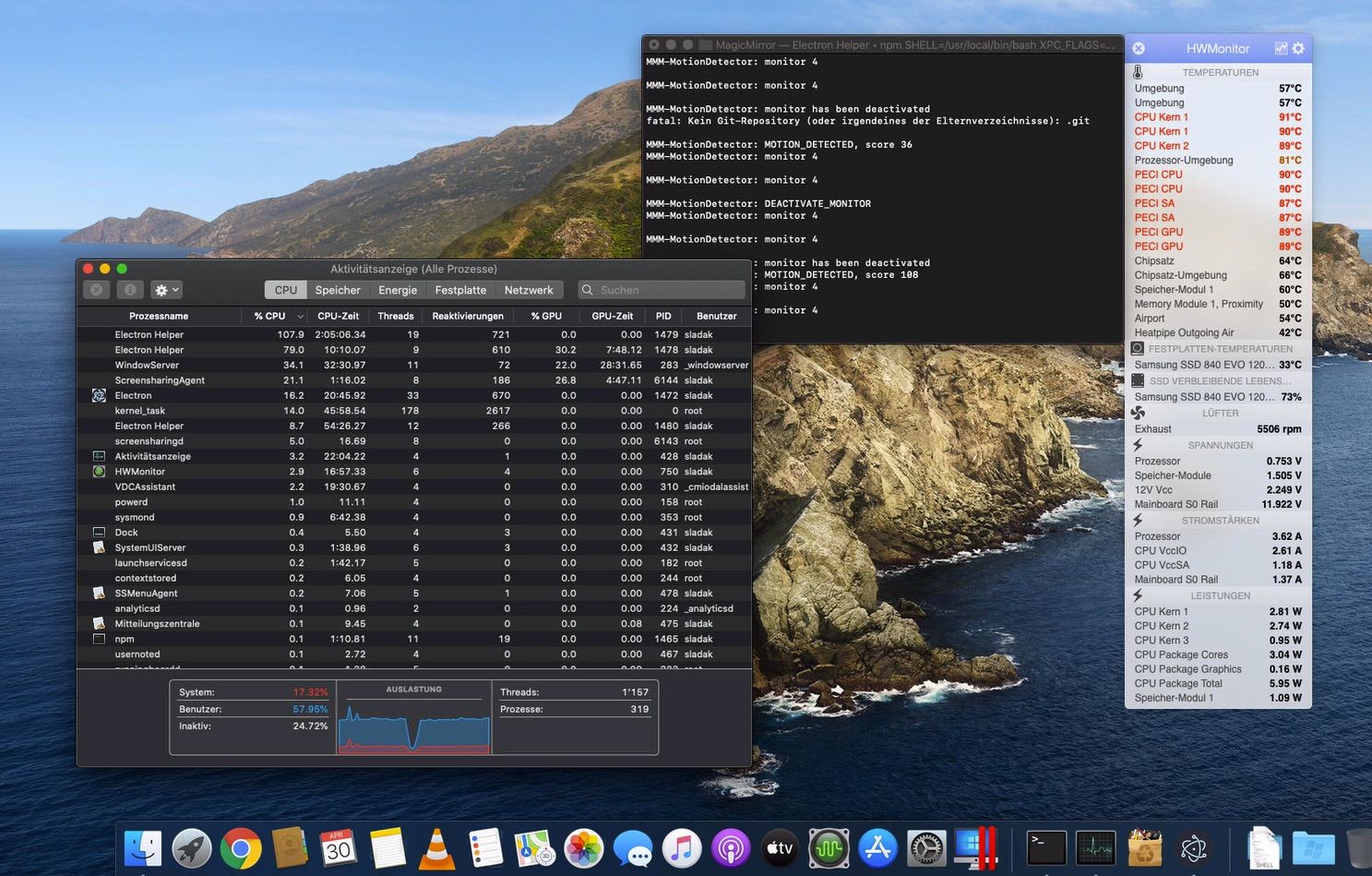
    @trividar oh I forgot…Sorry [image: 1588311280174-eff0e54e-28ab-4c30-a4d8-0dc2f1f91b2f.jpeg]
  • MMM-Remote Control: controls come up on their side and with no text

    Unsolved
    1
    0 Votes
    1 Posts
    225 Views
    S
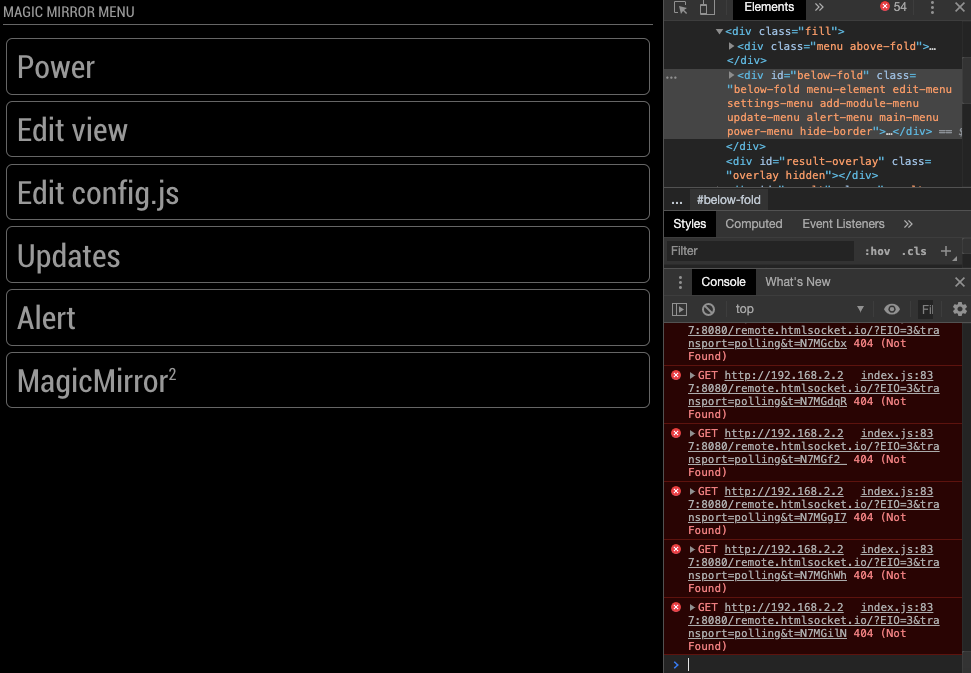
    MMM-Remote Control: controls come up on their side and with no text when I go to the link. I am able to press the buttons but have no idea what is going on because there is no text and they are on their side. I did the // Private Methods self.socket = io(“/” + self.moduleName); fix that a lot of people said worked but, it didn’t change anything for me. Can anyone help?
  • my mirror freezes!

    Unsolved
    98
    0 Votes
    98 Posts
    44k Views
    M
    @Bugsounet @sdetweil Okay thats good :) luckily we could fix one Problem ! Lets see i will find a solution - if you having new ideas pleas inform me , if i find the problem i will keep you up to date!
  • cannot install pm2

    46
    0 Votes
    46 Posts
    14k Views
    S
    @mrlowndes thx… u are at 10.15 it says… was at 10.15 before starting install… my pi0 said node not installed. anyhow it works… thx
  • MMM-ShairportMetadata

    1
    0 Votes
    1 Posts
    242 Views
    A
    Hello, I would need help setting MMM-Shairport Metadata because I don’t understand. I see on my “Airplay” on my iphone, mac, Apple TV. my I can’t appear on magicmirro. Regards,
  • Custom CSS

    8
    0 Votes
    8 Posts
    2k Views
    S
    @rxlDavid your proposed css class .MMM-Mail{ position:absolute; left : 100px; top: 500px; } u also had syntax errors, spaces between number and px, each standalone item ends with ; not comma , u can open the developers window, f12 or ctrl-shift-i on the keyboard) (and can open a browser on the page from your desktop and do the debug there), ’ select the elements tab, and navigate thru the position area to find you module content, and click on an element and the dev window will show you the css class hierarchy (bottom at top of page). etc… u can fix the css file, and then refresh the page to examine the differences… repeat til you get what you want
  • MMM-CalenderExt2 - Fixed Header position ?

    2
    0 Votes
    2 Posts
    357 Views
    J
    @Sean Hi, any idea how i can fix the the position of the title/days. At the moment when there are events in the calendar its position is this [image: 1588240770094-correctcal-resized.png] but when no events, position drops to bottom, how can i fix it in the position as above ? [image: 1588240862499-wrongcal-resized.png] thanks
  • MMM-Remote-Control API Questions

    17
    0 Votes
    17 Posts
    5k Views
    E
    I am stuck due to similar issues. And now I need some professional developers with Python knowledge and good programming skills. I am from the US, check this out. And you need to be able during my working hours, it will be a great advantage for fruitful cooperation. Send me a message to my private box for more details. I do hope to find someone here with your assistance.
  • newsfeed full article no longer displayed

    5
    0 Votes
    5 Posts
    739 Views
    F
    @sdetweil I am using the default setup that comes with a clean install of MM. That is, NY Times. So I can go back and forth between “localhost” and “0.0.0.0” and see the immediate difference. Seems odd that it would be affected, but clearly is so.
  • Works with Node Serveronly but not npm start MM

    24
    0 Votes
    24 Posts
    5k Views
    J
    @sdetweil Hi, I bet you thought you’d heard the last of this, so you know how you managed to get it all working. Well the problem now is the complete opposite. In that now it doesn’t work node servermode. ? I thought i was going mad and must have been running it incorrectly :thinking_face: Any ideas ? Thanks pi@MagicMirror:~ $ cd MagicMirror/ pi@MagicMirror:~/MagicMirror $ node serveronly [2020-04-29 14:24:42.858] [LOG] Starting MagicMirror: v2.11.0 [2020-04-29 14:24:42.868] [LOG] Loading config ... [2020-04-29 14:24:42.873] [LOG] Loading module helpers ... [2020-04-29 14:24:42.874] [LOG] No helper found for module: MMM-Logging. [2020-04-29 14:24:42.875] [LOG] No helper found for module: alert. [2020-04-29 14:24:42.911] [LOG] Initializing new module helper ... [2020-04-29 14:24:42.912] [LOG] Module helper loaded: updatenotification [2020-04-29 14:24:42.912] [LOG] No helper found for module: clock. [2020-04-29 14:24:42.913] [LOG] No helper found for module: MMM-OpenmapWeather. [2020-04-29 14:24:42.913] [LOG] No helper found for module: weatherforecast. [2020-04-29 14:24:43.238] [LOG] Initializing new module helper ... [2020-04-29 14:24:43.238] [LOG] Module helper loaded: MMM-Tools [2020-04-29 14:24:43.239] [LOG] No helper found for module: MMM-PlexNowPlaying. [2020-04-29 14:24:43.240] [LOG] Initializing new module helper ... [2020-04-29 14:24:43.241] [LOG] Module helper loaded: mmm-hue-lights [2020-04-29 14:24:43.243] [LOG] Initializing new module helper ... [2020-04-29 14:24:43.243] [LOG] Module helper loaded: MMM-homeassistant-sensors [2020-04-29 14:24:43.366] [LOG] Initializing new module helper ... [2020-04-29 14:24:43.367] [LOG] Module helper loaded: MMM-Hotword [2020-04-29 14:24:44.467] [LOG] Initializing new module helper ... [2020-04-29 14:24:44.468] [LOG] Module helper loaded: MMM-AssistantMk2 [2020-04-29 14:24:44.470] [LOG] Initializing new module helper ... [2020-04-29 14:24:44.470] [LOG] Module helper loaded: MMM-Assistant2Display [2020-04-29 14:24:44.849] [LOG] Initializing new module helper ... [2020-04-29 14:24:44.850] [LOG] Module helper loaded: MMM-Parcel [2020-04-29 14:24:44.899] [ERROR] WARNING! Could not load config file. Starting with default configuration. Error found: Error: The module '/home/pi/MagicMirror/modules/MMM-synology-ds/node_modules/mmmagic/build/Release/magic.node' was compiled against a different Node.js version using NODE_MODULE_VERSION 73. This version of Node.js requires NODE_MODULE_VERSION 64. Please try re-compiling or re-installing the module (for instance, using `npm rebuild` or `npm install`). [2020-04-29 14:24:44.900] [LOG] Loading module helpers ... [2020-04-29 14:24:44.901] [LOG] No helper found for module: MMM-Logging. [2020-04-29 14:24:44.902] [LOG] No helper found for module: alert. [2020-04-29 14:24:44.902] [LOG] Initializing new module helper ... [2020-04-29 14:24:44.903] [LOG] Module helper loaded: updatenotification [2020-04-29 14:24:44.903] [LOG] No helper found for module: clock. [2020-04-29 14:24:44.904] [LOG] No helper found for module: MMM-OpenmapWeather. [2020-04-29 14:24:44.904] [LOG] No helper found for module: weatherforecast. [2020-04-29 14:24:44.905] [LOG] Initializing new module helper ... [2020-04-29 14:24:44.906] [LOG] Module helper loaded: MMM-Tools [2020-04-29 14:24:44.906] [LOG] No helper found for module: MMM-PlexNowPlaying. [2020-04-29 14:24:44.907] [LOG] Initializing new module helper ... [2020-04-29 14:24:44.907] [LOG] Module helper loaded: mmm-hue-lights [2020-04-29 14:24:44.908] [LOG] Initializing new module helper ... [2020-04-29 14:24:44.908] [LOG] Module helper loaded: MMM-homeassistant-sensors [2020-04-29 14:24:44.909] [LOG] Initializing new module helper ... [2020-04-29 14:24:44.910] [LOG] Module helper loaded: MMM-Hotword [2020-04-29 14:24:44.910] [LOG] Initializing new module helper ... [2020-04-29 14:24:44.911] [LOG] Module helper loaded: MMM-AssistantMk2 [2020-04-29 14:24:44.911] [LOG] Initializing new module helper ... [2020-04-29 14:24:44.912] [LOG] Module helper loaded: MMM-Assistant2Display [2020-04-29 14:24:44.912] [LOG] Initializing new module helper ... [2020-04-29 14:24:44.913] [LOG] Module helper loaded: MMM-Parcel [2020-04-29 14:24:44.920] [LOG] Whoops! There was an uncaught exception... [2020-04-29 14:24:44.920] [ERROR] Error: The module '/home/pi/MagicMirror/modules/MMM-synology-ds/node_modules/mmmagic/build/Release/magic.node' was compiled against a different Node.js version using NODE_MODULE_VERSION 73. This version of Node.js requires NODE_MODULE_VERSION 64. Please try re-compiling or re-installing the module (for instance, using `npm rebuild` or `npm install`). at Object.Module._extensions..node (internal/modules/cjs/loader.js:807:18) at Module.load (internal/modules/cjs/loader.js:653:32) at tryModuleLoad (internal/modules/cjs/loader.js:593:12) at Function.Module._load (internal/modules/cjs/loader.js:585:3) at Module.require (internal/modules/cjs/loader.js:692:17) at require (internal/modules/cjs/helpers.js:25:18) at Object.<anonymous> (/home/pi/MagicMirror/modules/MMM-synology-ds/node_modules/mmmagic/lib/index.js:1:13) at Module._compile (internal/modules/cjs/loader.js:778:30) at Object.Module._extensions..js (internal/modules/cjs/loader.js:789:10) at Module.load (internal/modules/cjs/loader.js:653:32) [2020-04-29 14:24:44.924] [LOG] MagicMirror will not quit, but it might be a good idea to check why this happened. Maybe no internet connection? [2020-04-29 14:24:44.925] [LOG] If you think this really is an issue, please open an issue on GitHub: https://github.com/MichMich/MagicMirror/issues pi@MagicMirror:~/MagicMirror $
  • Motion Sensor/PIR

    Unsolved
    9
    0 Votes
    9 Posts
    15k Views
    wishmaster270W
    Hi, i wrote an complete example recently and added it to my module: HC-SR501 PIR Example I translated it to german language as well: HC-SR501 PIR Beispiel
  • MM does not start anymore

    9
    0 Votes
    9 Posts
    1k Views
    S
    @Vauxdvihl use my script see here https://github.com/sdetweil/MagicMirror_scripts for the command to execute
  • mmm-Remote-Control issues

    4
    0 Votes
    4 Posts
    688 Views
    S
    @mrlowndes it does, but 1st thing is to get connected
  • 0 Votes
    7 Posts
    3k Views
    M
    I’ve tried every variation. I’ve scrapped everything. Starting from scratch again. I guess I’ll come back if still an issue.